To complete this process, the player needs to be linked as a family member to your participant profile. Please see the support article HERE to link the player before contiu
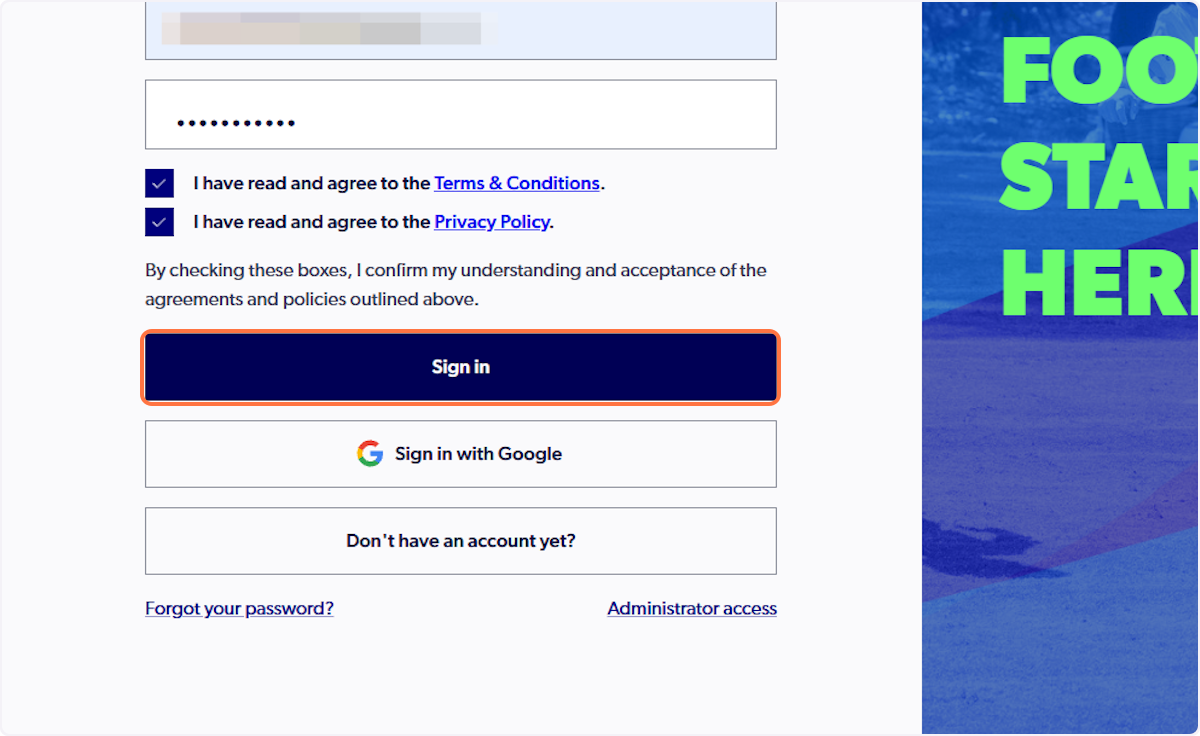
1. Sign in to your participant profile on PlayFootball
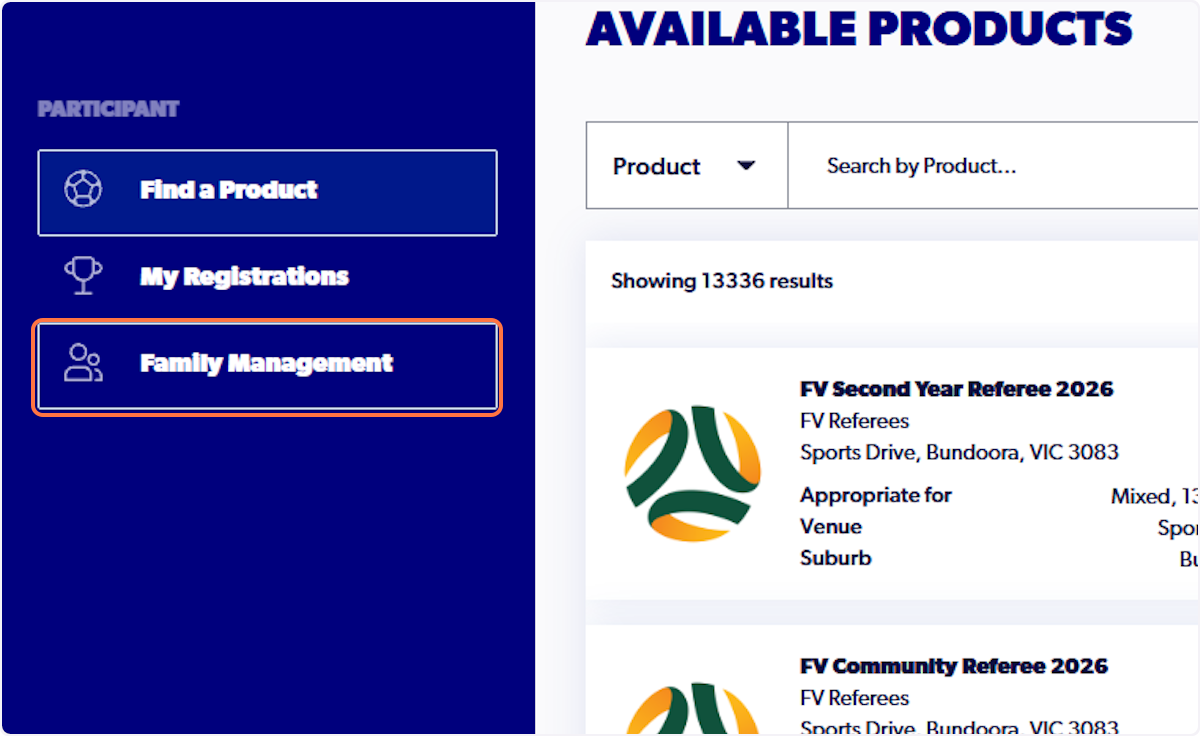
2. Click on Family Management
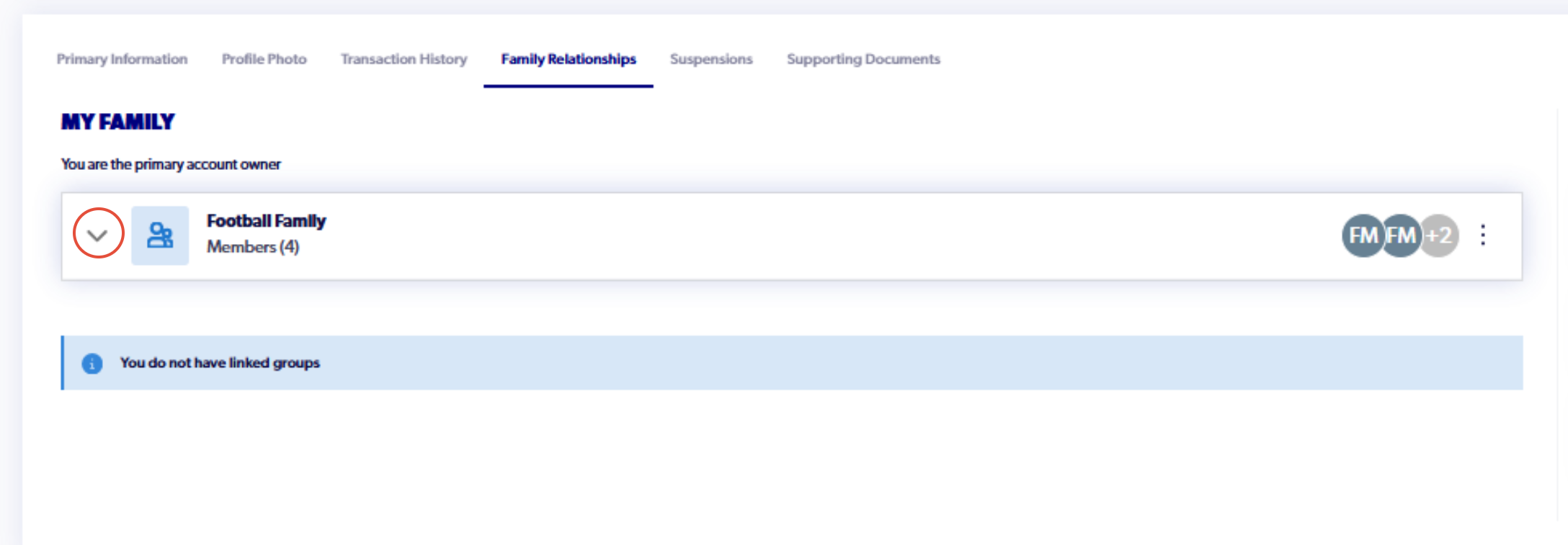
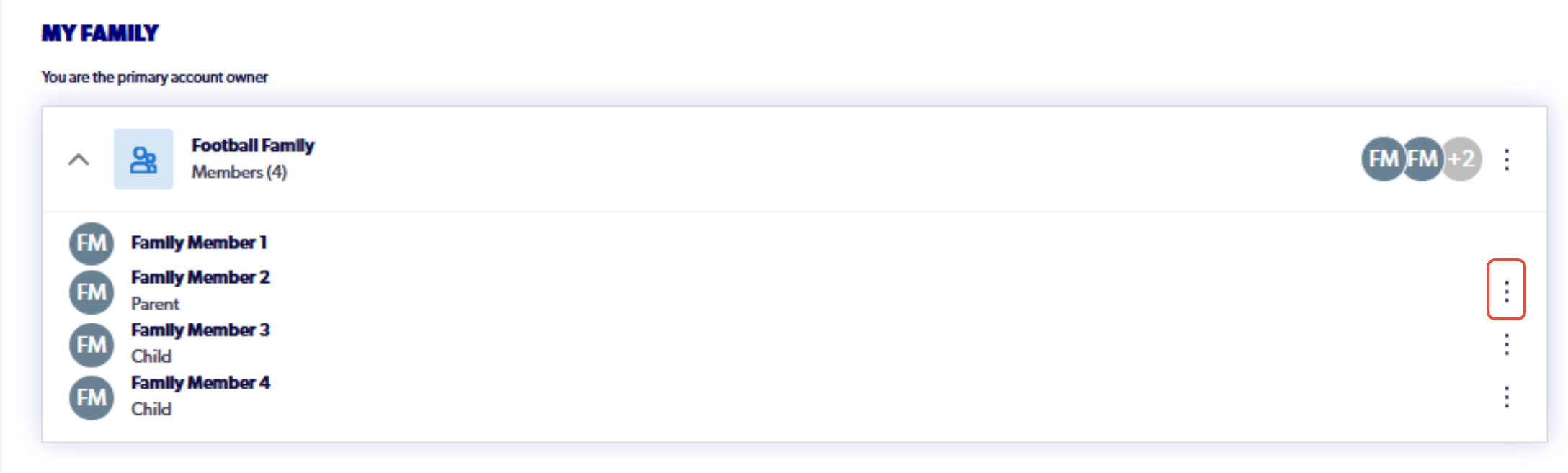
3. Click on your family name. All linked participants will appear under your family.
Further information on how to link participants can be found in this support article here: How to Invite a Family Member
4. Click on the three dots next to the participant's name
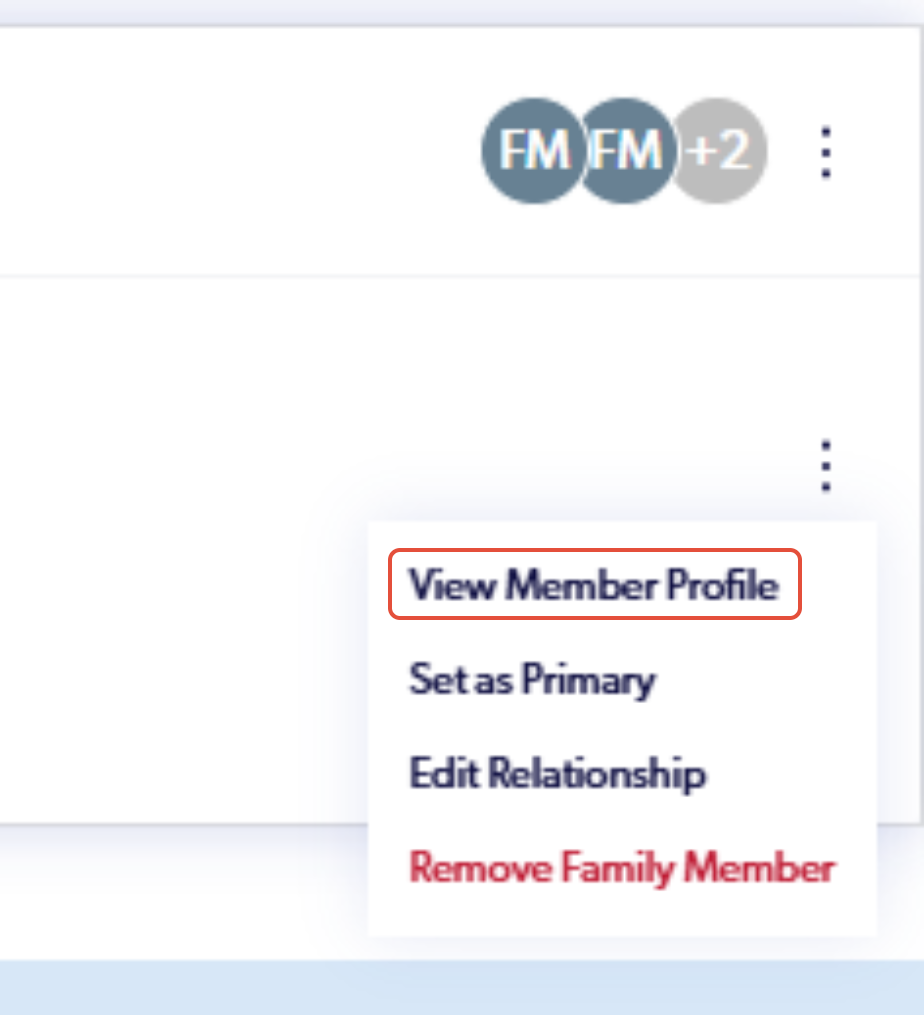
5. Click on View Member Profile
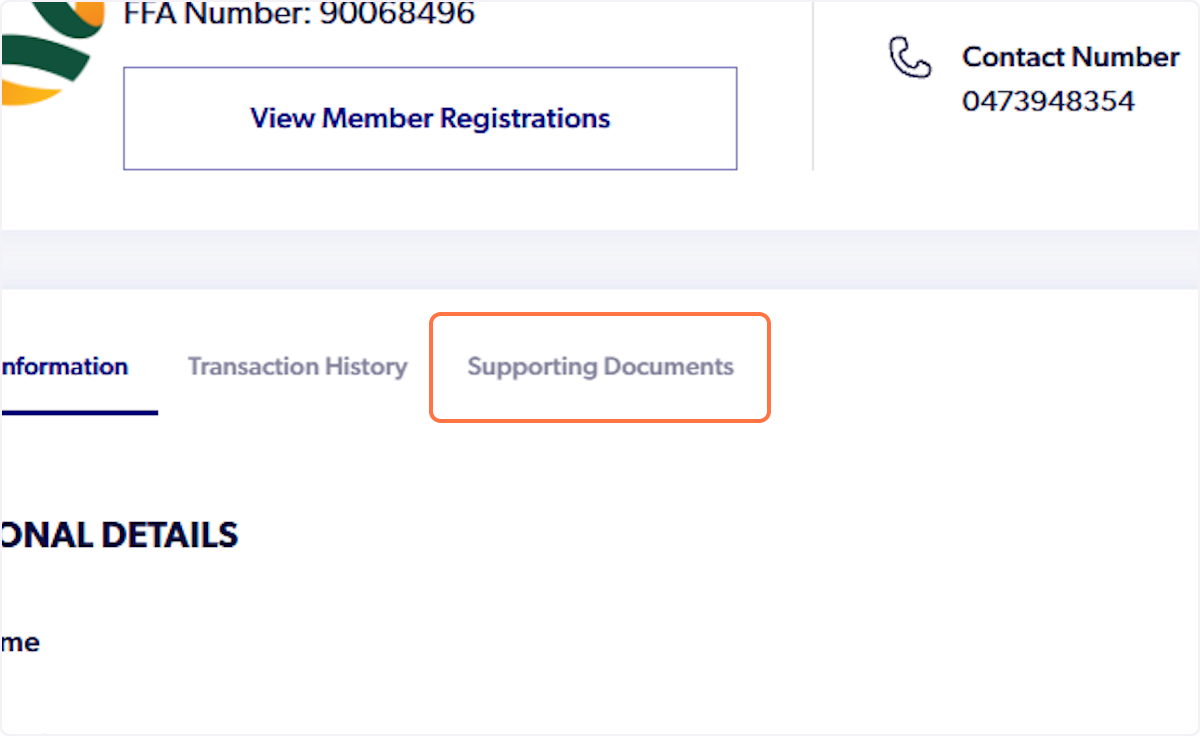
6. Click on Supporting Documents
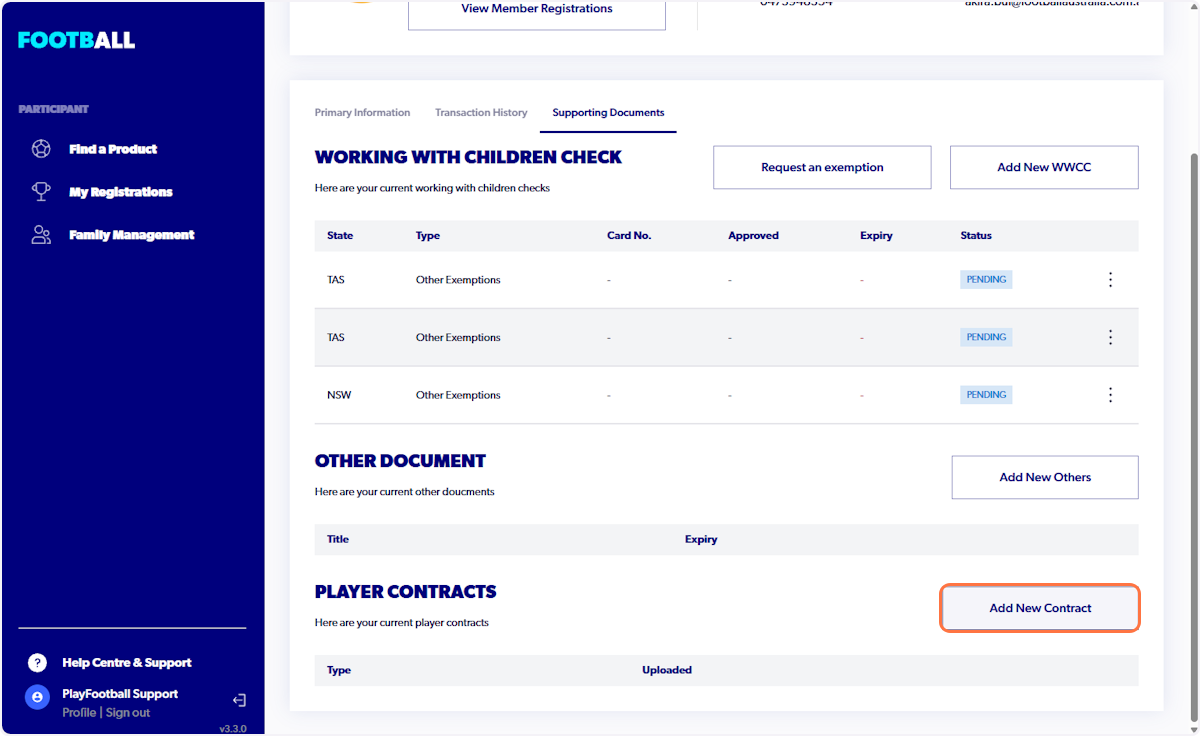
7. Click on Add New Contract
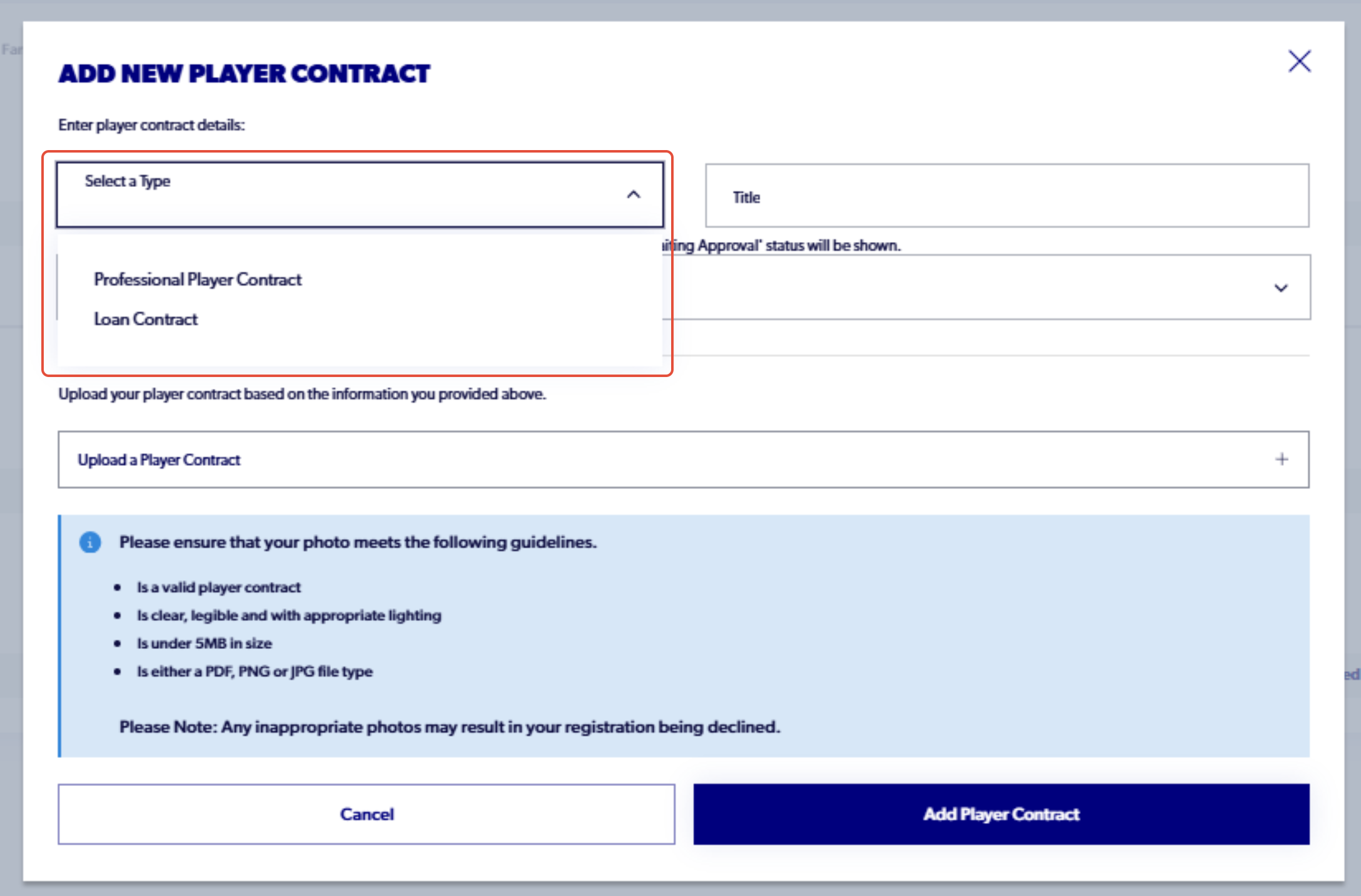
8. Select the type of contract
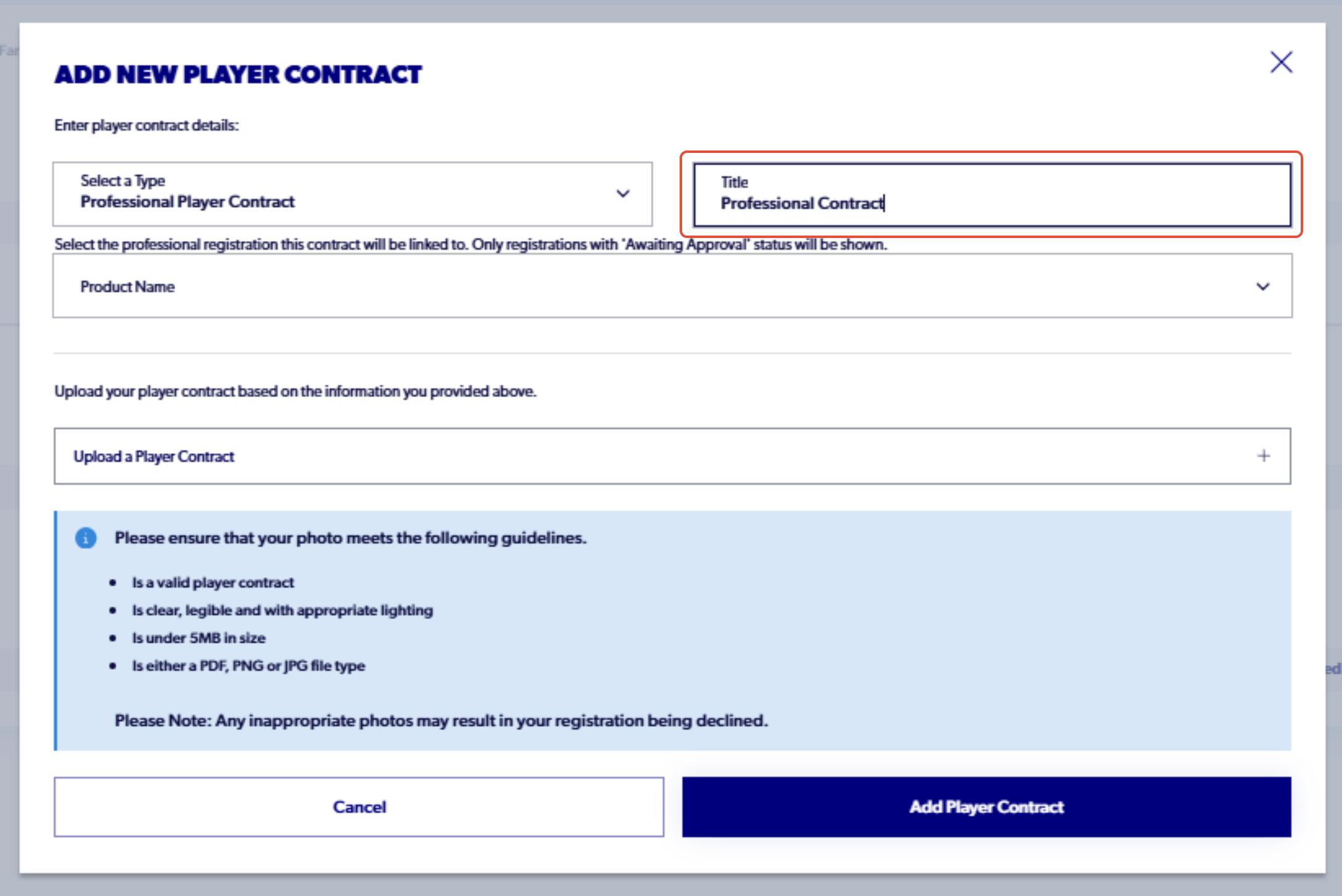
9. Add a title
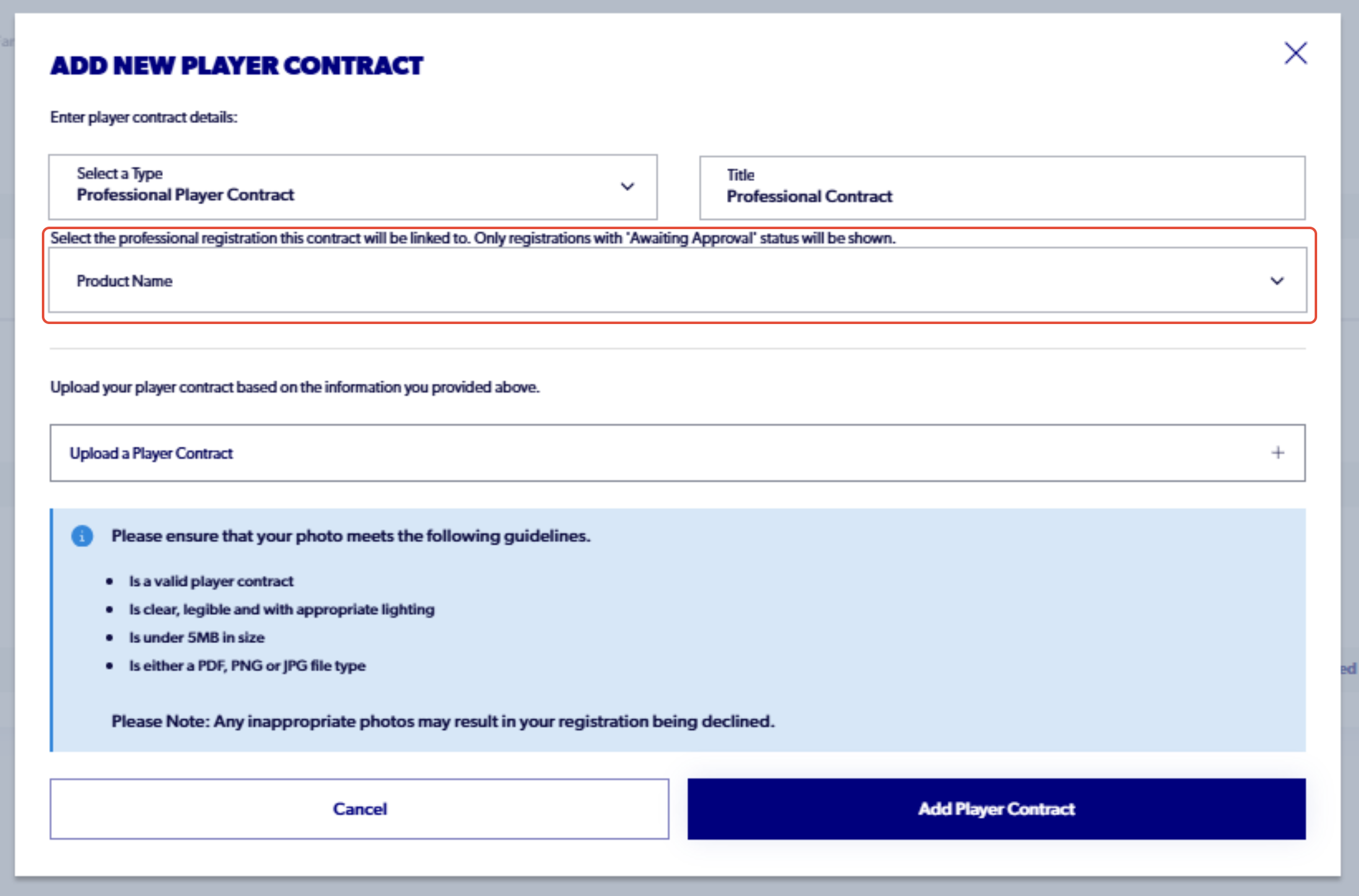
9. Select the product that the contract will be attached to in the participants profile
10. Upload the contract for the participant
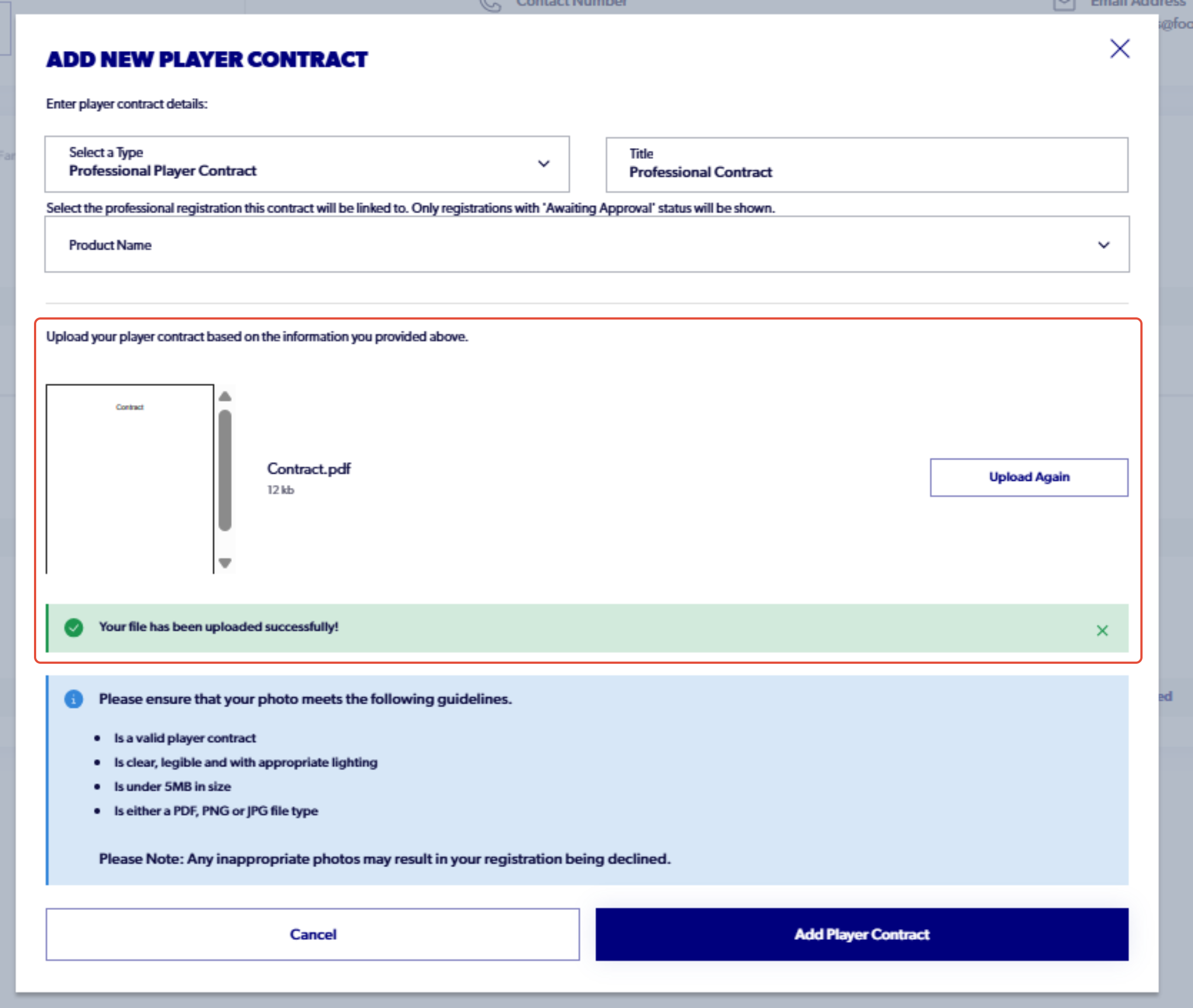
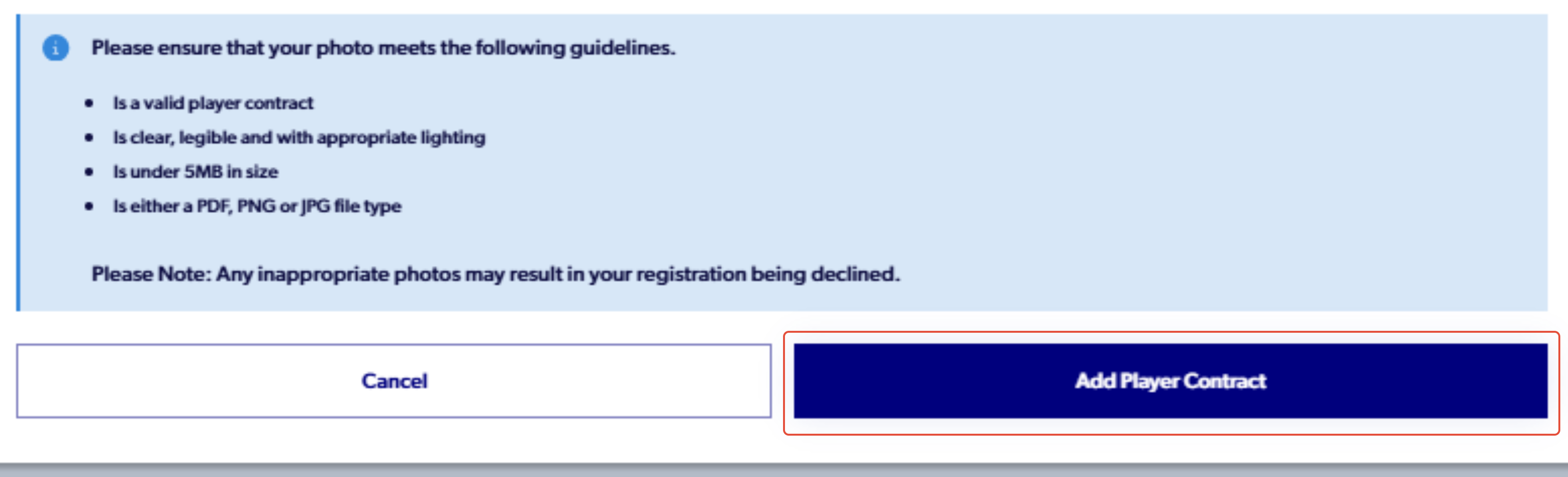
11. Click 'Add Player Contract'