1. Locate the relevant participant
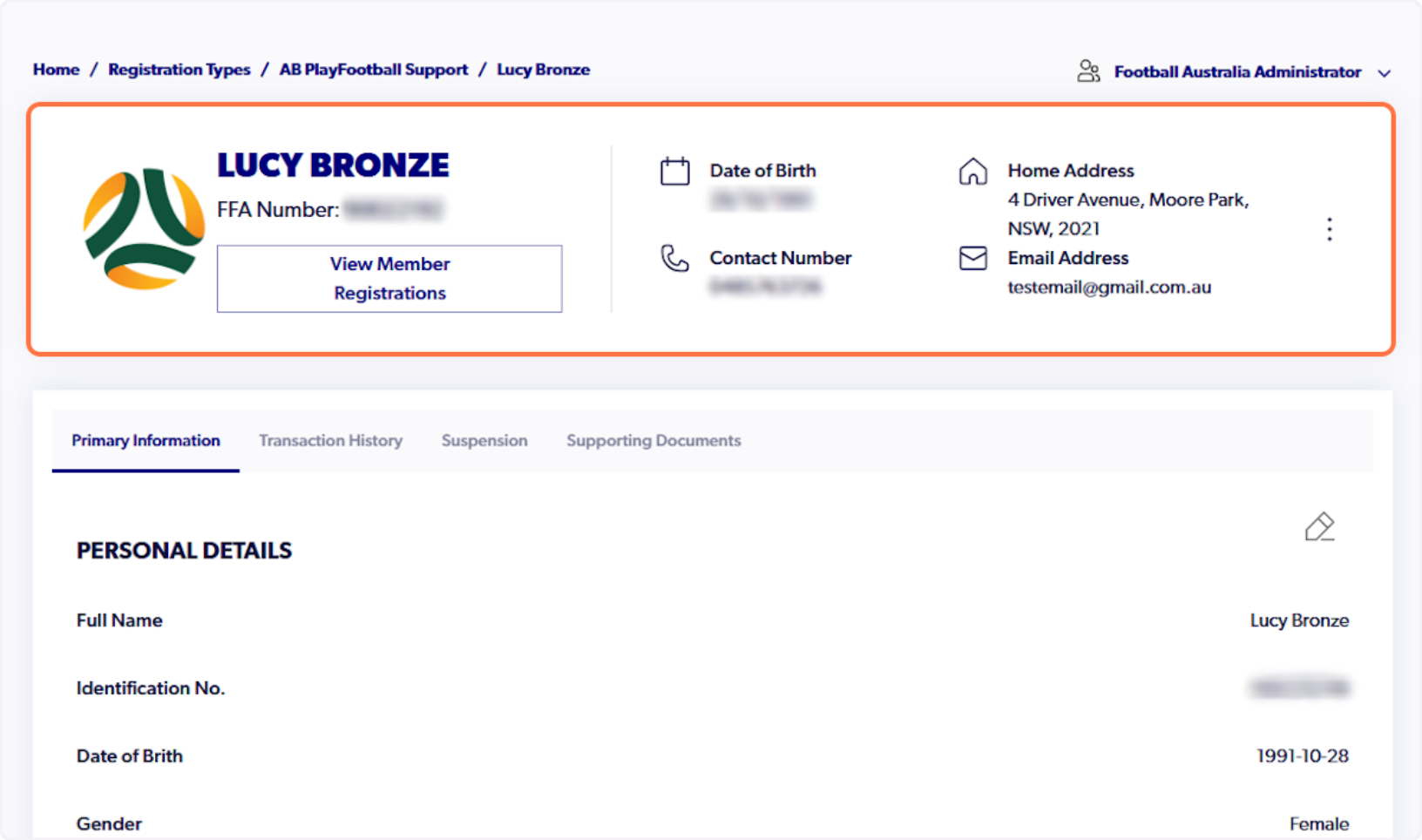
2. Click on Edit Personal Details
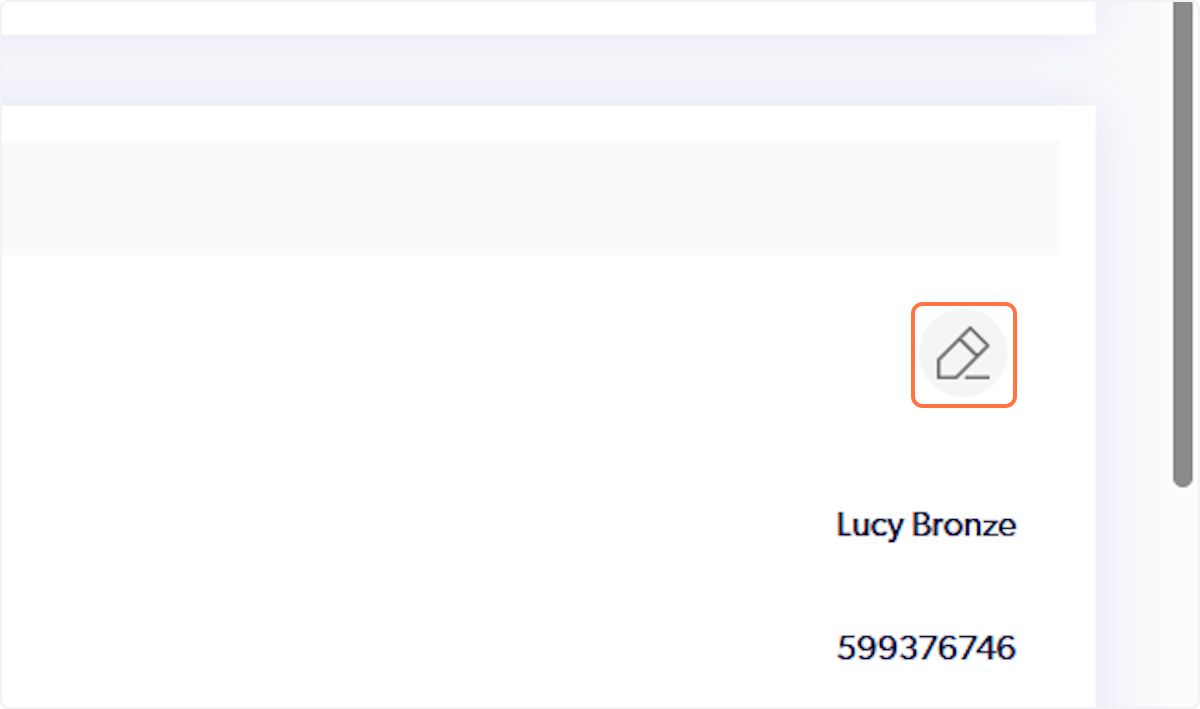
ℹ️ Please note that you will need to have a Participant account set-up on PlayFootball. You will be able to create a Participant account with the same email used to sign-in to PlayFootball Admin.
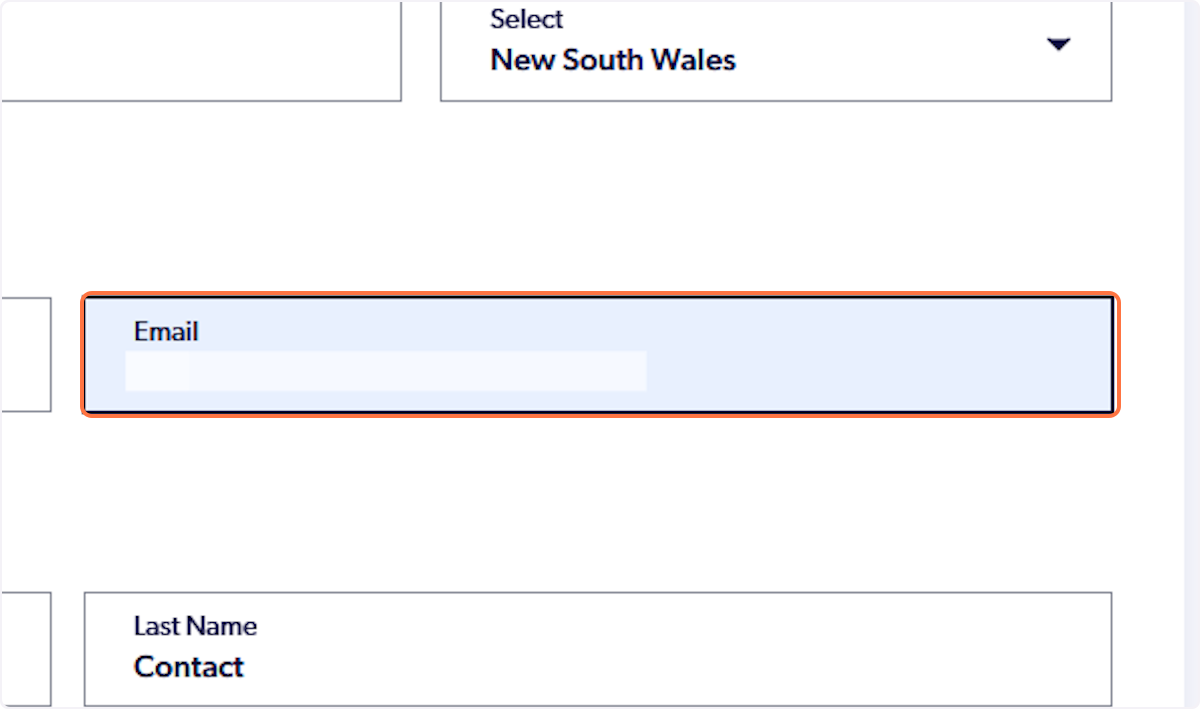
3. Update the contact email to match your participant account
4. Click on Save
Sign out of PlayFootball Admin and sign in to PlayFootball Participant by clicking here.
5. Navigate to the participant portal
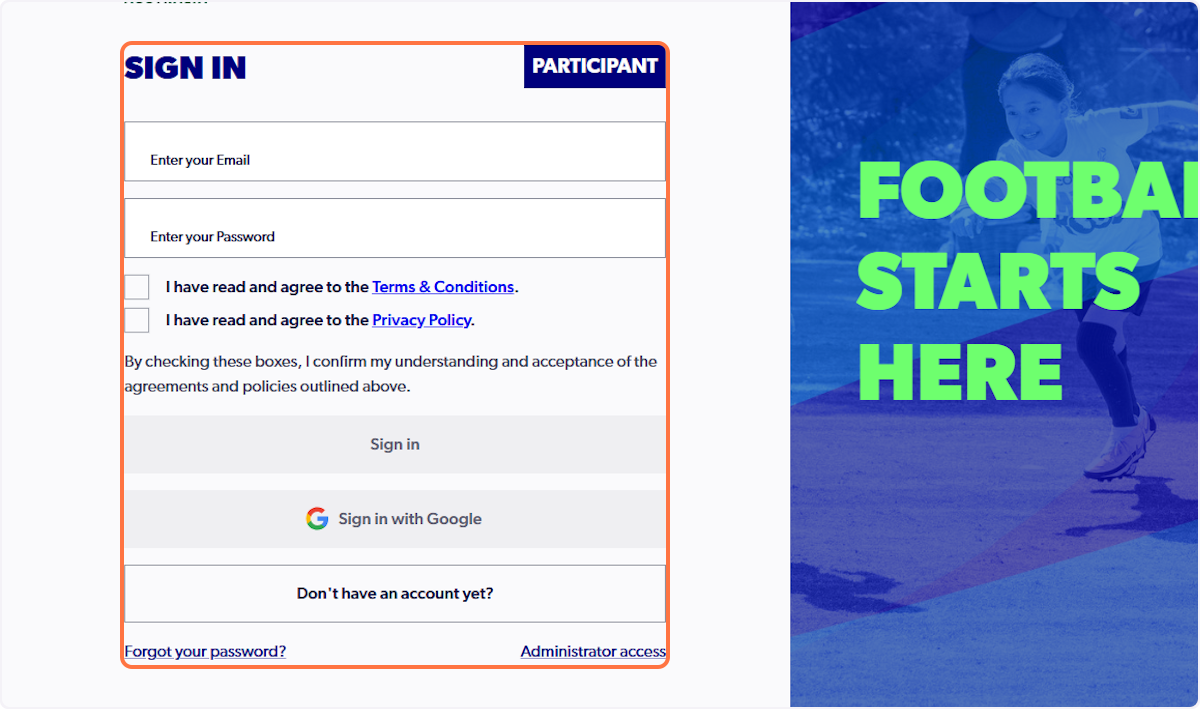
6. Type password
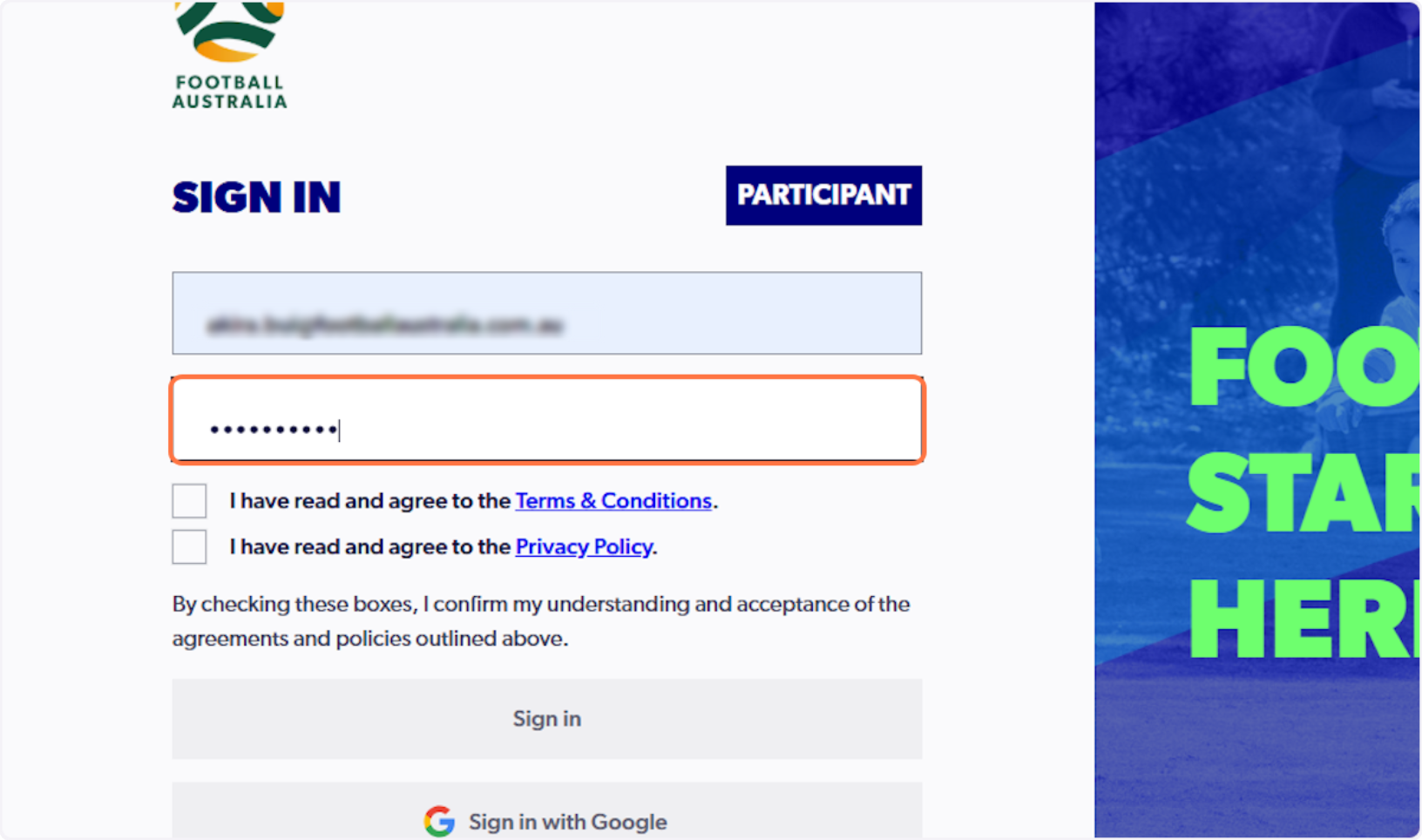
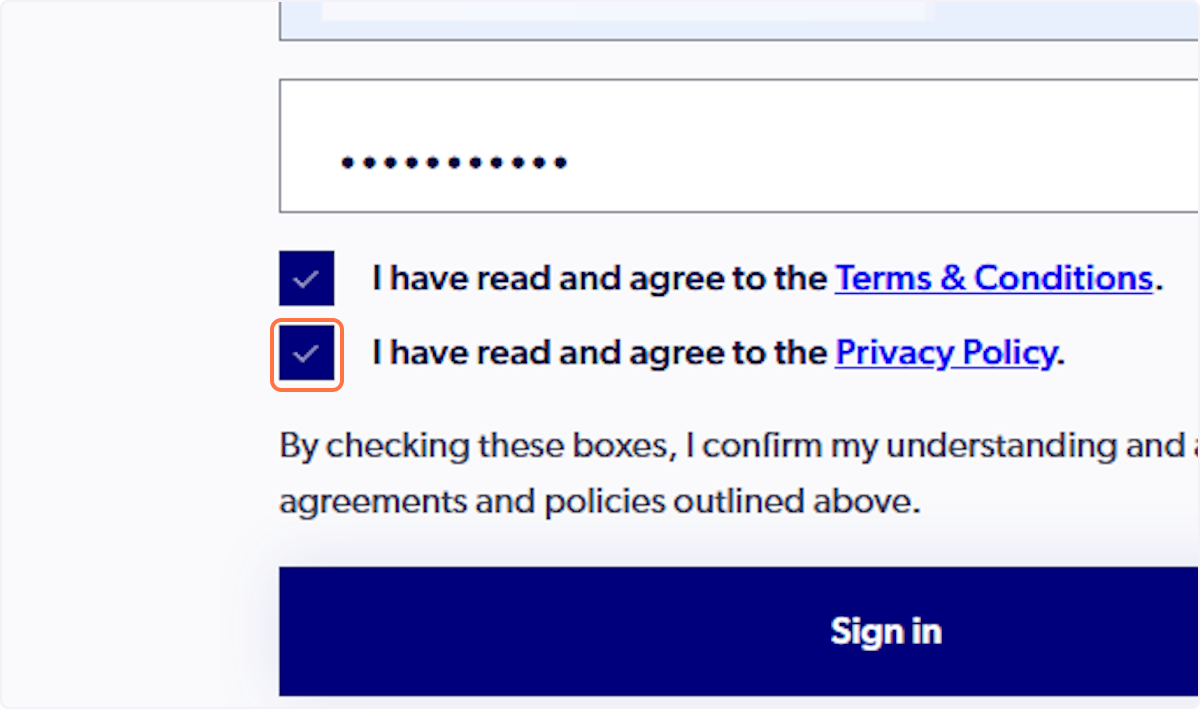
7. Check I have read and agree to the Privacy Policy.
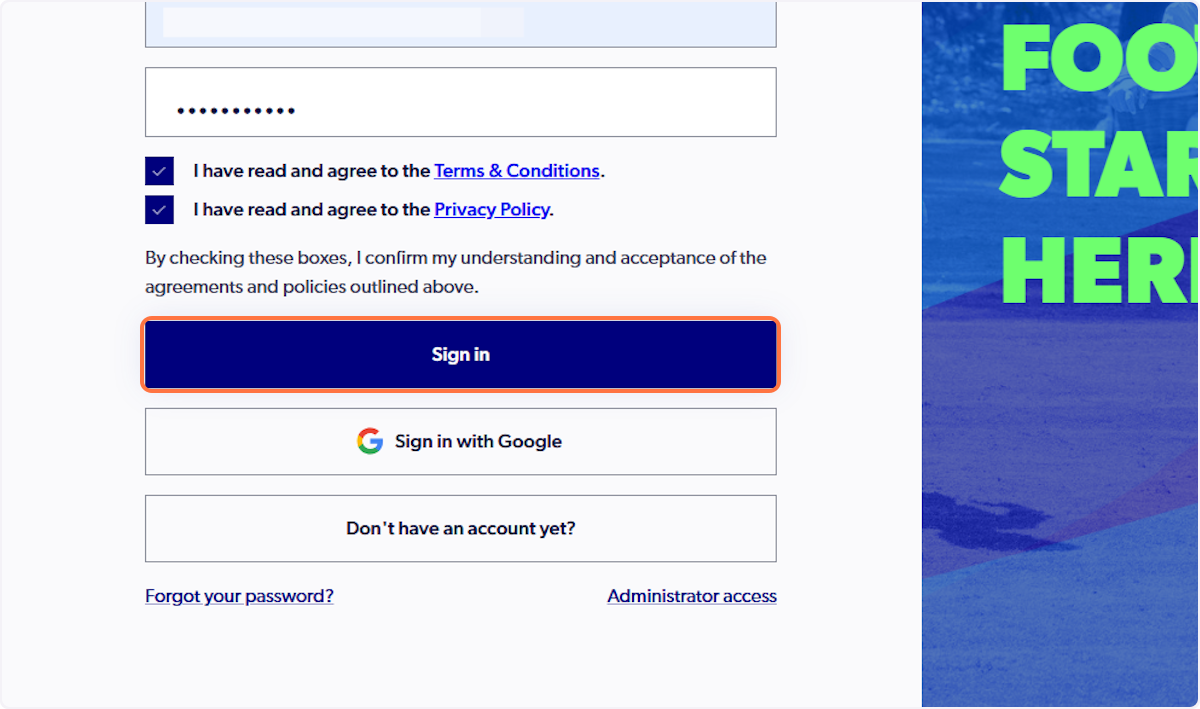
8. Click on Sign in
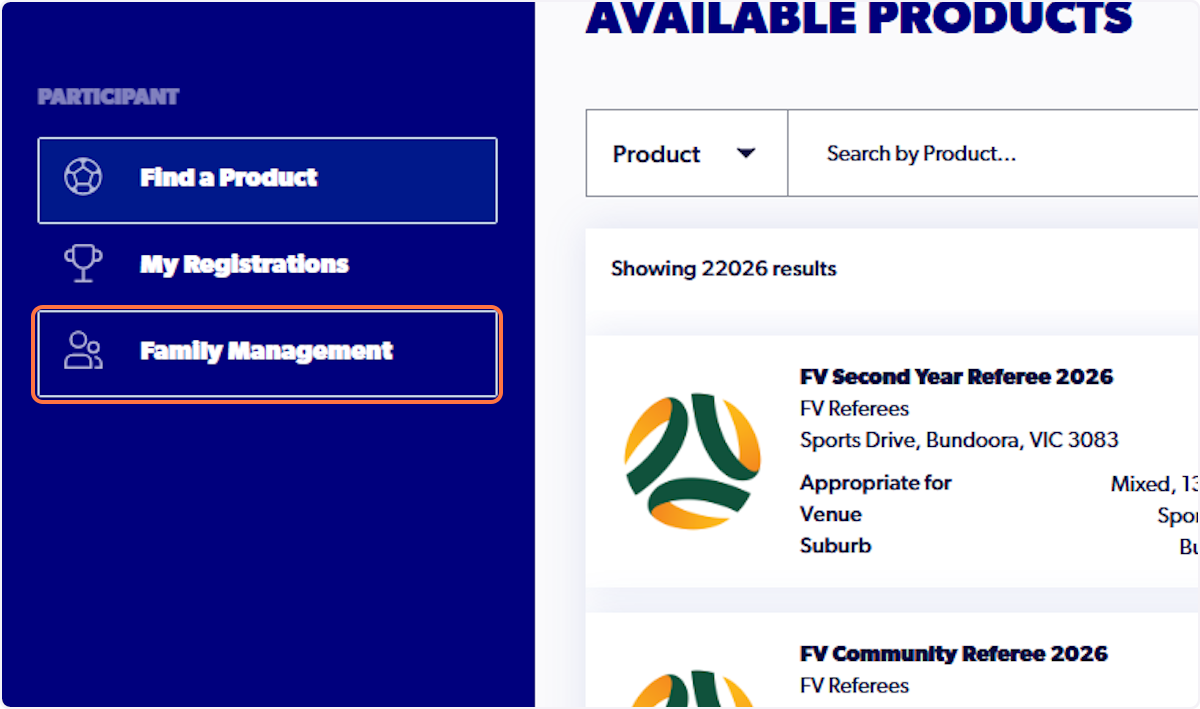
9. Click on Family Management
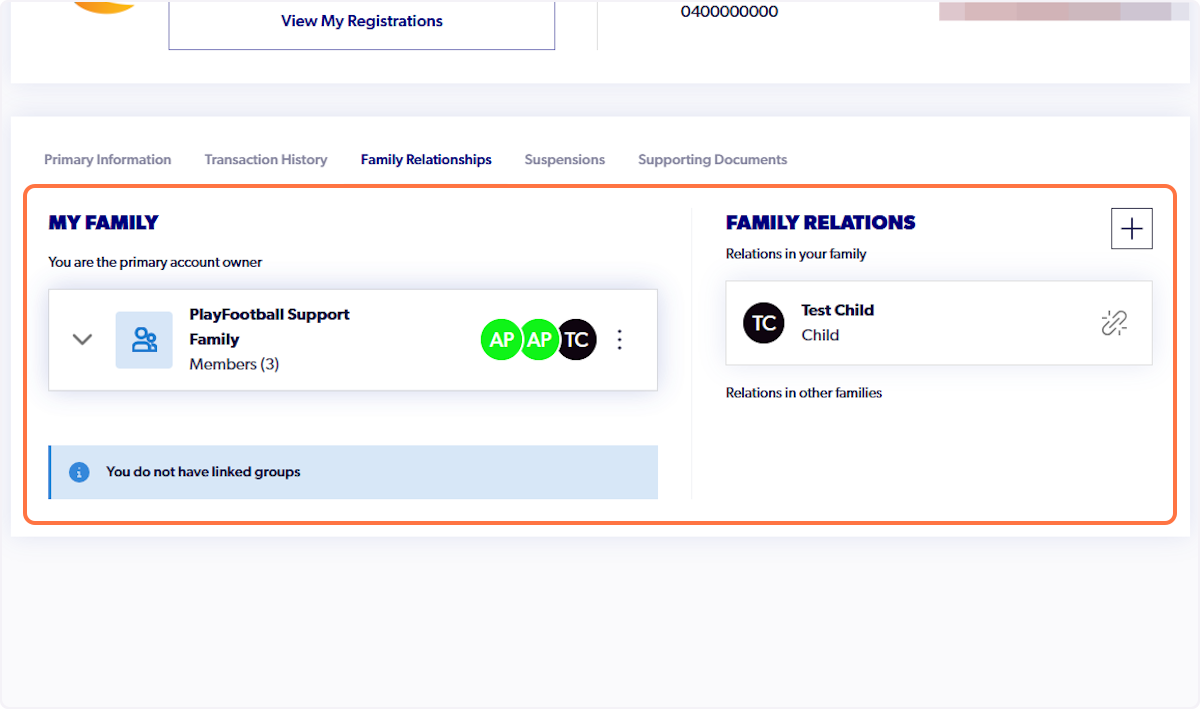
10. Click on Family Relationships
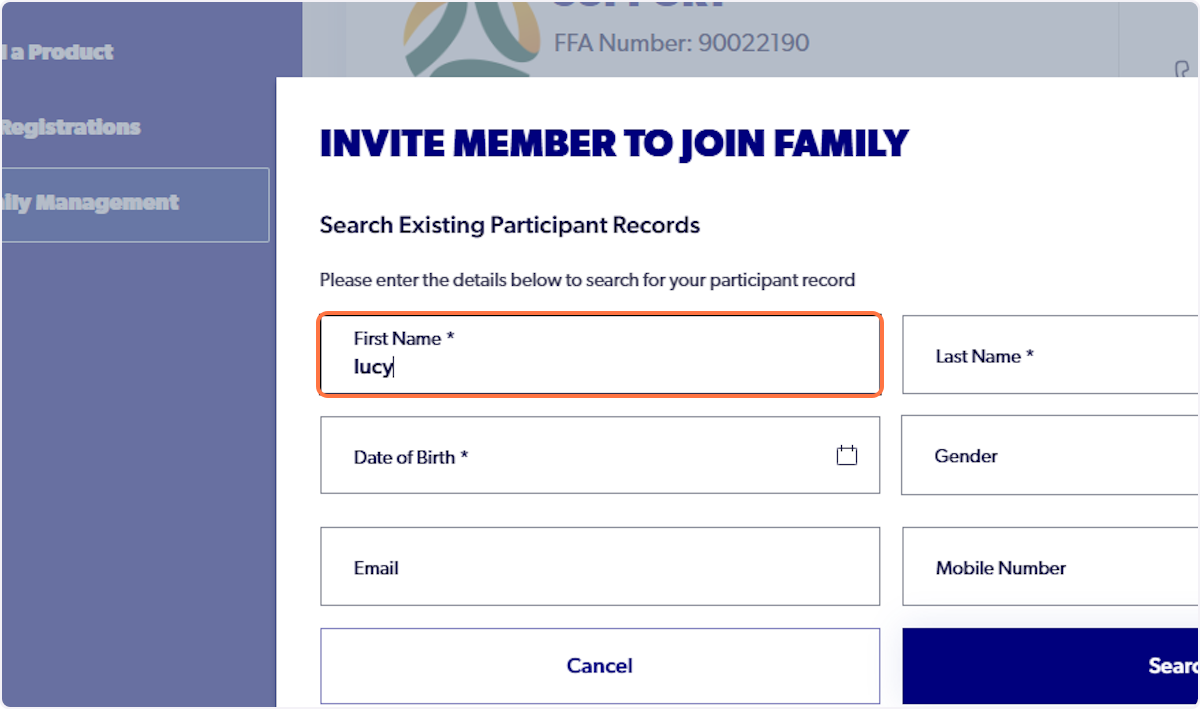
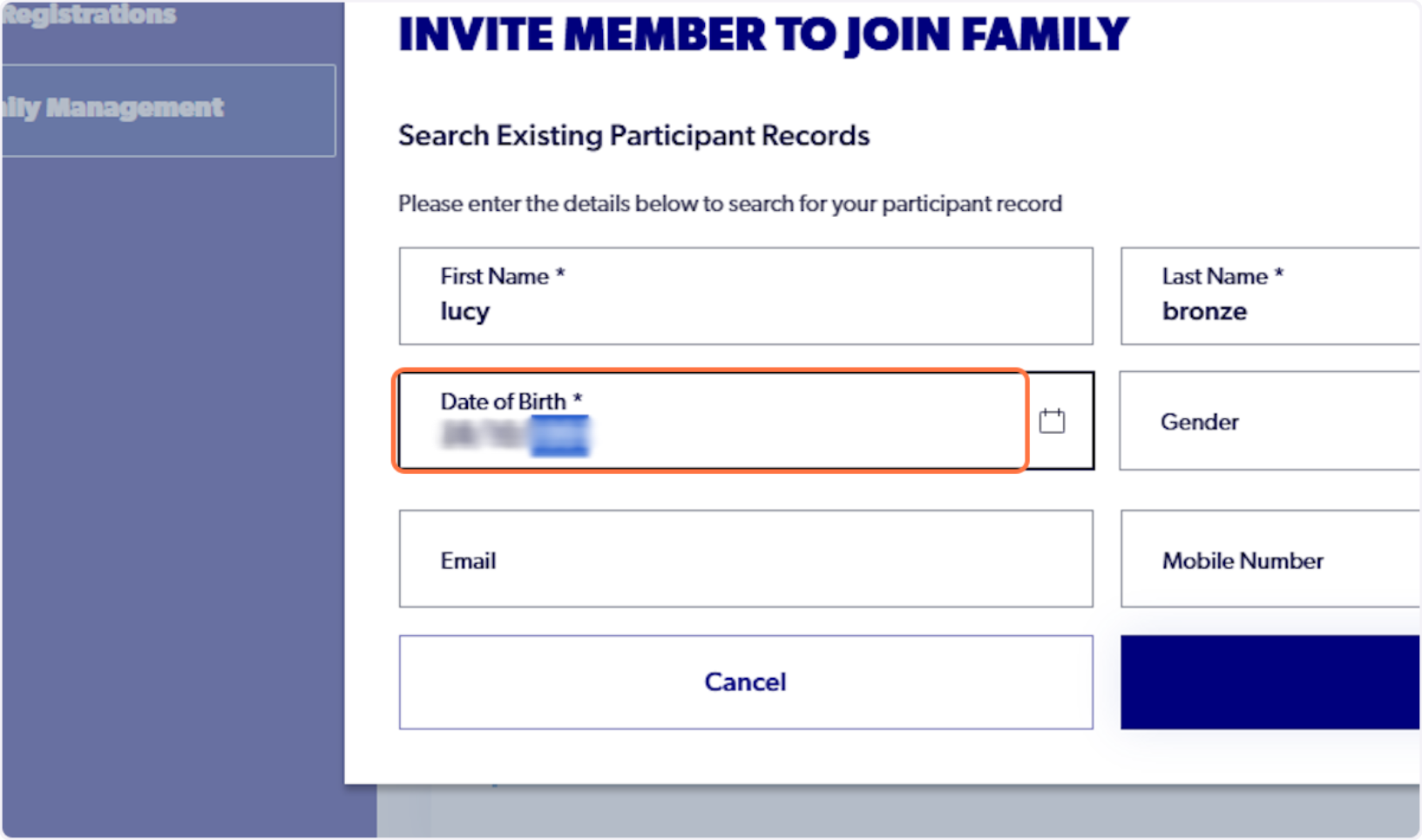
11. Type the participants first name
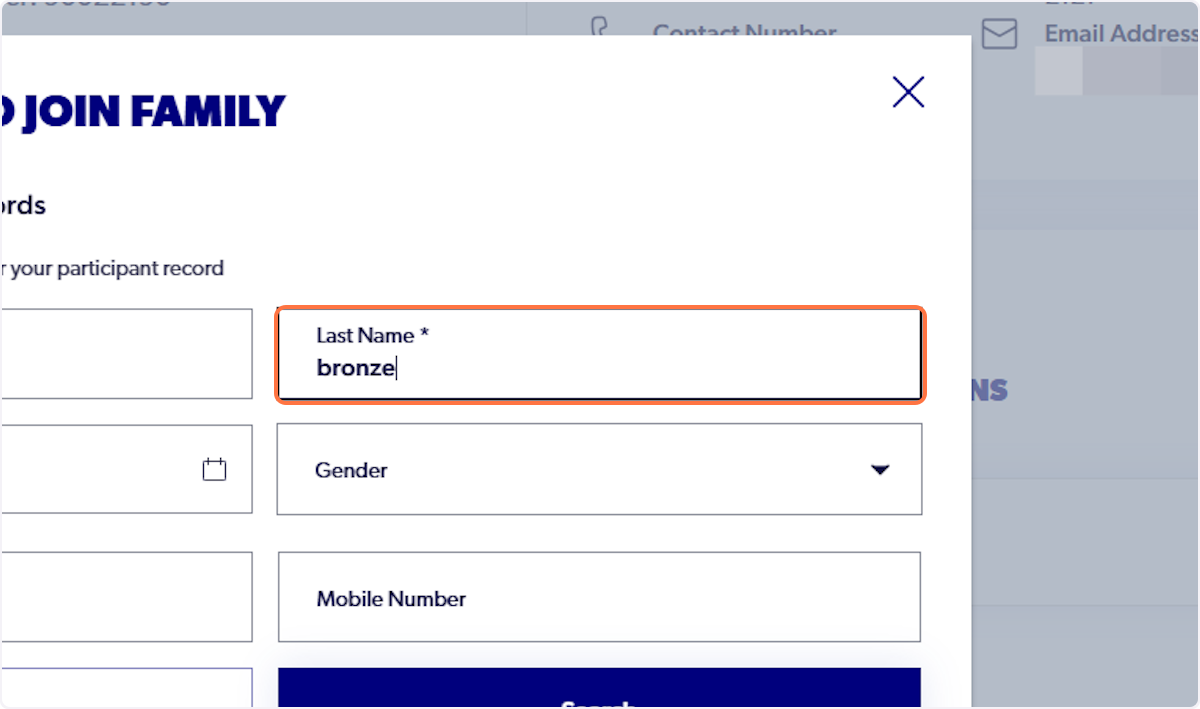
12. Type the participants last name
13. Type their date of birth
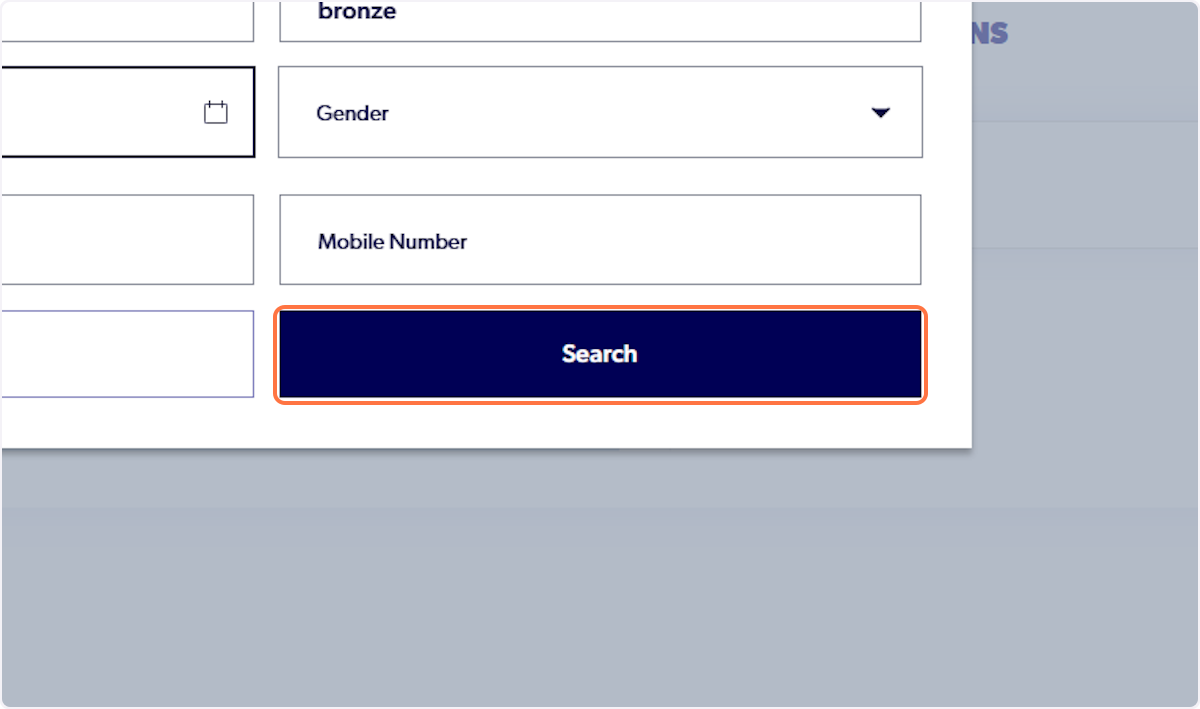
14. Click on Search
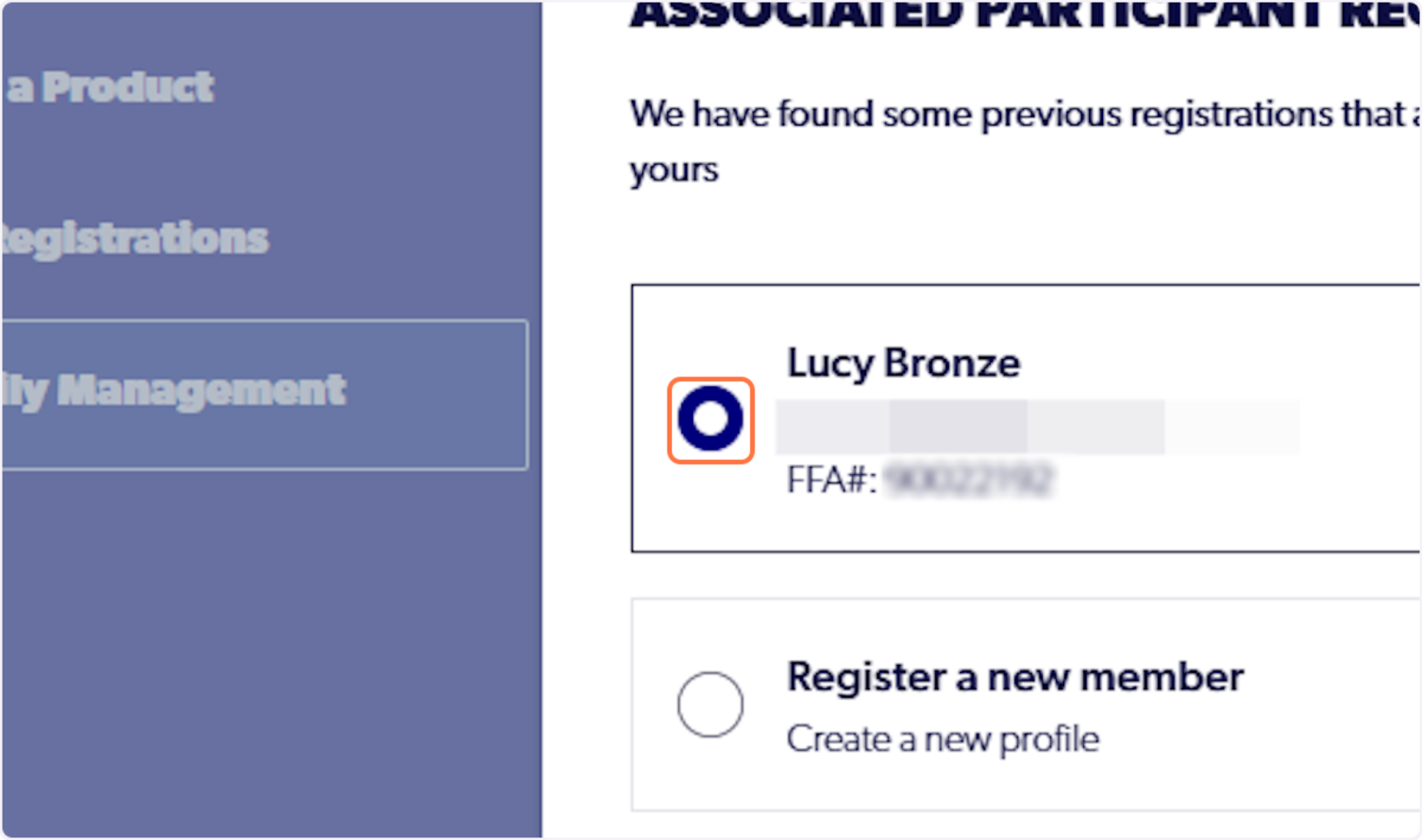
15. Select the participant's record
16. Select Club Member (or any other applicable relationship)
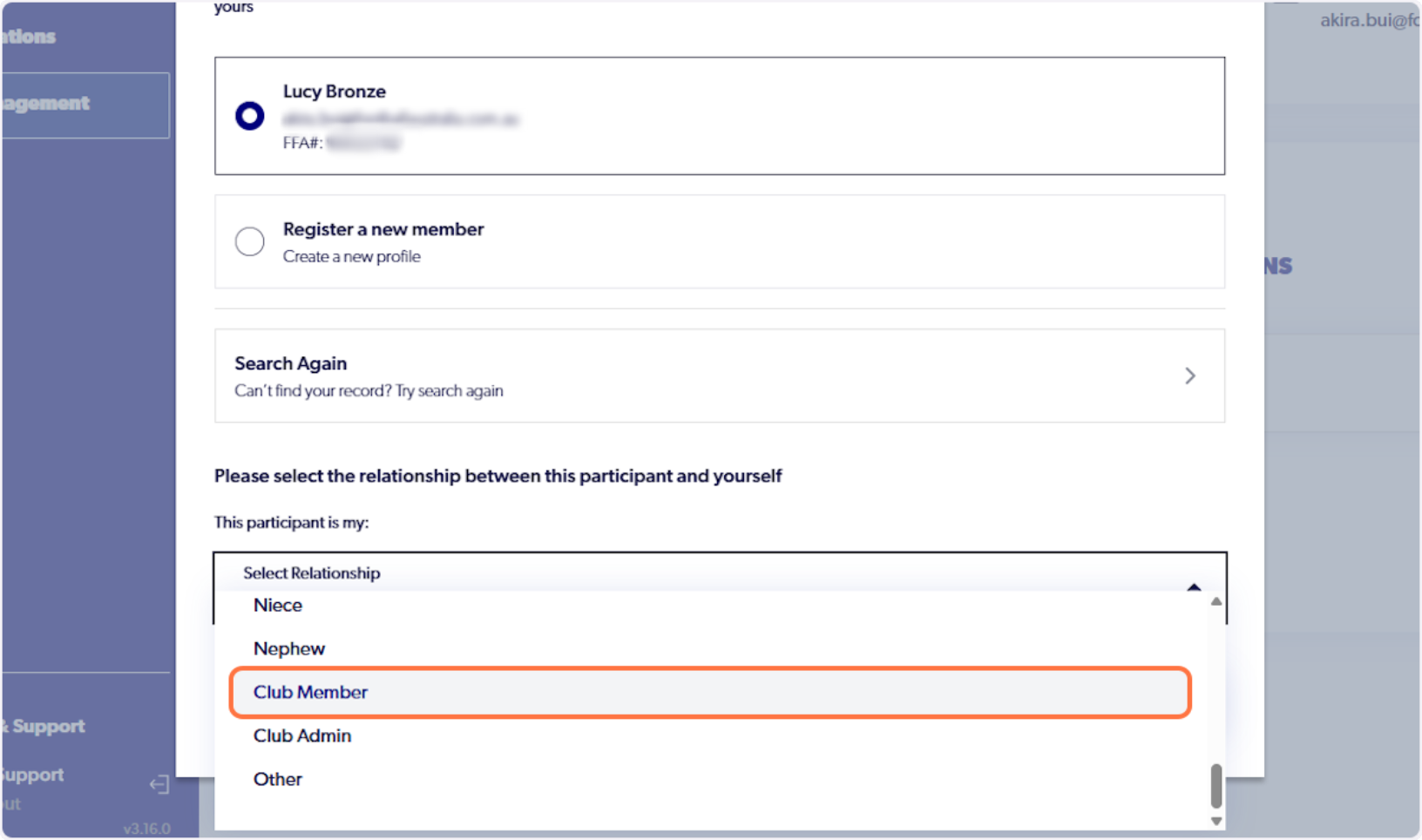
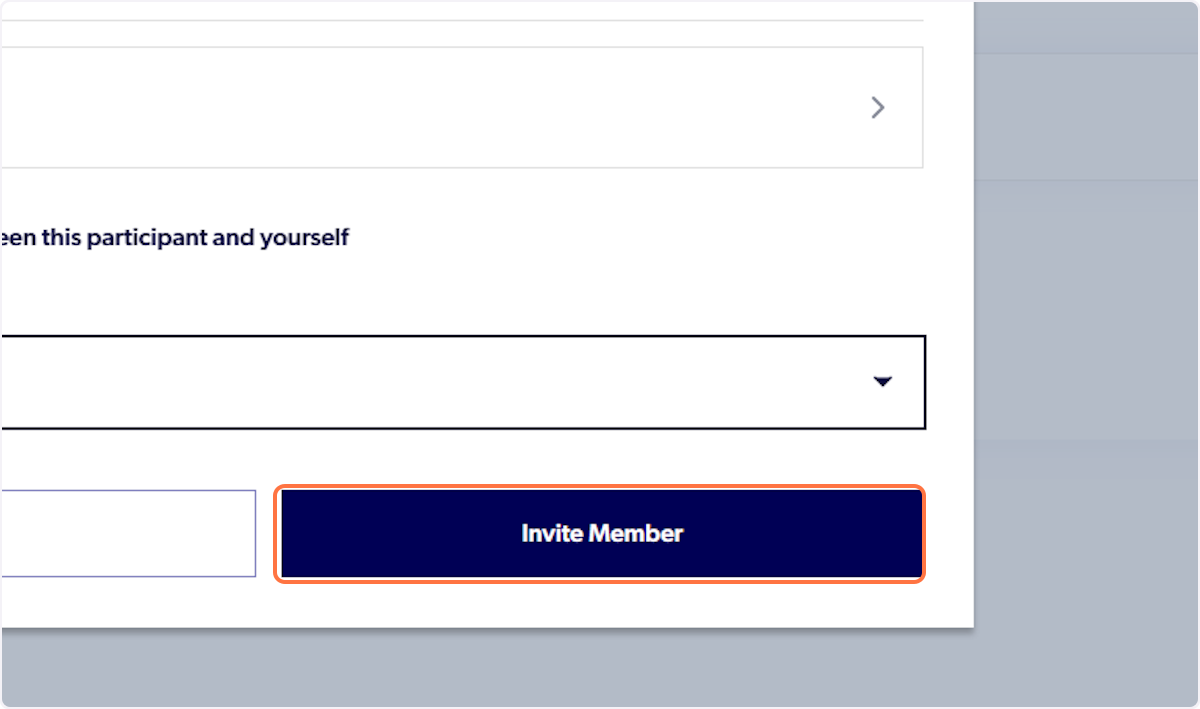
17. Click on Invite Member
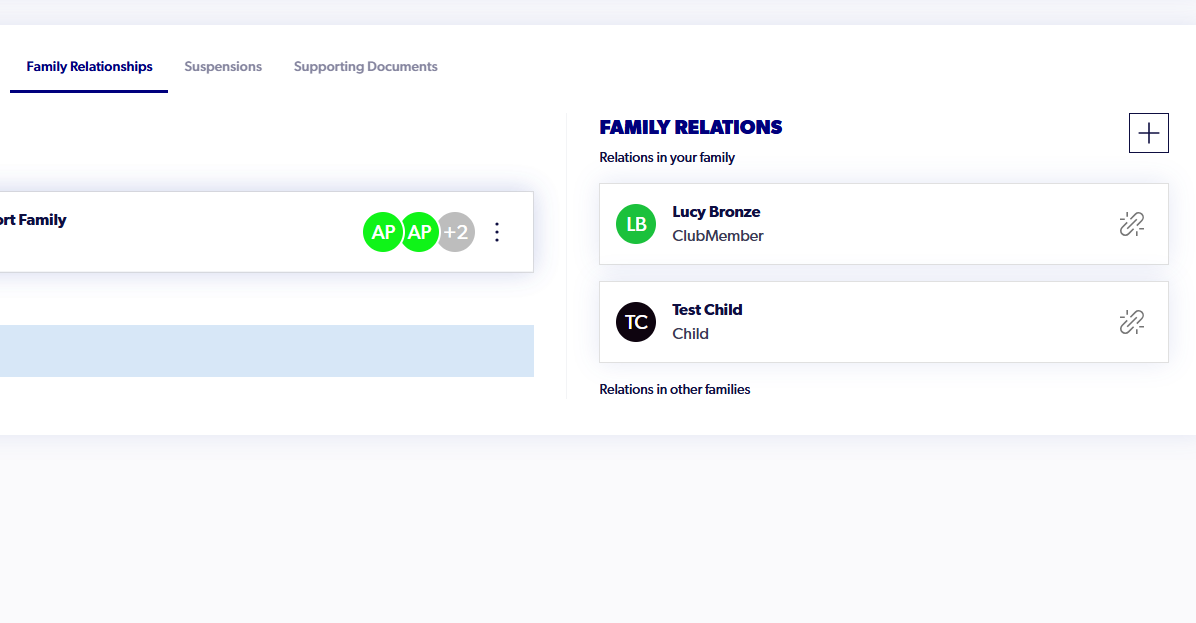
18. They will now be linked to your account. This will allow you to make registrations and upload supporting documents on their behalf
ℹ️ Once any neccessary actions have been made, please ensure that the contact details are updated back.