This support article will outline the following items below:
- How to locate report templates
- How to regenerate reports using templates
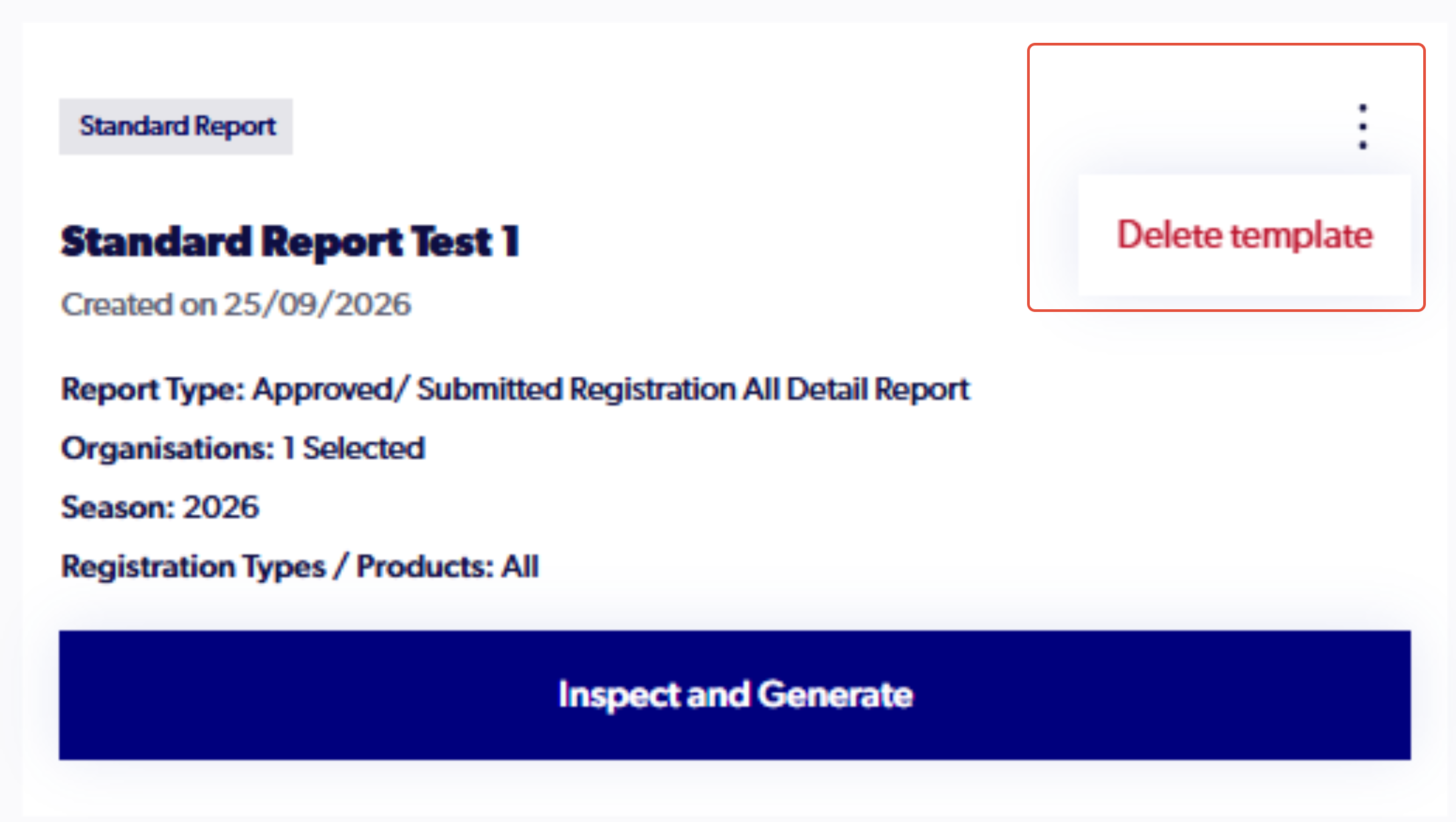
- How to remove templates
*Please note report templates are specific to each admin and organisation, they are not shared with other admins in the same organisation and will not carry across when switching organisations.
Locating report templates
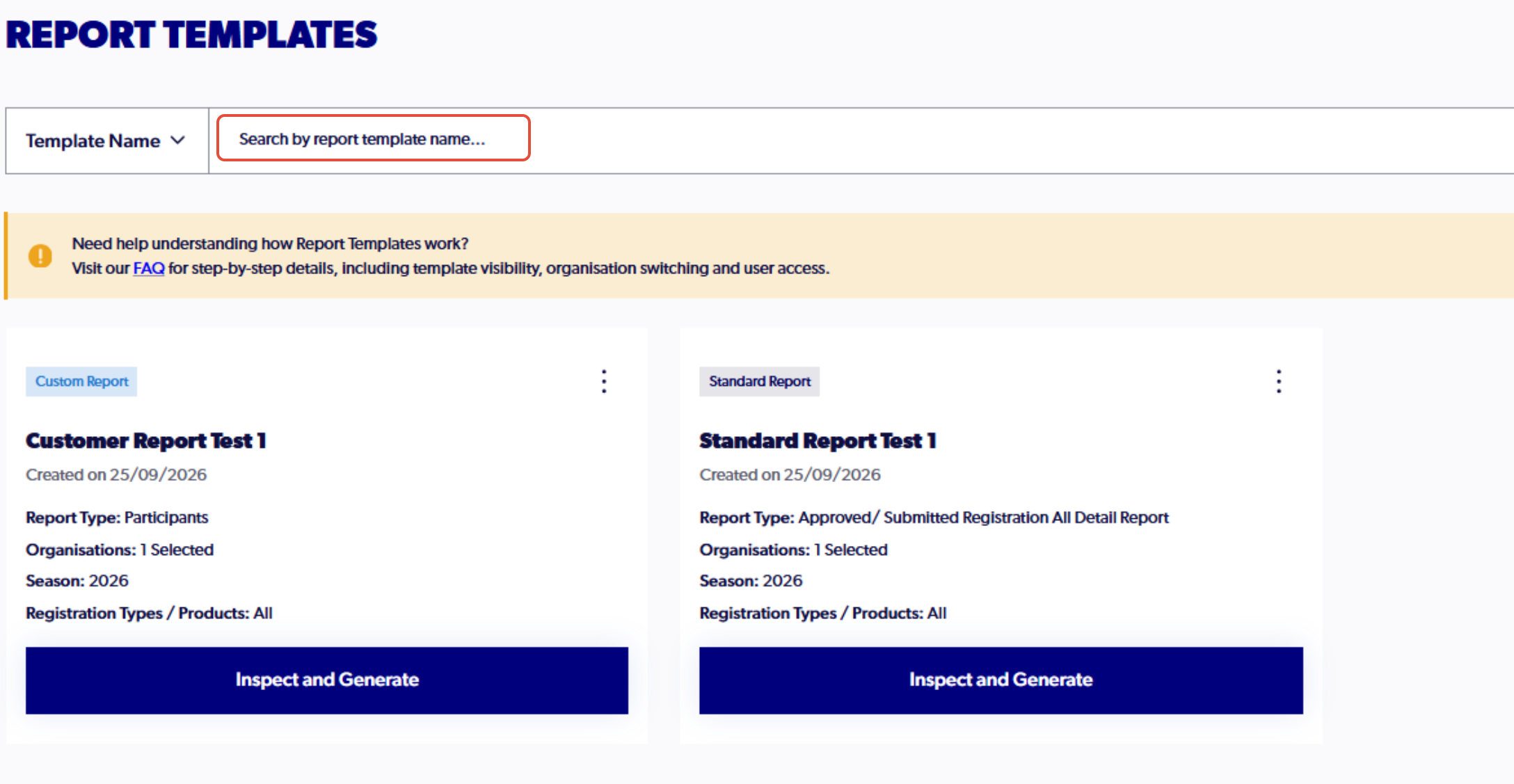
To search for the name of a specific template, the search bar on top of the page can be used.
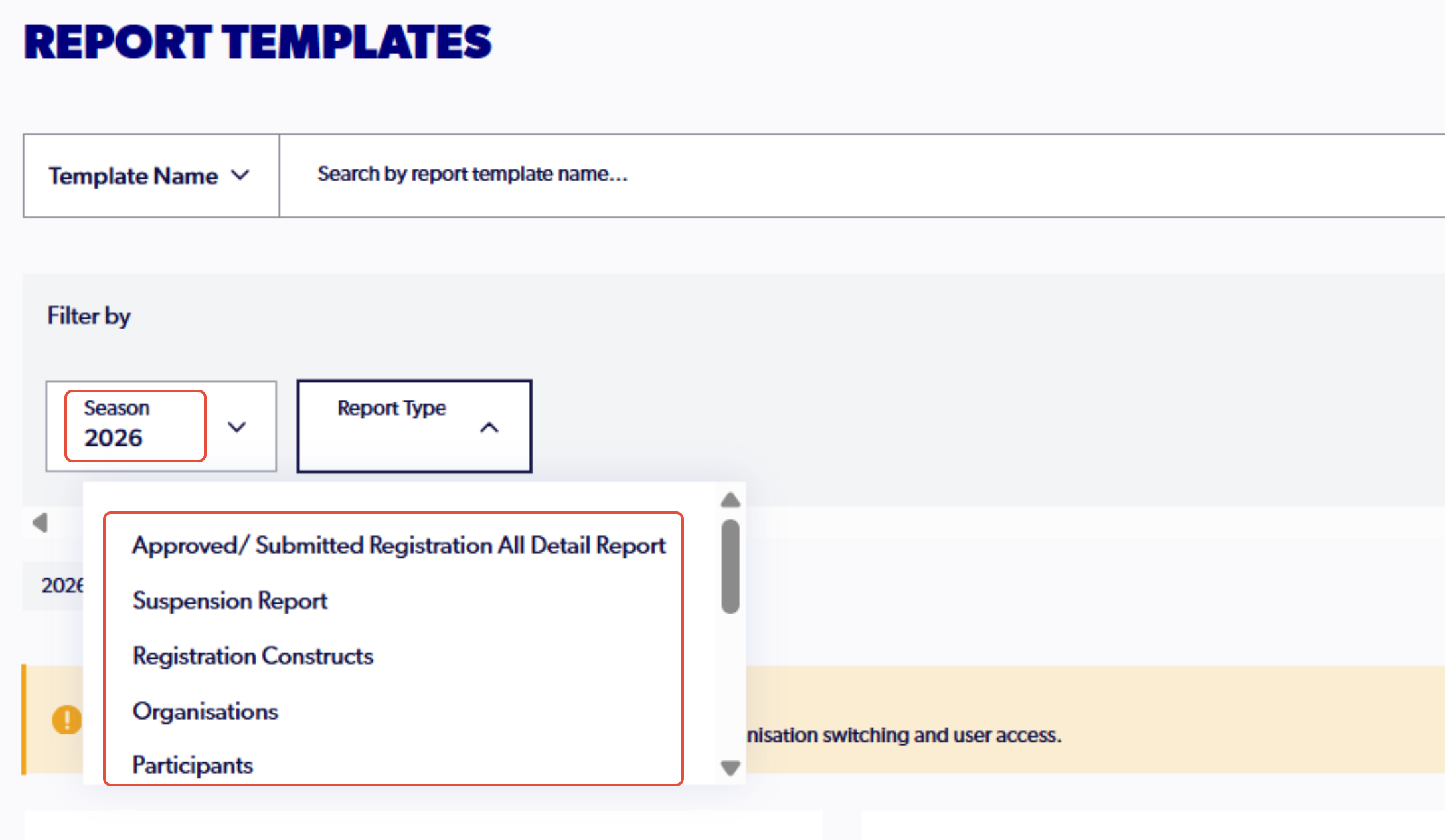
The filters option also allows for a specified search of templates depending on the season and the report type.
Generating reports
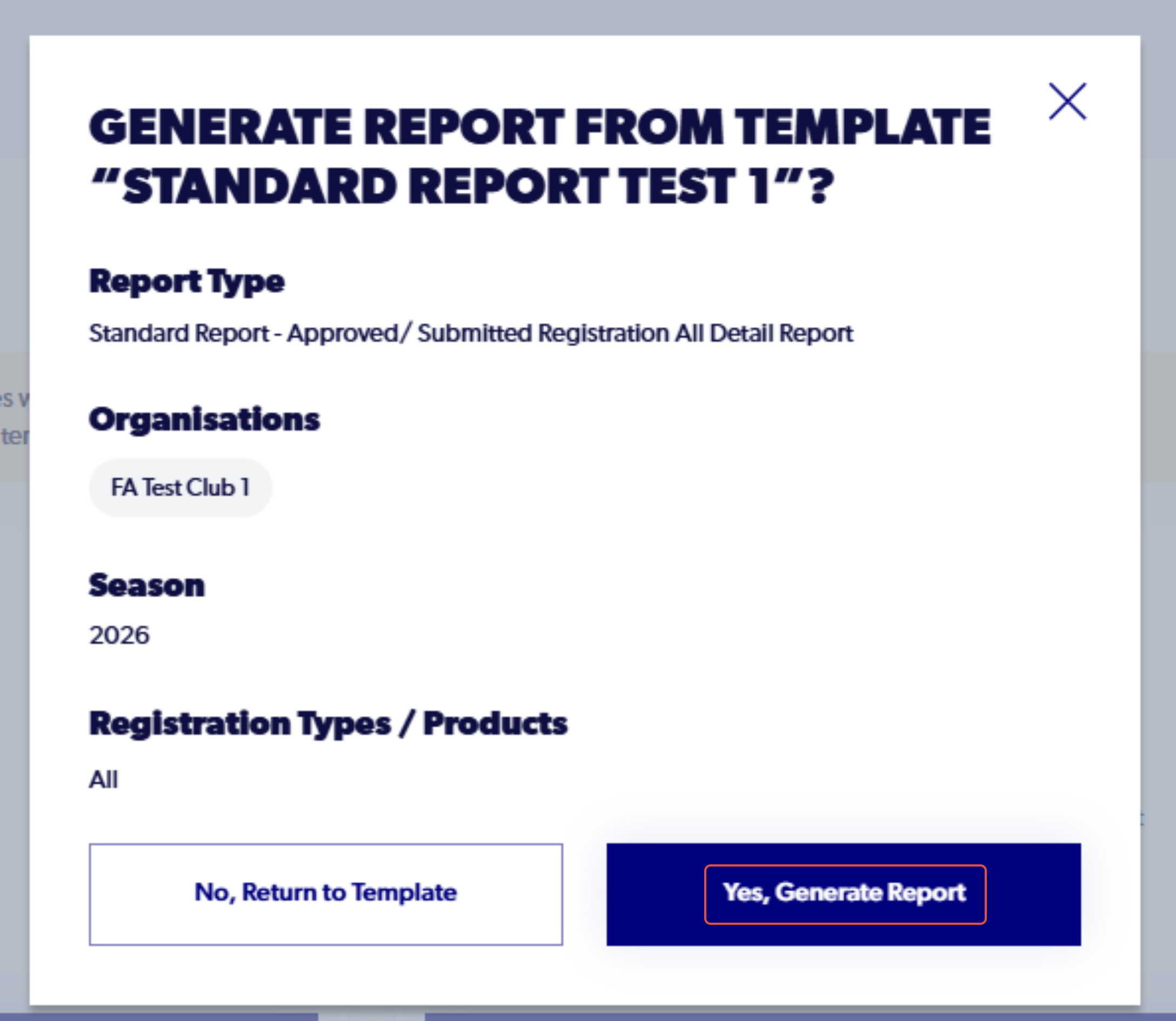
The option to regenerate save reports is available to admins. The details of the report can be reviewed before generating.
1. In the Report Templates tab select 'Inspect and Generate' for the report you are looking to produce.
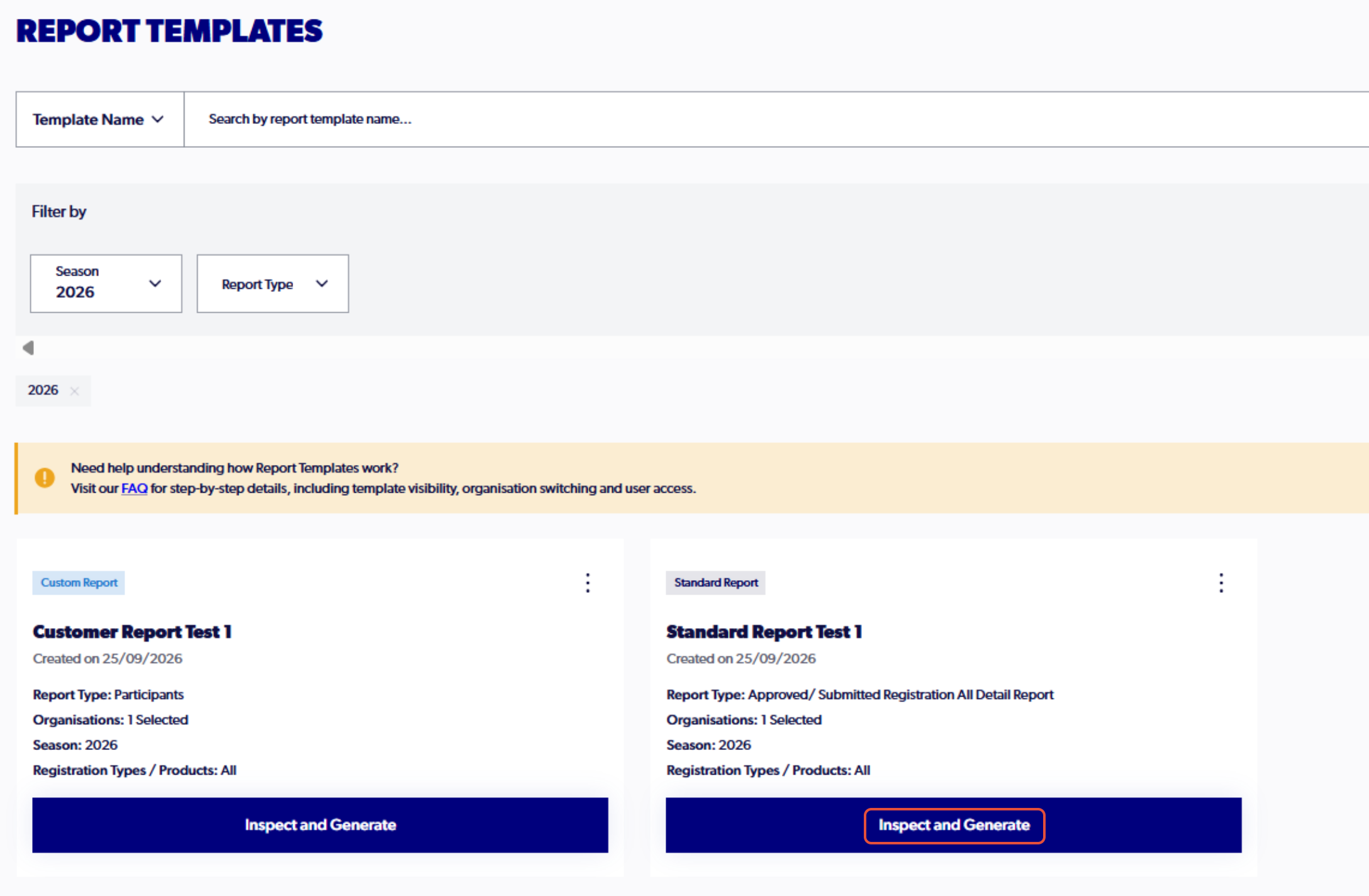
2. Confirm the details of the report and select 'Yes. Generate Report'
Deleting reports
Click the three dots on the report template and the option to delete the template is presented