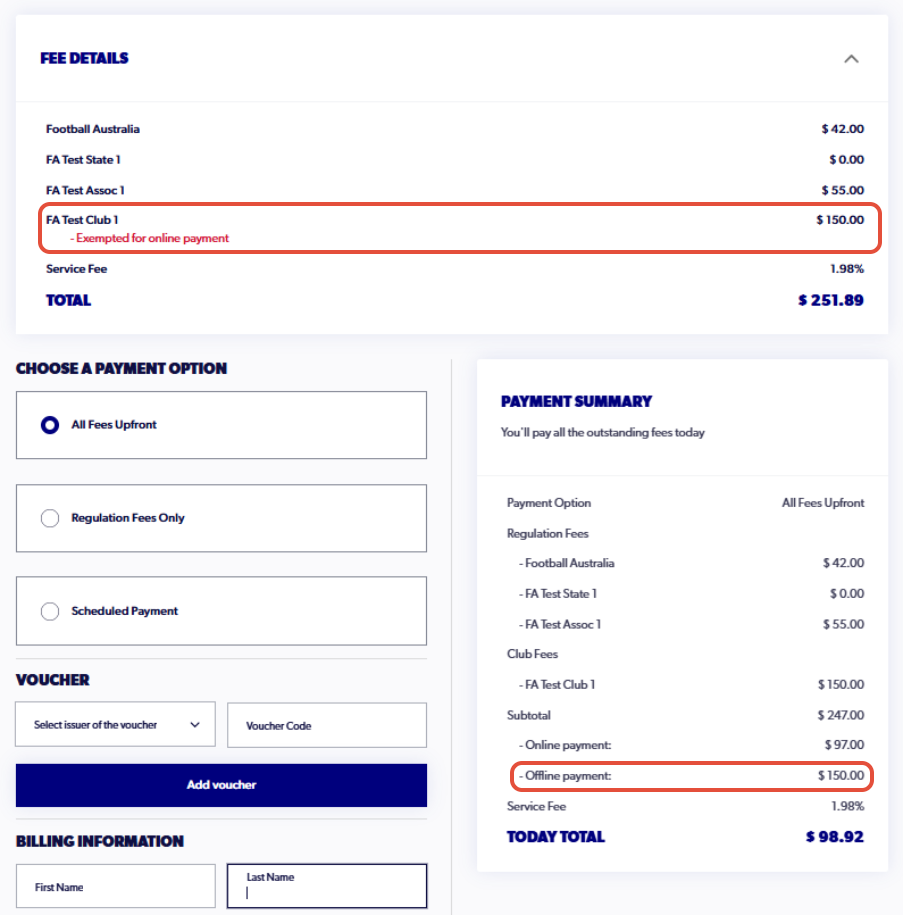
To provide greater transparency for participants, all club football registration types and products on PlayFootball must include the organisation fee.
If your organisation collects the registration fee outside of PlayFootball, this article will show you how to disclose the fee on PlayFootball to the participant while collecting payment offline.
1. Go to the Payment Options step of the registration type or product
For existing registrations go to step 2. For new registration types or products, this will be step 7.
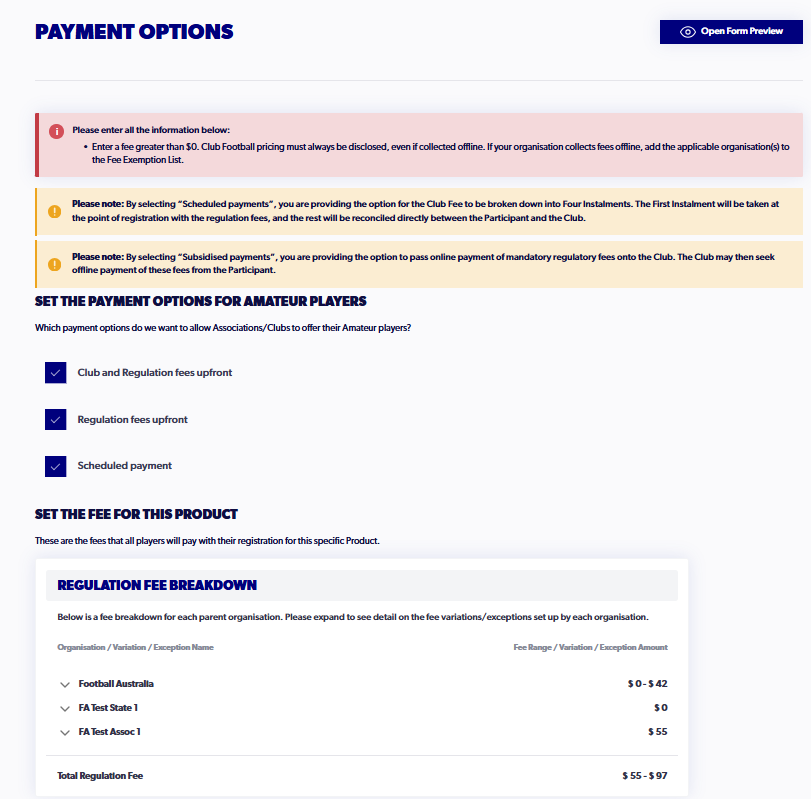
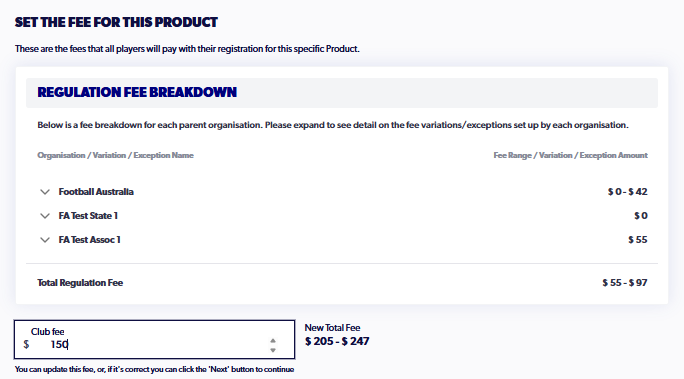
2. Input a fee amount that you are charging offline so that it is reflected correctly
3. At the bottom of the step, go to the 'Organisation List' section
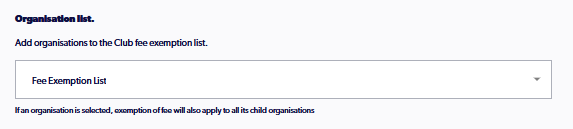
4. Select your organisation in the Fee Exemption List
If you are a Member Federation or Association you will need to add all relevant child organisations. 
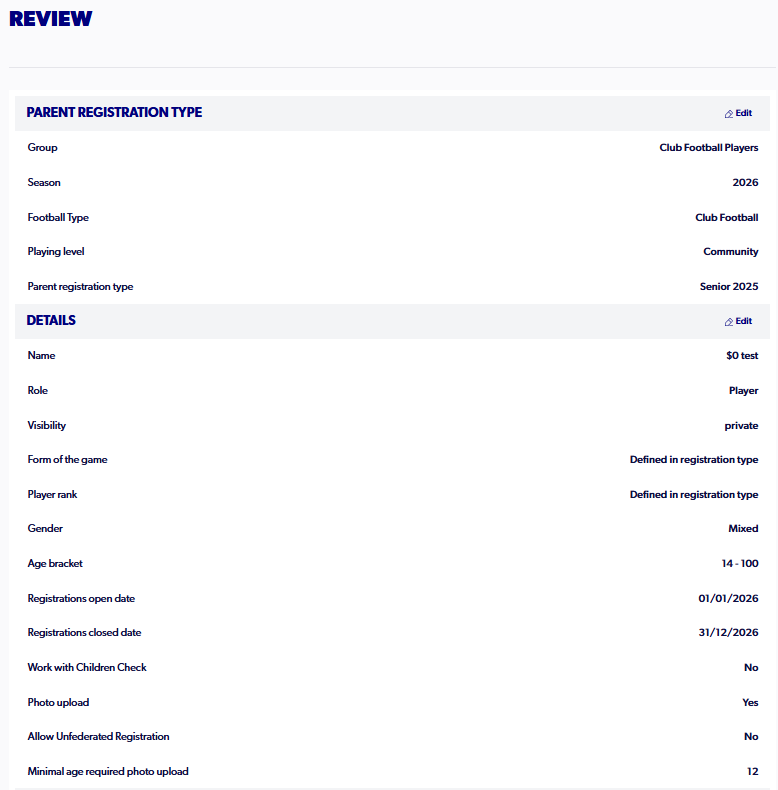
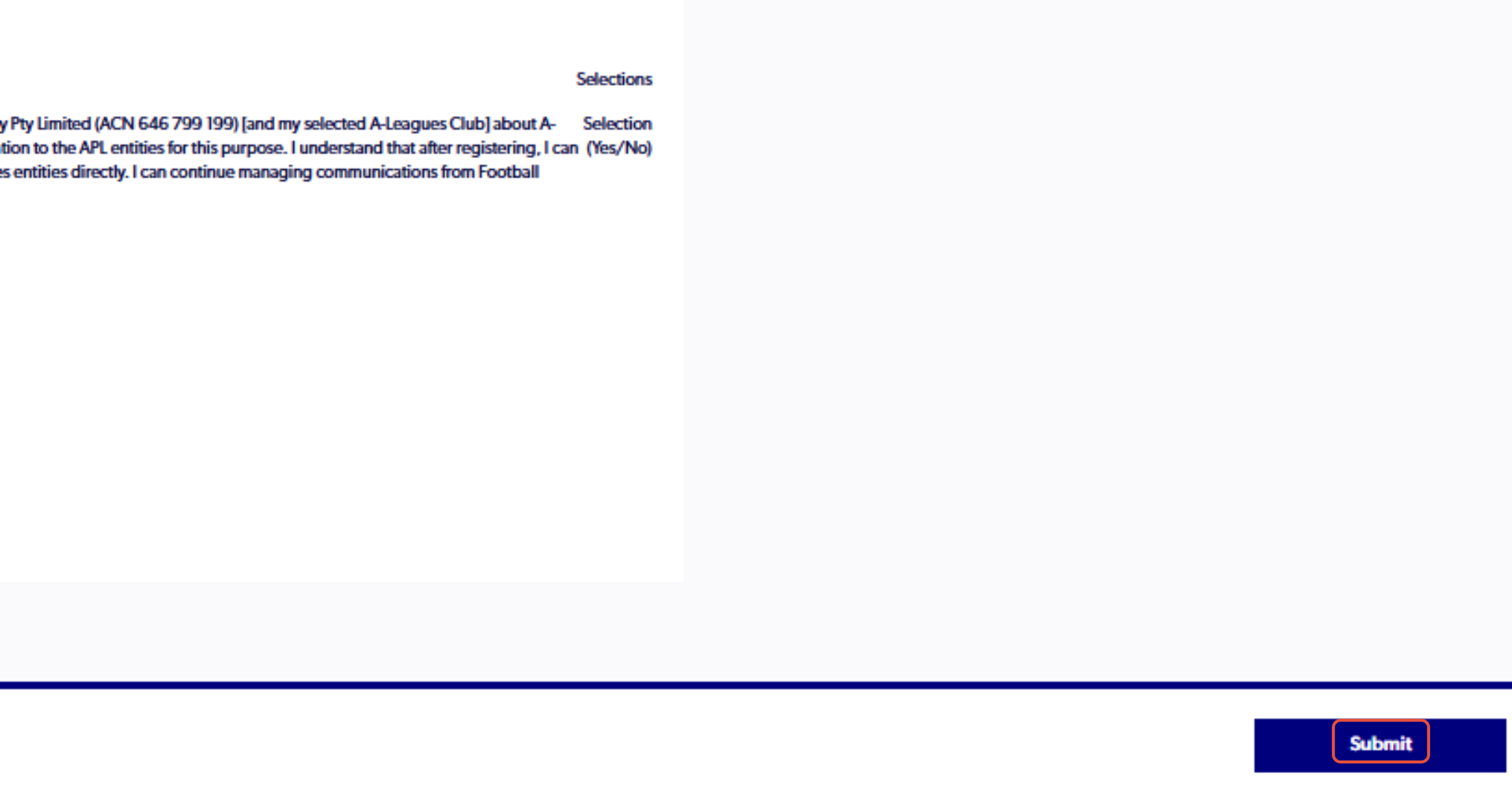
5. Continue through to the final step and review the type/product. Click 'Submit'.
6. Once the changes are made, it should appear in the payment section of the registration, as shown below.