Quick Summary: Attempt registration on a computer/desktop/laptop, try on a different browser or ingonito tab, clear the cache/cookies, or restart the registration attempt.
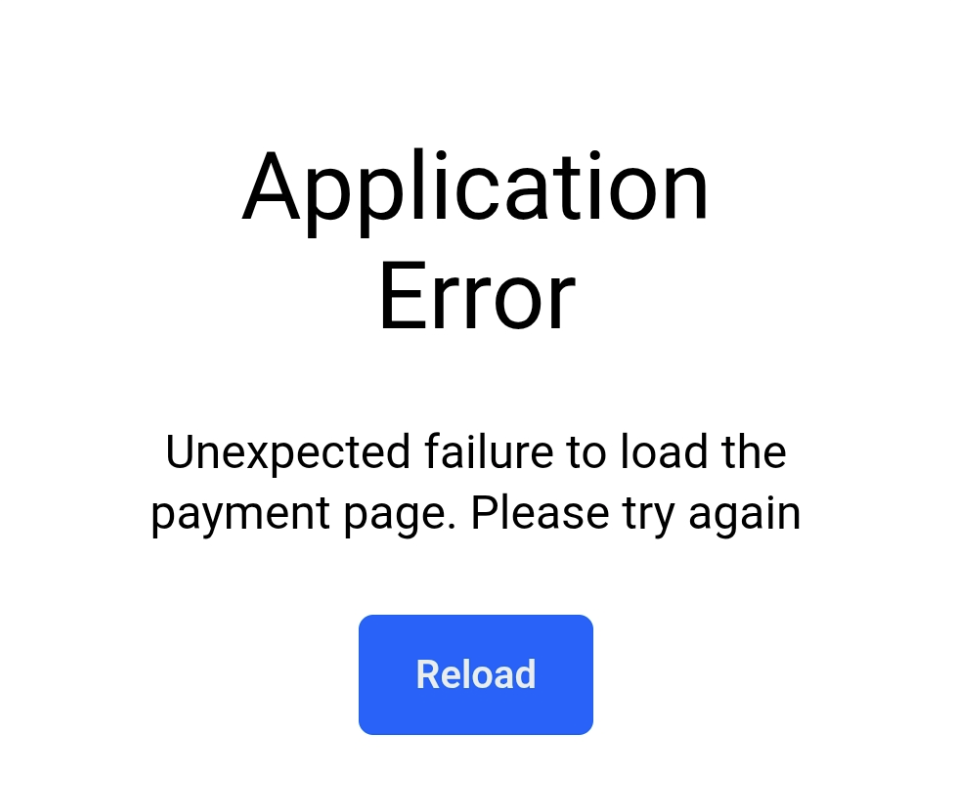
An "Application Error" page on PlayFootball is usually caused by a localised session, cache, or technical conflict while processing registration data.
To rectify this, please try the following troubleshooting options:
- Switch to a Desktop or Laptop Computer
- Open PlayFootball on a PC or Mac Desktop browser rather than a mobile phone or tablet/iPad, as mobile web views can cause errors during the registration.
- Use an Incognito Tab or Different Web Browser
- Try using Google Chrome, Firefox, Safari, or Microsoft Edge. You can also open a Incognito/Private browser. This ensures browser extensions or saved form data does not interfere with the portal.
- Clear Cache/Cookies from past 4 weeks
- This removes corrupted session data.
- Restart the Registration Process
- Return to the PlayFootball portal and delete the original attempt. Initiate the registration flow from scratch.
If the above troubleshooting does not rectify the issue or duplicate payments for the same registration attempt have been made, please contact our support team below.
Email: support@playfootball.com.au
Phone: (02) 8880 7983
Phone hours vary, please check our website for opening hours.