Please note this feature is only available to regulatory admins (National, State & Associations)
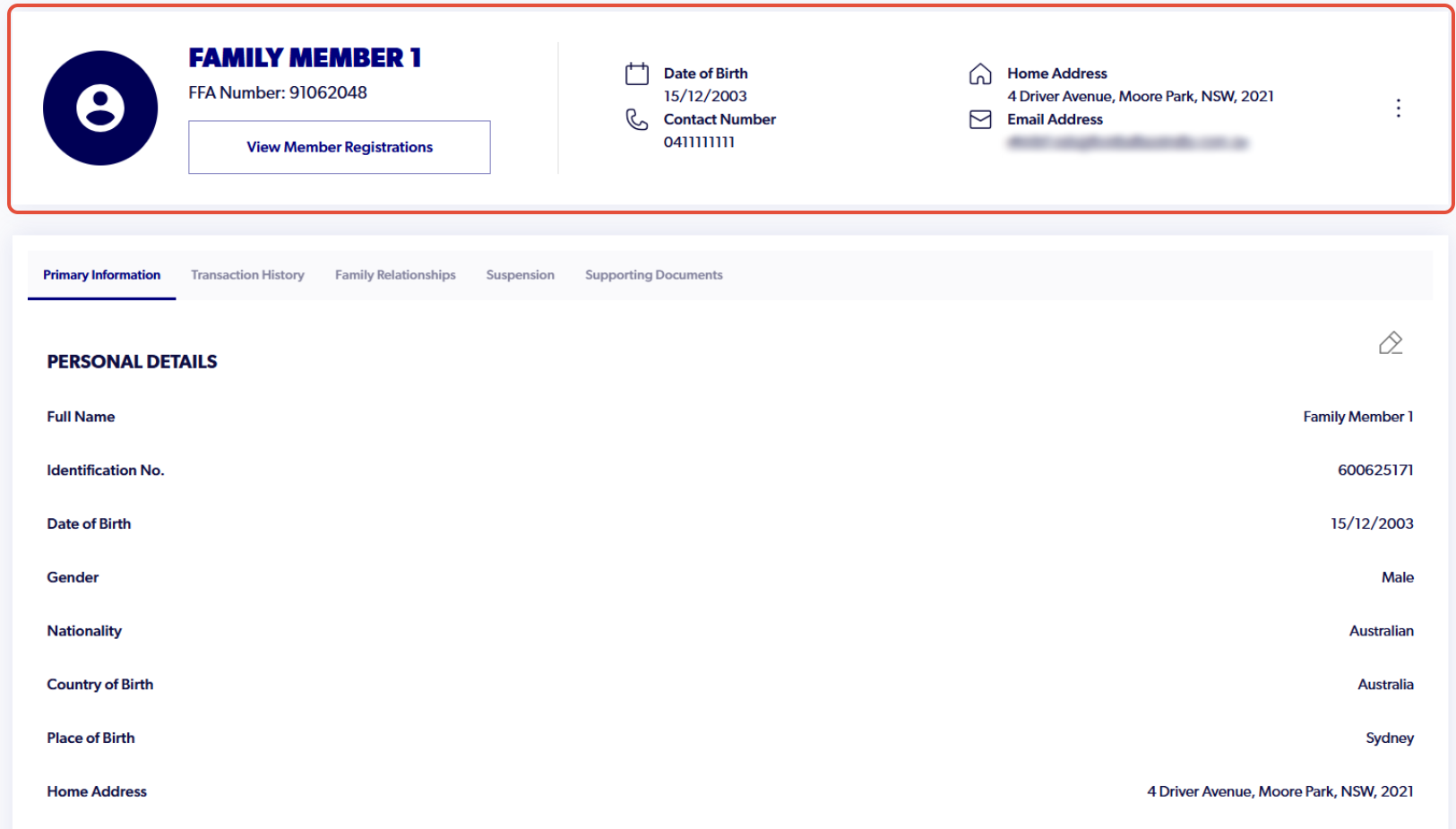
1. Navigate to the participant profile
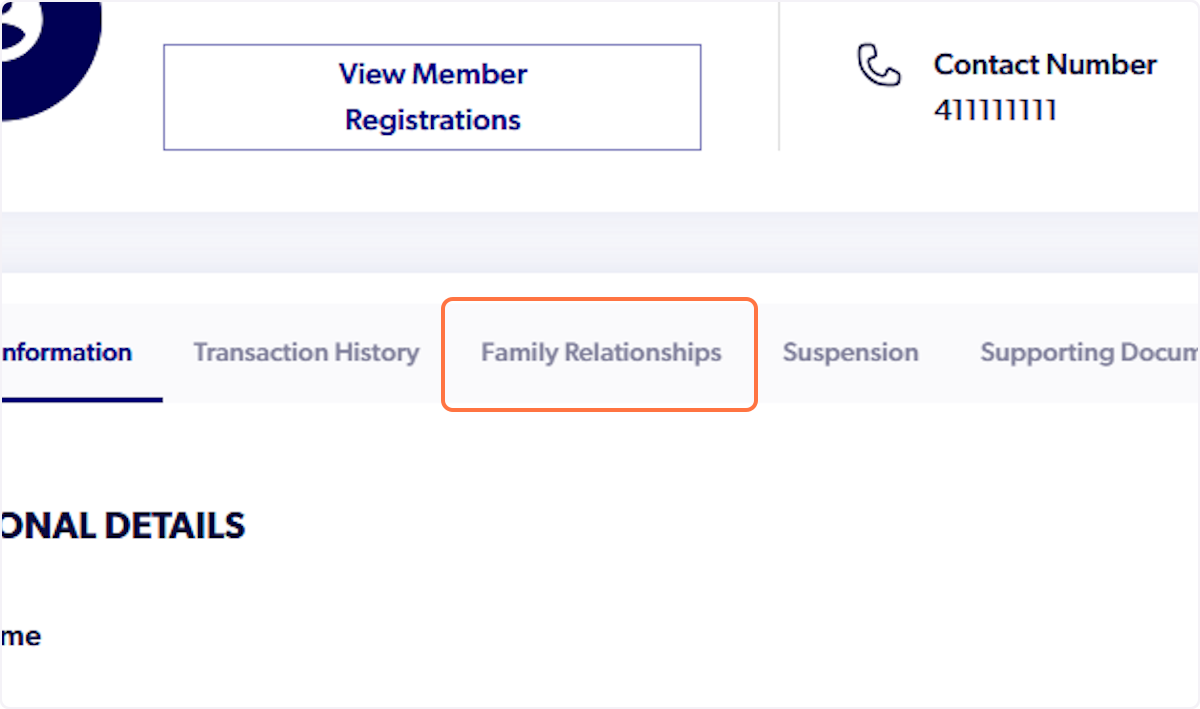
2. Click on 'Family Relationships'
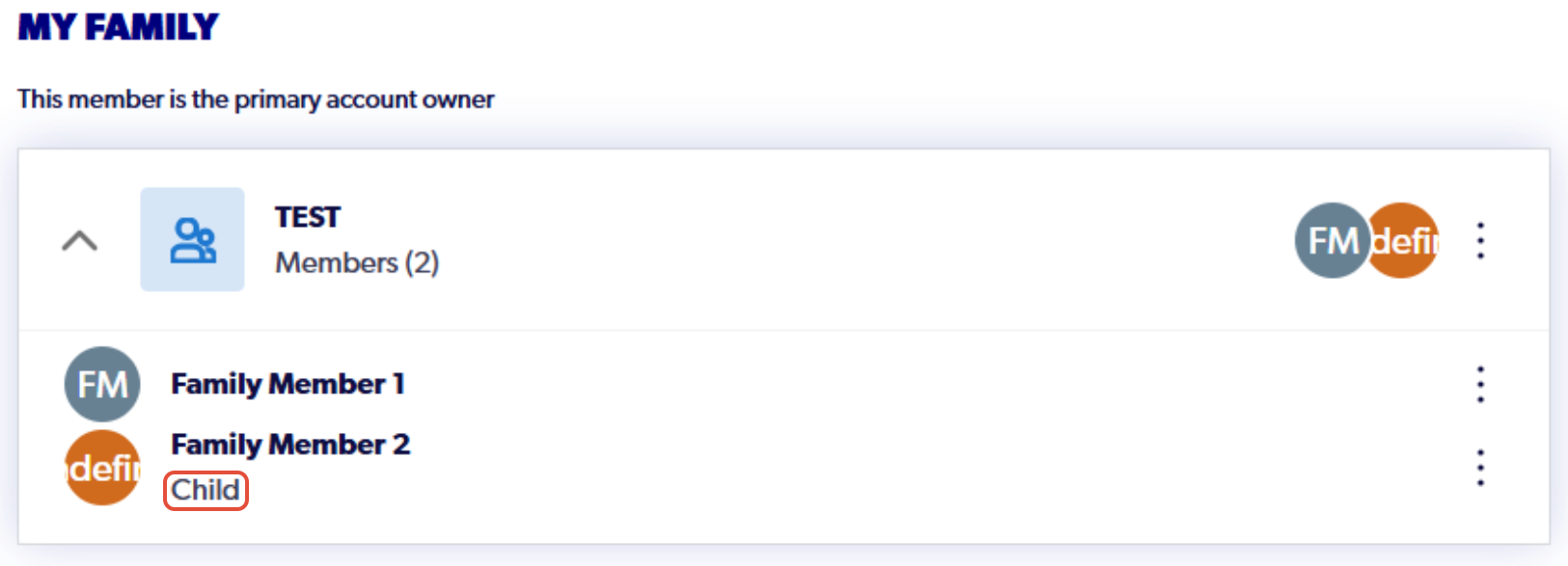
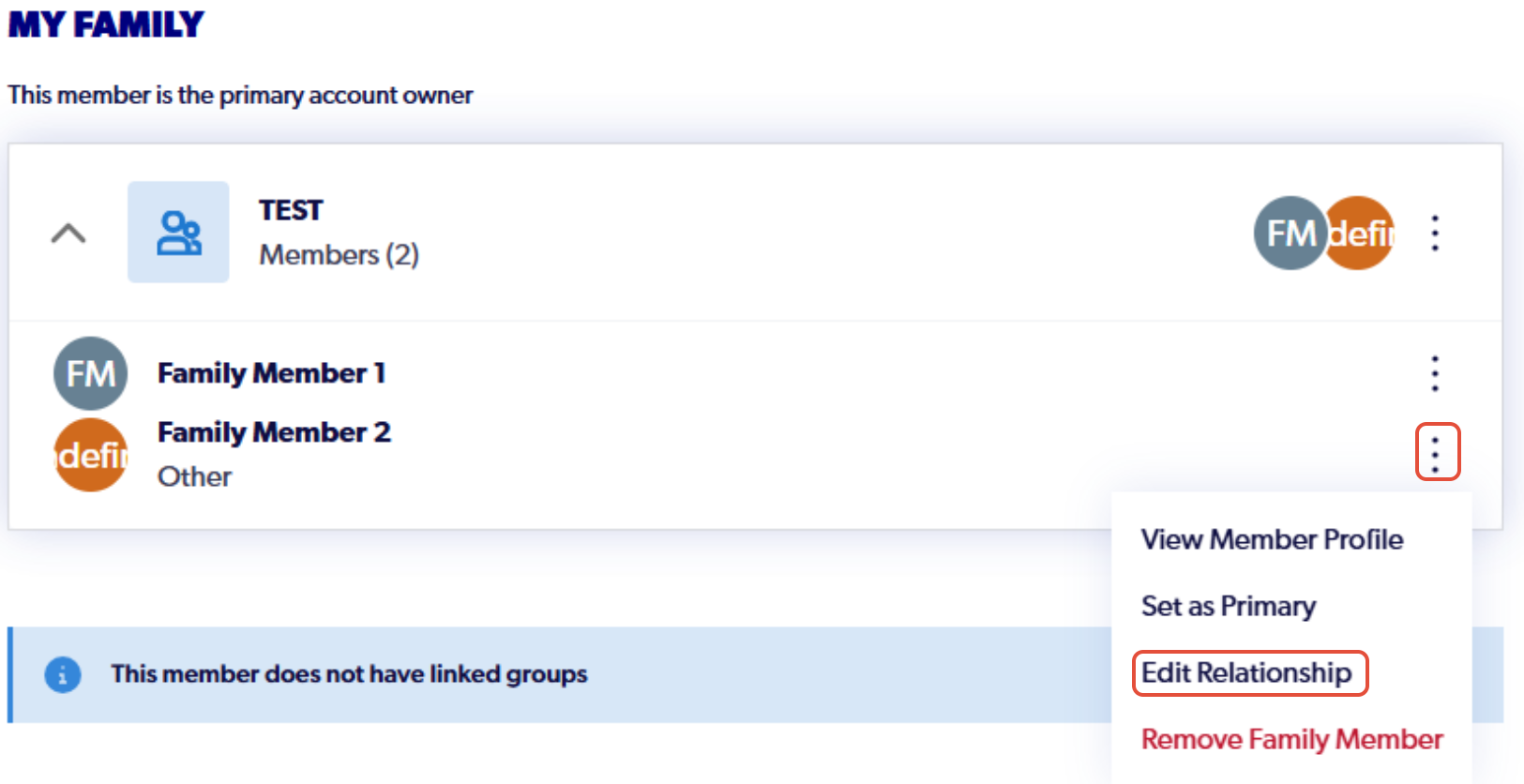
3. Select the drop-down arrow to display all linked participants

4.Select the three dots next to the family members name and click 'Edit Relation'
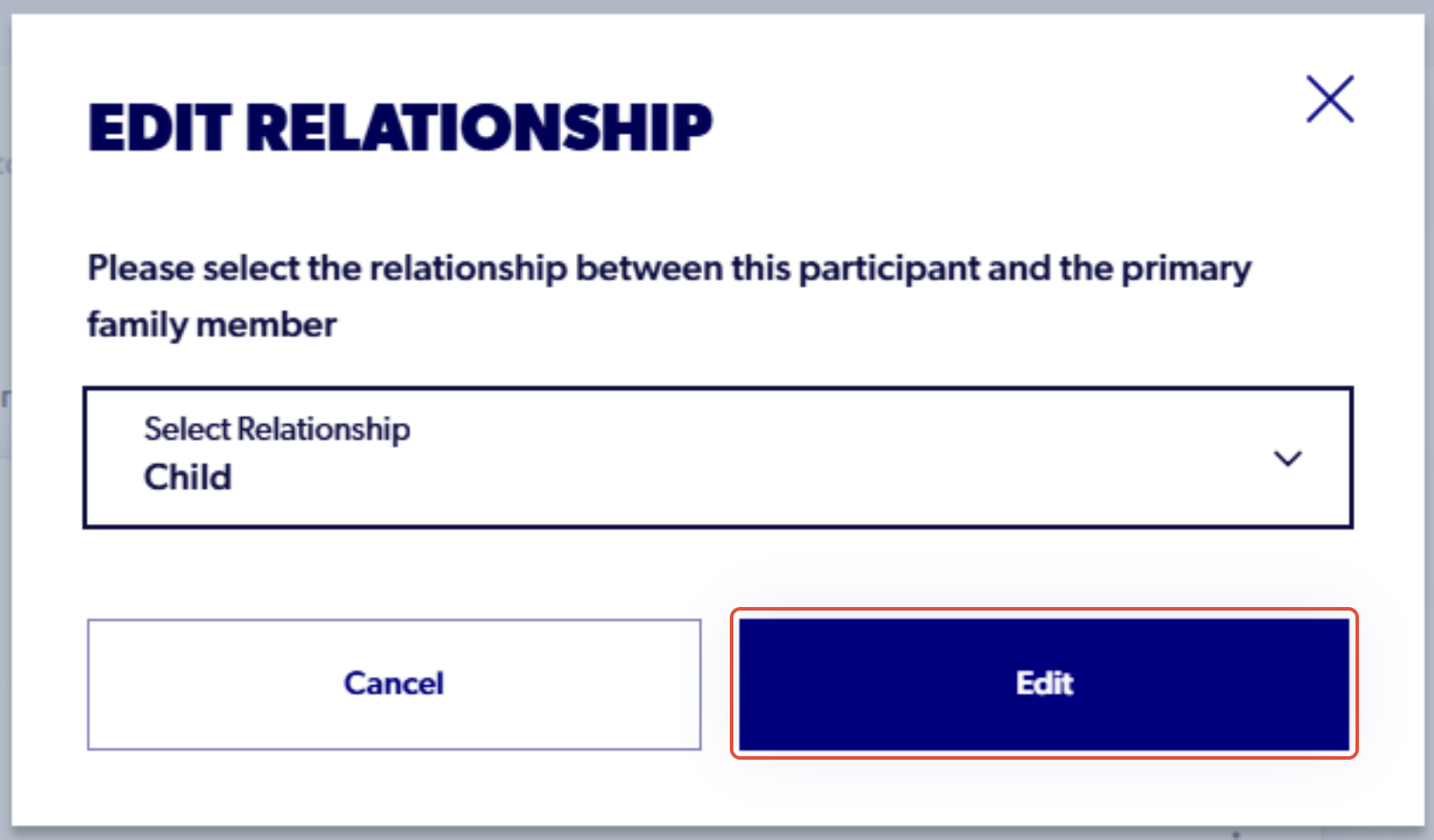
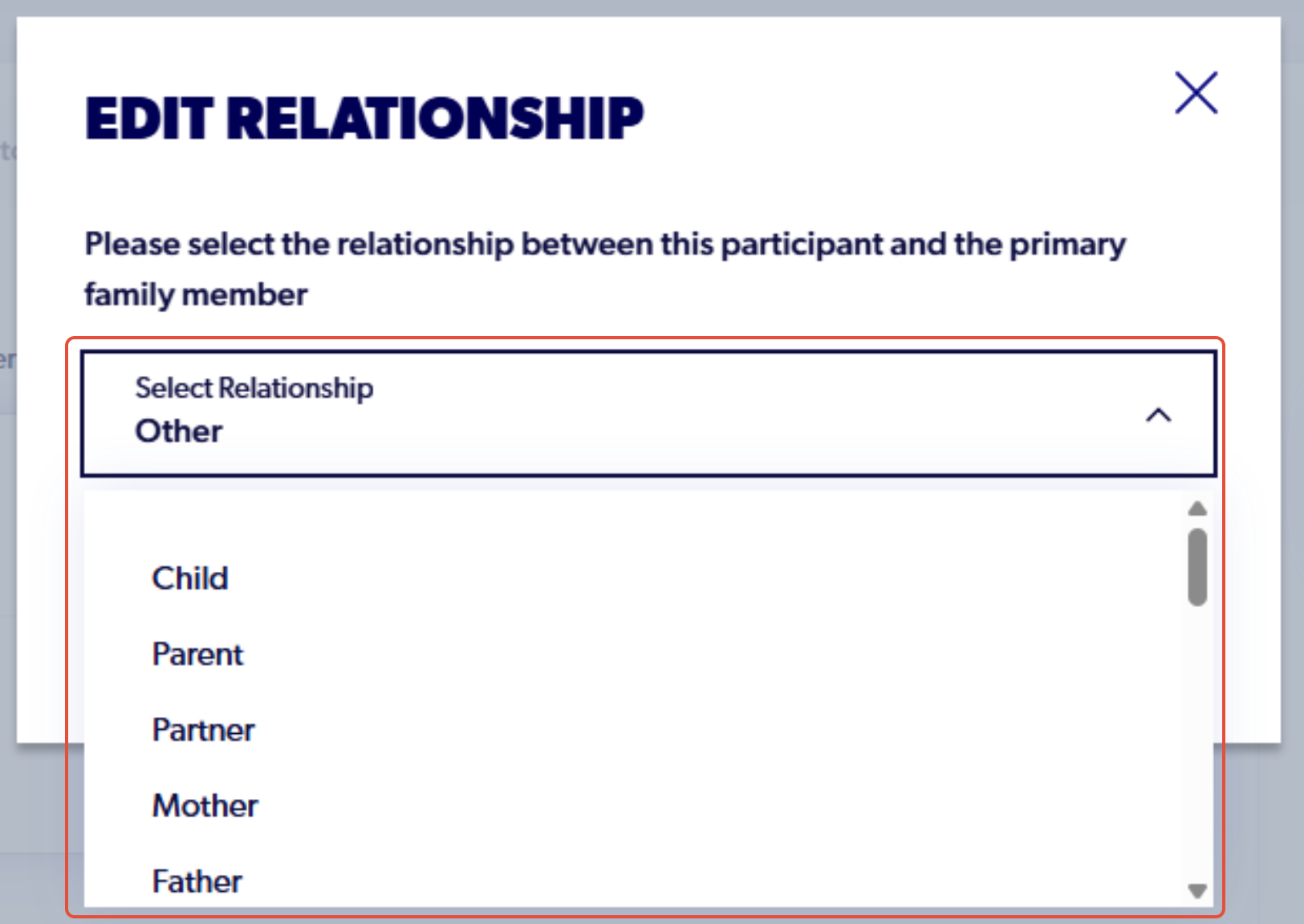
5. Click the drop-down menu and select the desired relationship between the participants
6. Click 'edit' and the relationship will then change in the Family Management section of the participant's account