1. Go to playfootball.com.au. Sign into your Football Network account
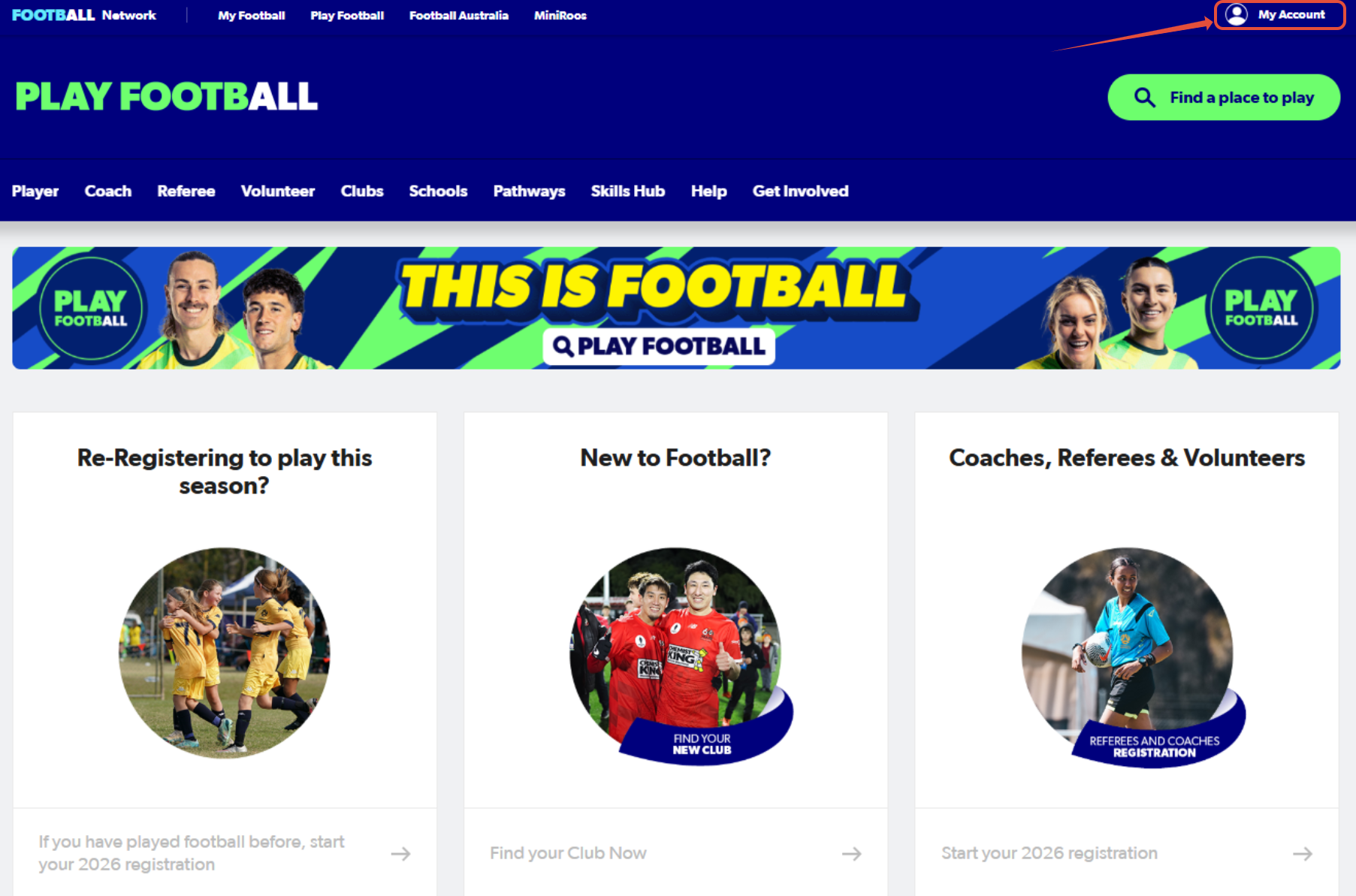
Once you sign in, your name will appear in the top-right hand corner. Please hover over your name and select, 'My Account' again.
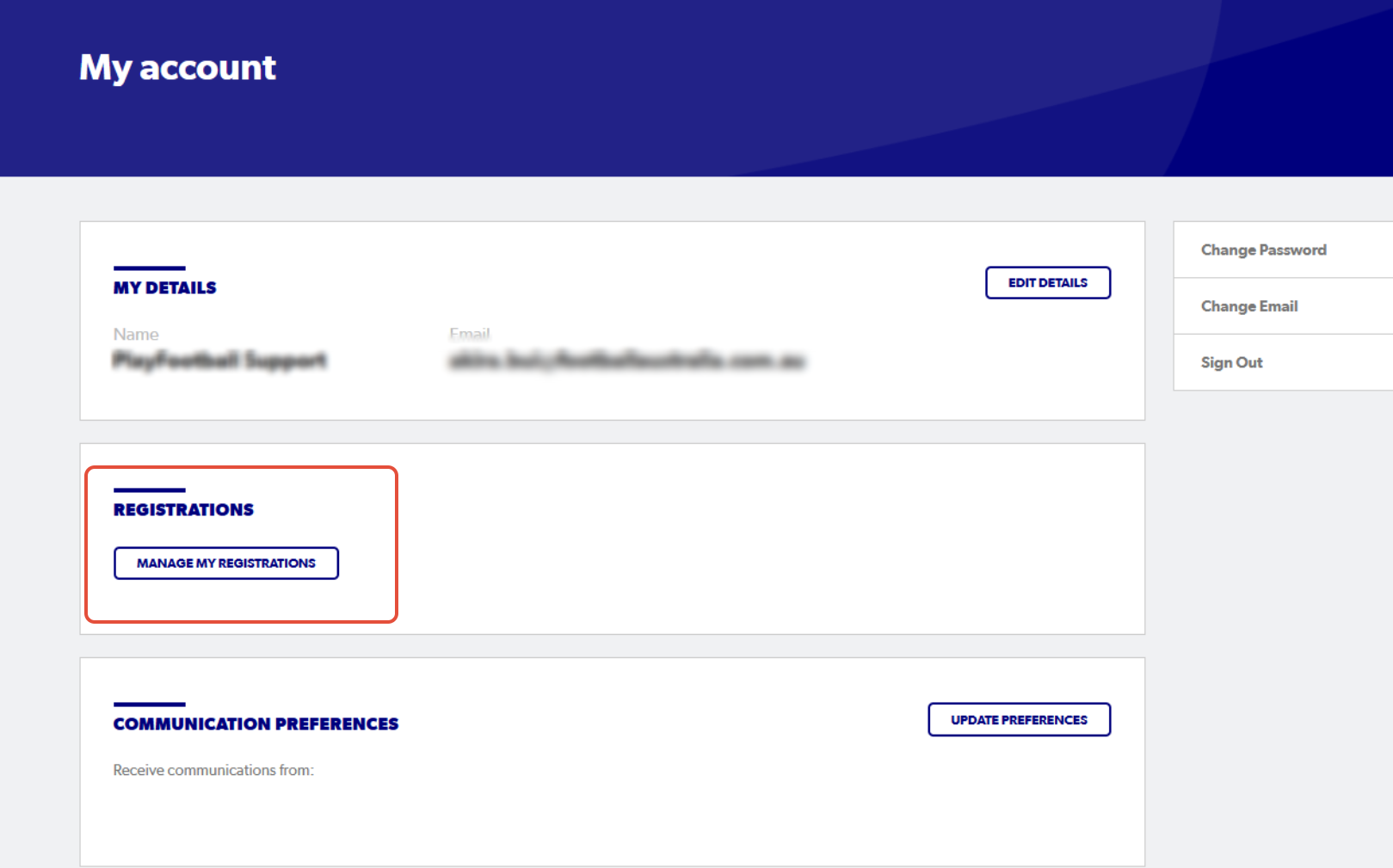
2. Select 'Manage My Registrations'
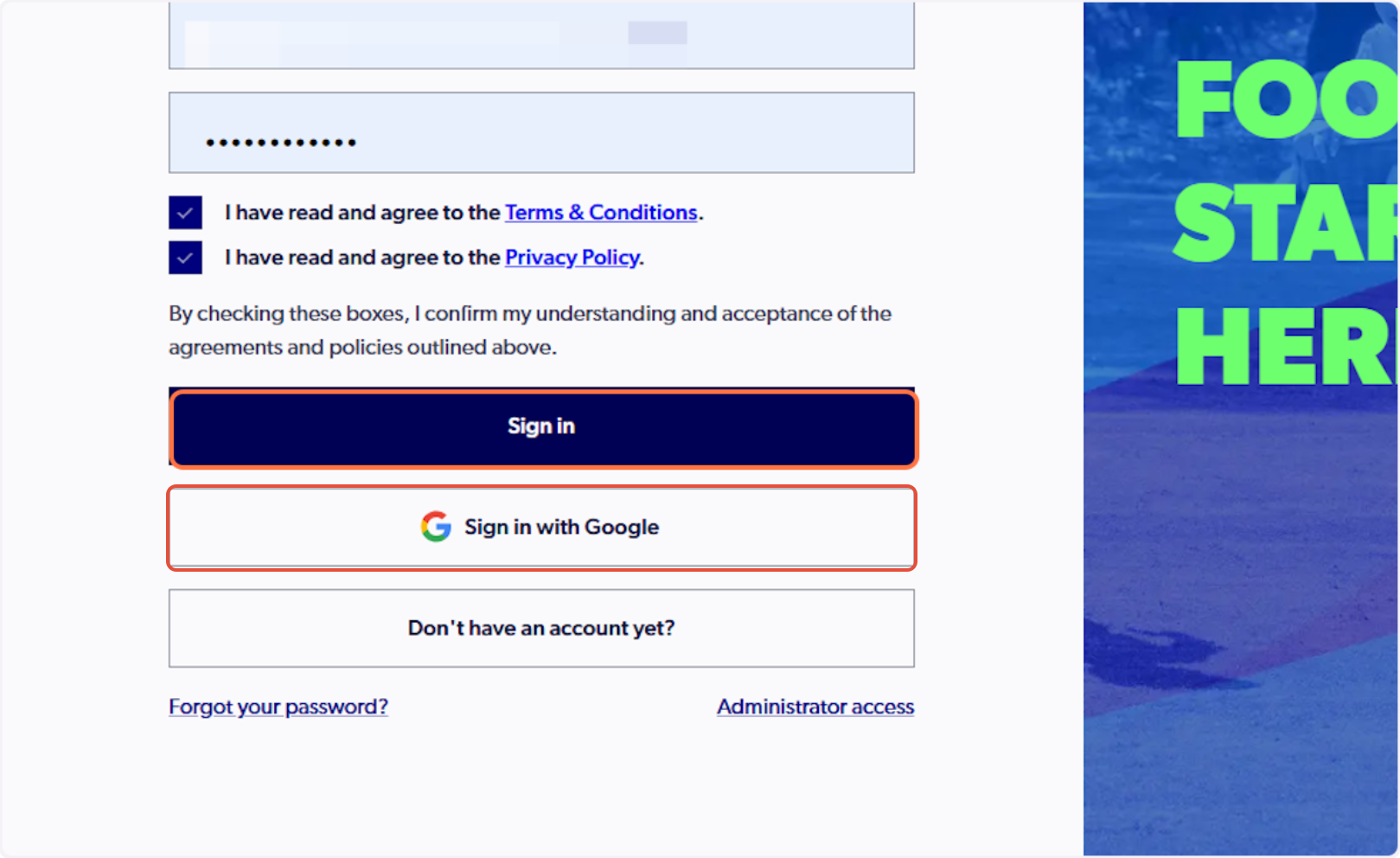
3. Sign in to PlayFootball
Please note: if you have created your account using Google, you must select 'Sign in with Google'
4. Select 'Family Management'
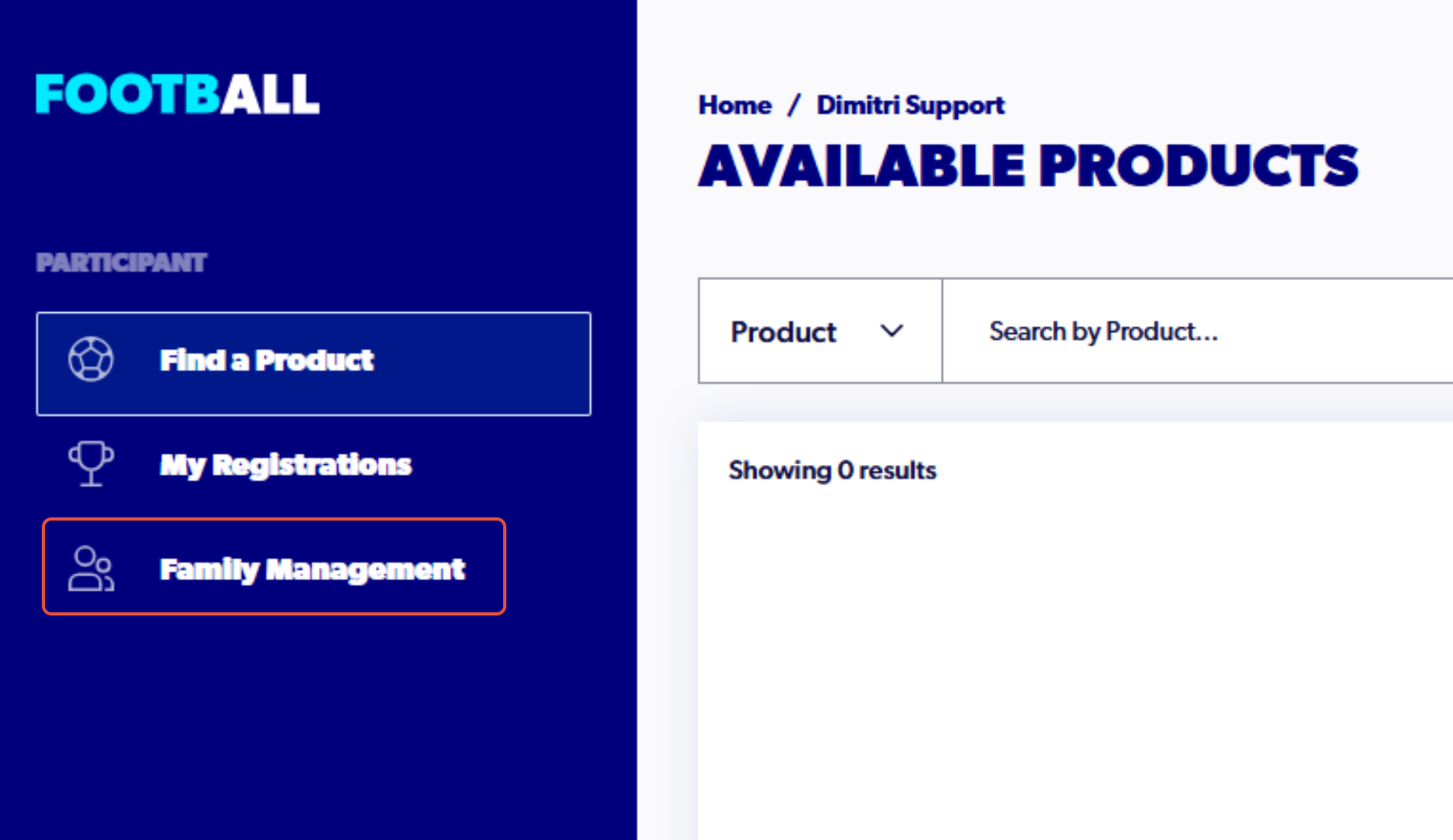
If 'Family Management' is not appearing, you may need to claim or create a participant record. To do so, please refer to the support articles below:
- Claiming an existing participant record
- Creating a participant record
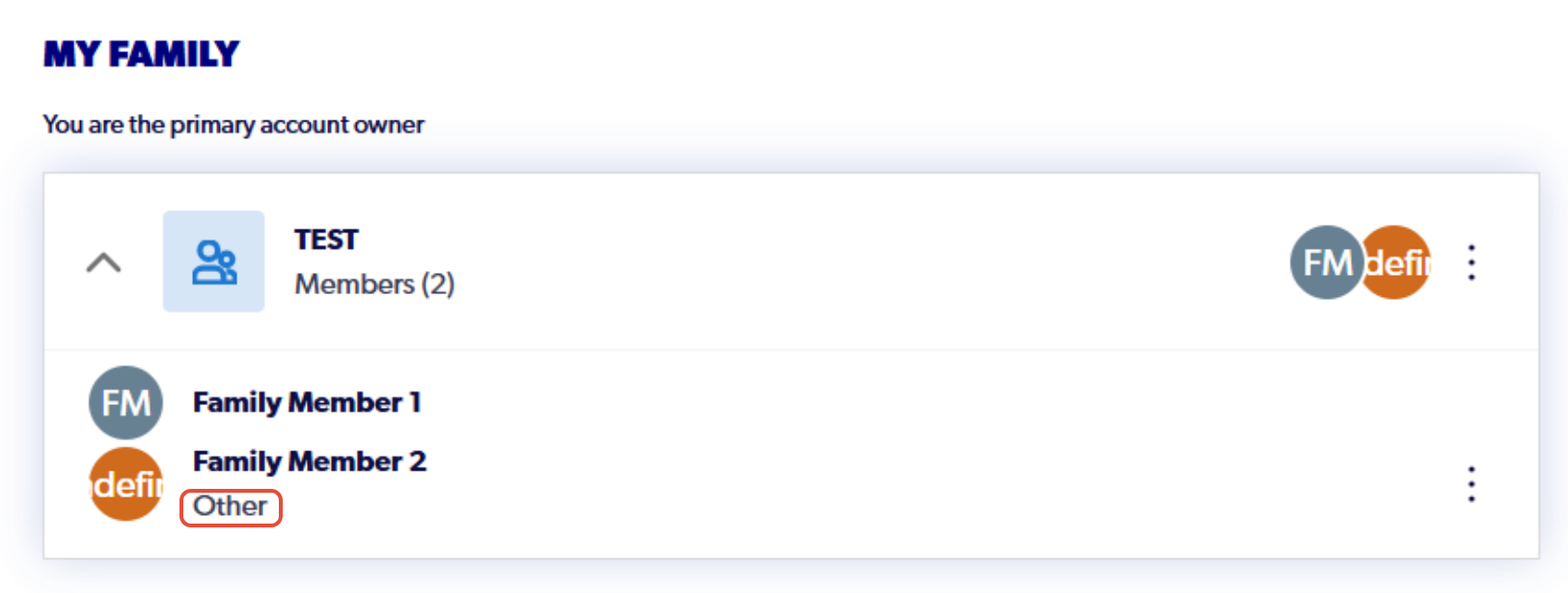
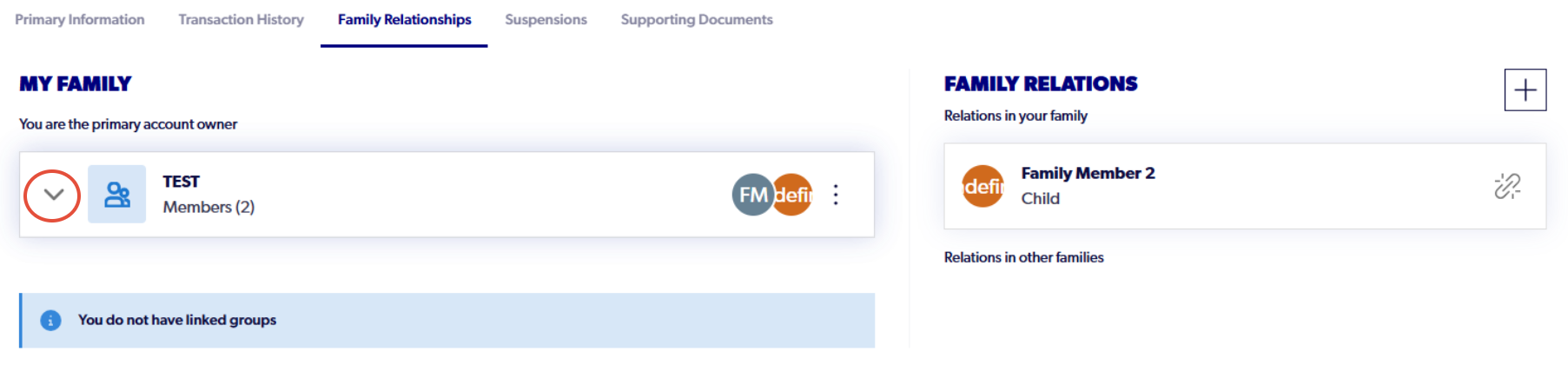
5. Click the drop-down arrow to display all the members linked to your Family
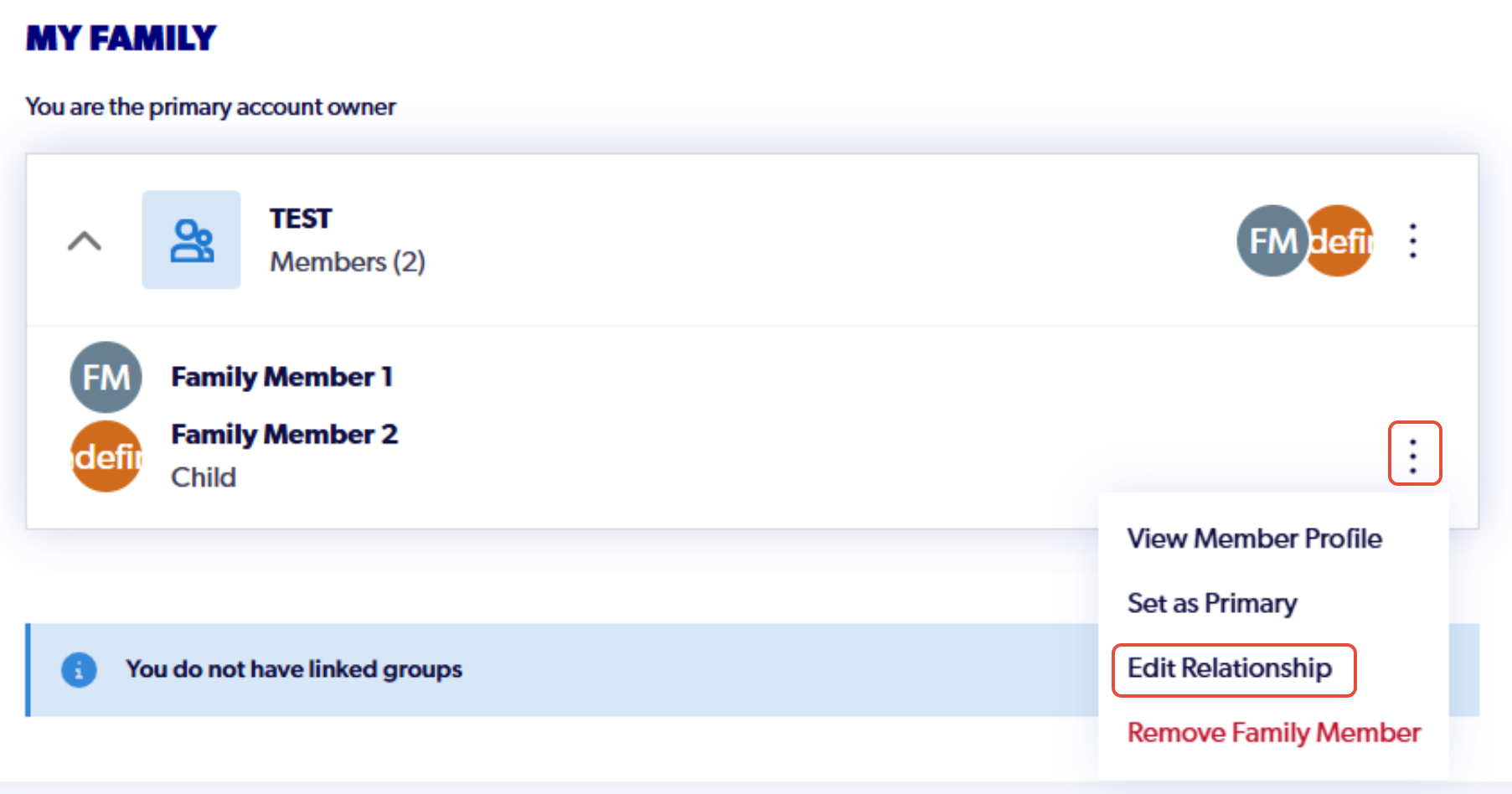
6. Select the three dots next to the family members name and click 'Edit Relationship'
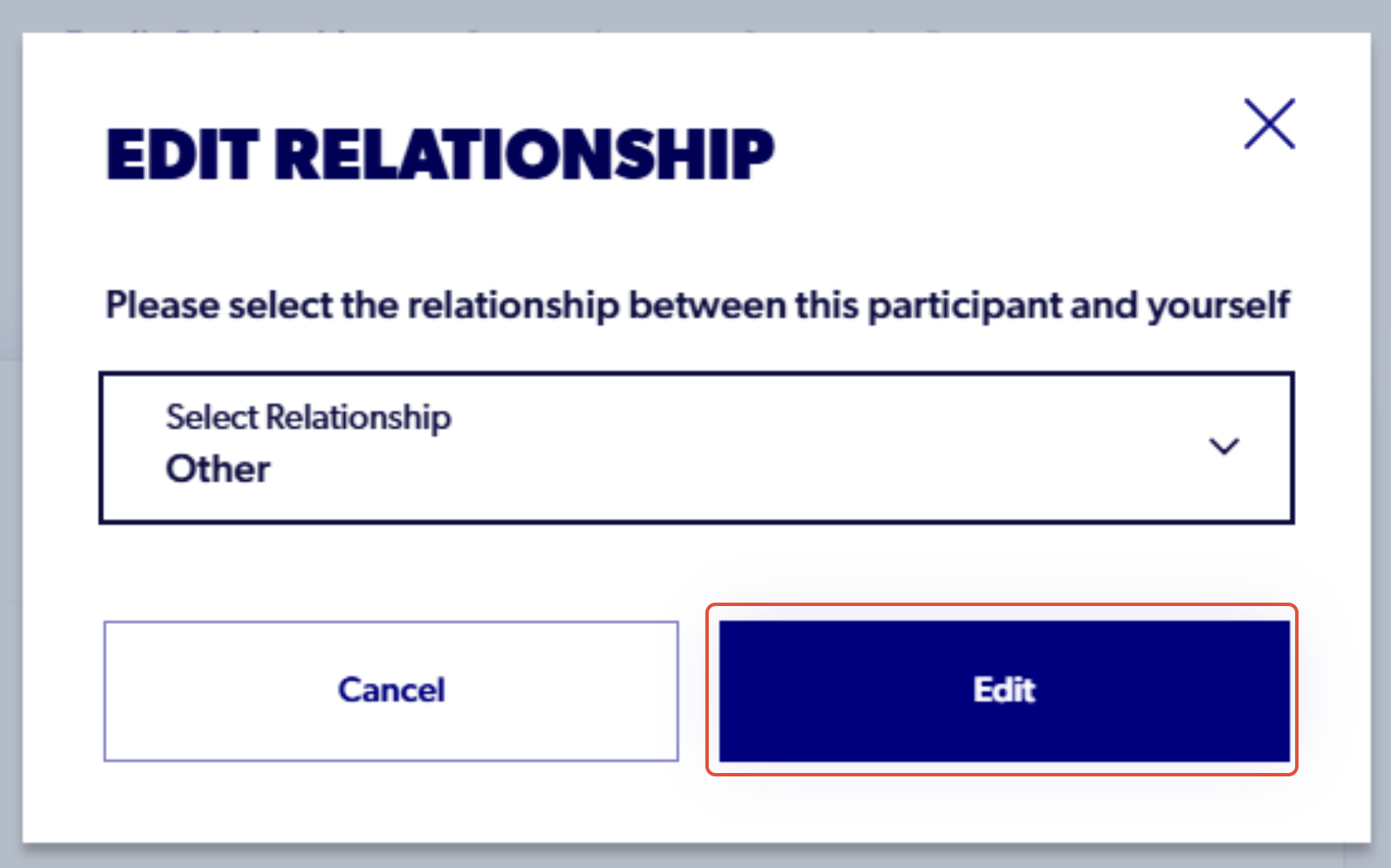
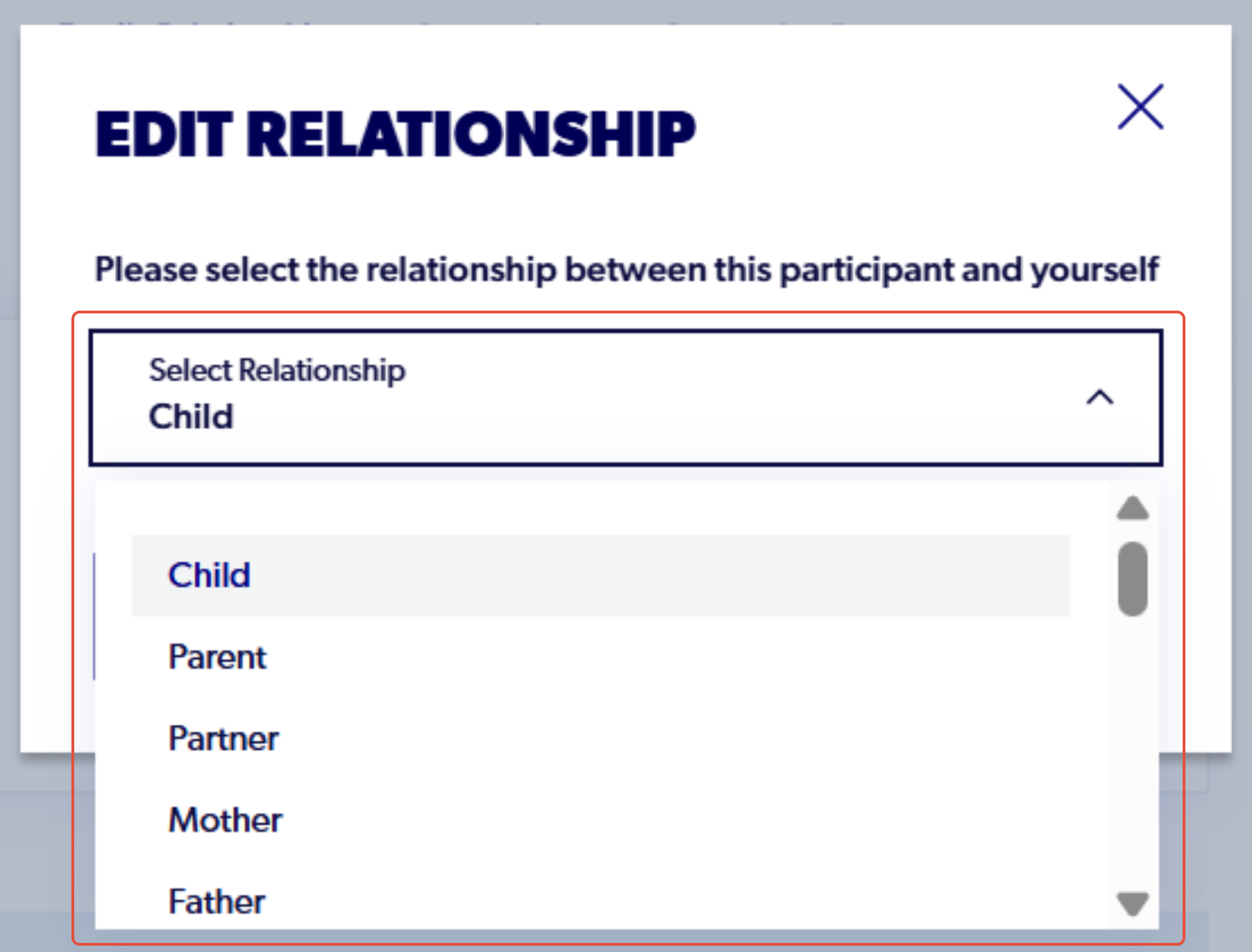
7. Click the drop-down menu and select the desired relationship between the participant and yourself
8. Click 'edit' and the relationship will then change in the Family Management section of your account