Please note this feature is only available to regulatory admins (National, State & Associations)
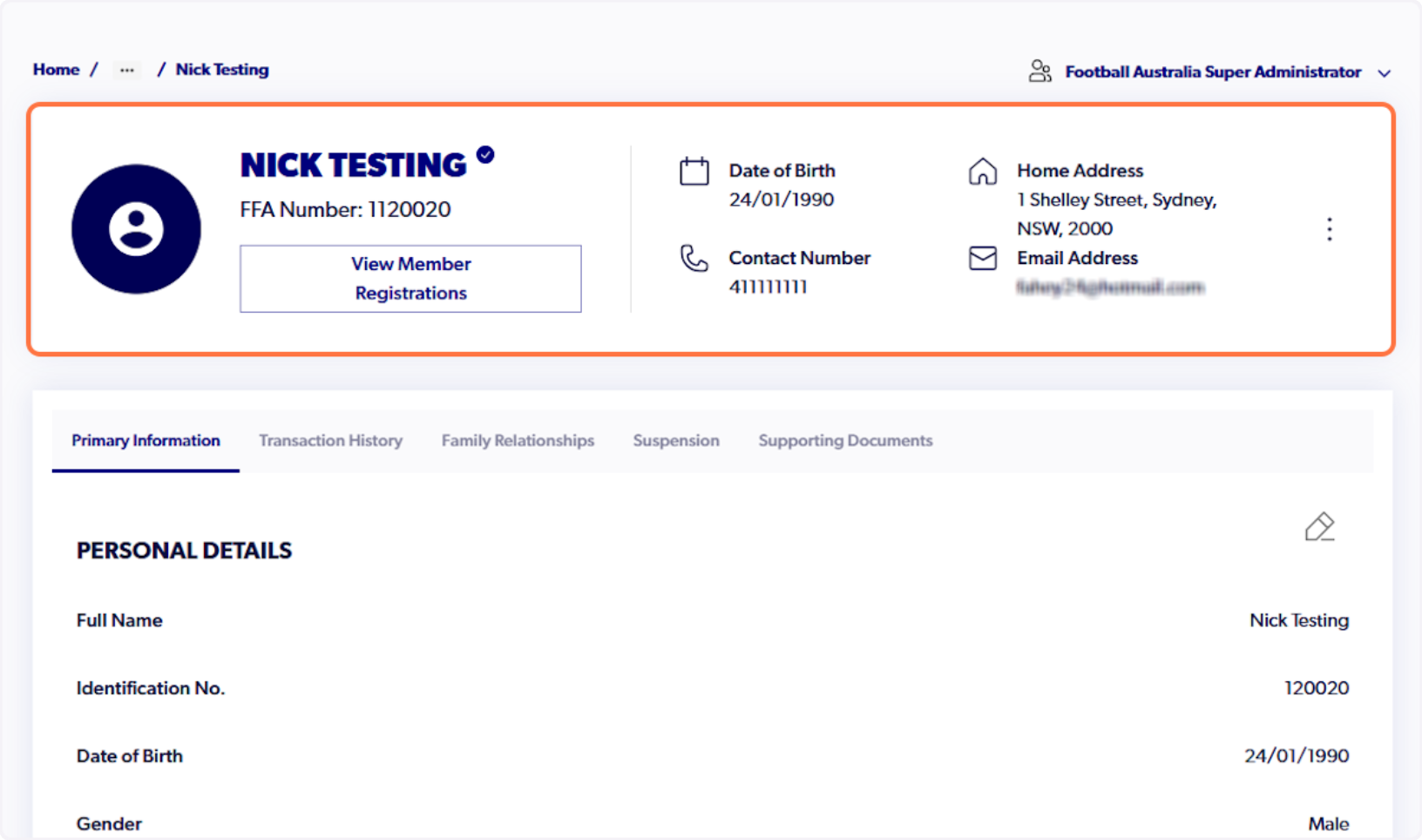
1. Navigate to participant profile
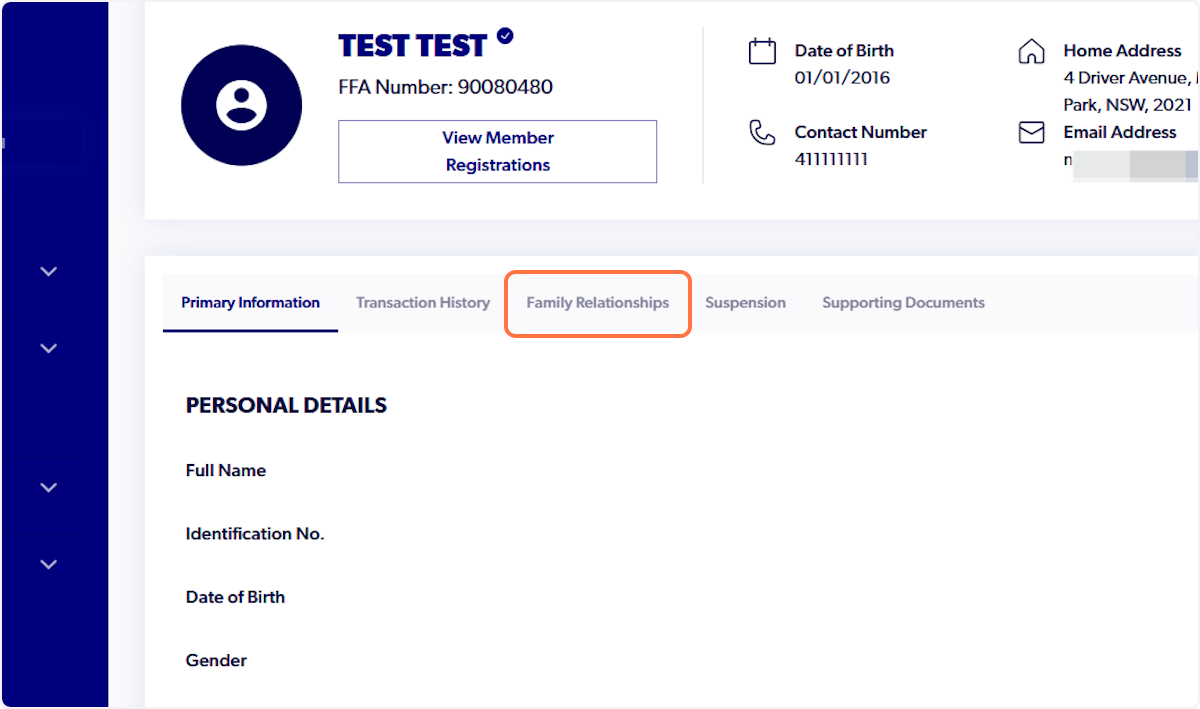
2. Click on Family Relationships
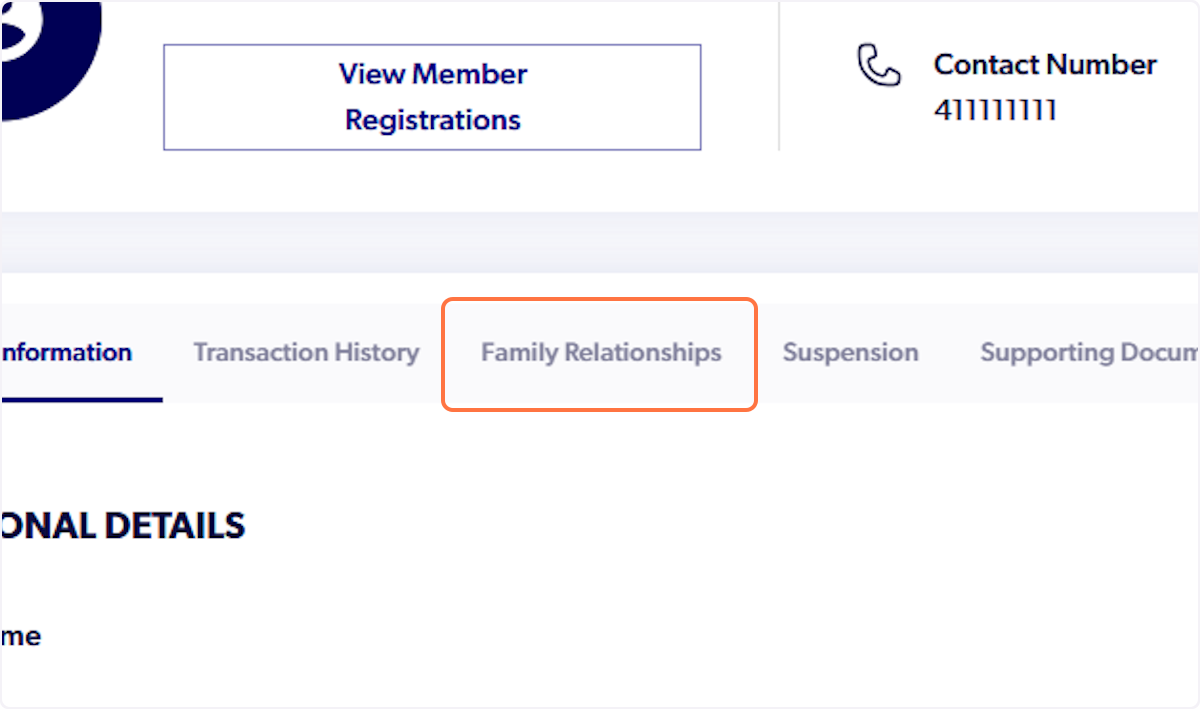
3. Click on Family Relationships
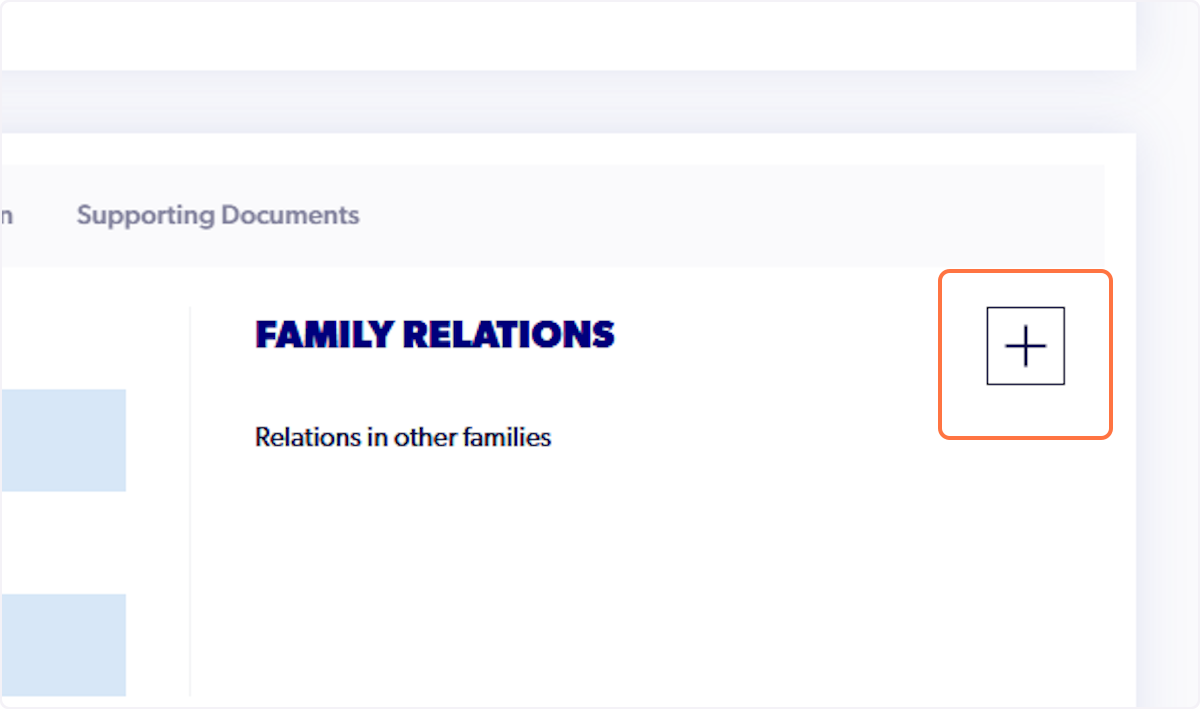
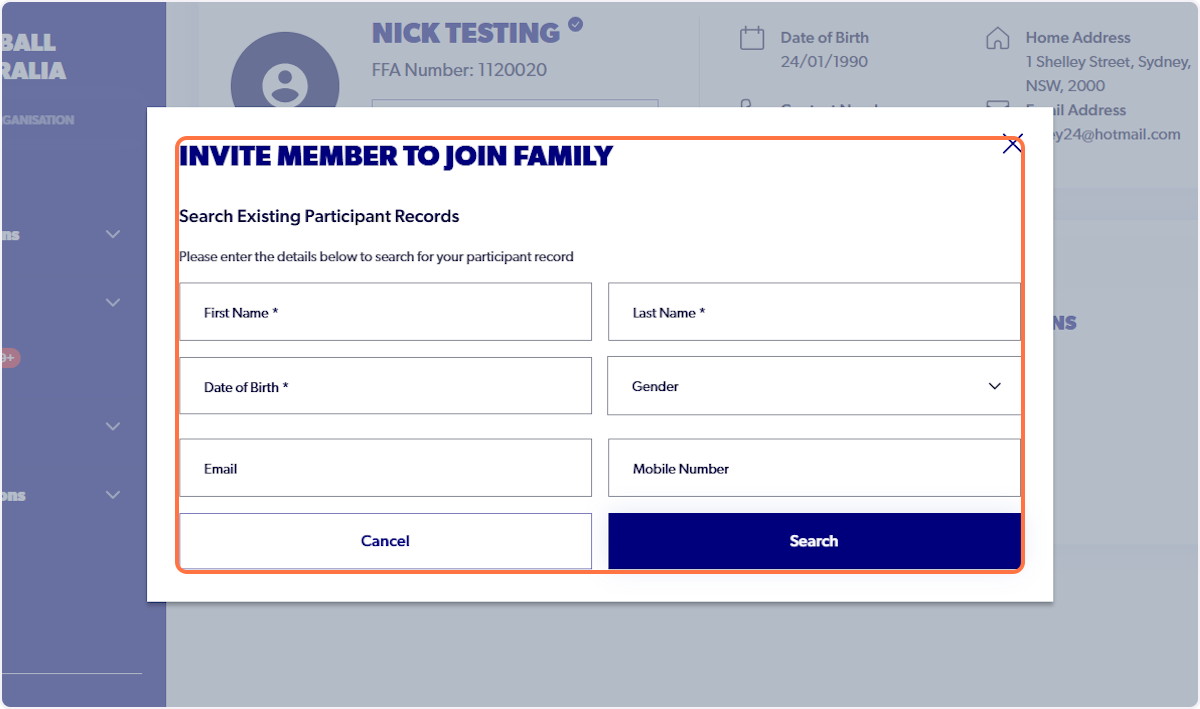
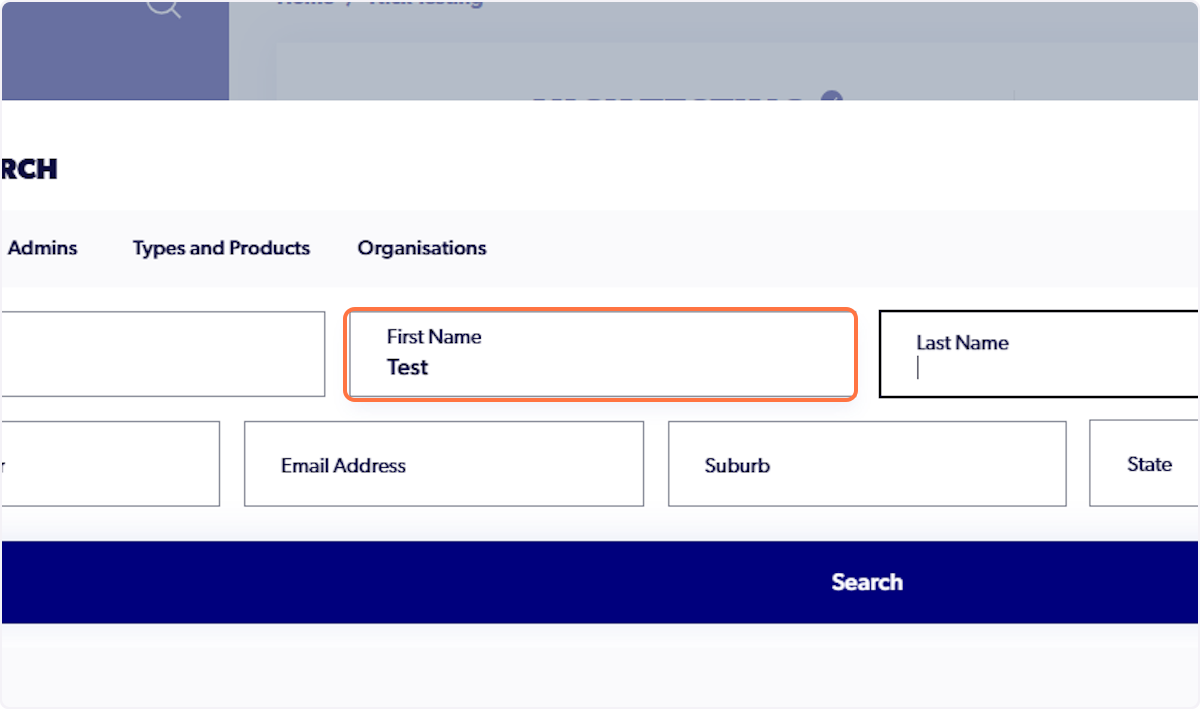
4. Input First Name, Last Name & Date of Birth of participant
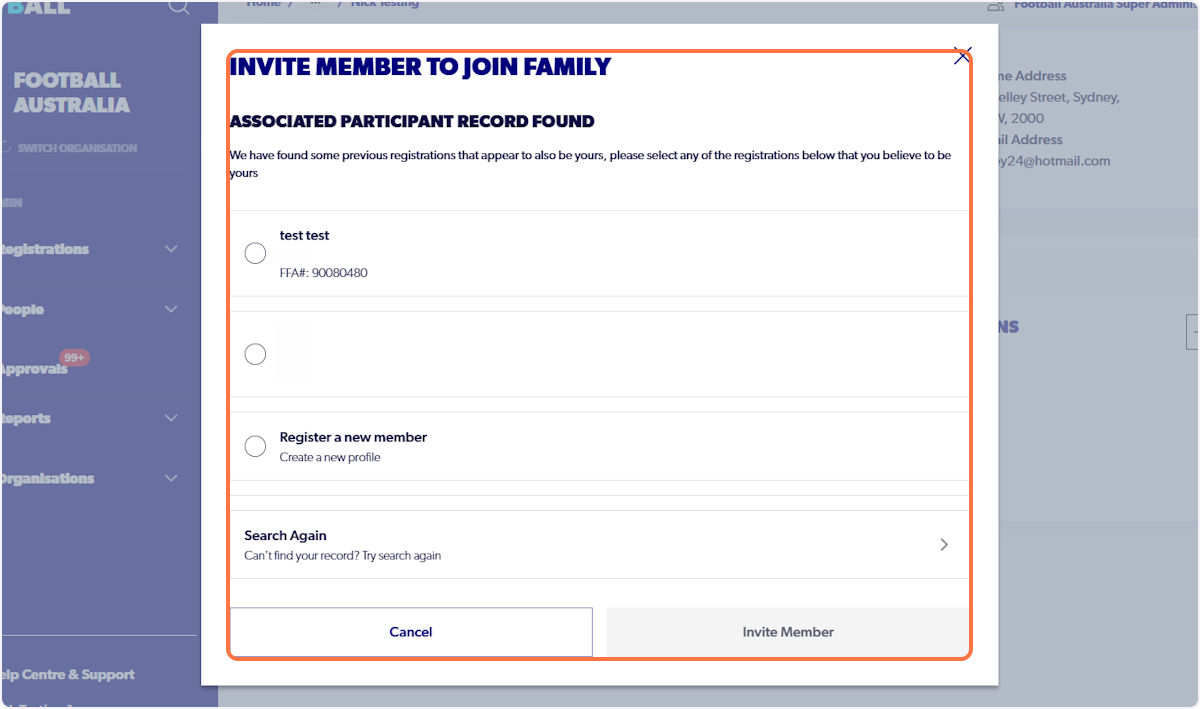
5. Select Participant to invite to family
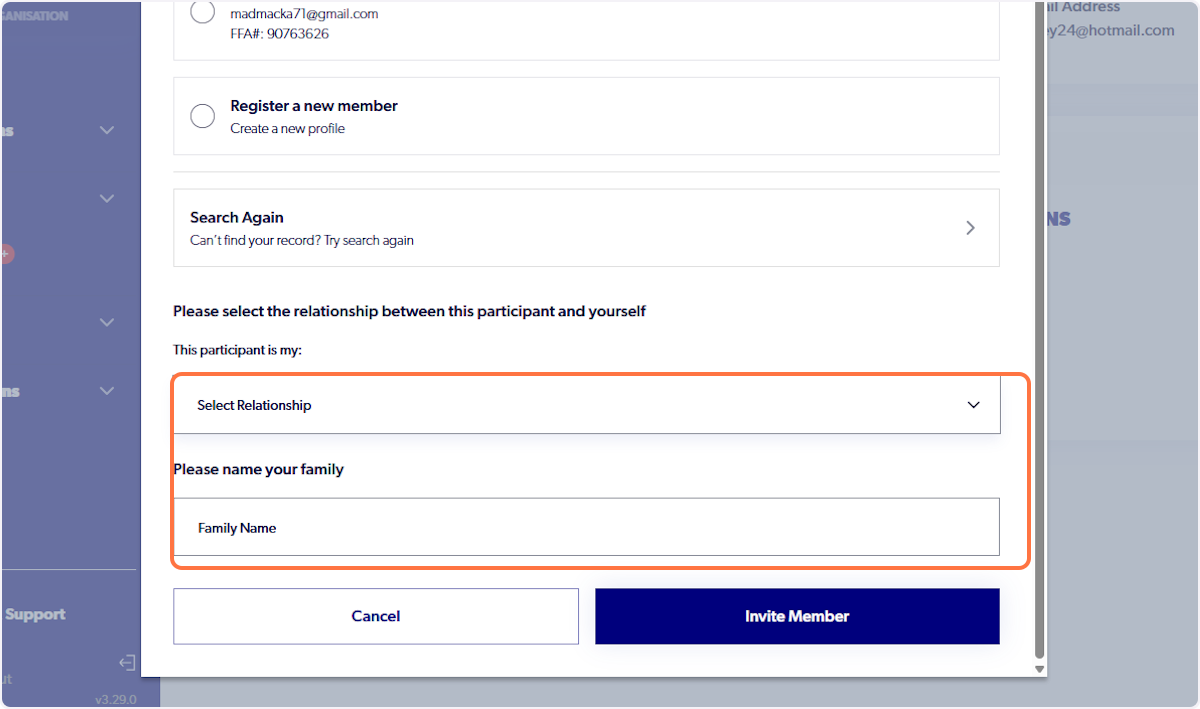
6. Select relevant relationship and input name for family
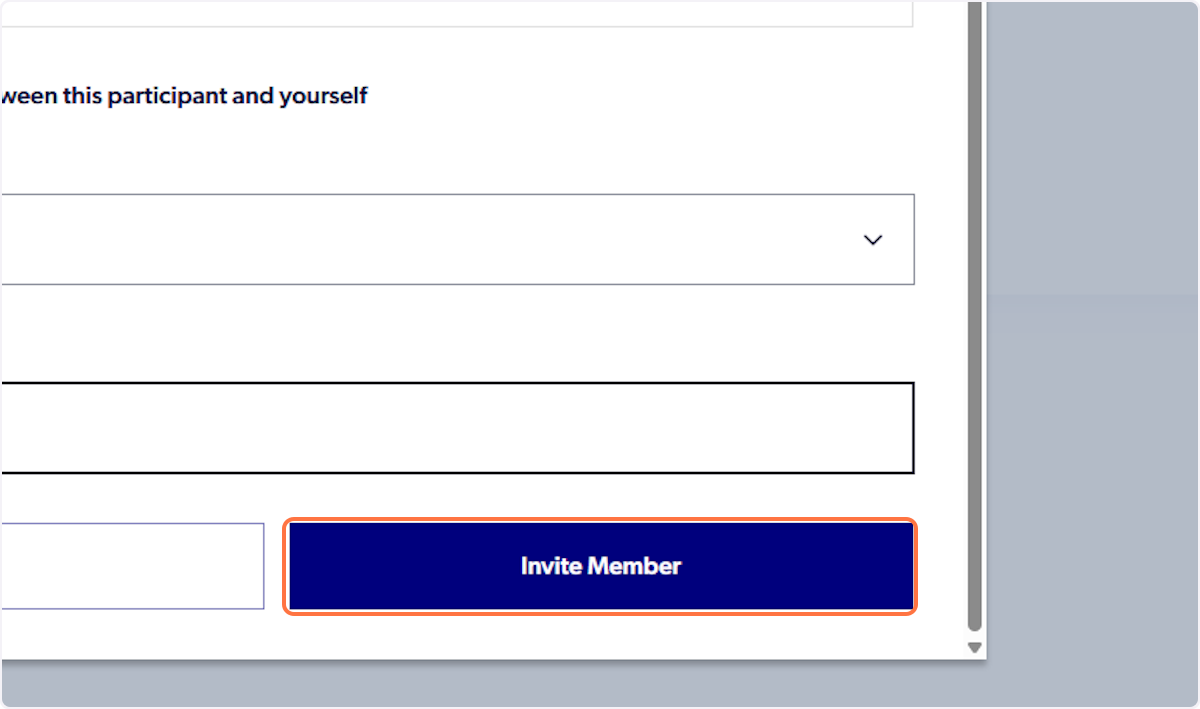
7. Click on Invite Member
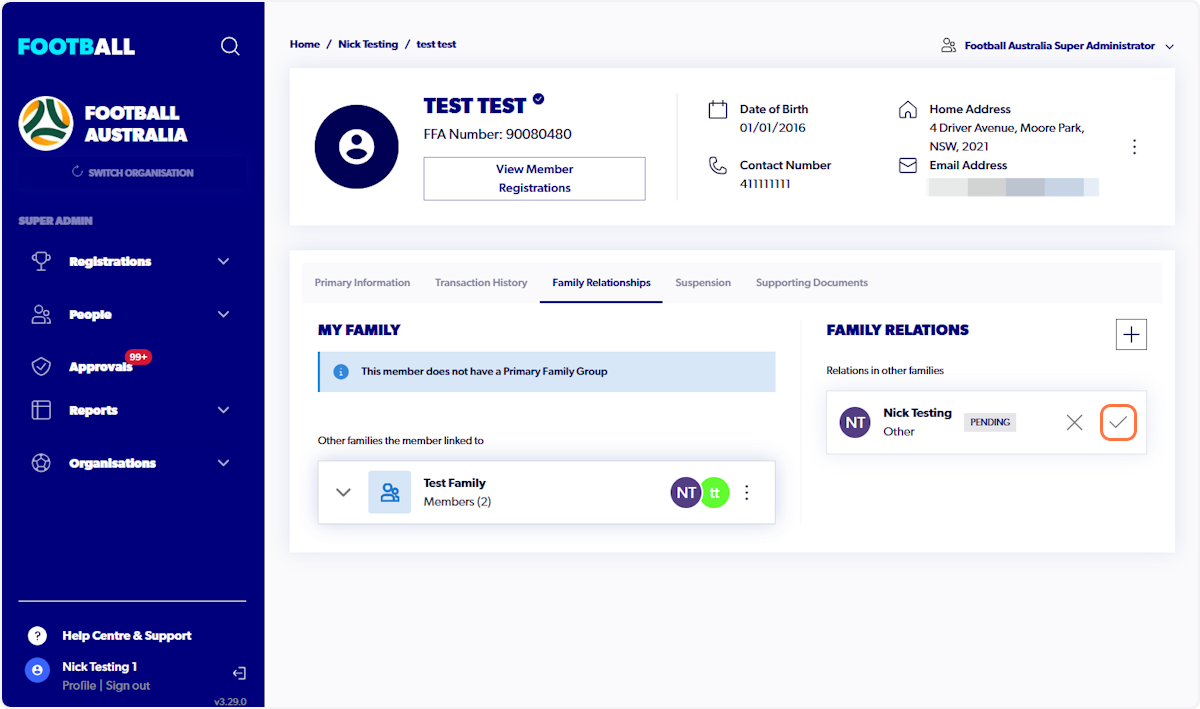
8. Participant will be listed as pending
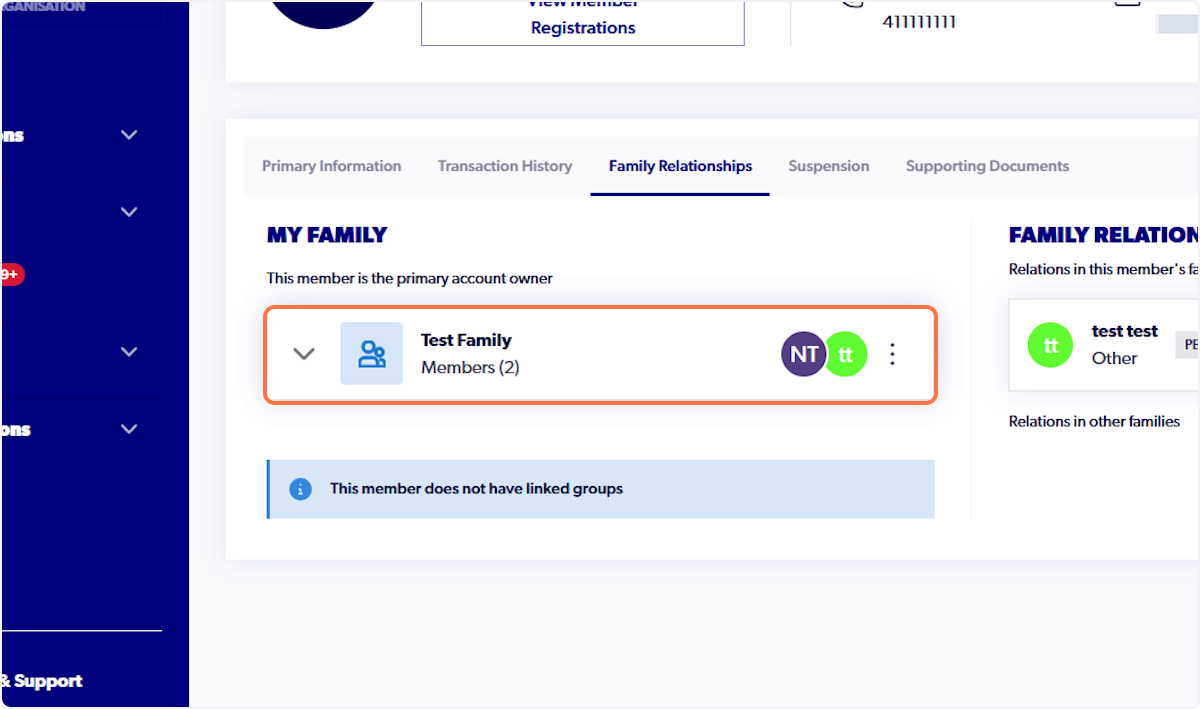
9. Navigate to global search and search pending participant
10. Click on Family Relationships
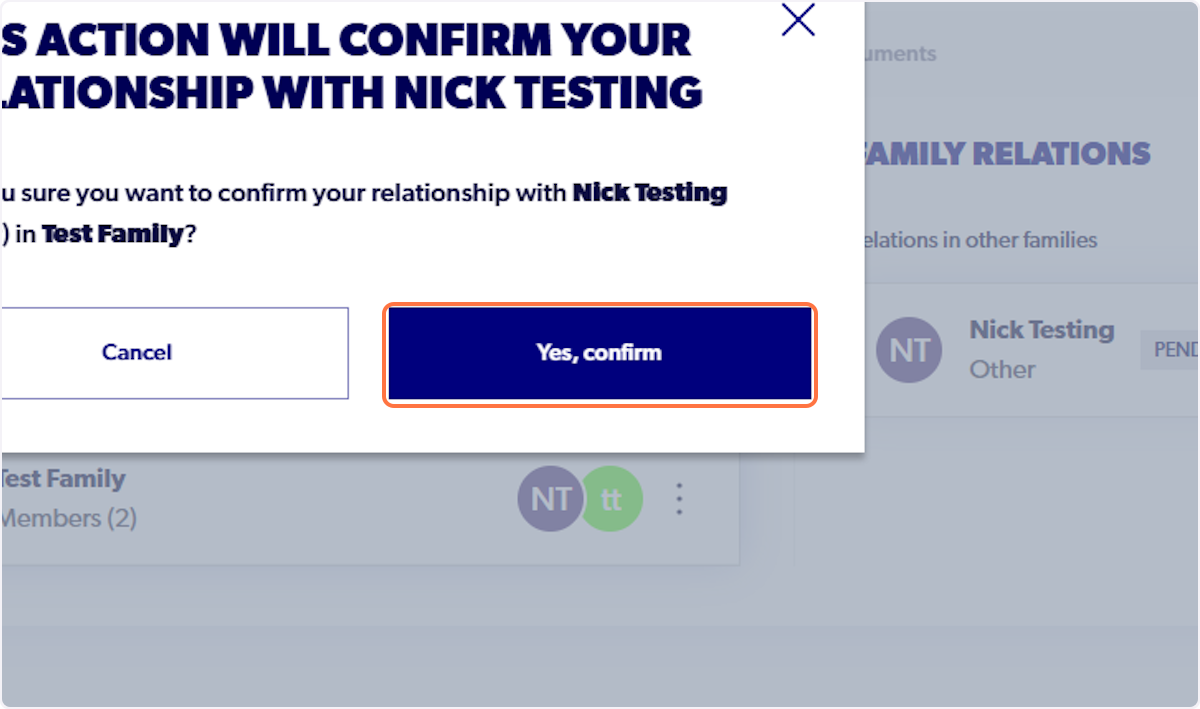
11. Approve pending relationship
12. Click on Yes, to confirm
Participant will now be linked to family