If you have received a "Action Required : Participant Record Conflict" email after completing a coach/referee registration, it means that the email that was used in the registration already has a Football Account but it's linked a different participant record (could be a child, spouse, partner etc).
To access the Learning Centre and ensure the registration is linked correctly, the participant will need to update their account to link the right participant record.
⚠️ If you wish to keep the current profile linked as the primary account owner OR the email address is already linked to another Learning Centre account, you will need to cancel or de-register the current 'Coach' or 'Referee' registration and submit a new attempt with a different email address for the participant.
To link the correct record, please follow the steps below.
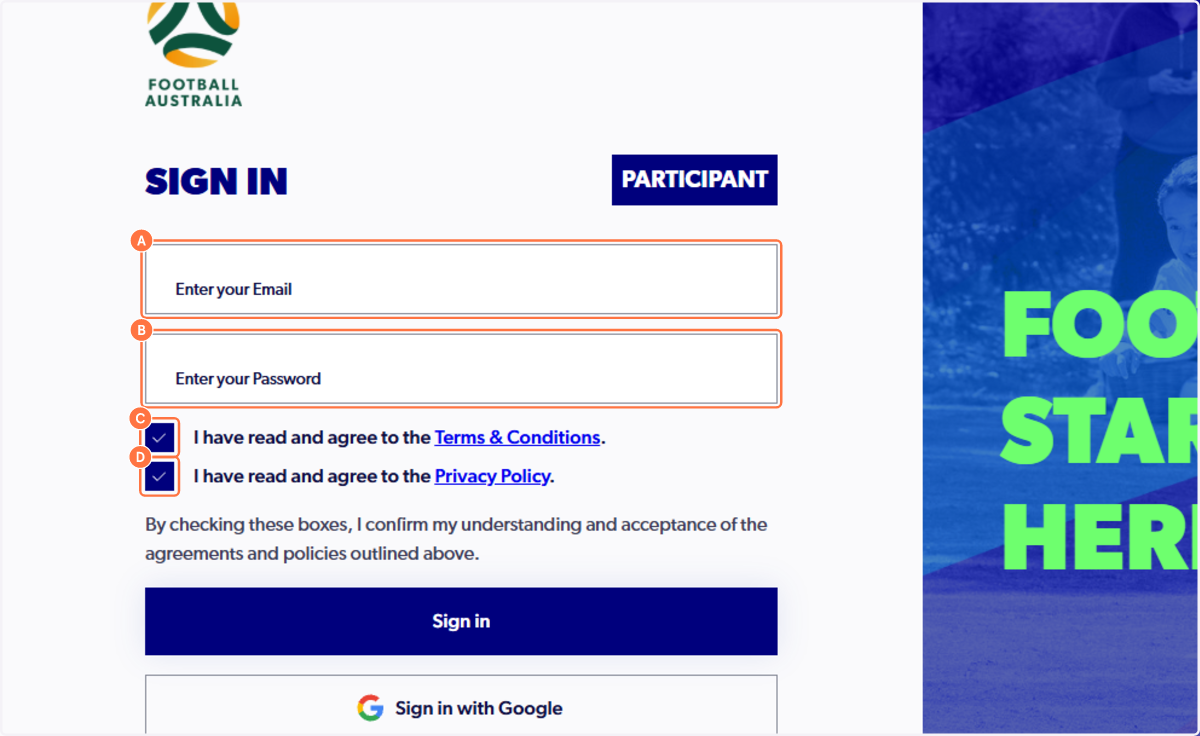
1. Sign in to your PlayFootball account
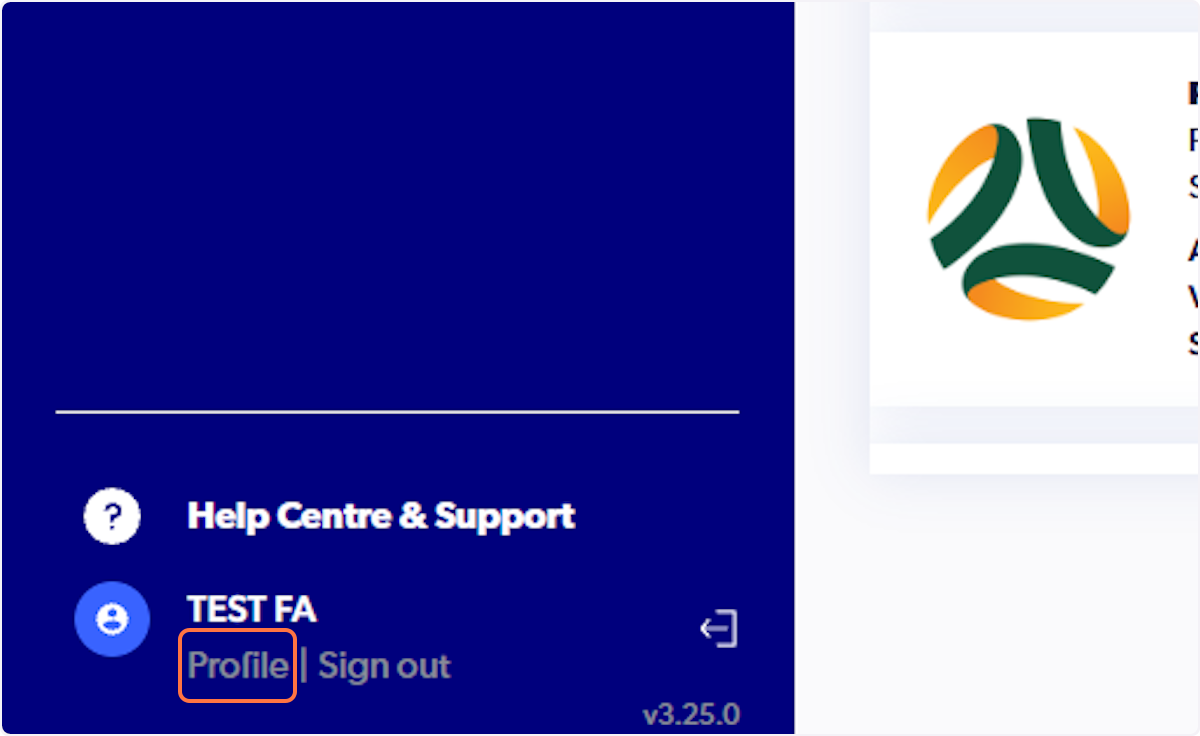
2. Click on the 'Profile' button
This is located in the bottom left-hand side (desktop) or from the side bar menu (mobile).
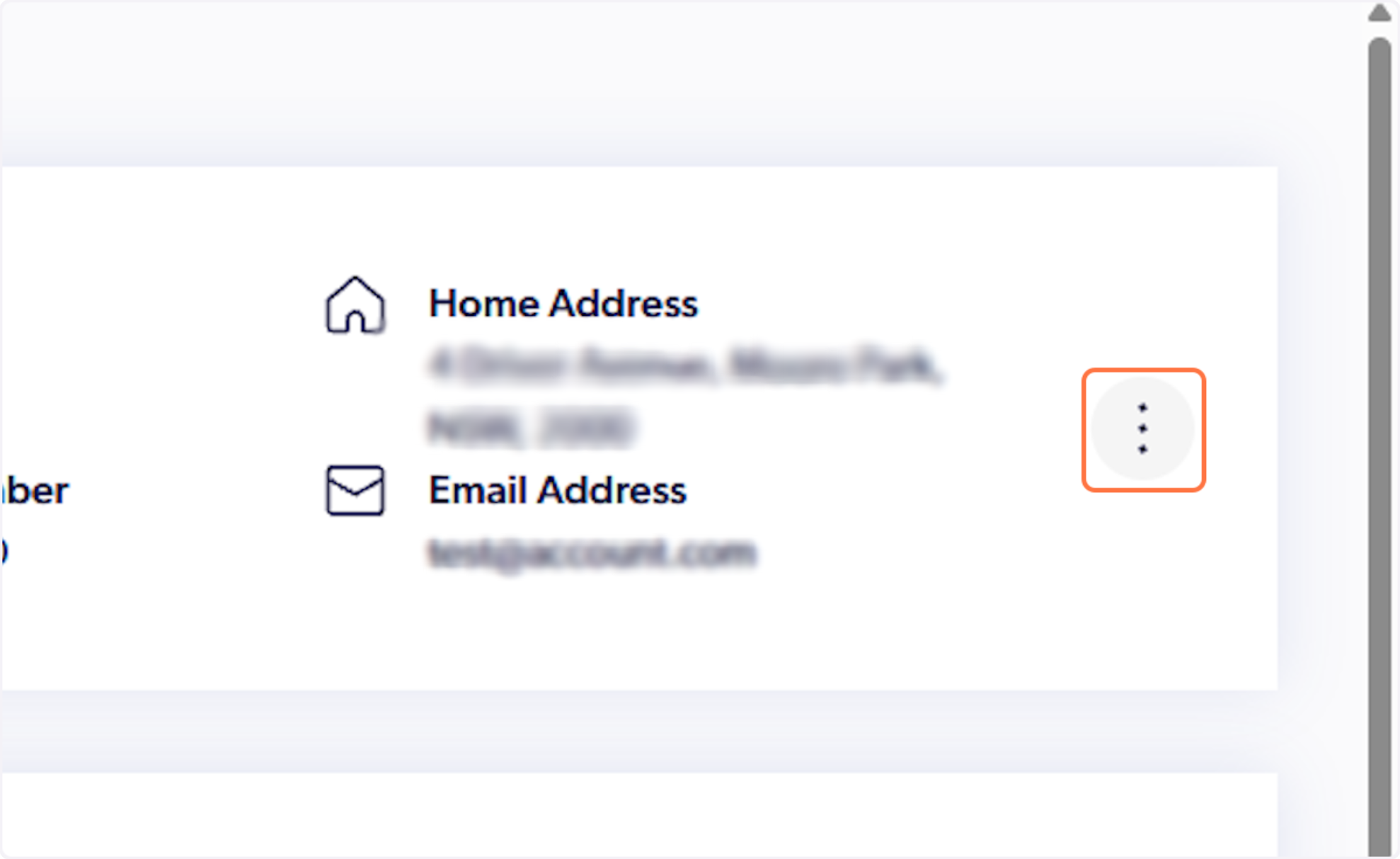
3. Click on the three dots text to the profile details
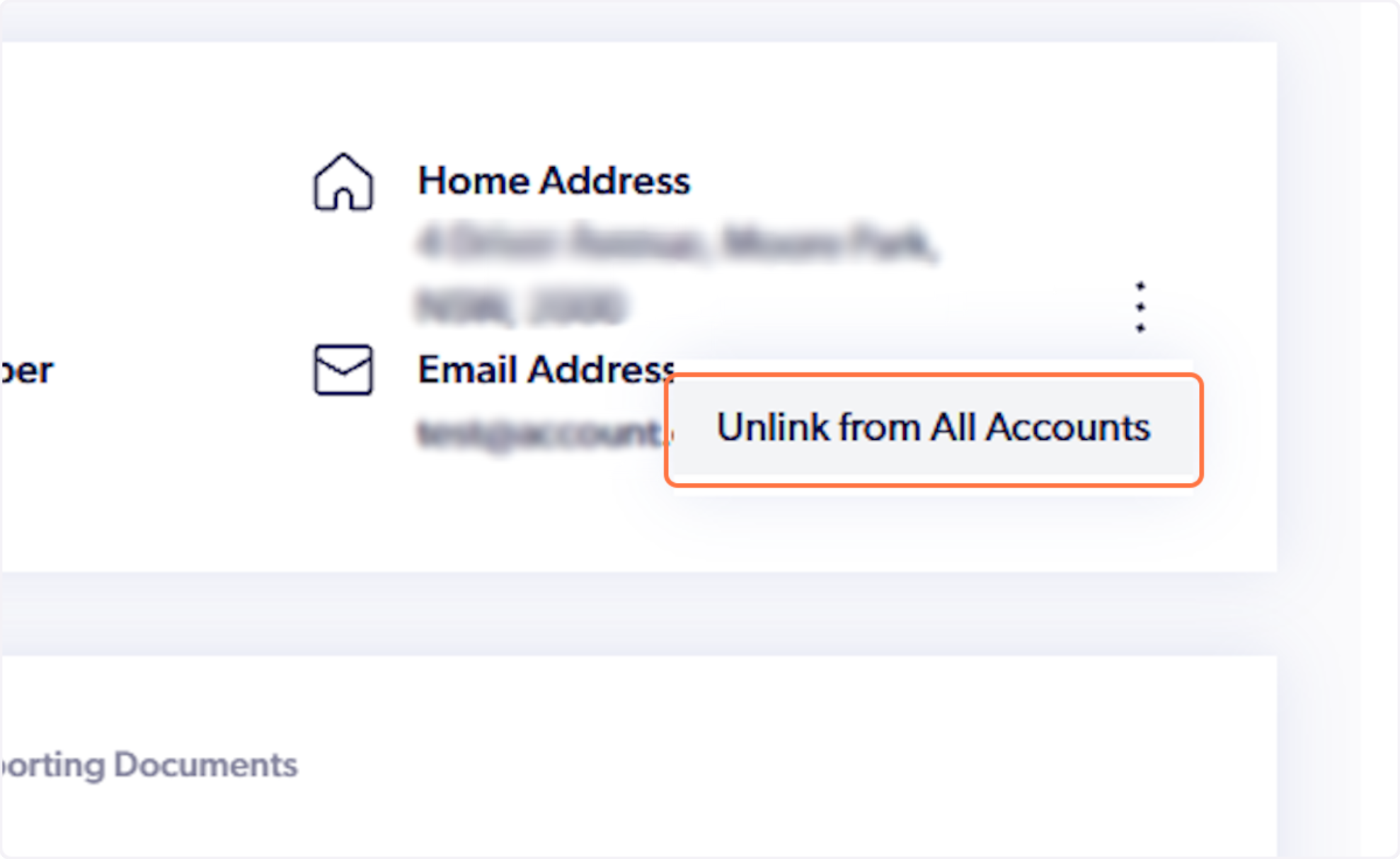
4. Click on 'Unlink from All Accounts'
Please note: No registration data or history is lost during this process.
5. Click on Yes
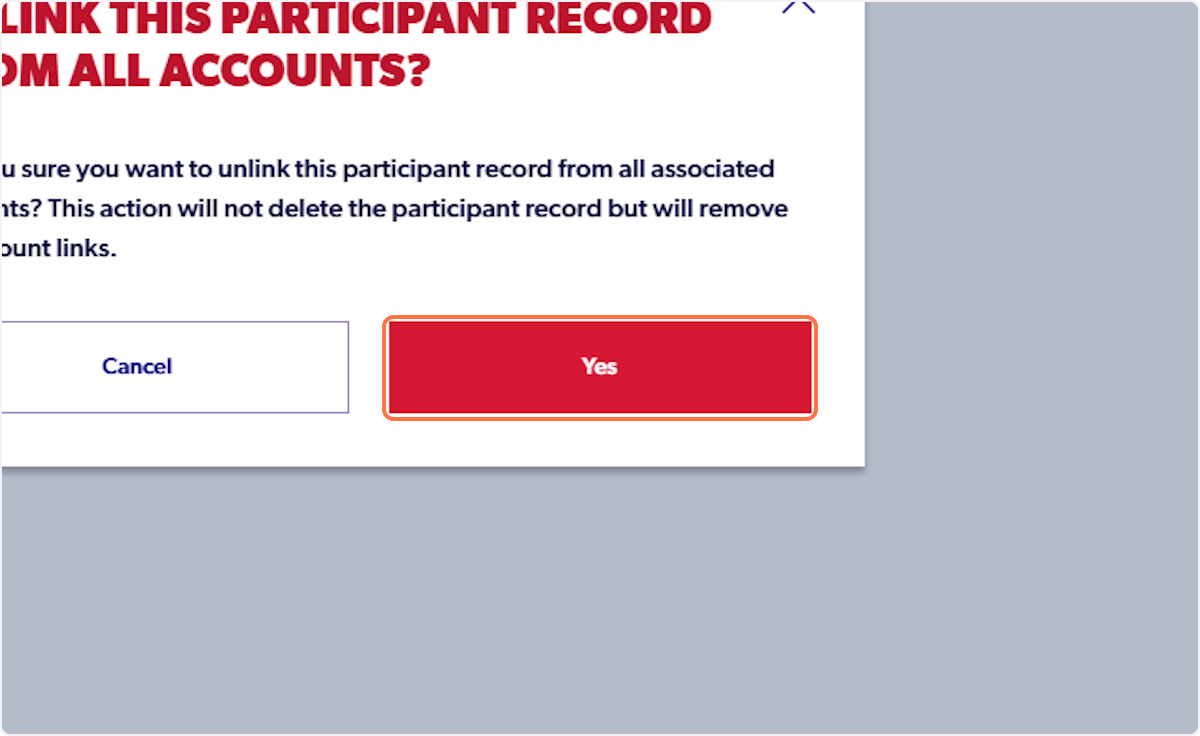
6. Click on 'Sign Out' to refresh the login
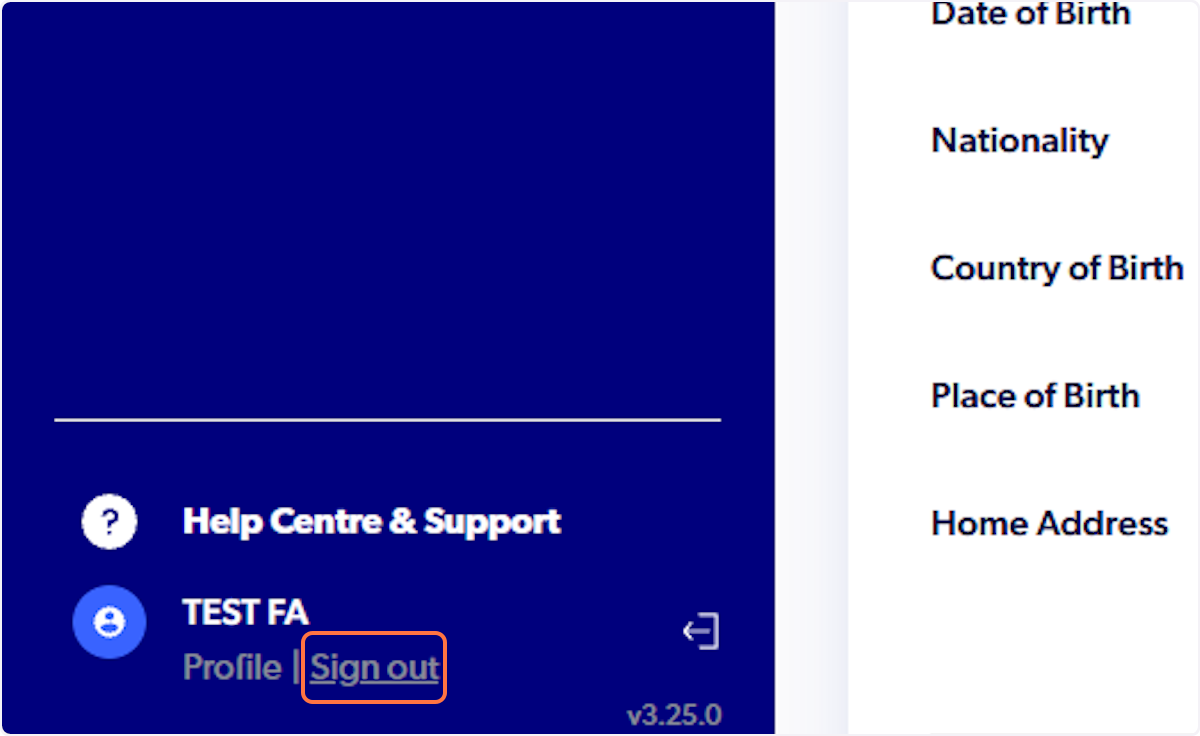
7. Sign back into your PlayFootball account
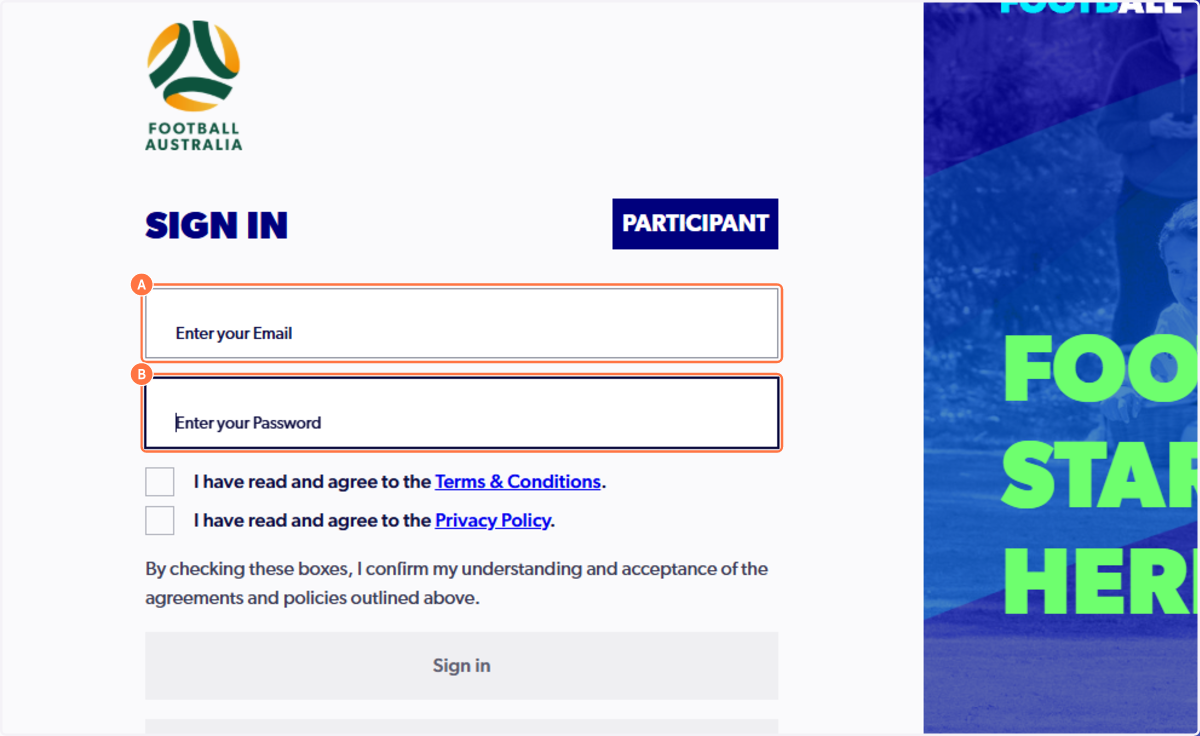
8. Click on 'Profile'
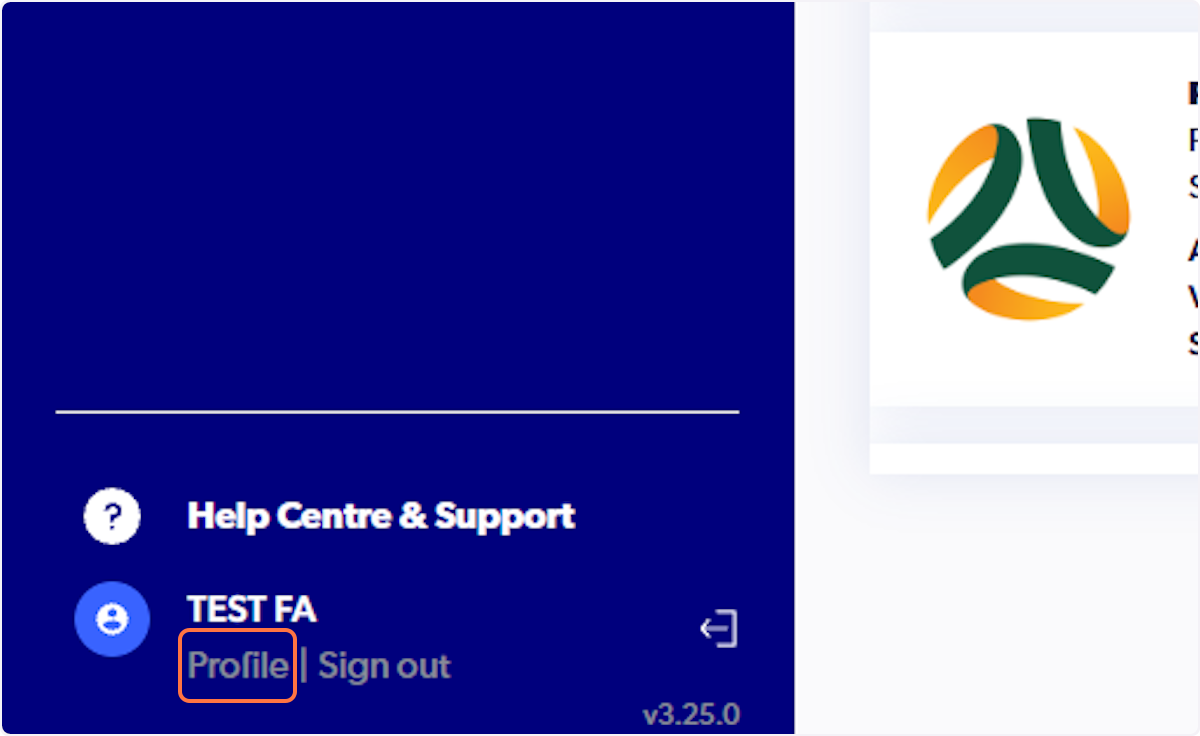
9. Click on 'Create my participant record'
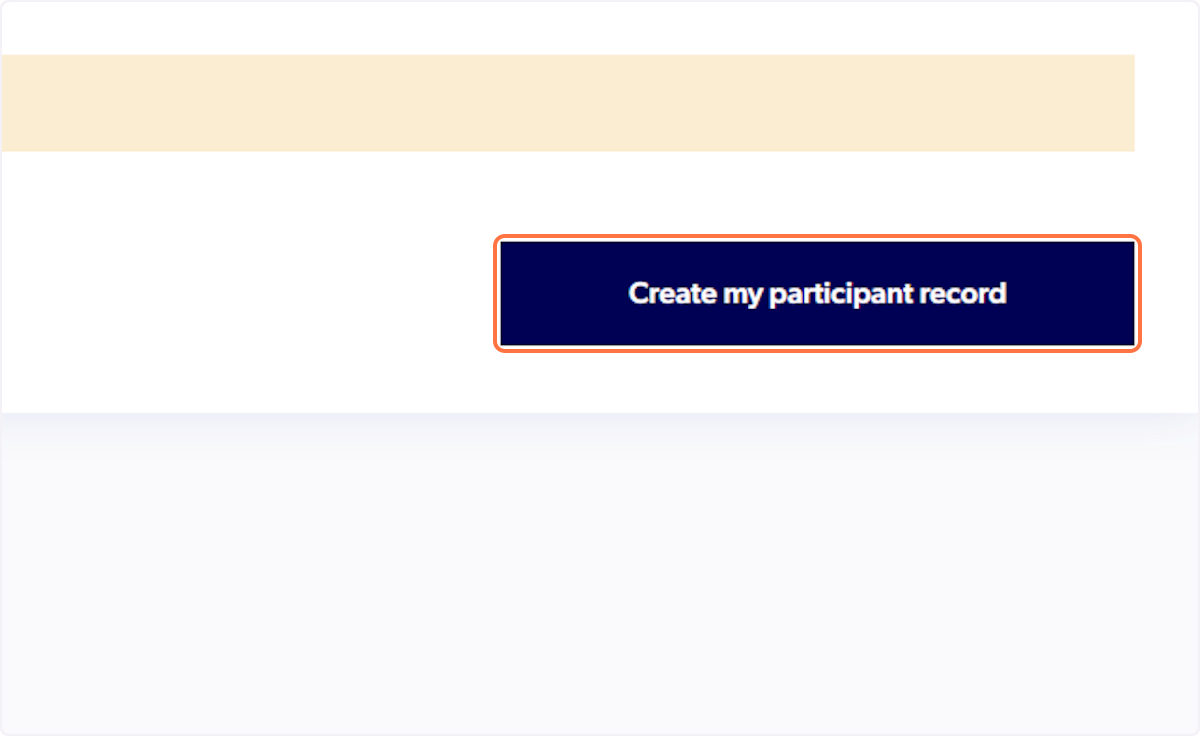
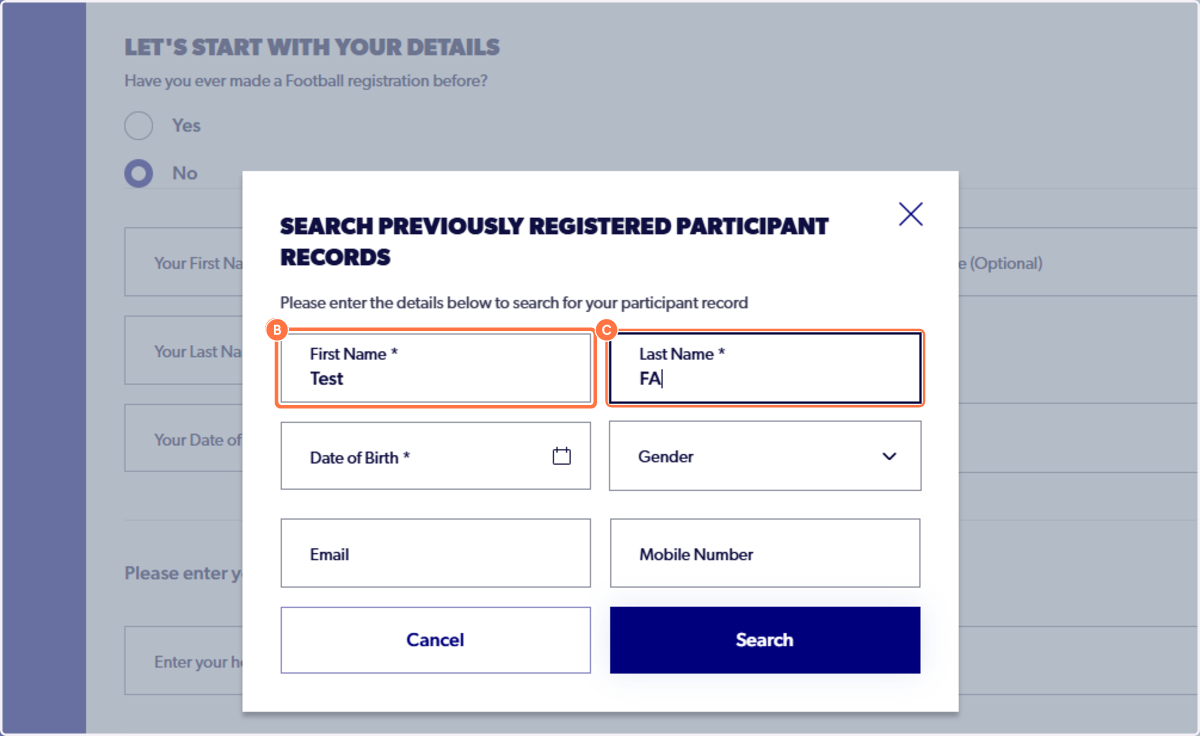
10. Search for the participant record that you need to link.
⚠️ Please only include the first name, last name, and date of birth. Do not include gender, email address, or mobile number. Ensuring there are no trailing spaces before or after any details.
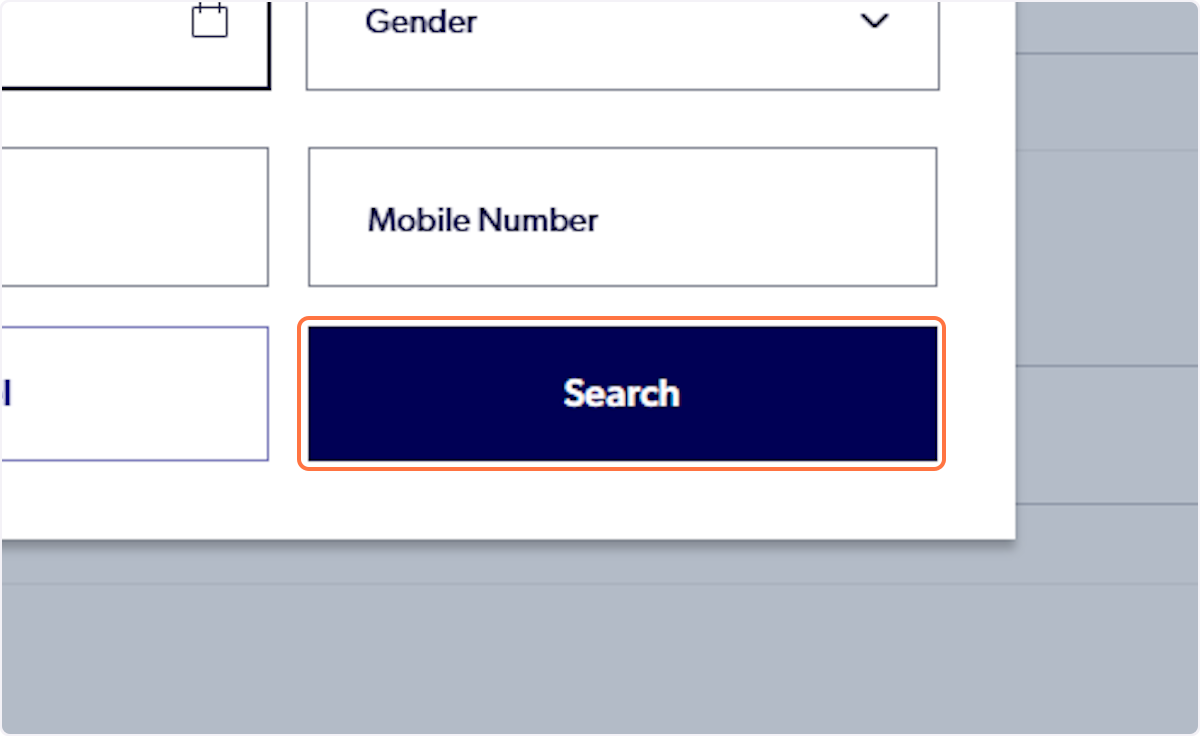
11. Click on Search
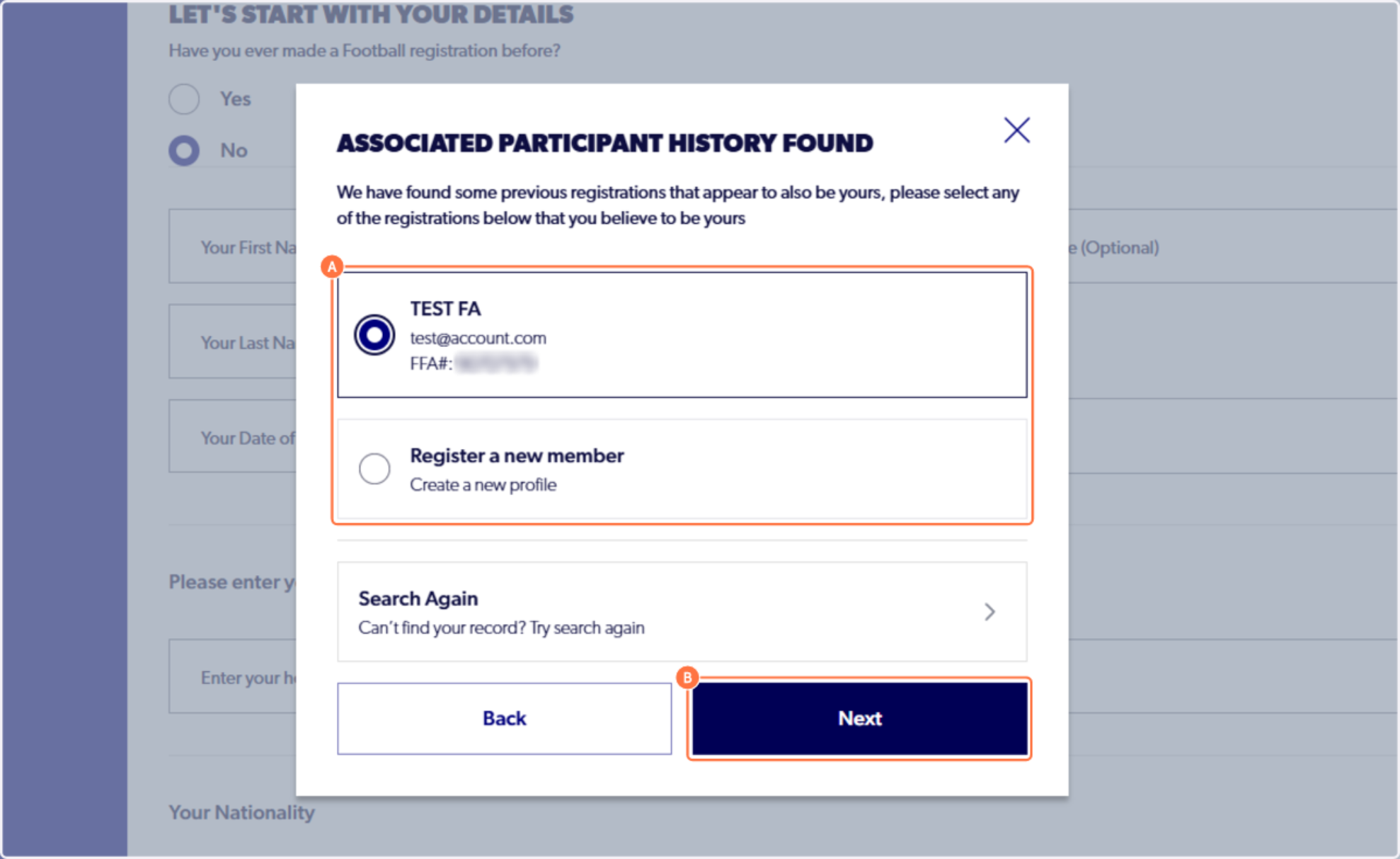
12. Select the appropriate participant record. A verification code will be sent to the email address linked to the profile.
Please see the support article HERE is you did not receive the verification code.
Please allow 24 hours for this change to reflect on the Learning Centre account. If you have completed this process and are still receiving this error, please contact the Learning Centre support team at learningcentre@footballaustralia.com.au.