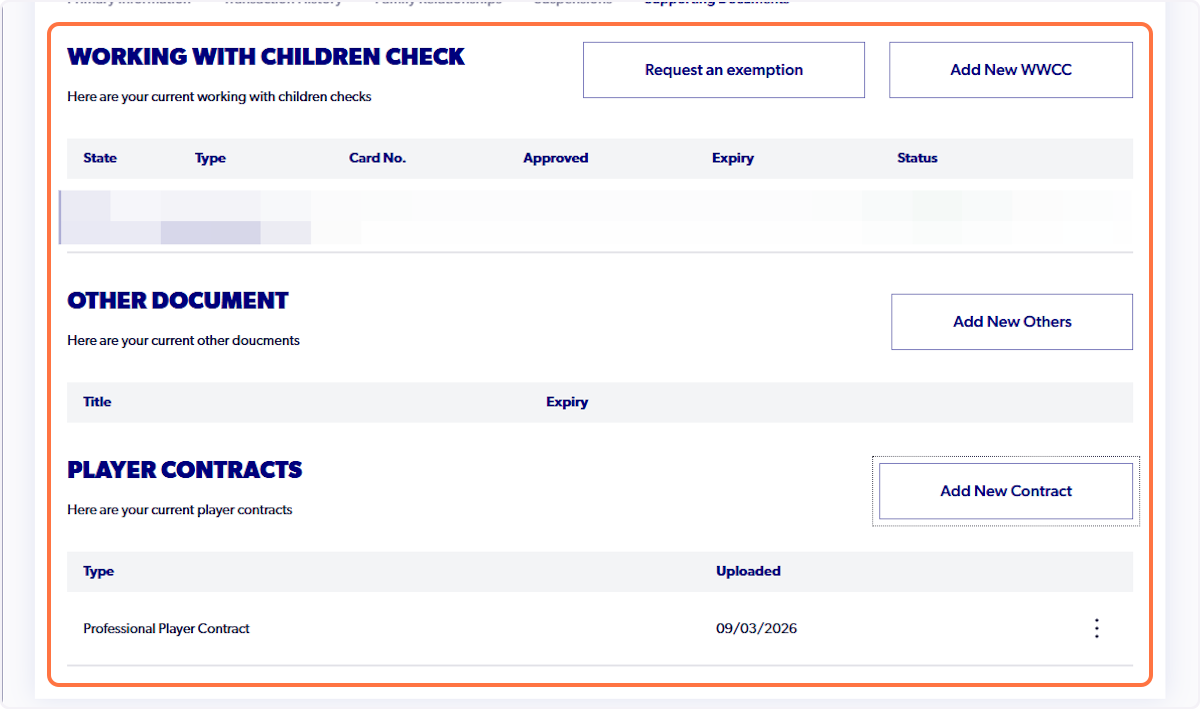
1. Navigate to the relevant registration product
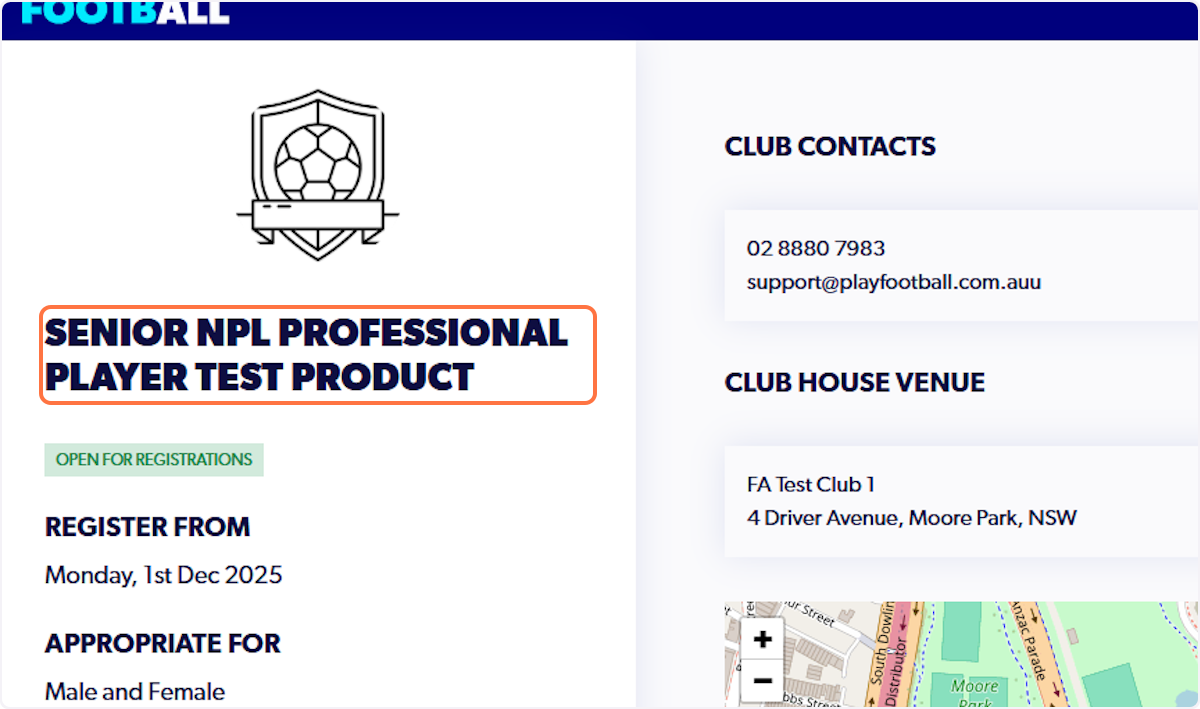
2. Review registration product details (ensuring that it is suitable and relevant)
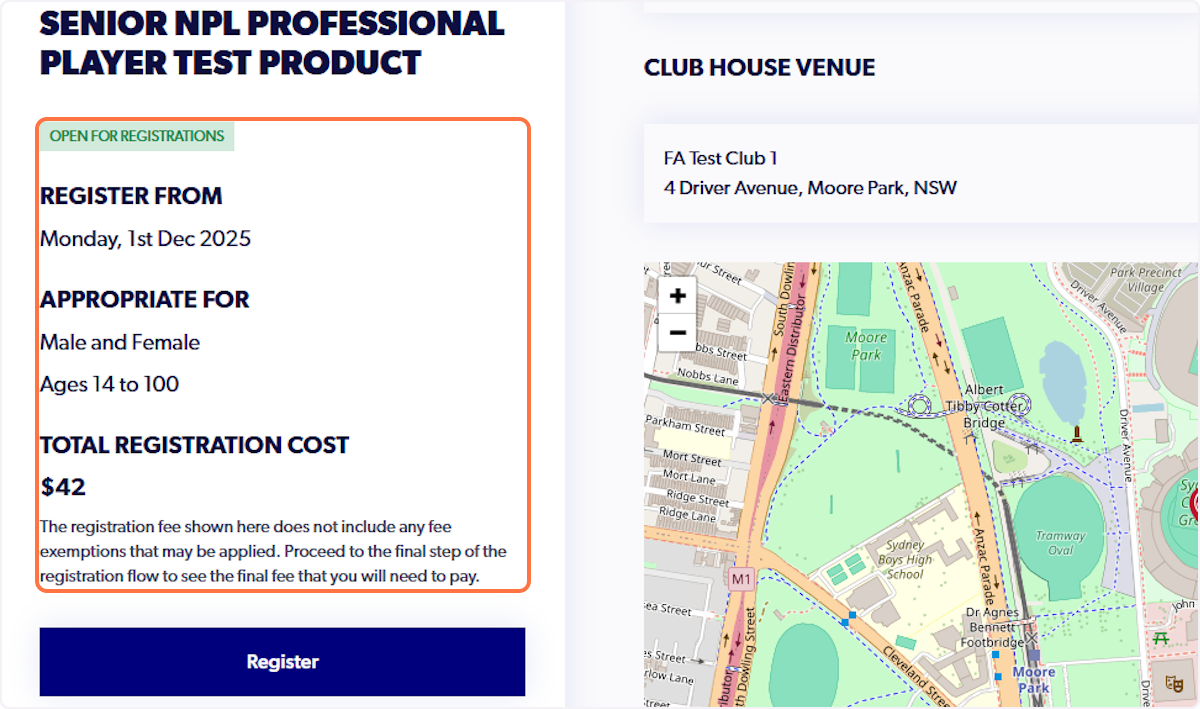
3. Click on Register
4. Click on who are you registering for
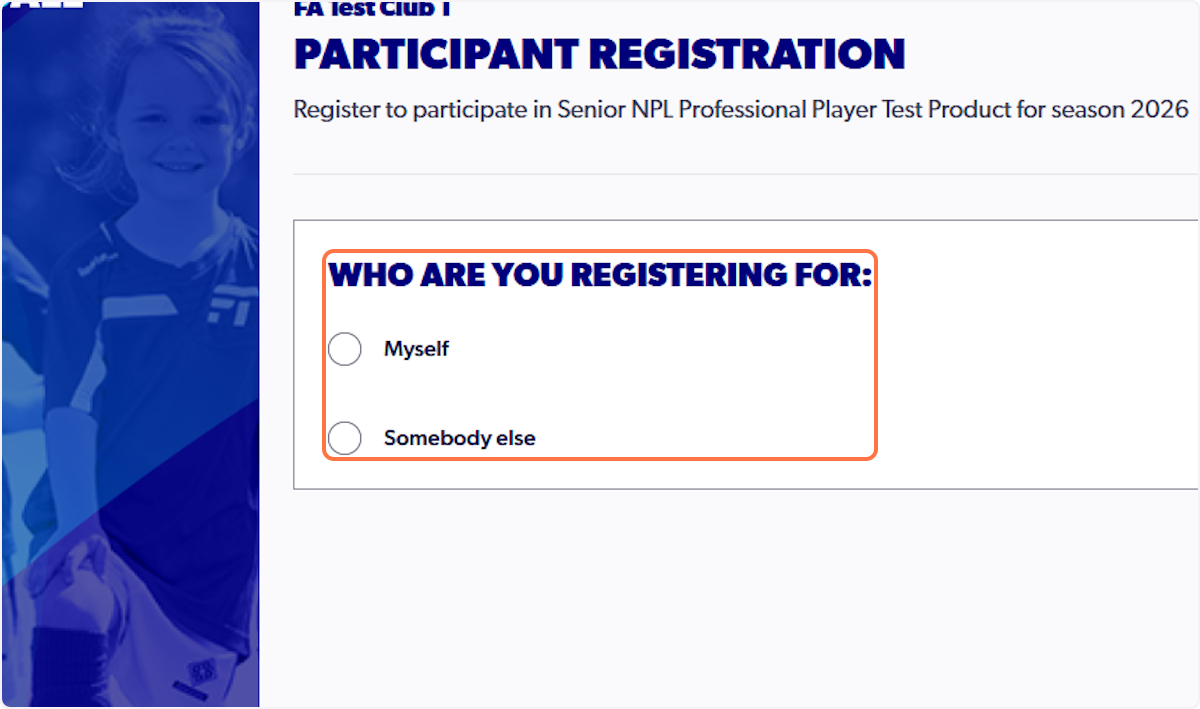
5. Select Myself or Somebody Else (according to your account set-up)
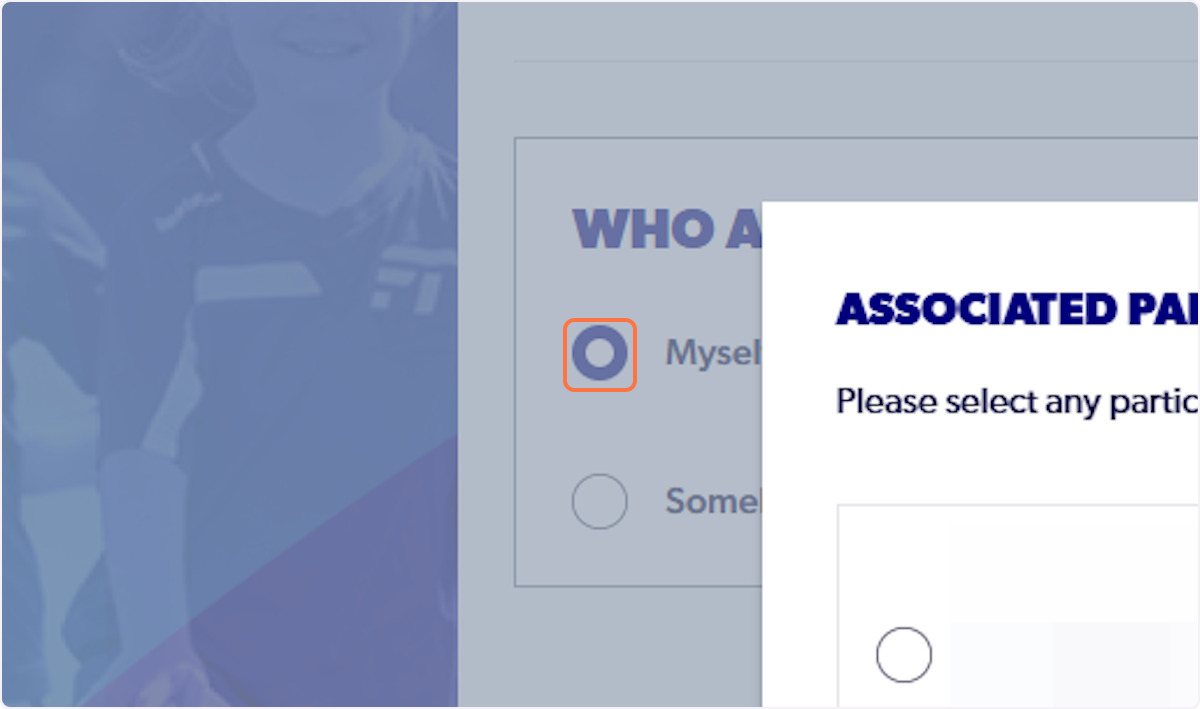
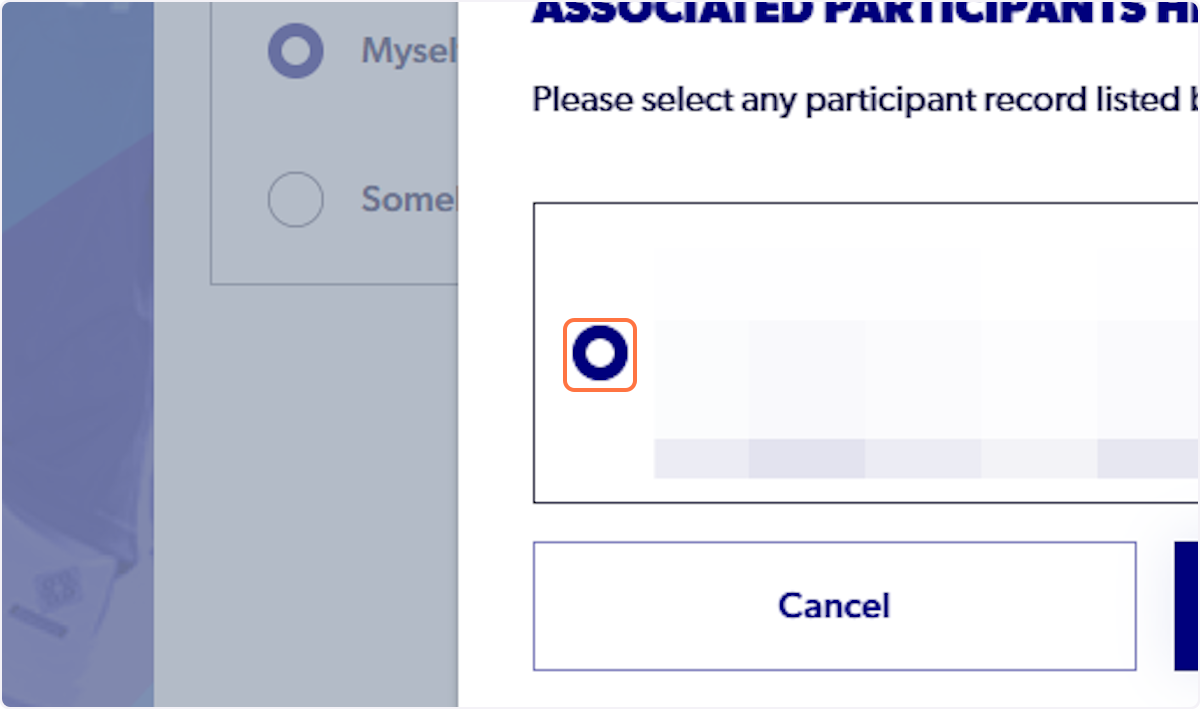
6. Select the relevant participant
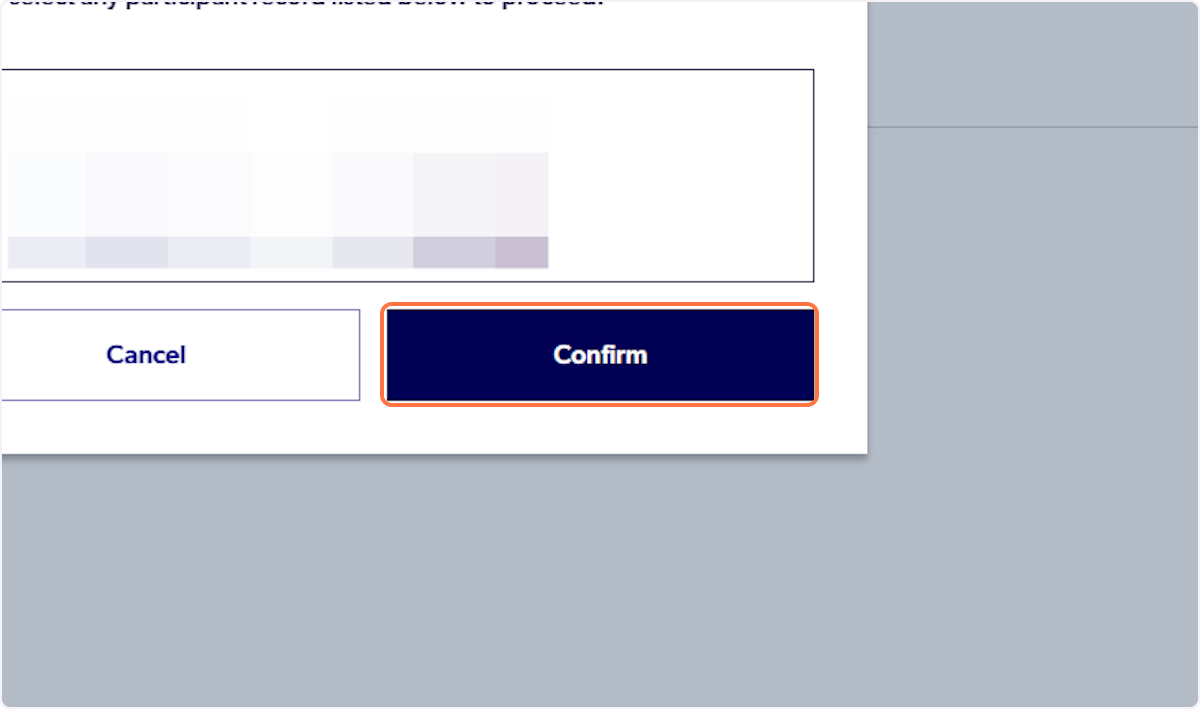
7. Click on Confirm
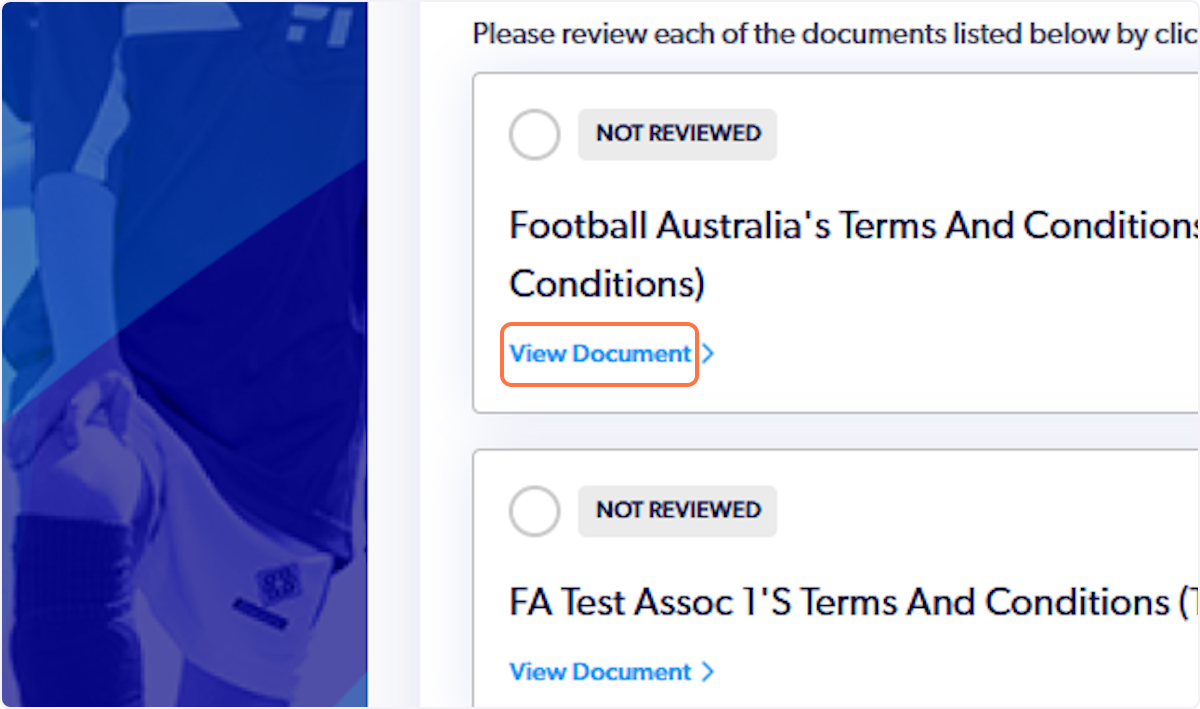
8. Click on View Document to review all necessary documents
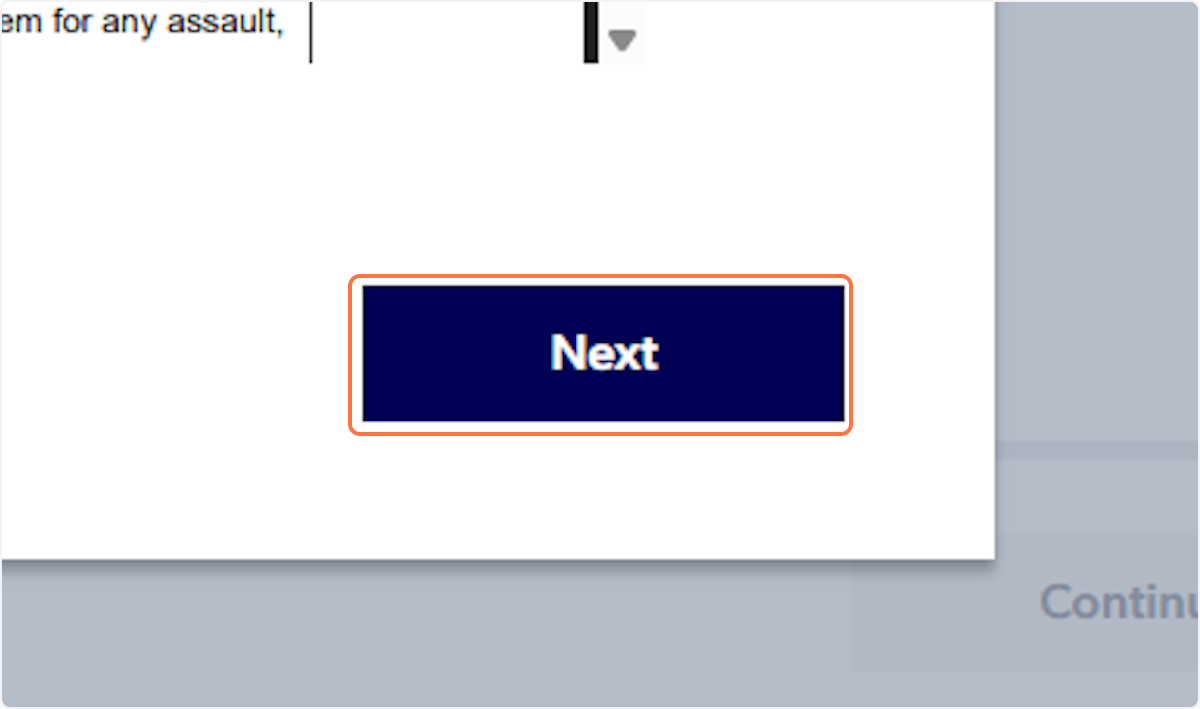
9. Click on Next for each one
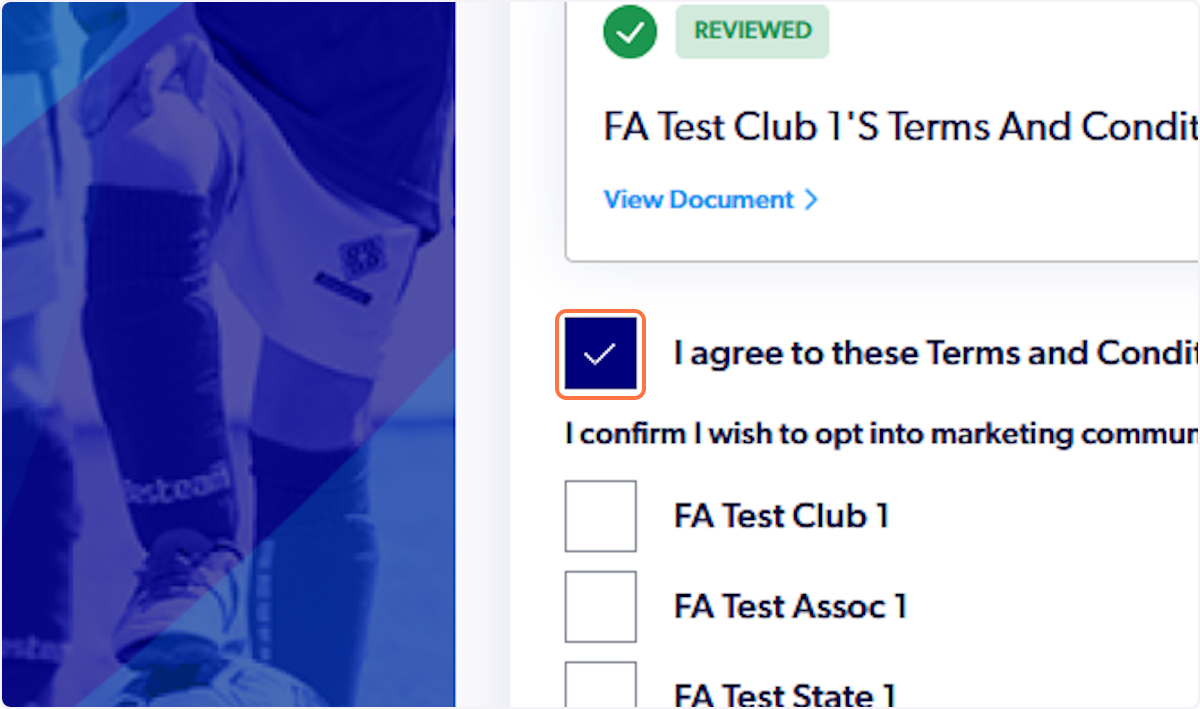
10. Check I agree to these Terms and Conditions
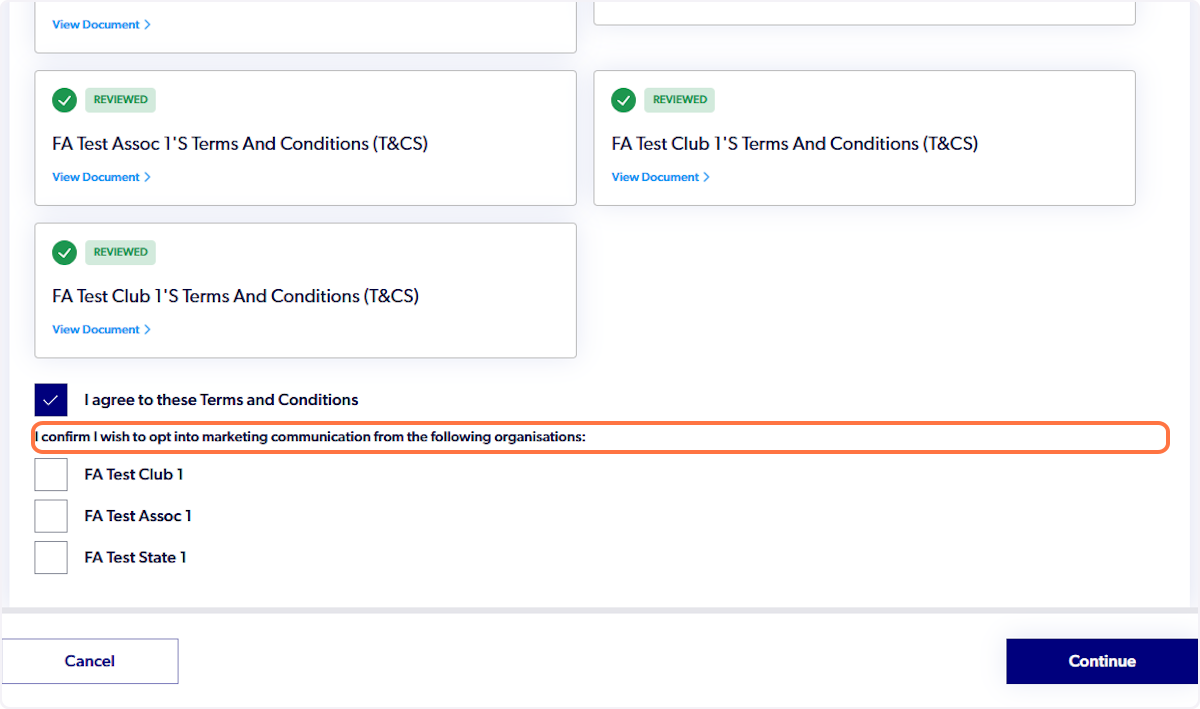
11. Consider whether you wish to opt into marketing communication from the following organisations
12. Click on Continue
13. Click on Start
14. Ensure that all of the participant (player's) details are correct
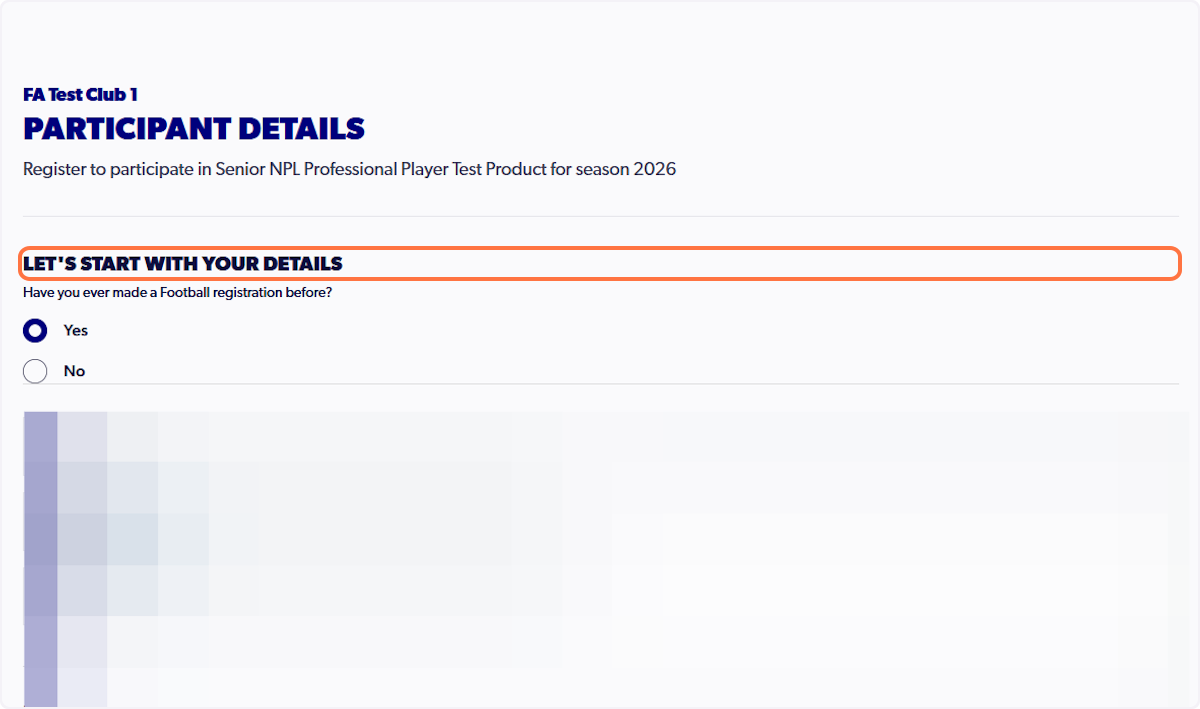
15. Click on Next
16. Review all contact and emergency contact details
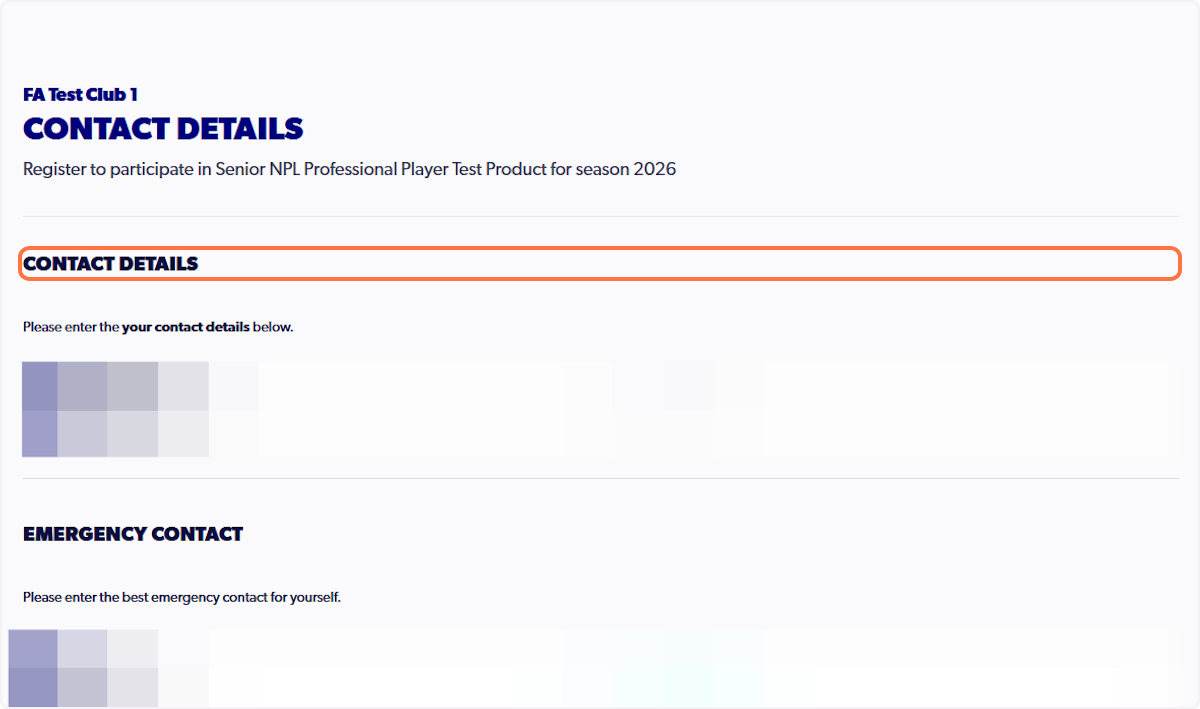
17. Click on Save participant
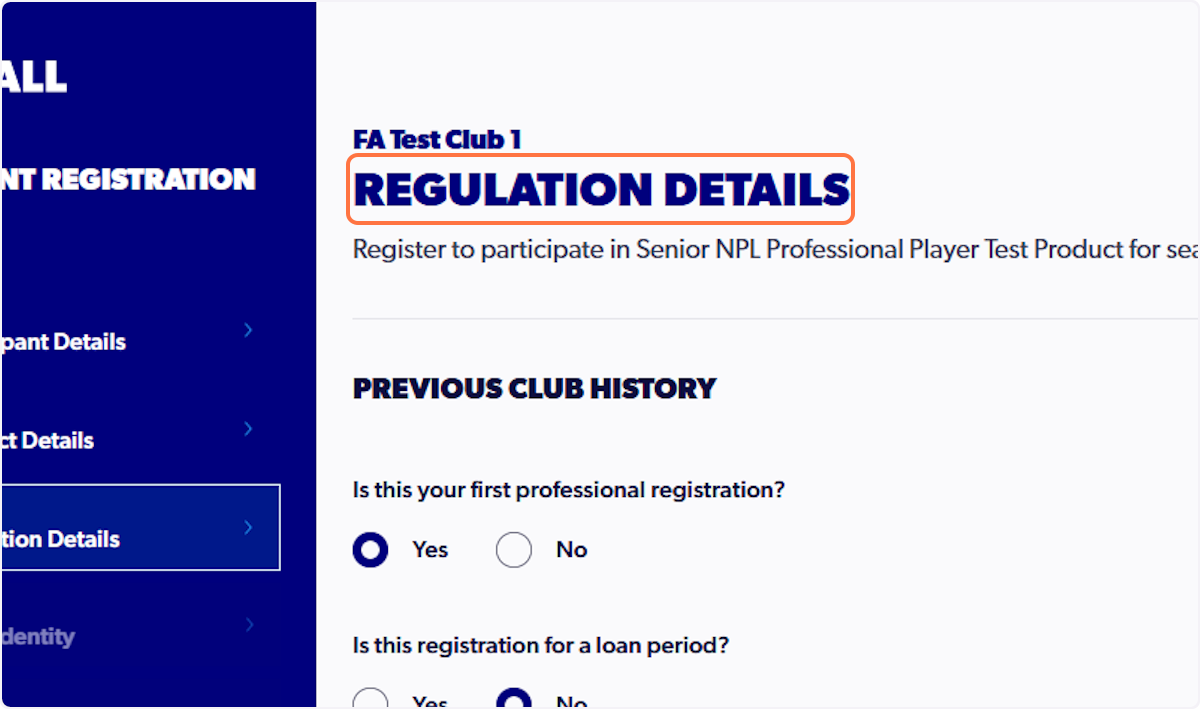
18. Answer all Regulation Details accurately
Incorrect responses may affect the outcome of your registration. Please take your time to consider and answer the questions in this step.
19. Click on Next
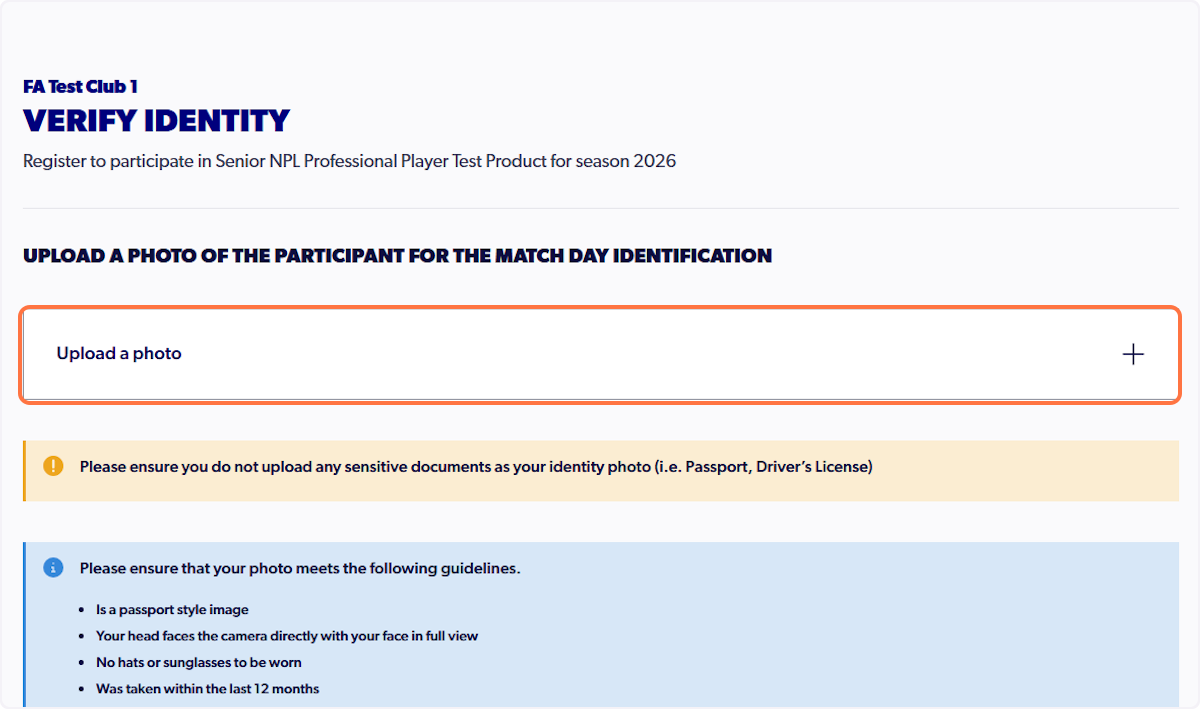
20. Click on Upload a photo
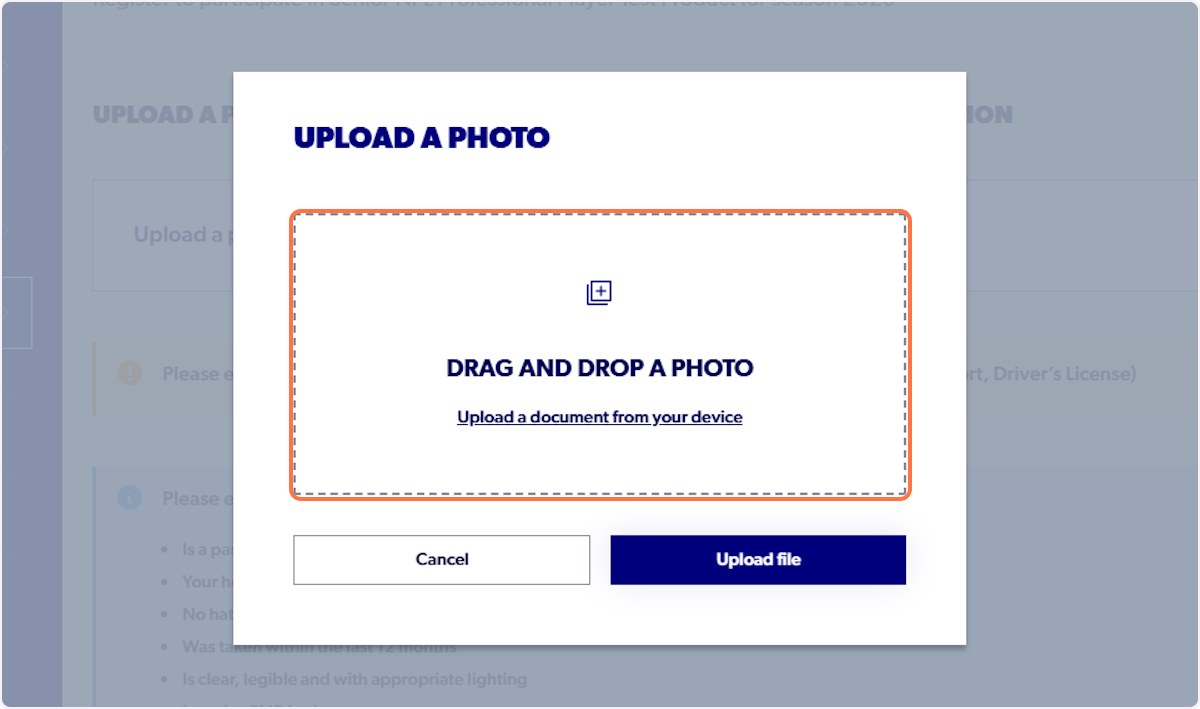
21. Click on Drag and drop a photo…
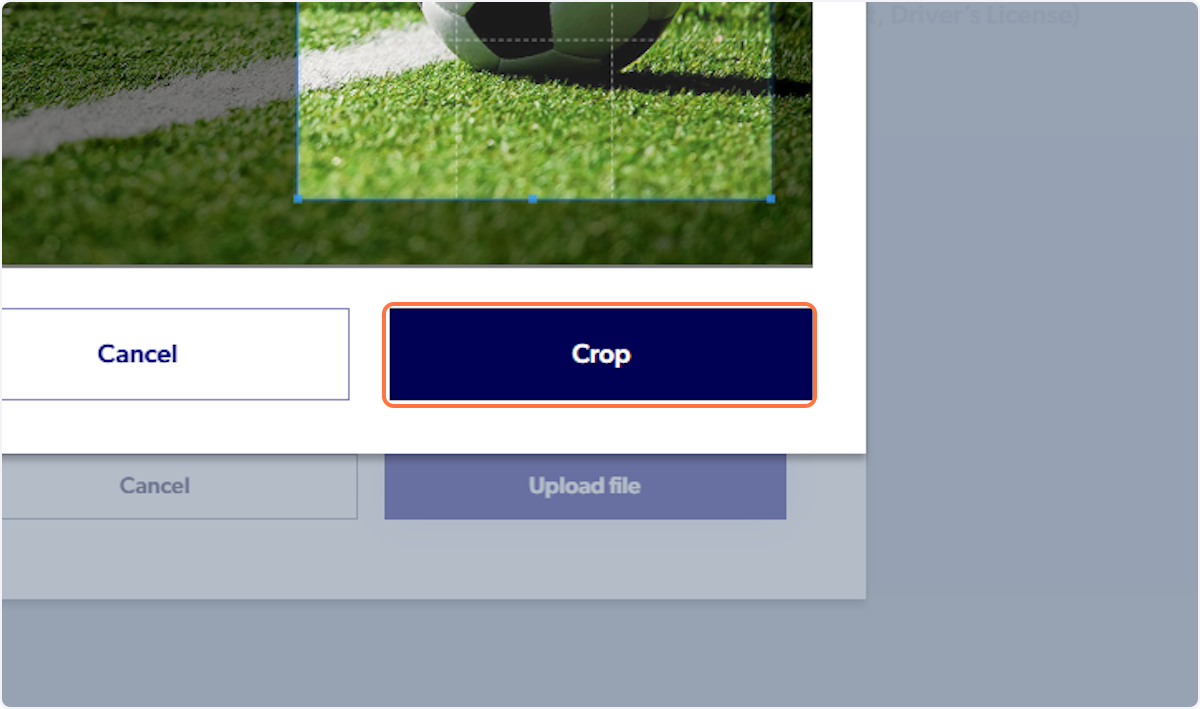
22. Click on Crop
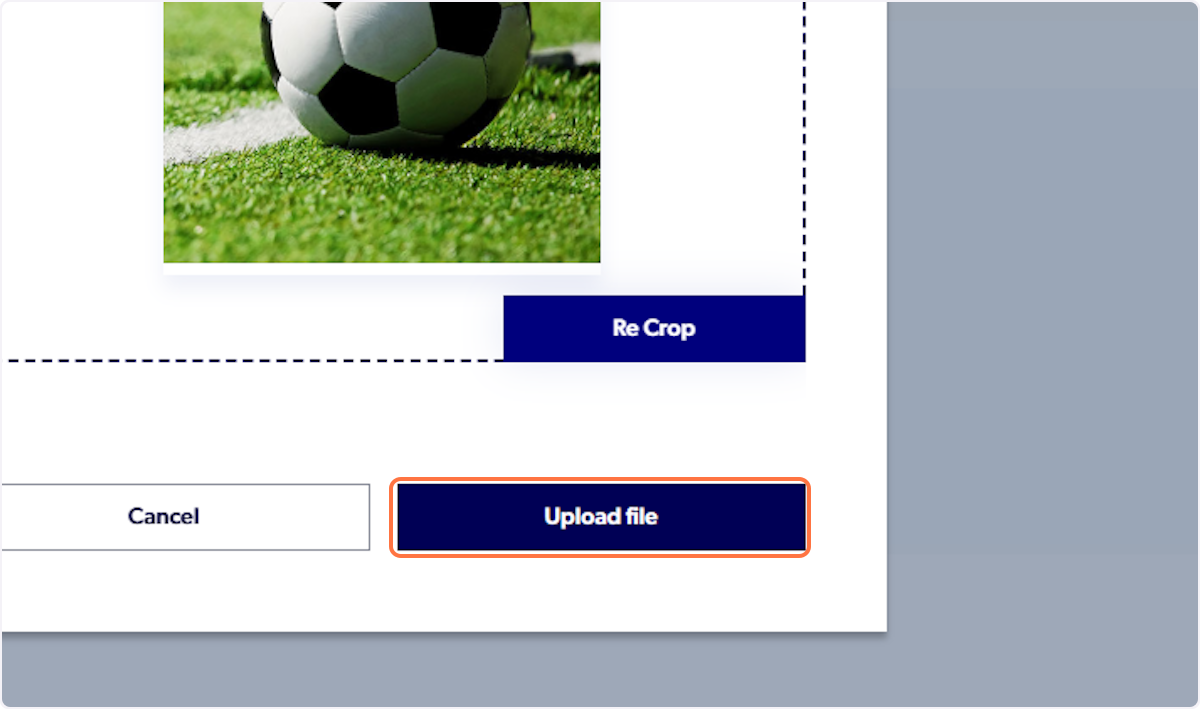
23. Click on Upload file
24. Please ensure you do not upload any sensitive documents as your identity photo (i.e. Passport, Driver’s License)
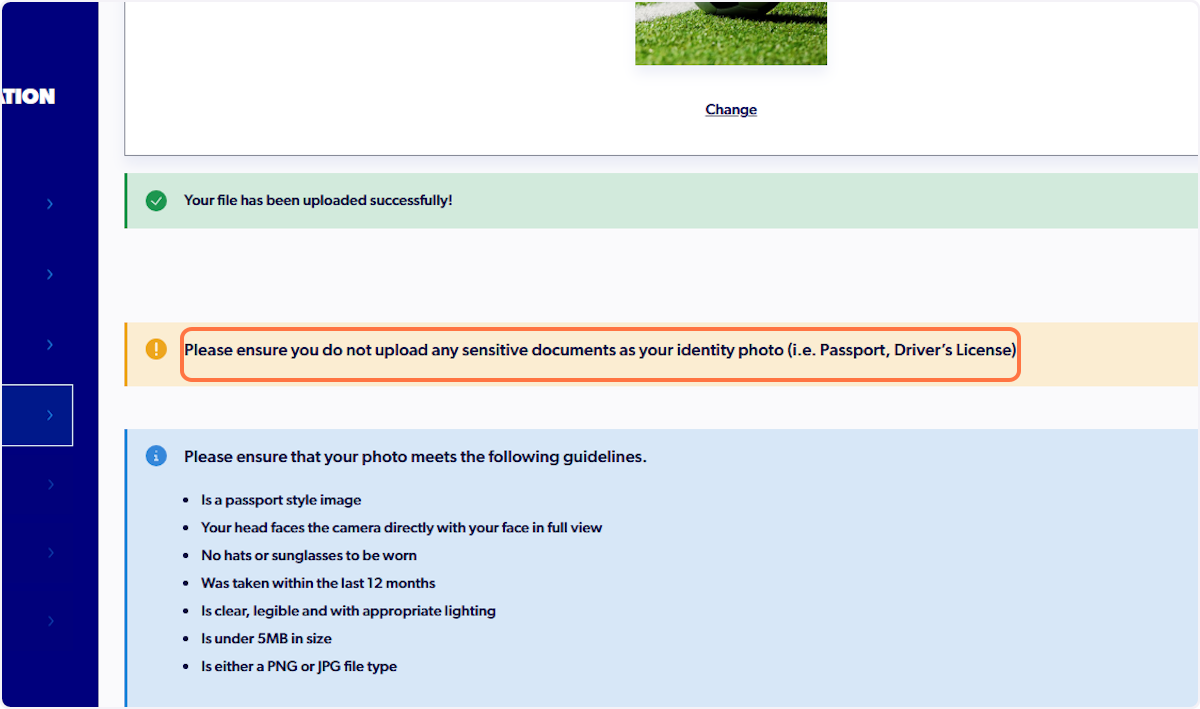
25. Click on Next
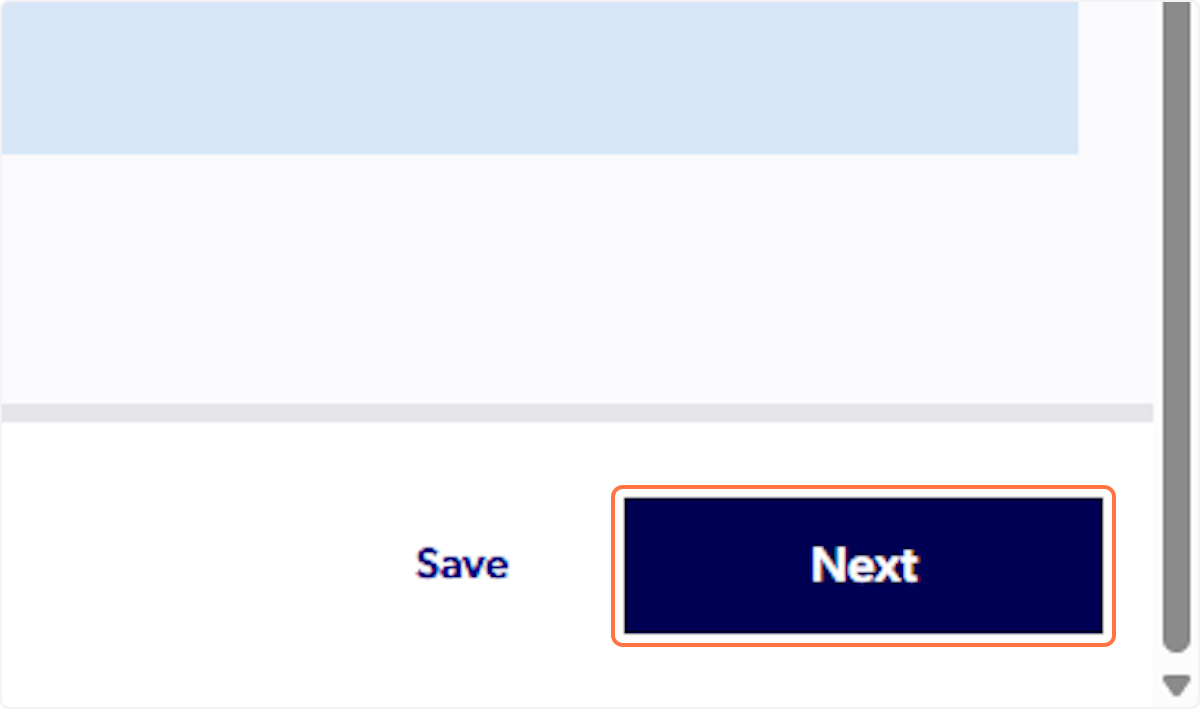
26. Review all ADDITIONAL QUESTIONS
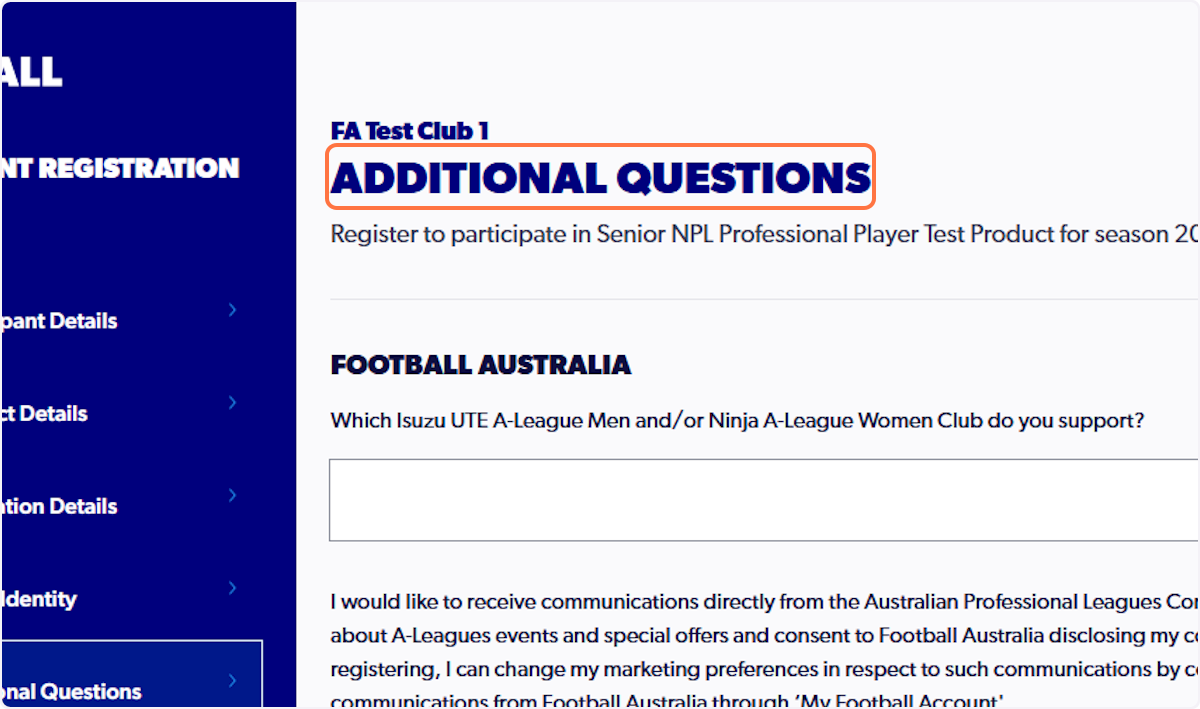
27. Click on Identity Verification…
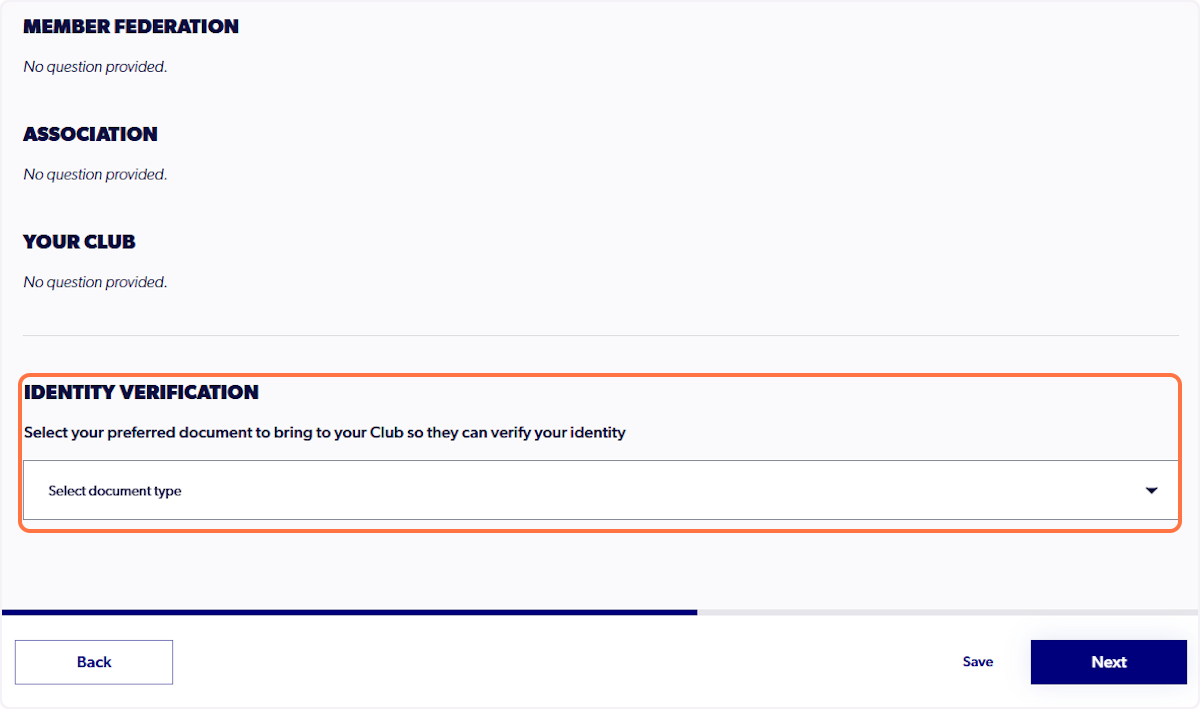
28. Select your preferred document type
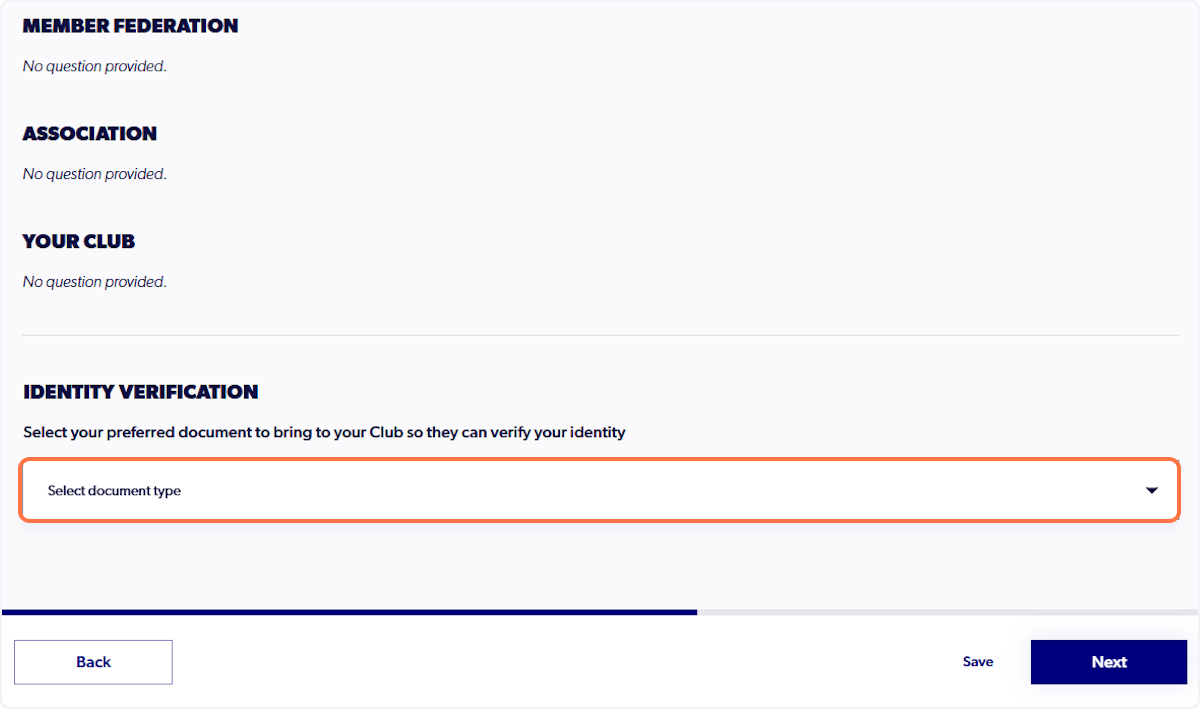
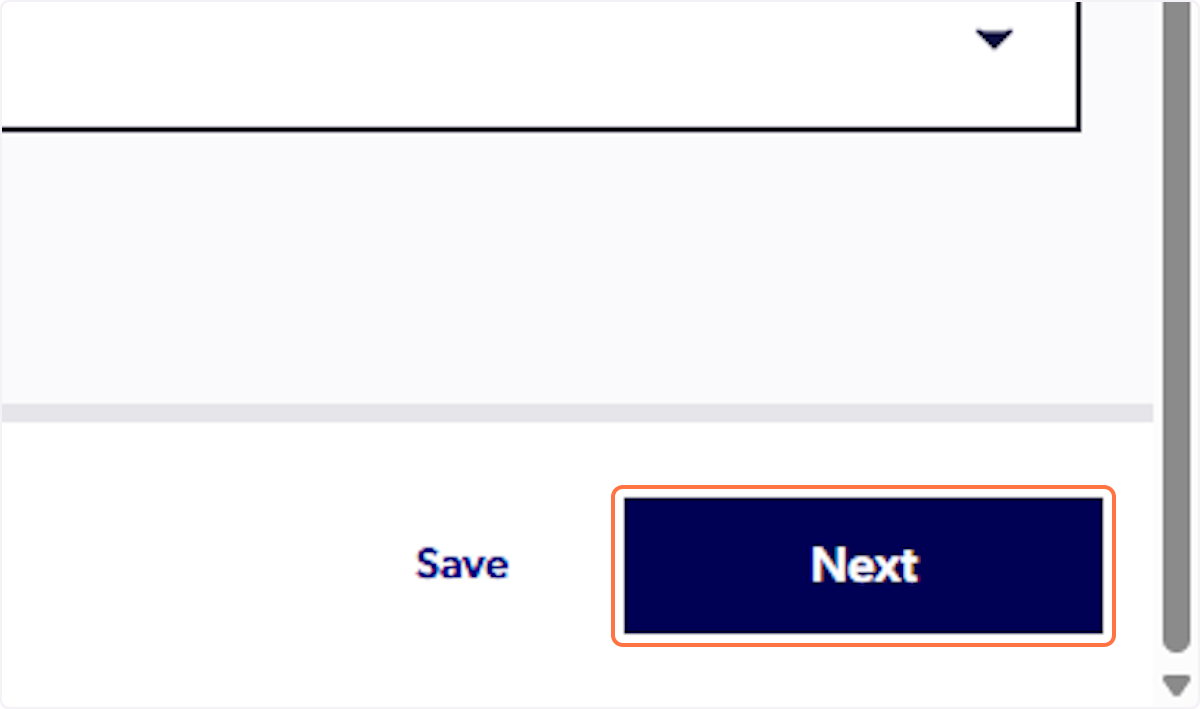
29. Click on Next
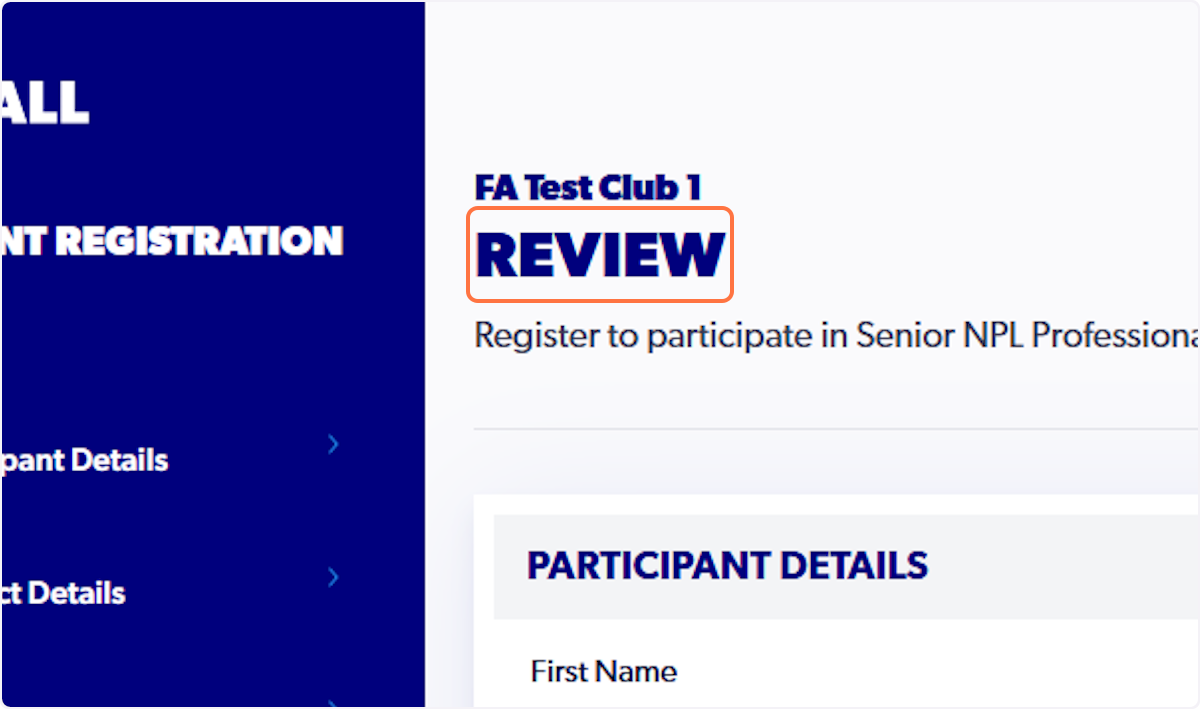
30. Review all registration details
31. Click on Confirm and Pay
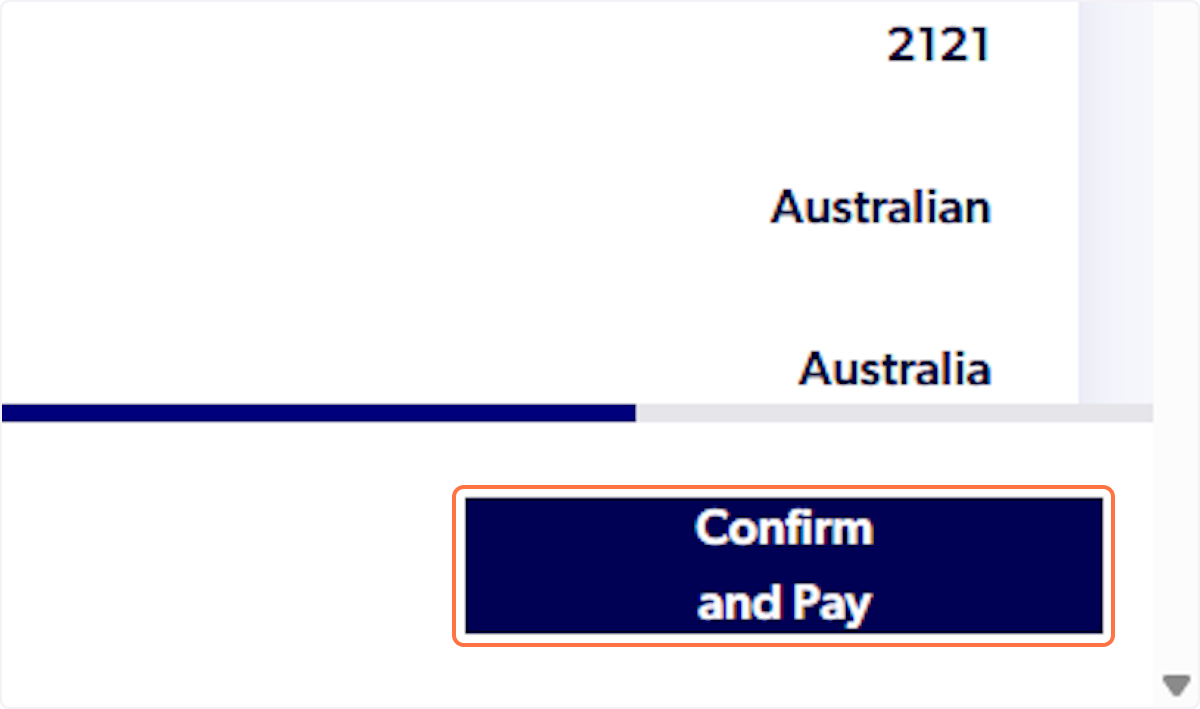
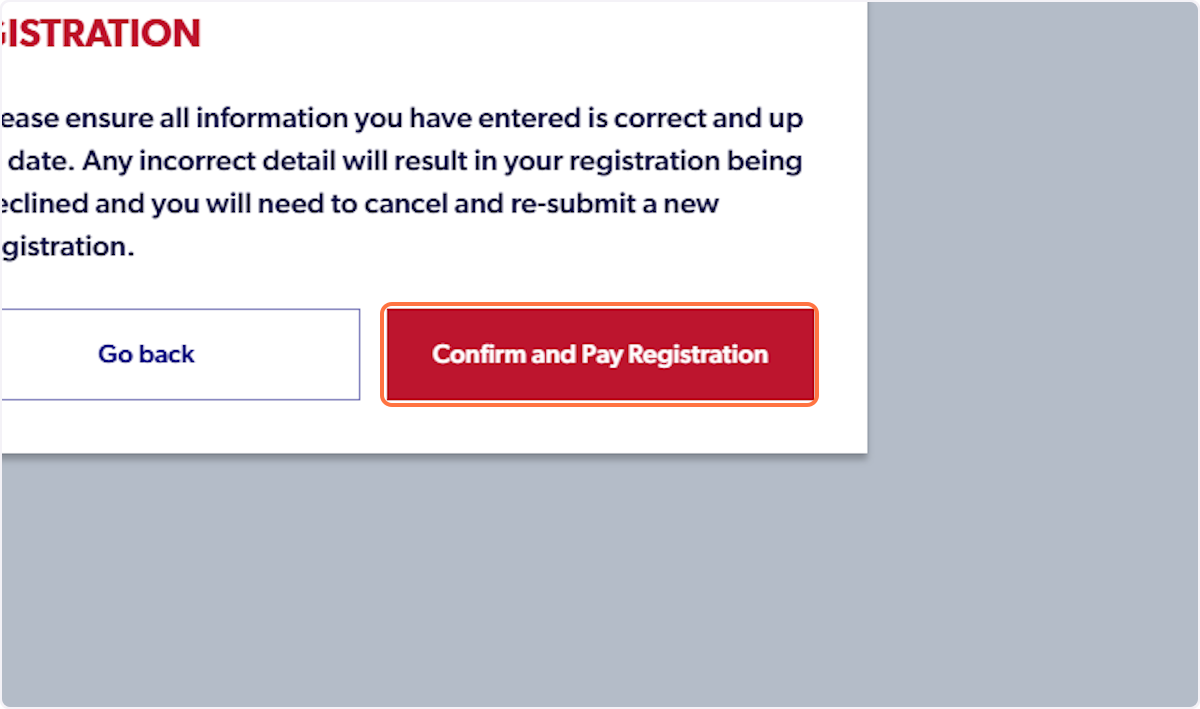
32. Click on Confirm and Pay Registration
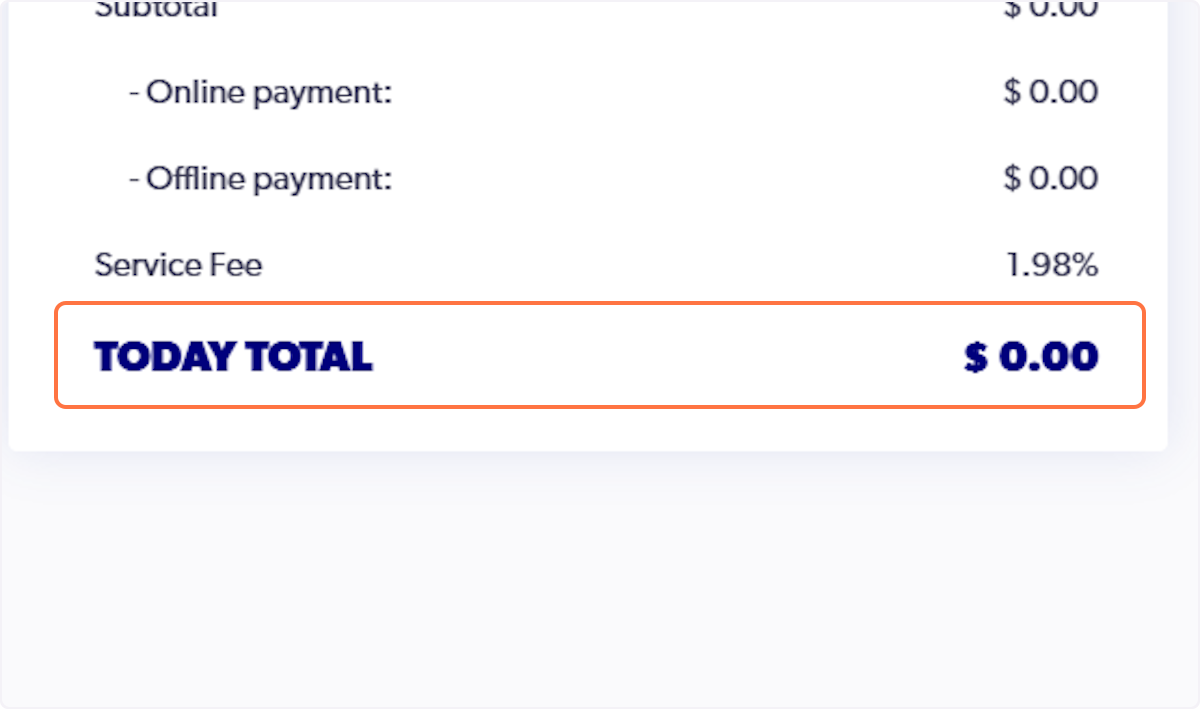
33. The registration total will display on the right hand side of your screen
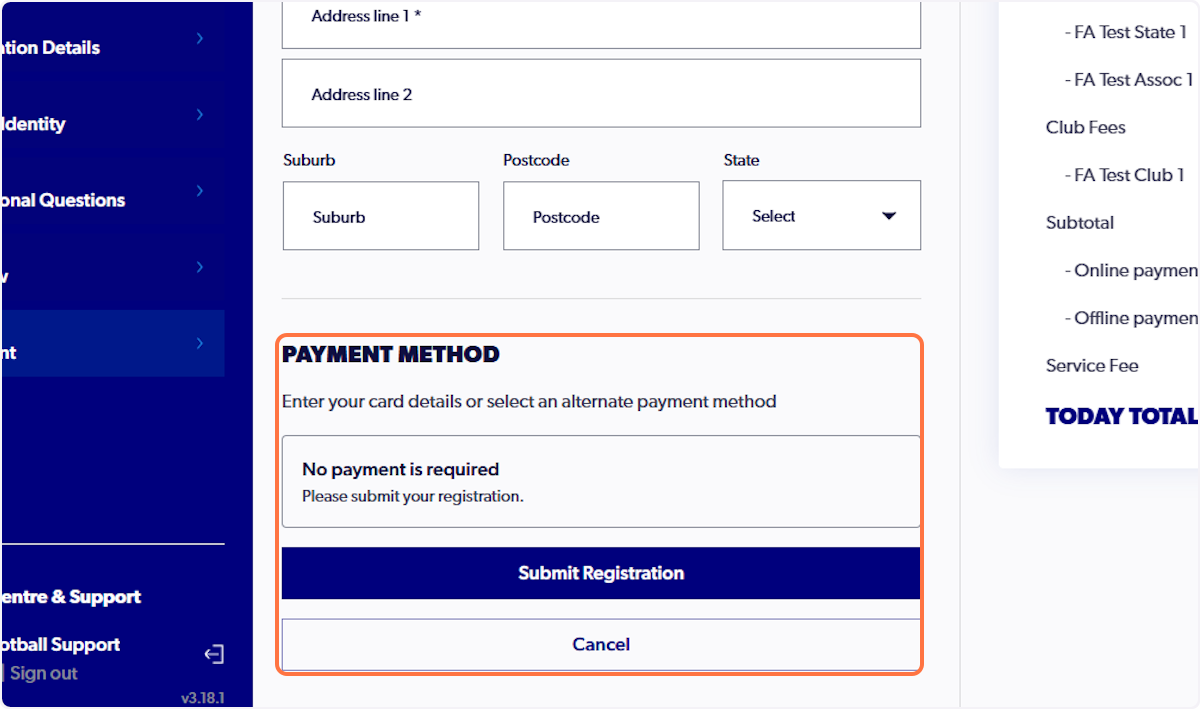
34. Input any necessary payment details
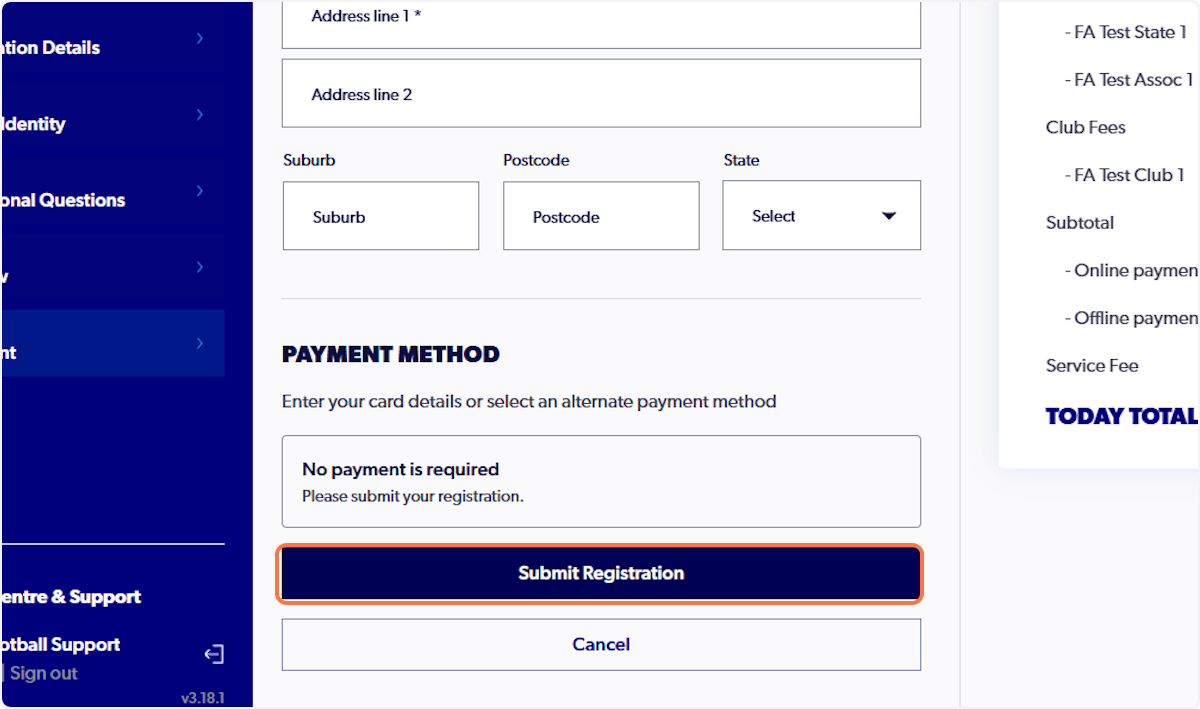
35. Click on Submit Registration
36. Click on Finish Registration
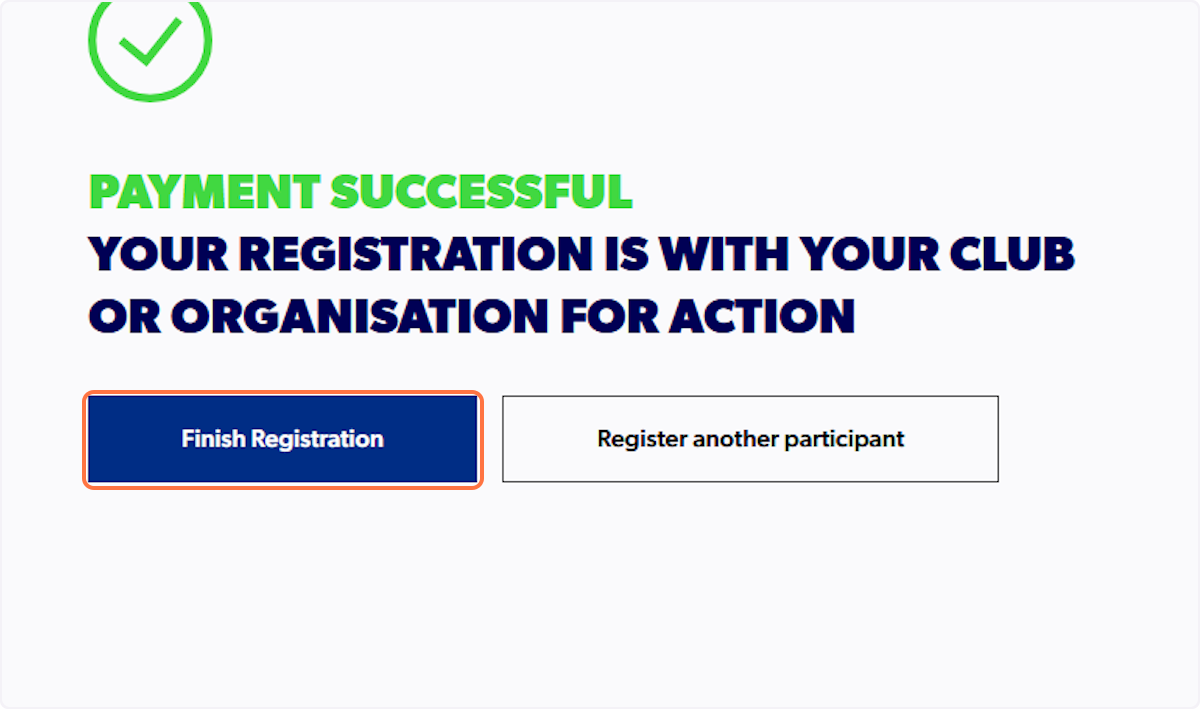
ℹ️ To upload a Player Contract to your profile, please continue with the steps below
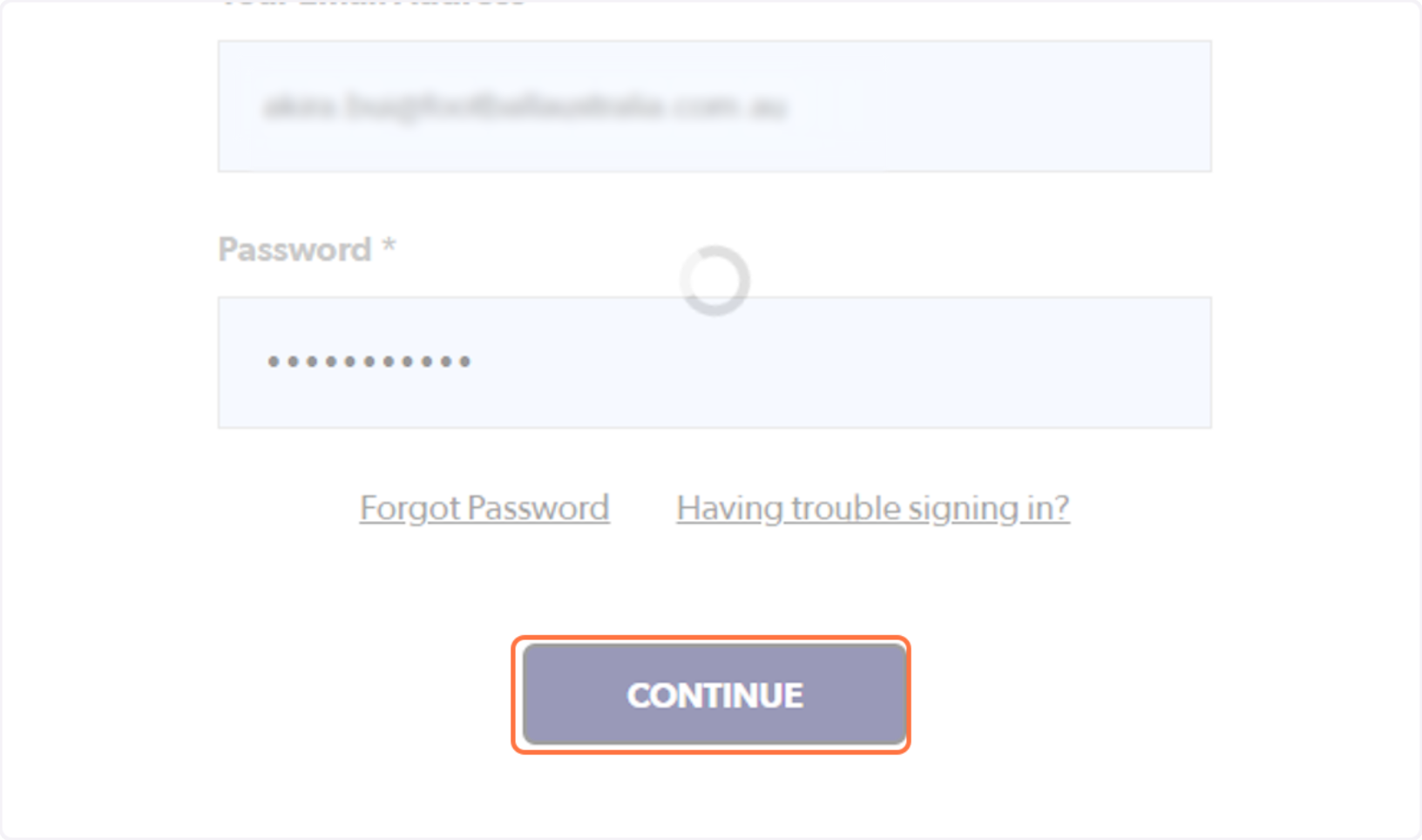
37. Click on CONTINUE to sign-in to your Football Account
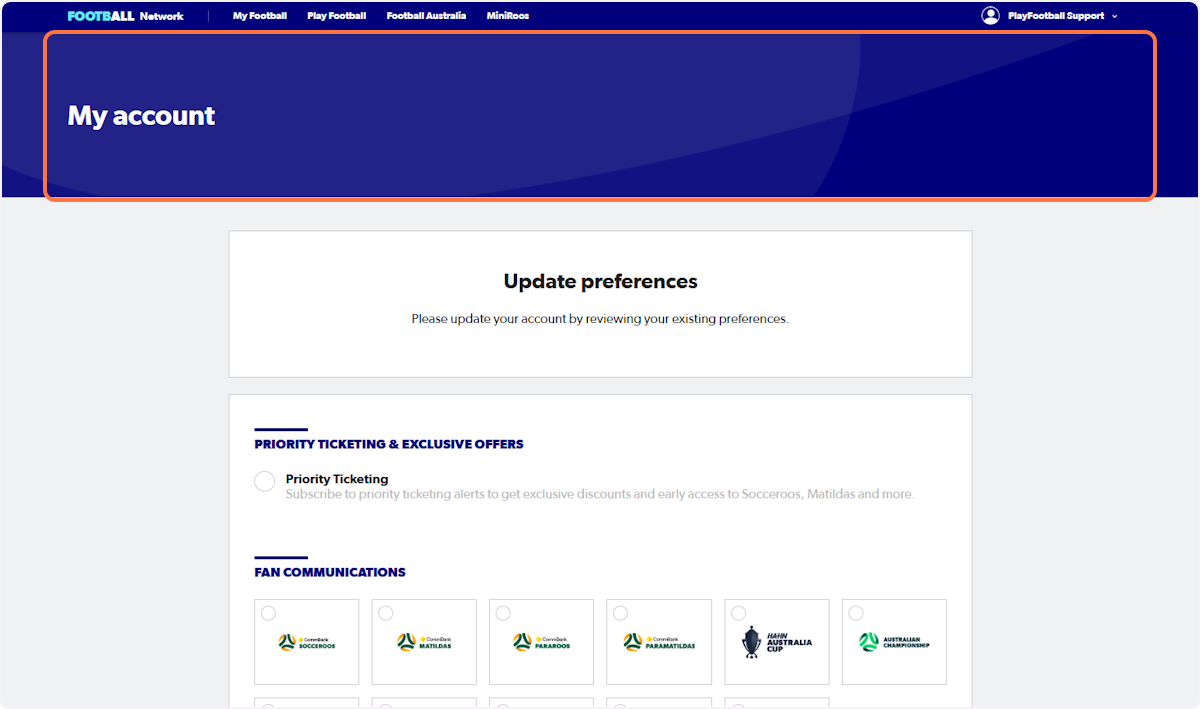
38. Click on My account
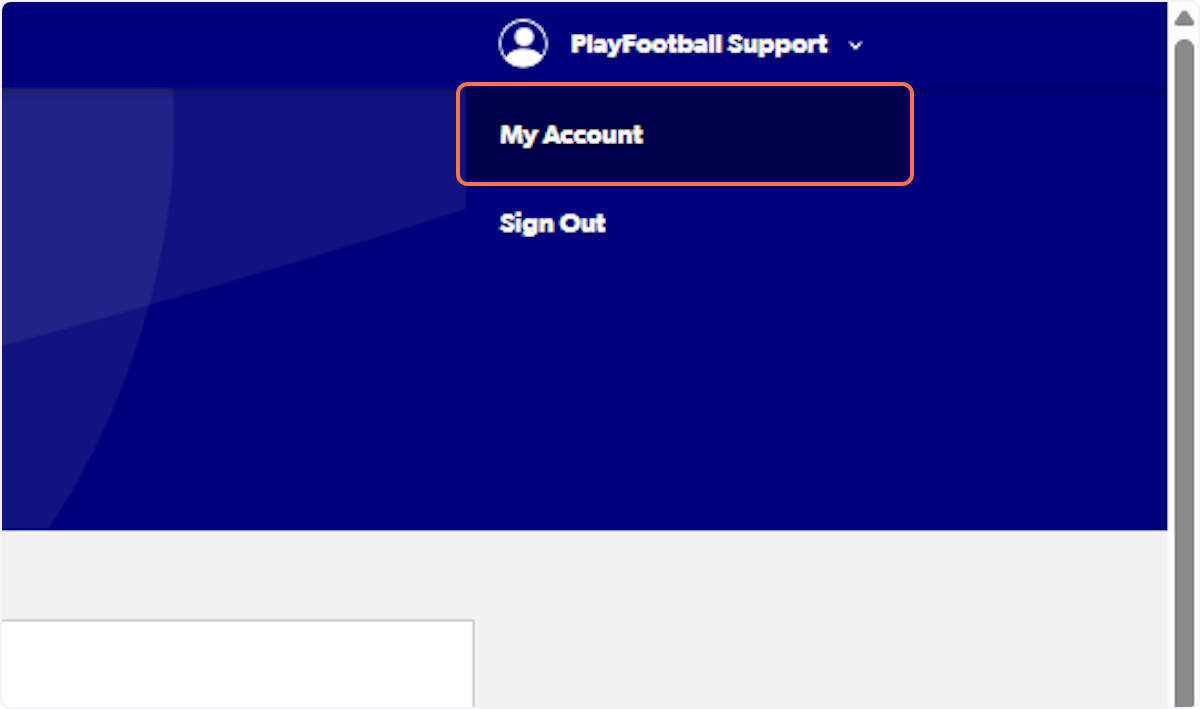
39. Click on My Account
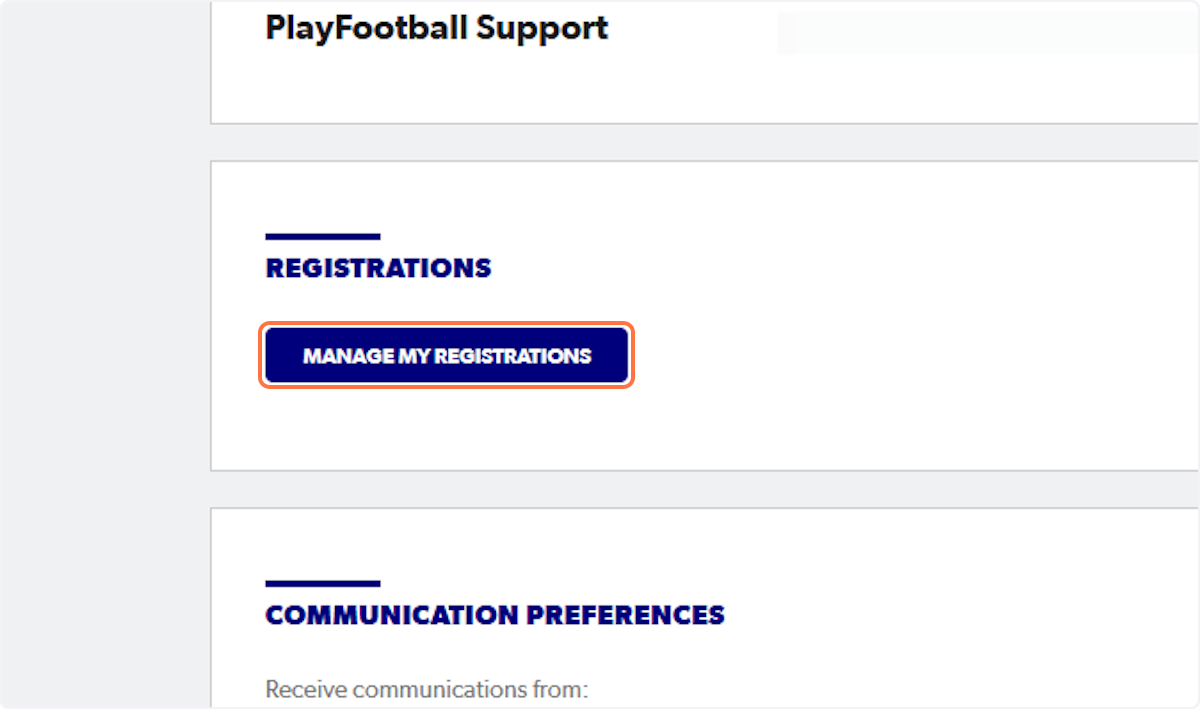
40. Click on MANAGE MY REGISTRATIONS
# Football Australia
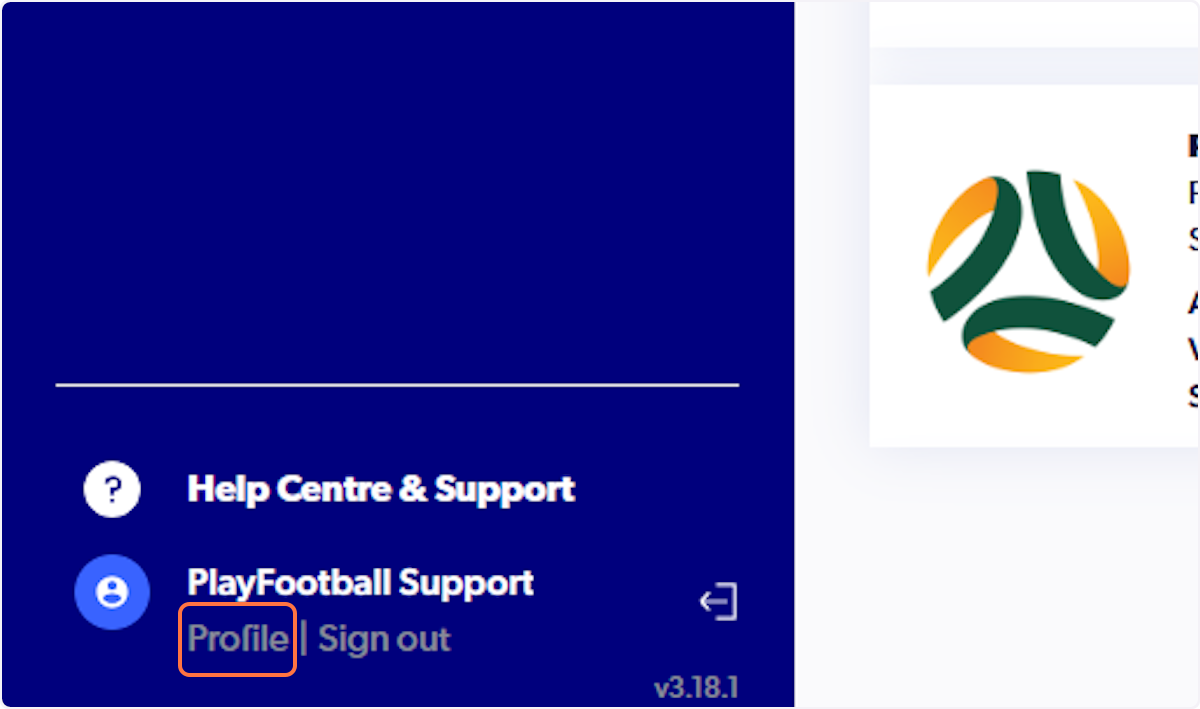
41. Click on Profile
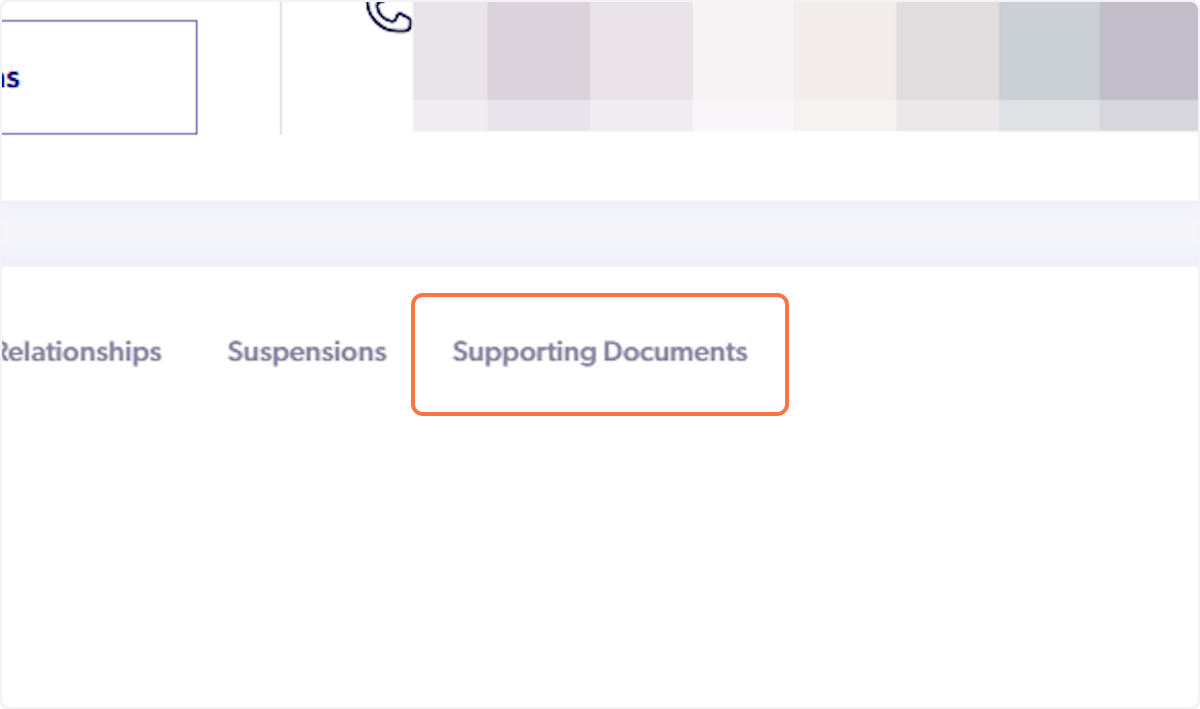
42. Click on Supporting Documents
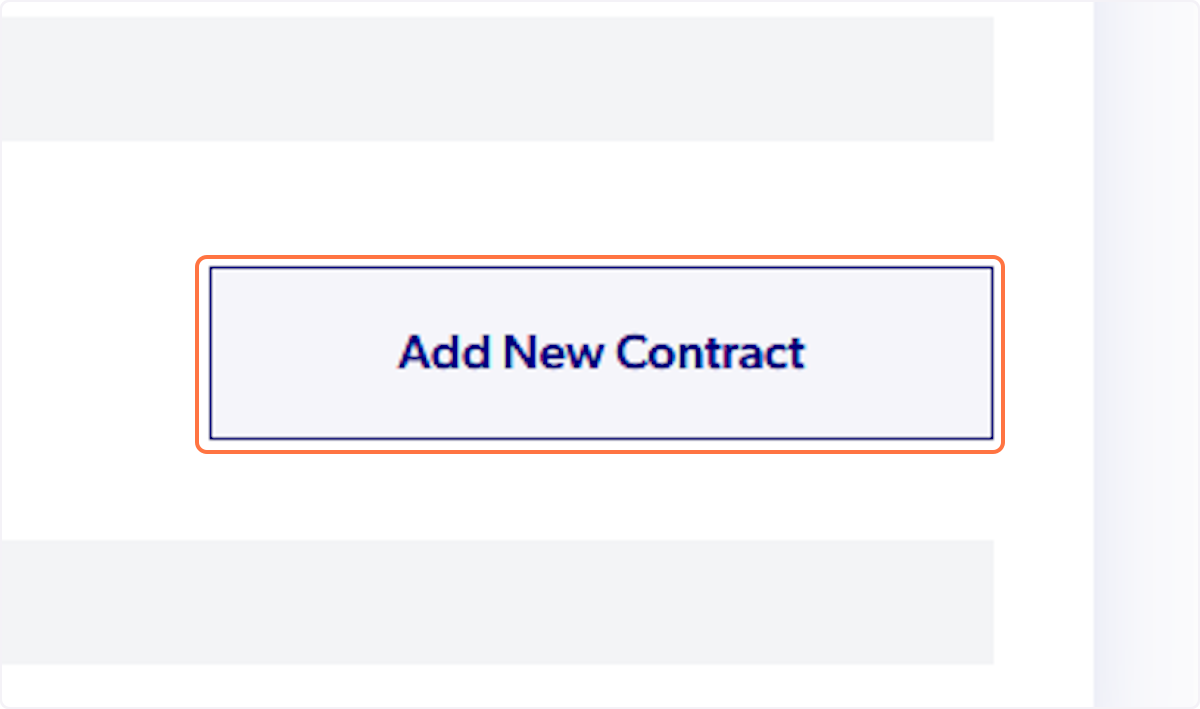
43. Click on Add New Contract
44. Click on
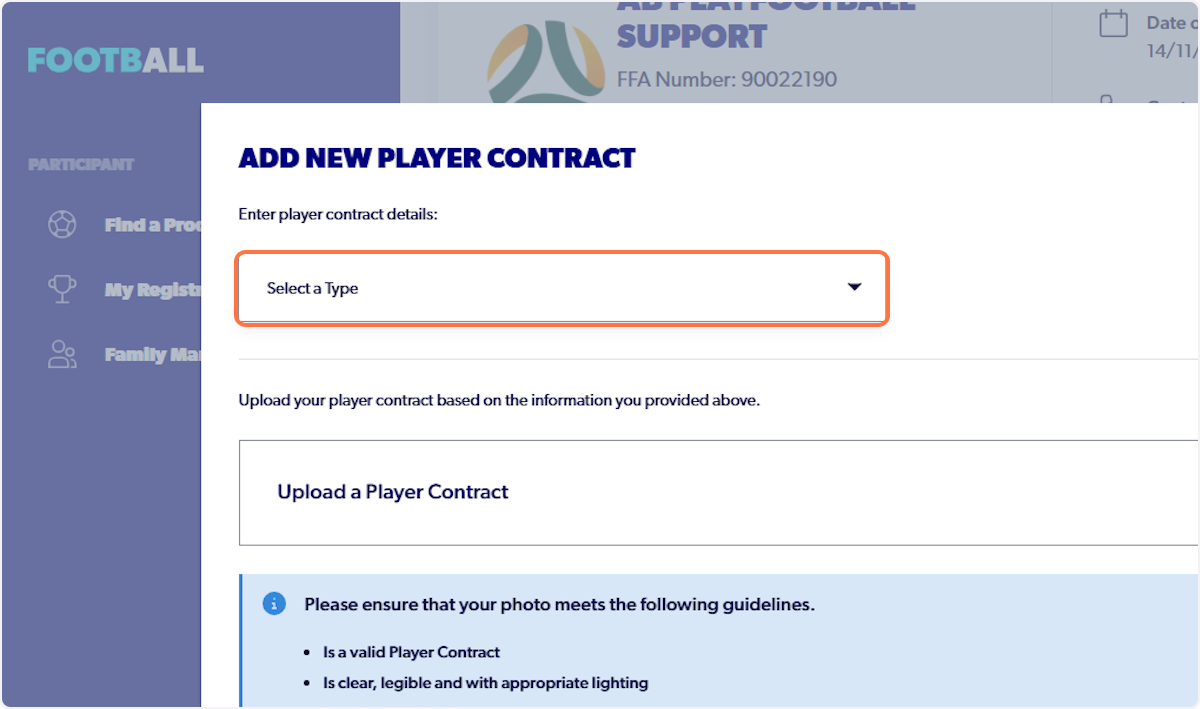
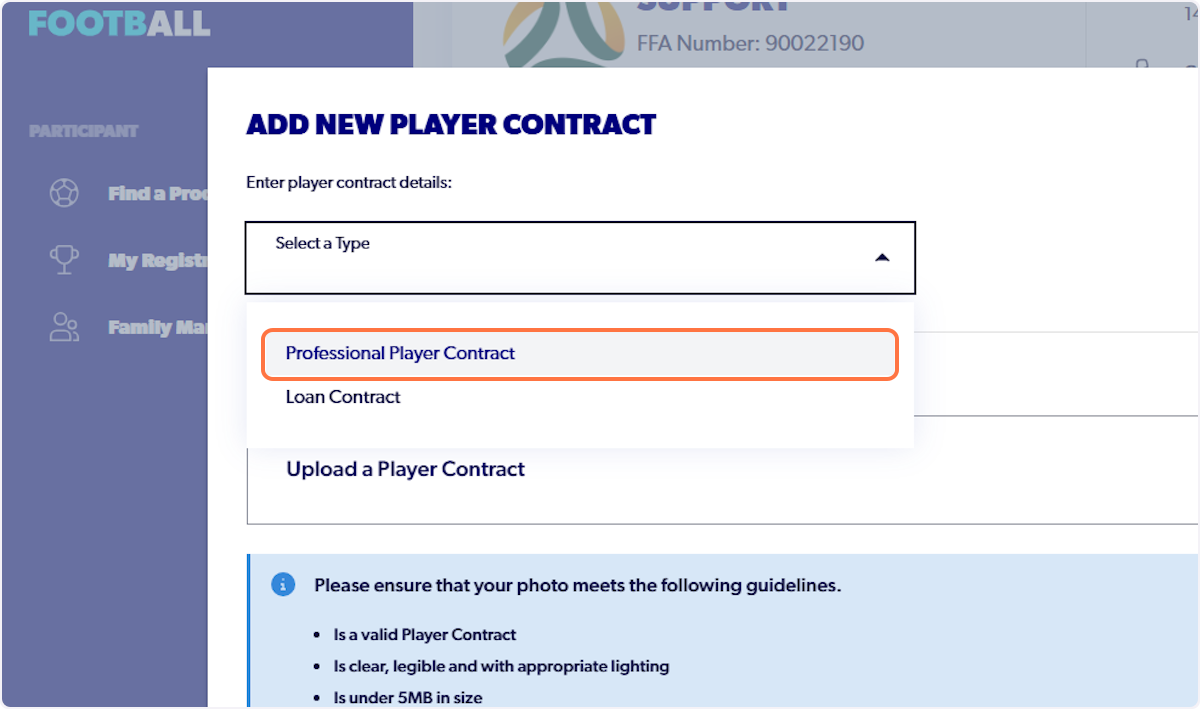
45. Click on Professional Player Contract
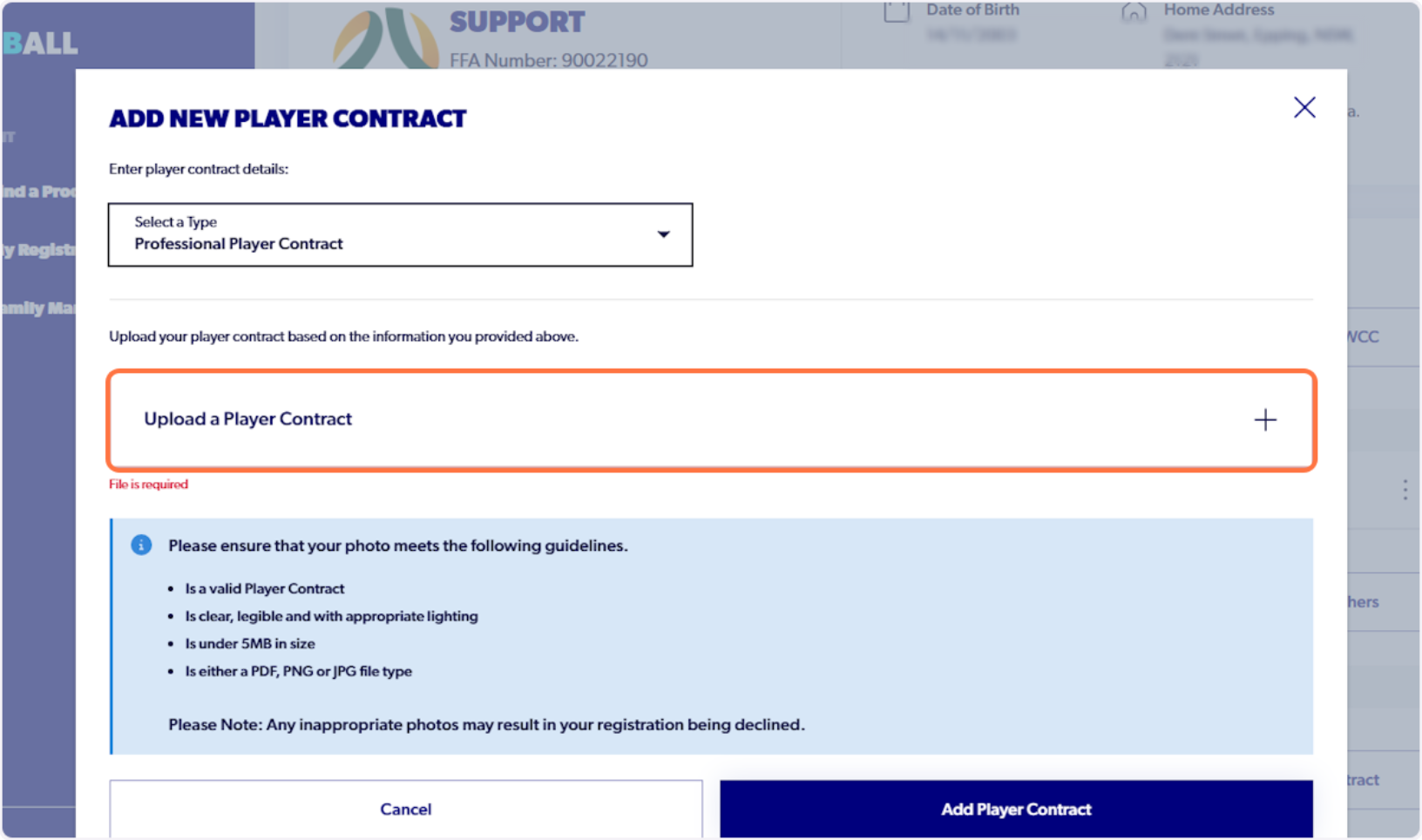
46. Click on Upload a Player Contract
47. Click on Upload a document from your device
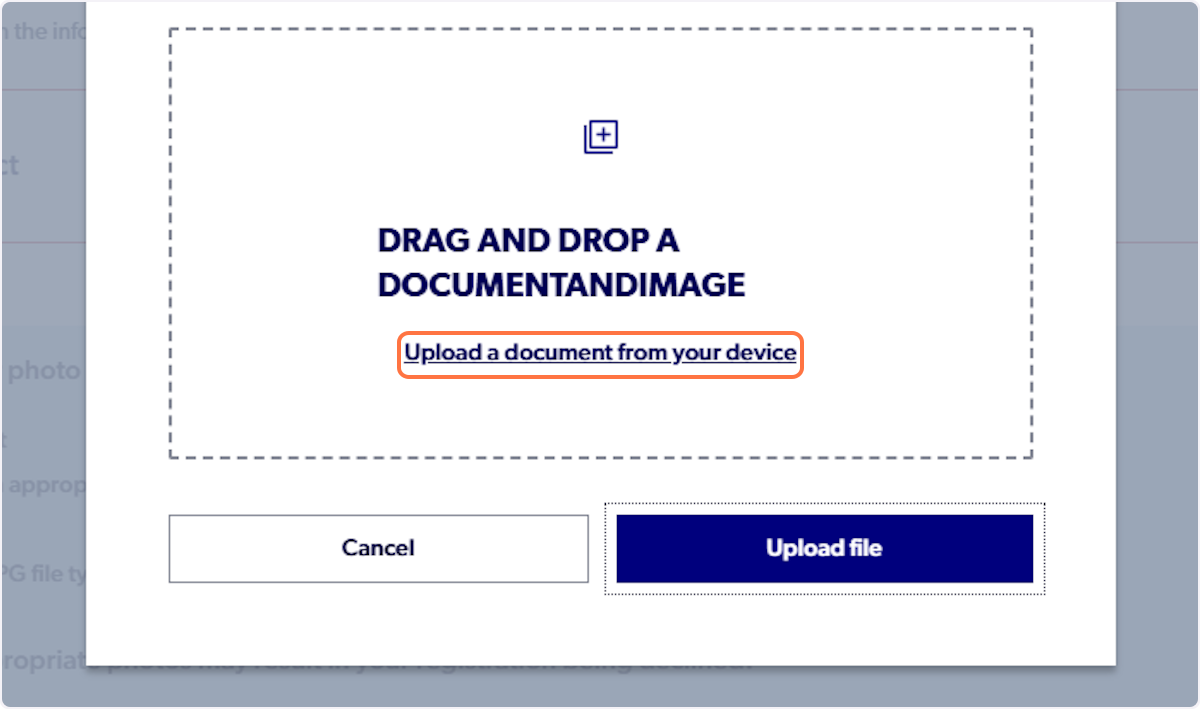
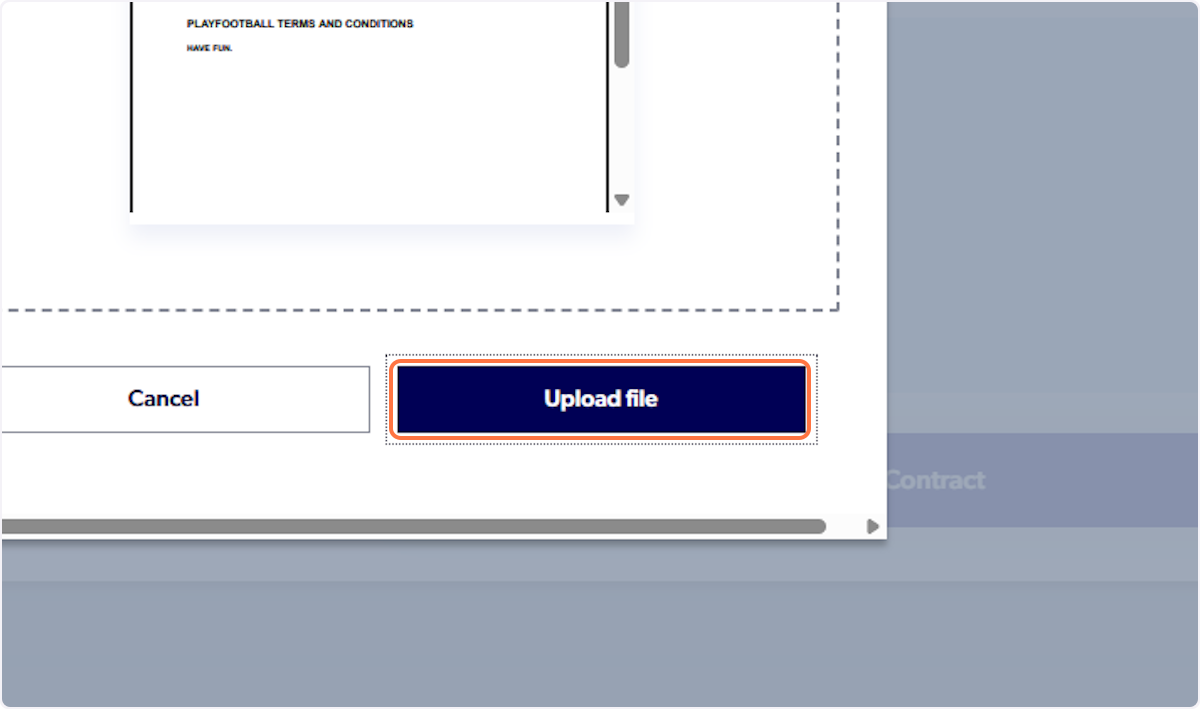
48. Click on Upload file
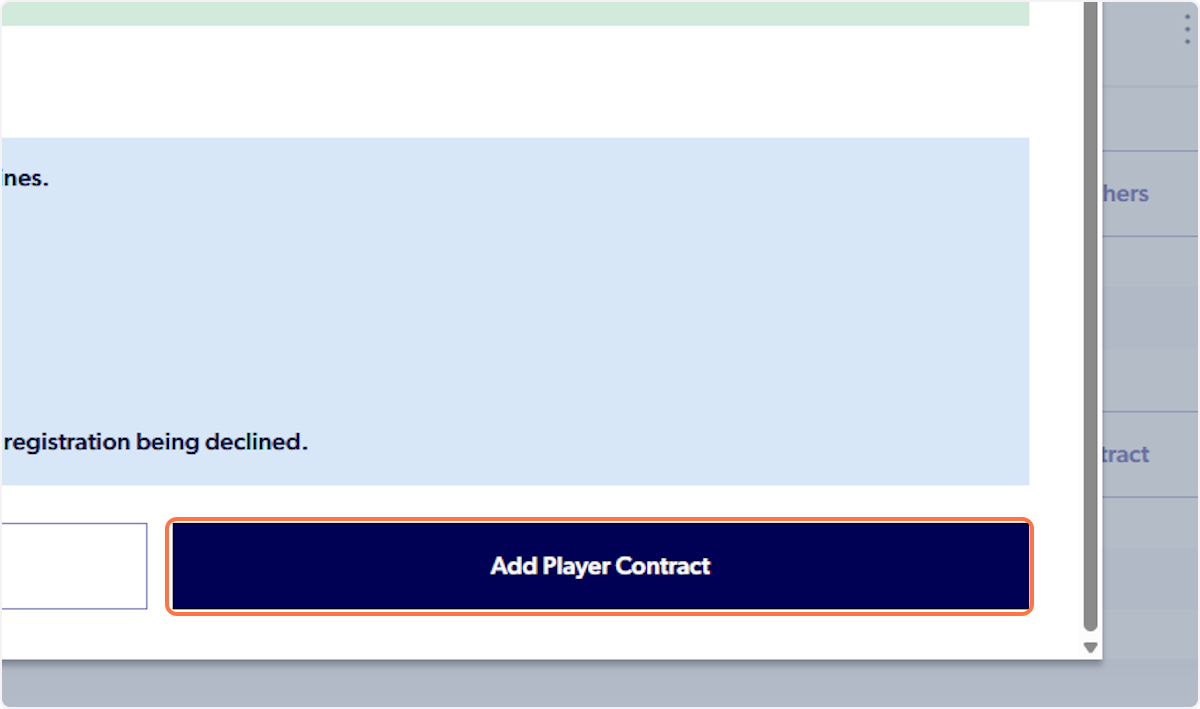
49. Click on Add Player Contract
50. Click on Supporting Documents