Participant - Change the Relationship between a Linked Family Member
Modified on: Wed, 6 May, 2026 at 2:02 PM
1. Navigate to 'Family Management'
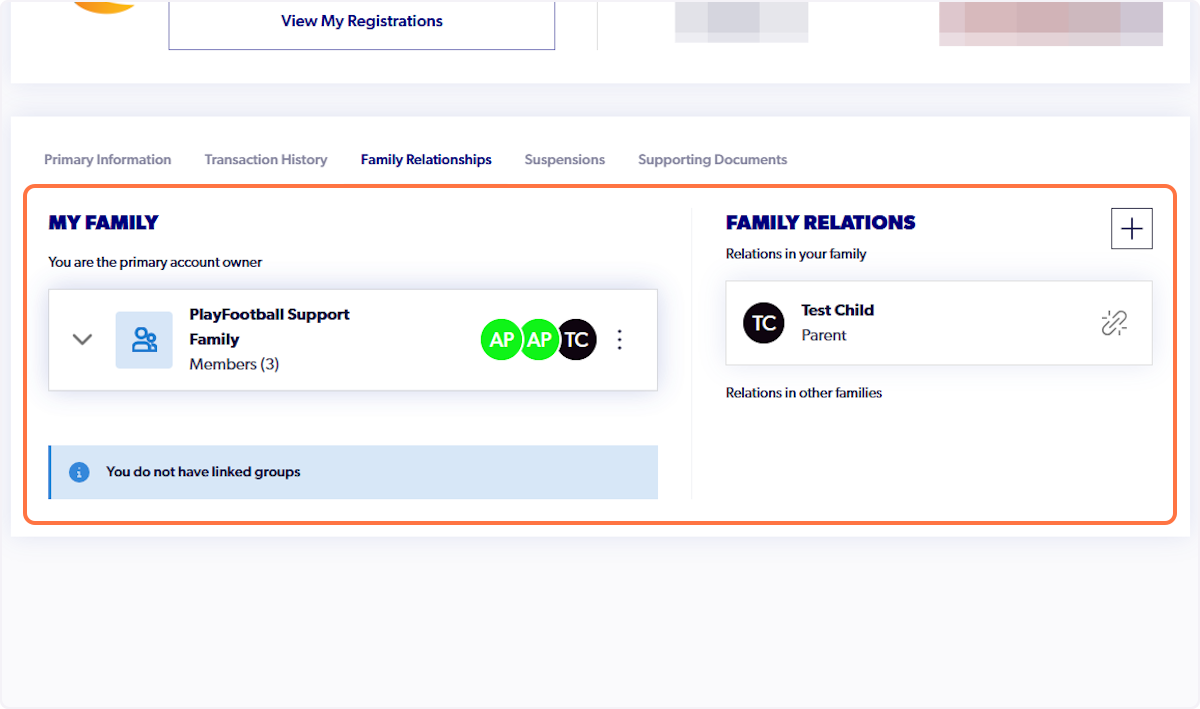
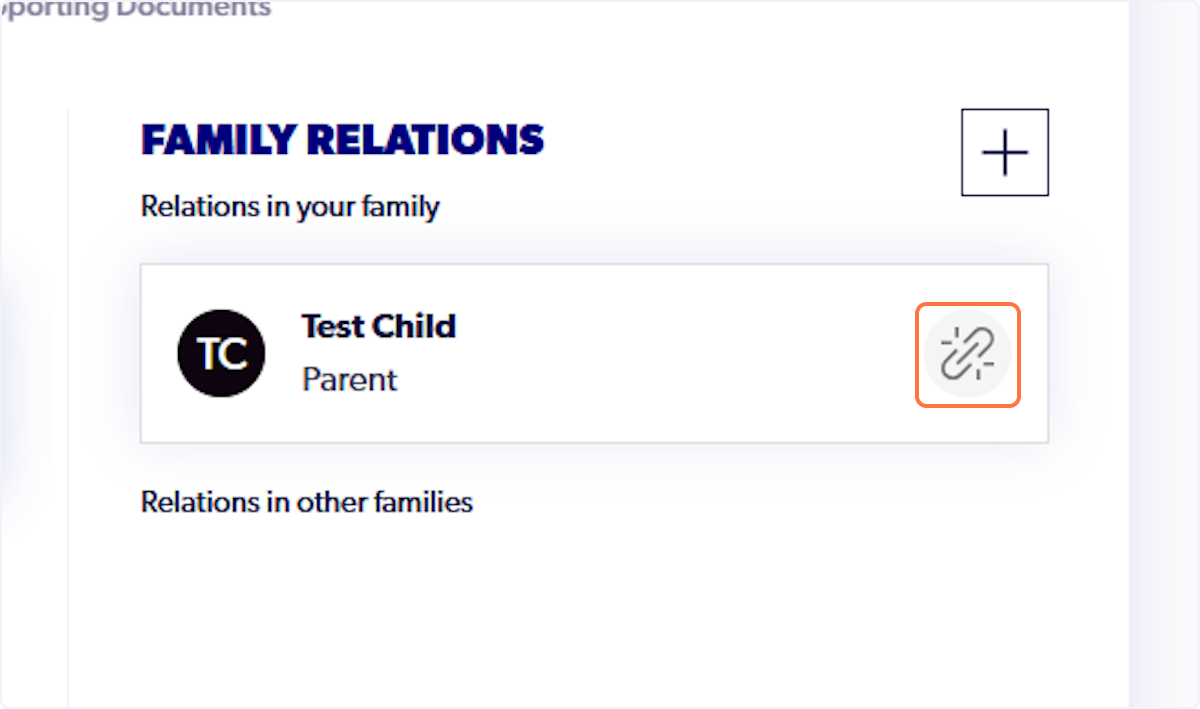
2. Select the chain icon next to the relevant participant
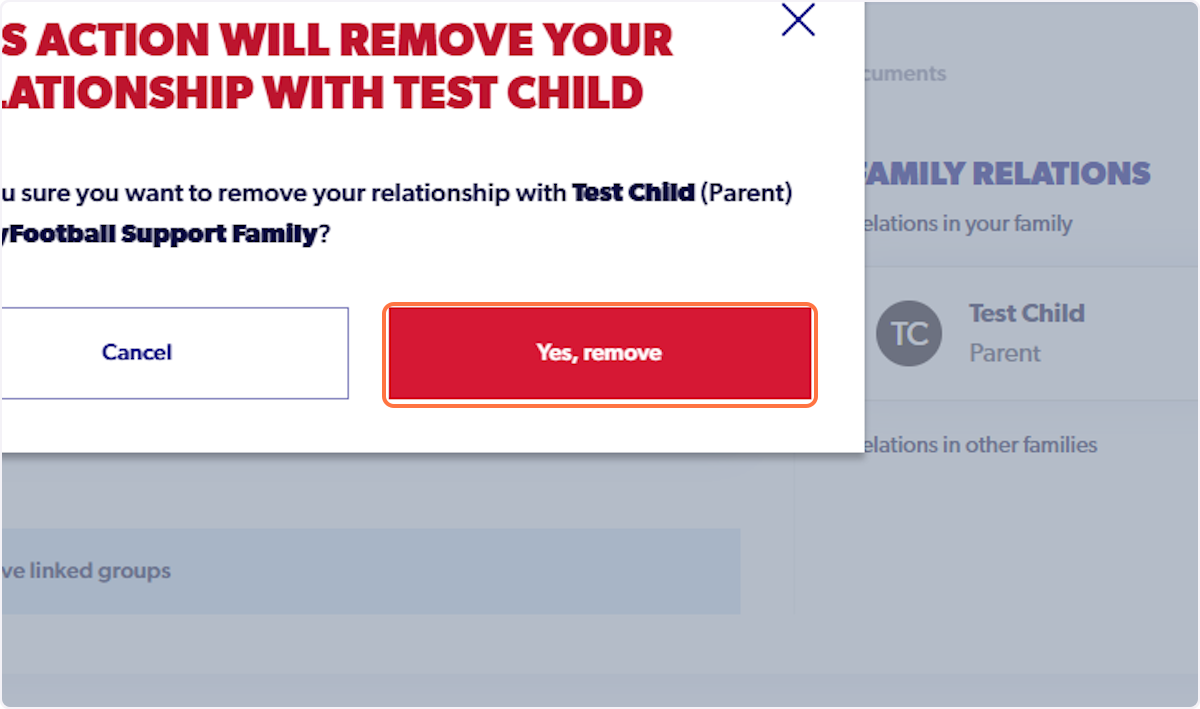
3. Click on 'Yes, remove' to remove the participant
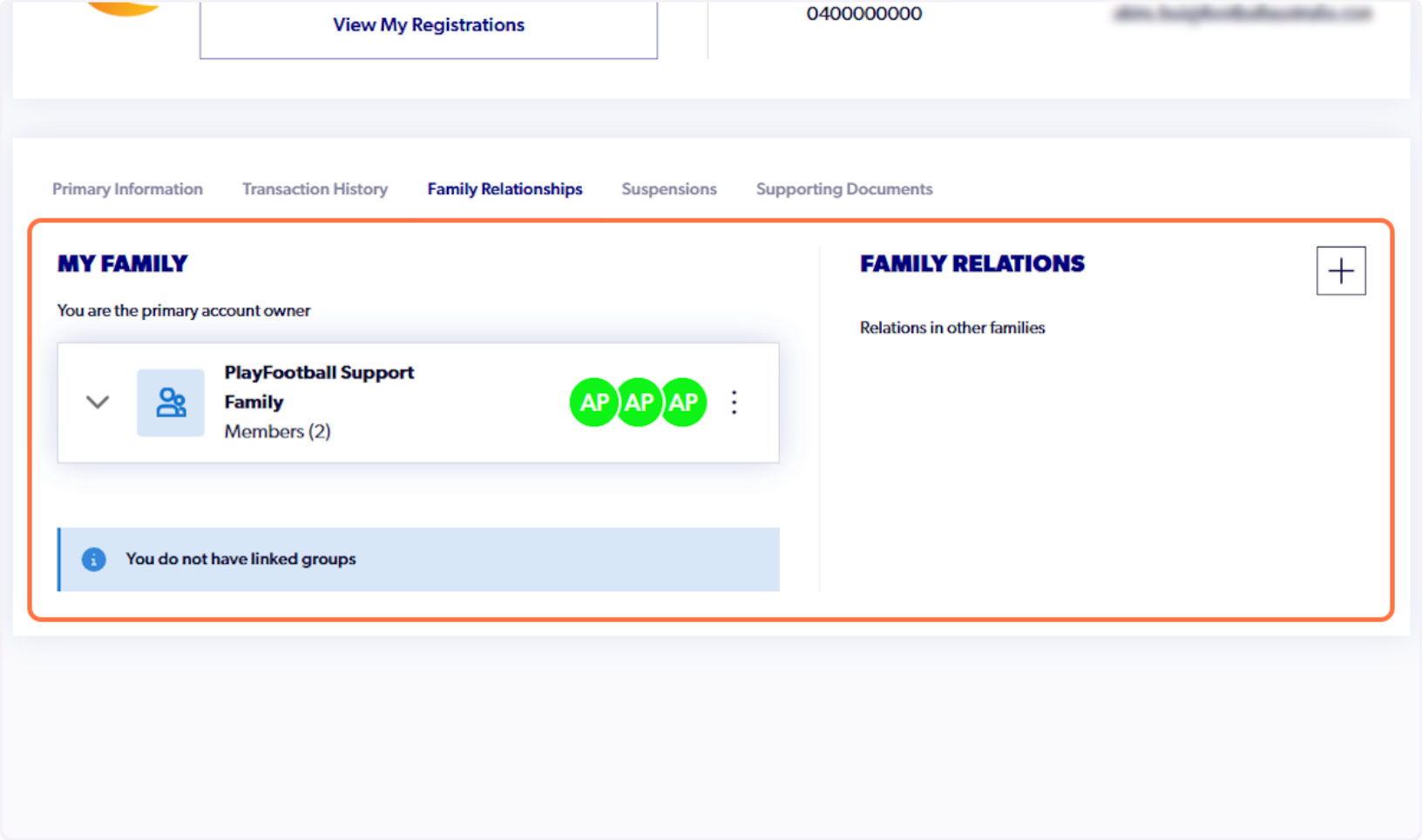
4. This will remove them from your family
5. Type in the participant's details (Please include only the First Name, Last Name and Date of Birth)
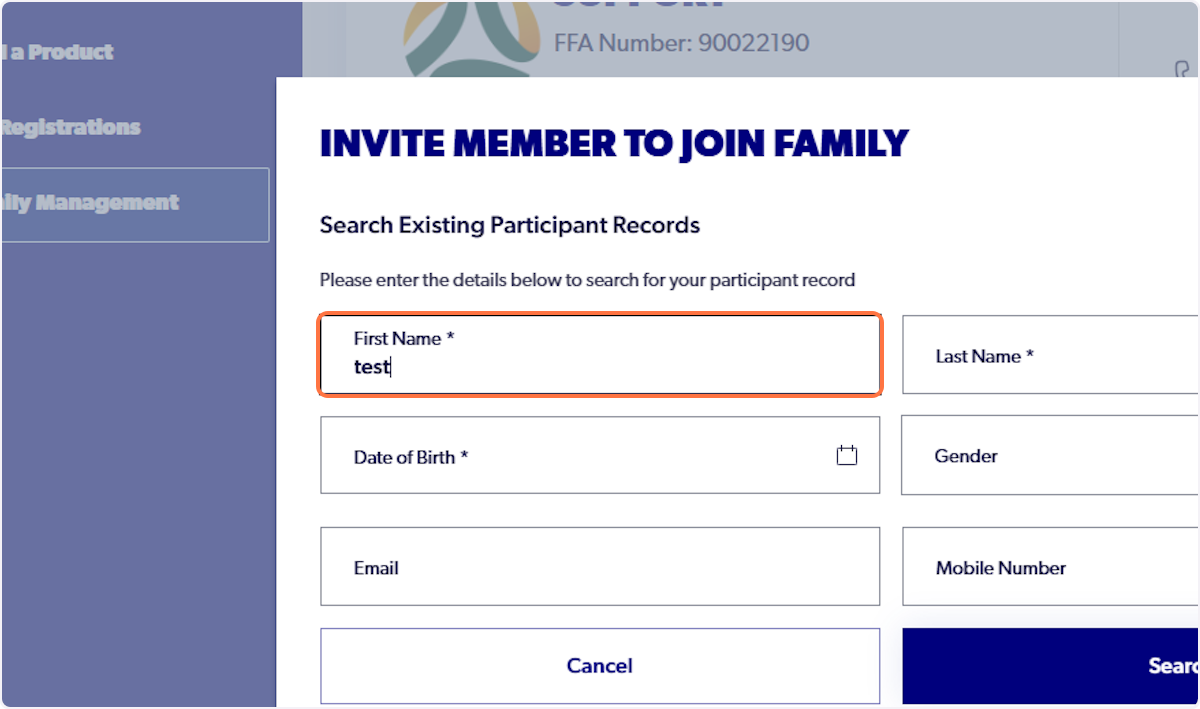
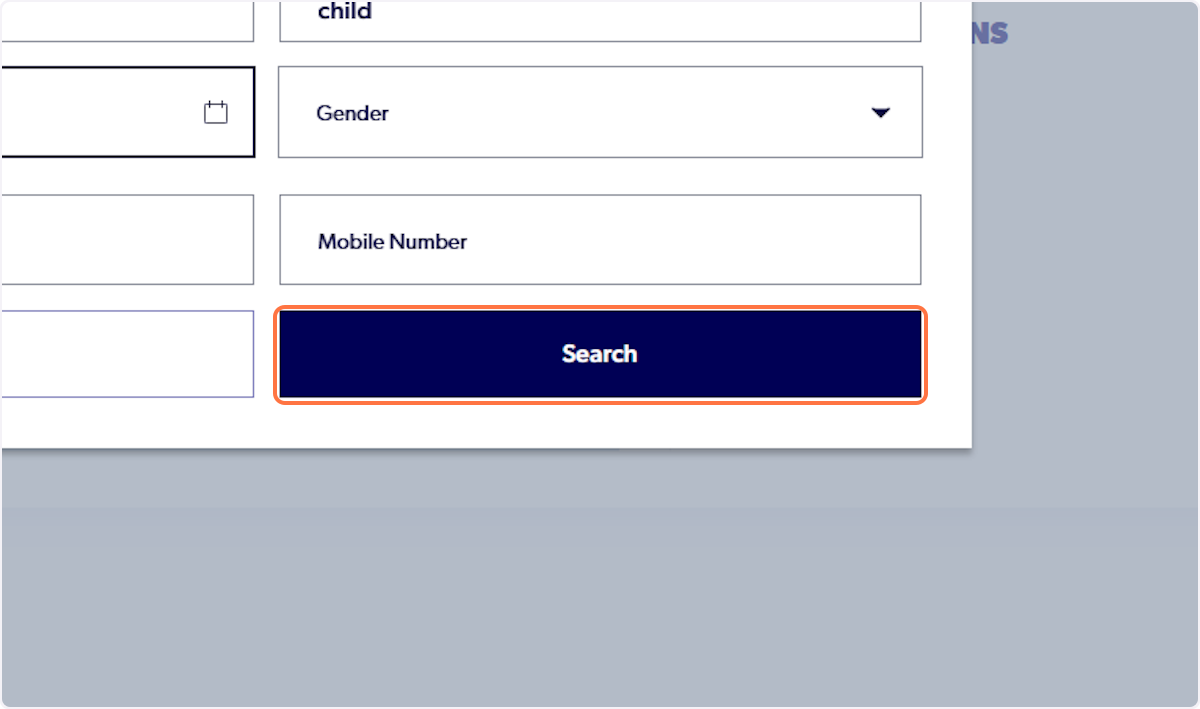
6. Click on Search
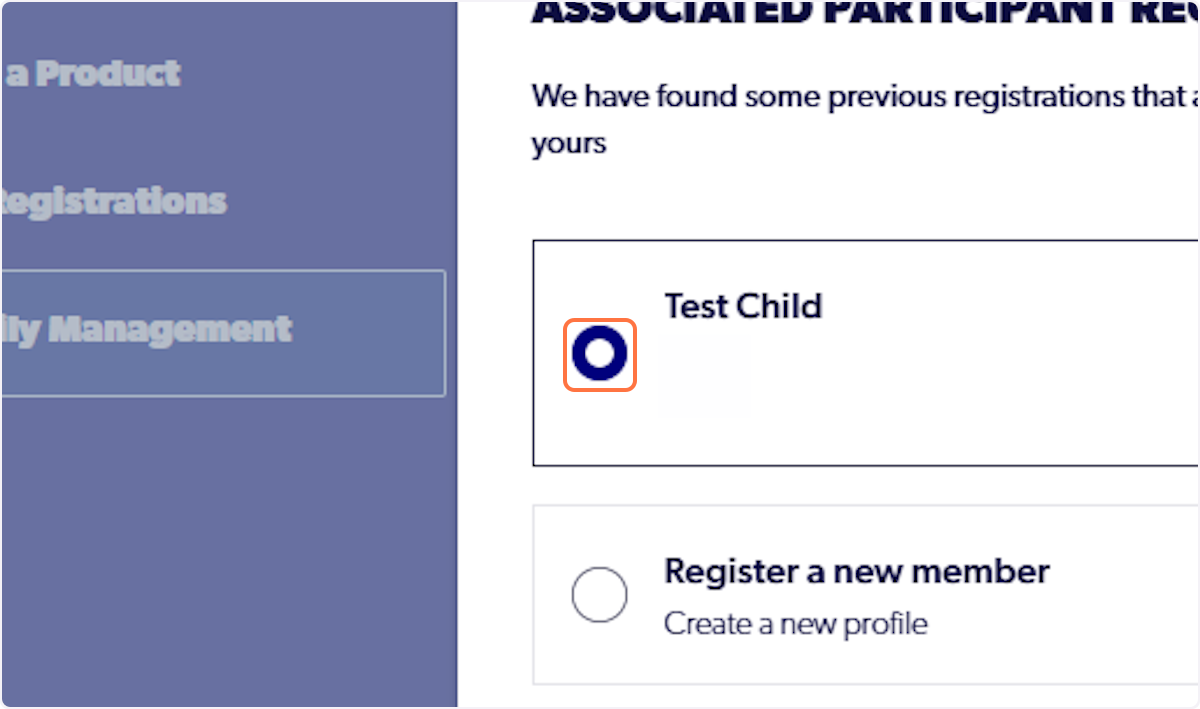
7. Select on the participant's record
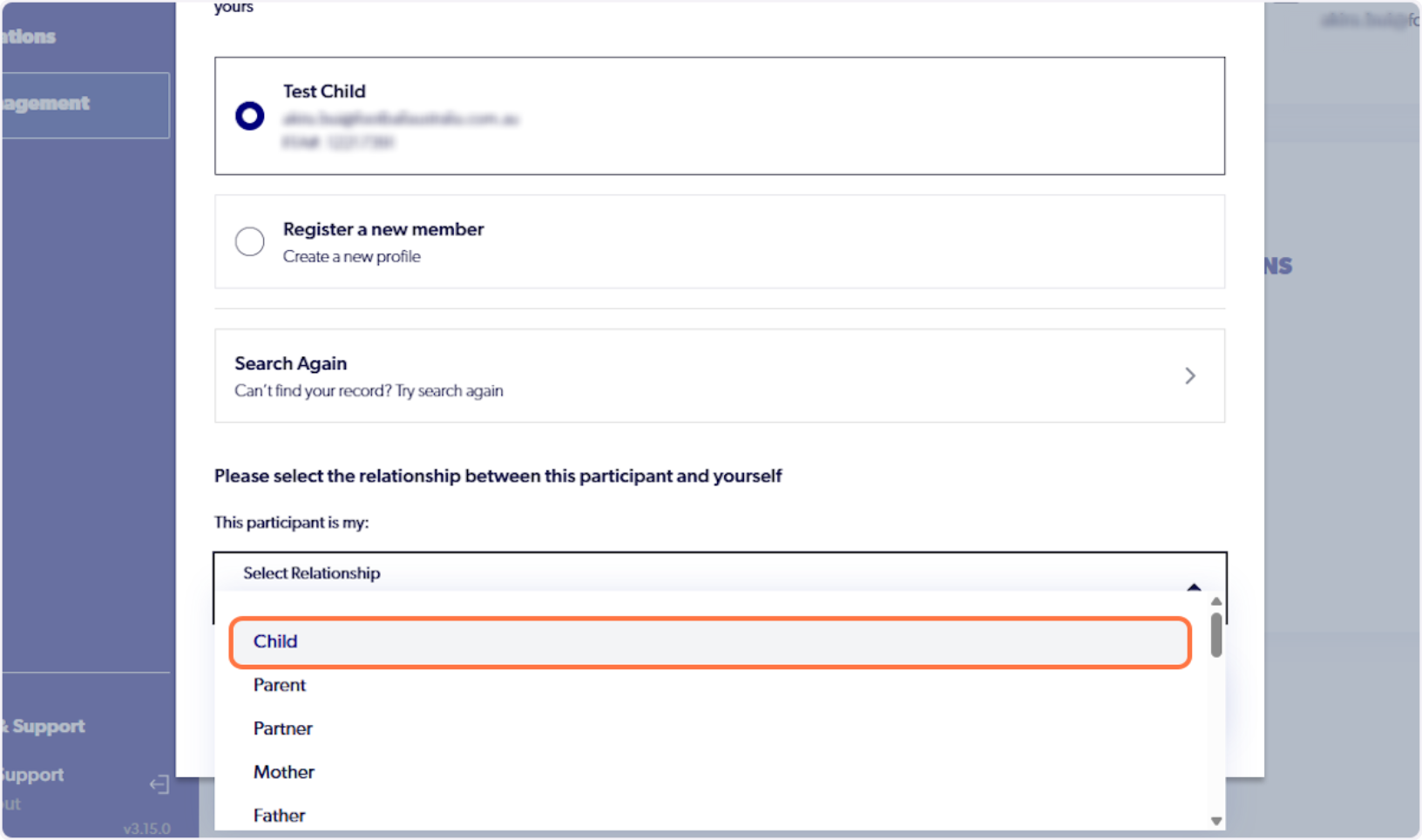
8. Click on 'Select Relationship'
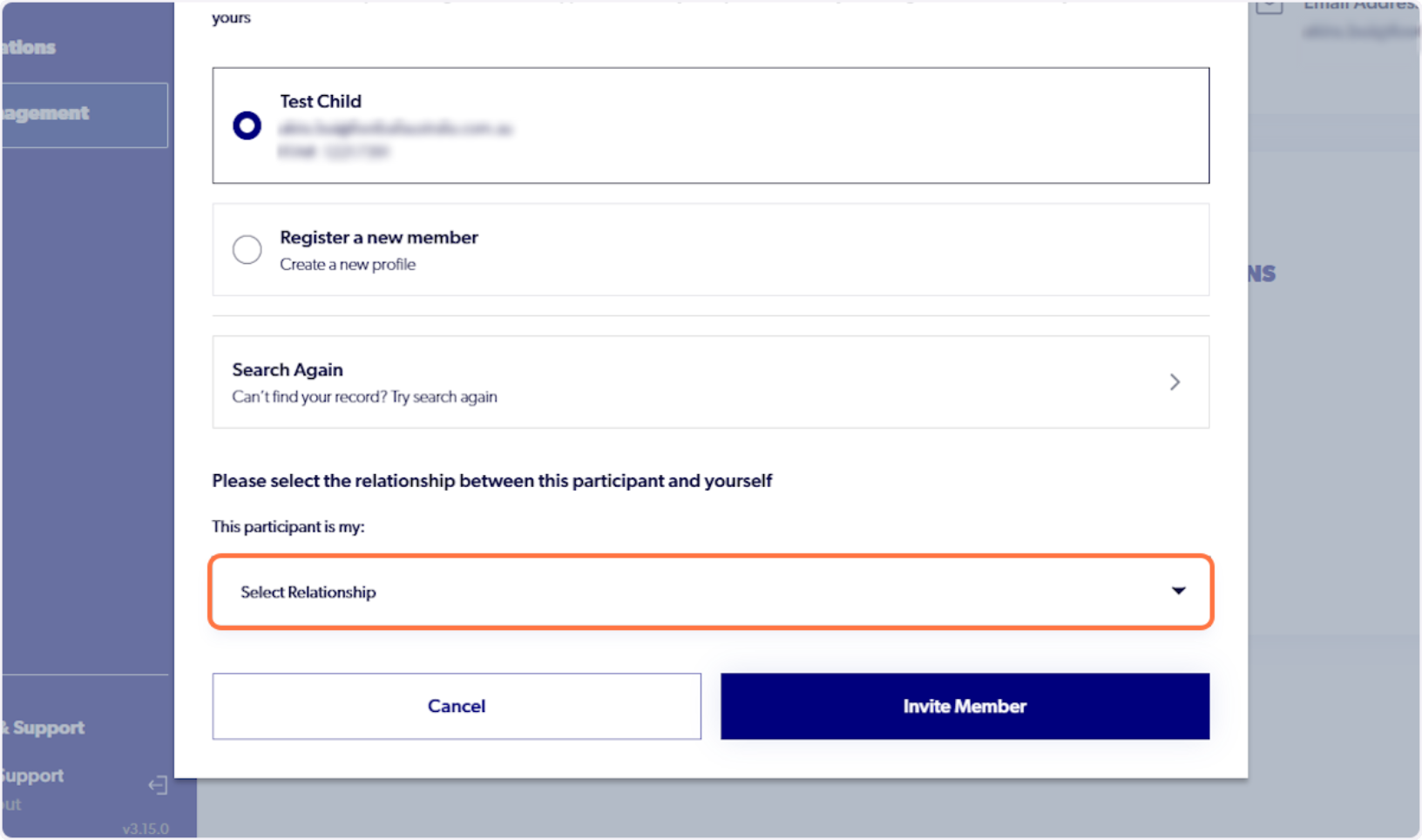
9. Select the correct relationship and name the family group (if required).
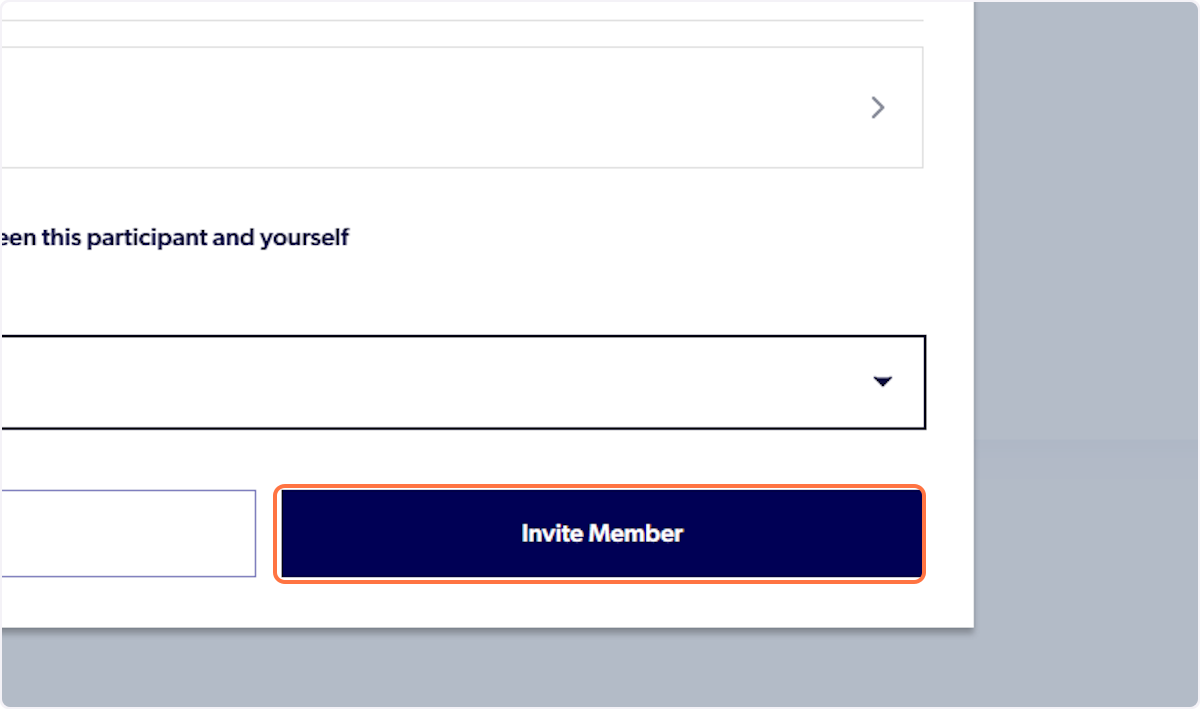
10. Click on Invite Member
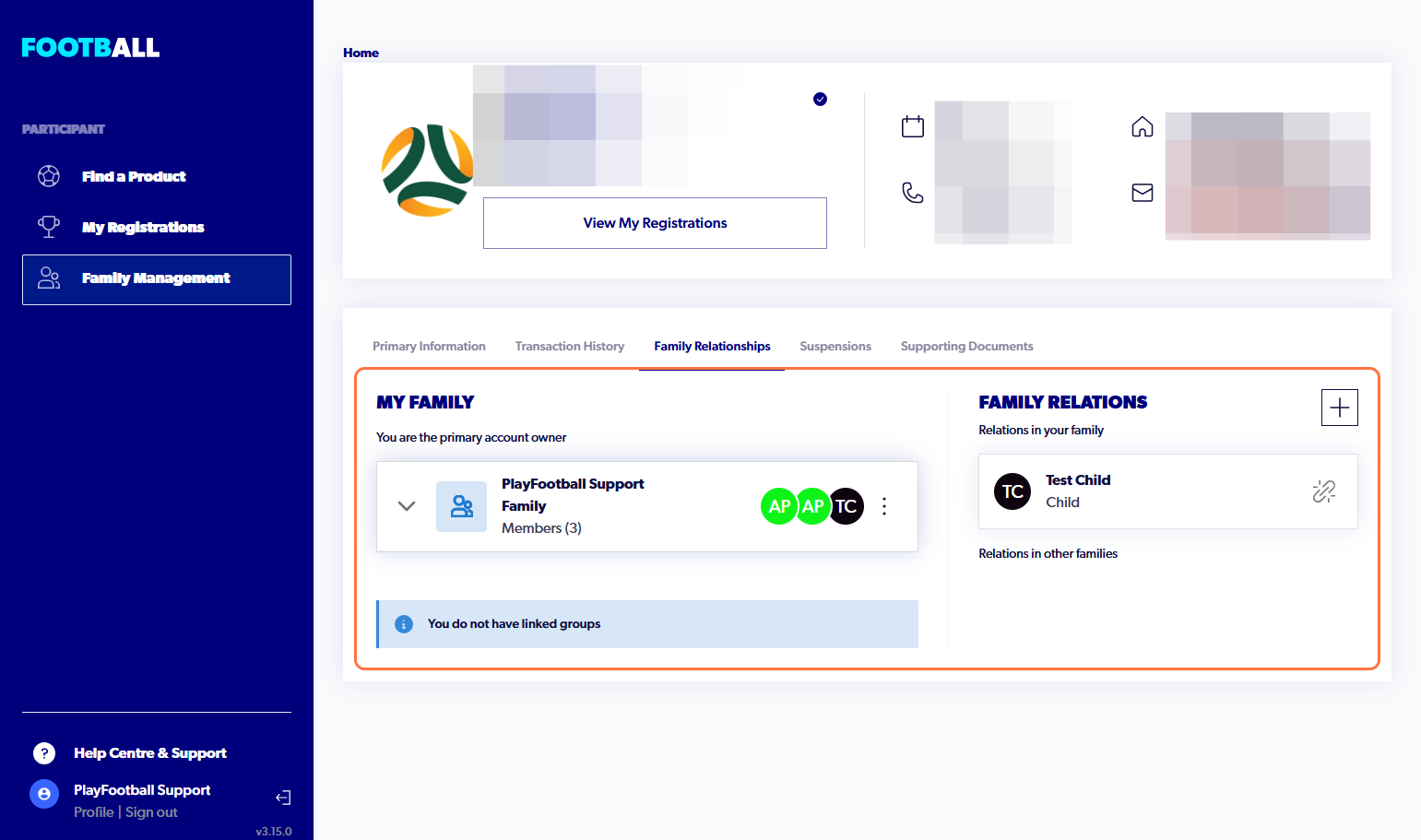
11. They will now be displaying with the correct relationship label within your family
Did you find it helpful?
Yes
No
Send feedback Sorry we couldn't be helpful. Help us improve this article with your feedback.