How to Register as a Coach/Non-Player
Modified on: Thu, 26 Feb, 2026 at 3:20 PM
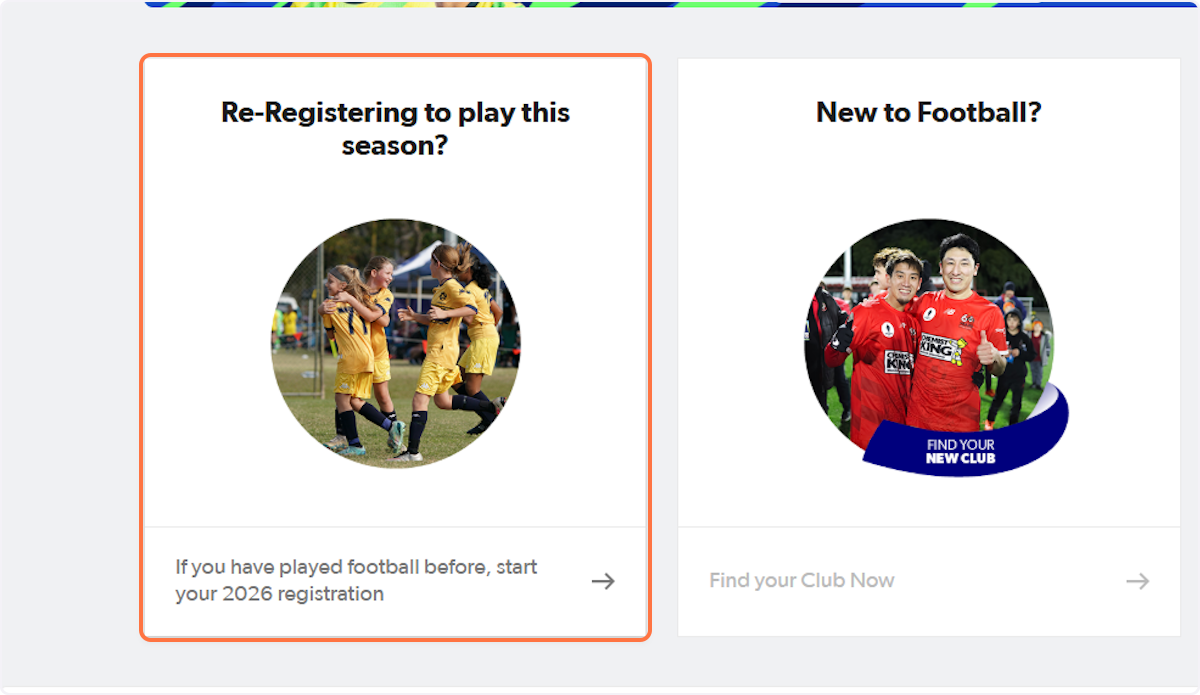
1. Go to playfootball.com.au and select Re-Registering to Play this Season
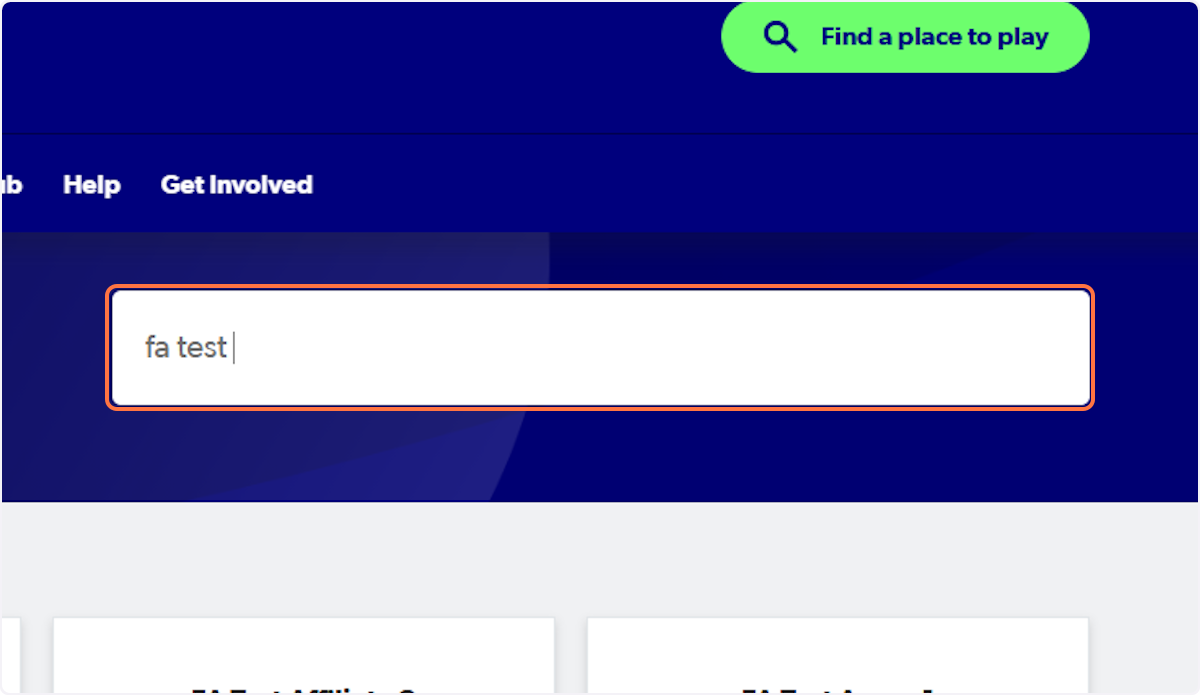
2. Search your club
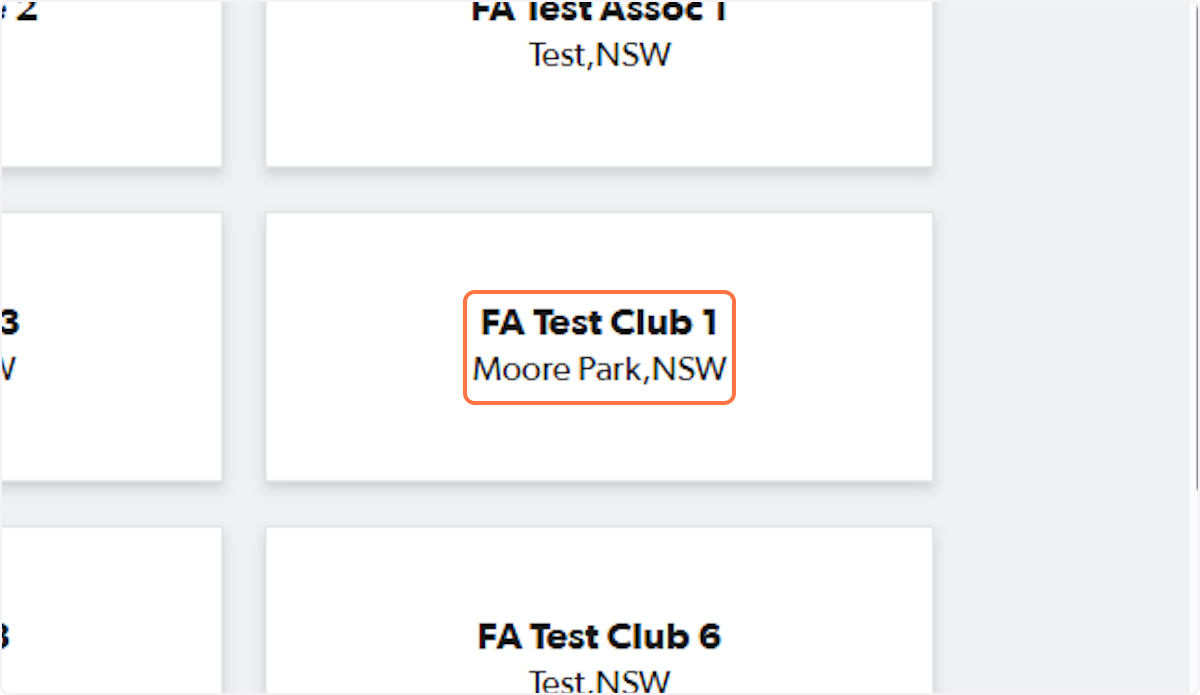
3. Click on your club
4. Find your registration product
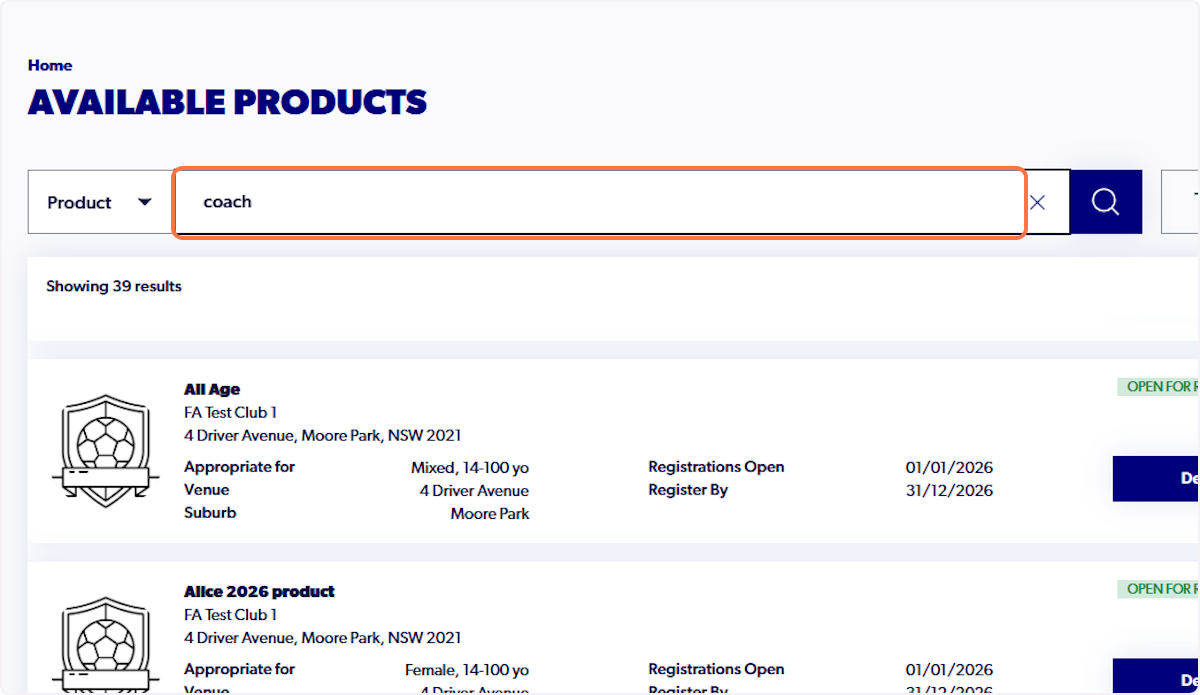
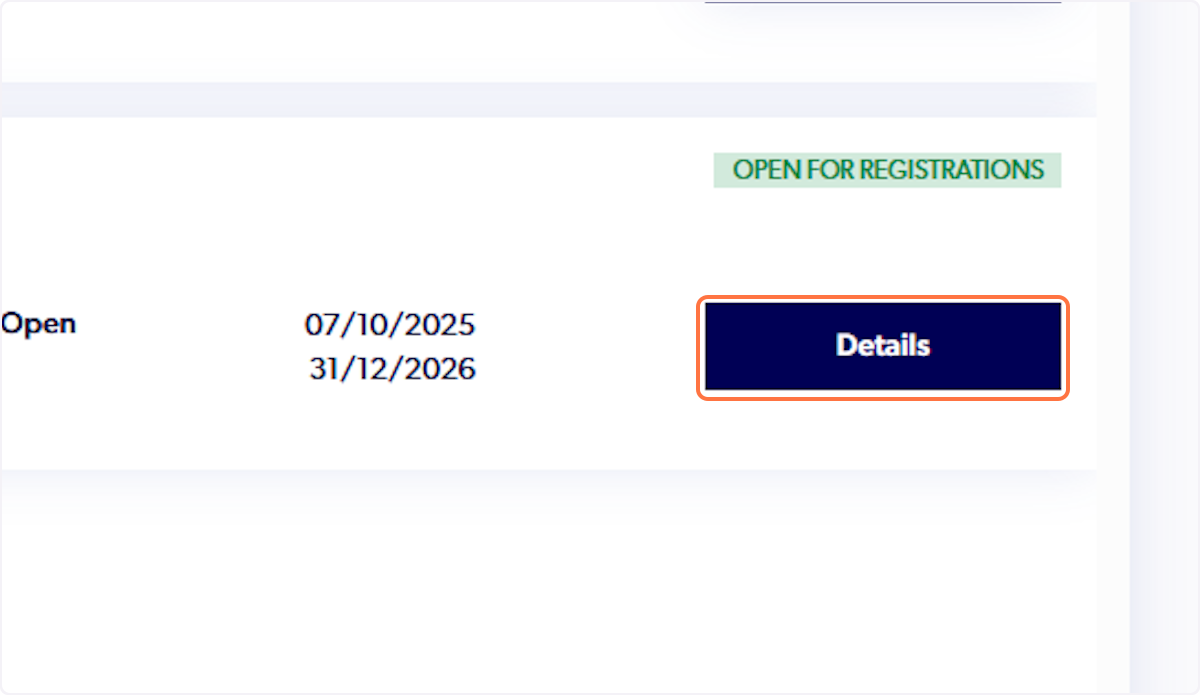
5. Click on Details for the selected product
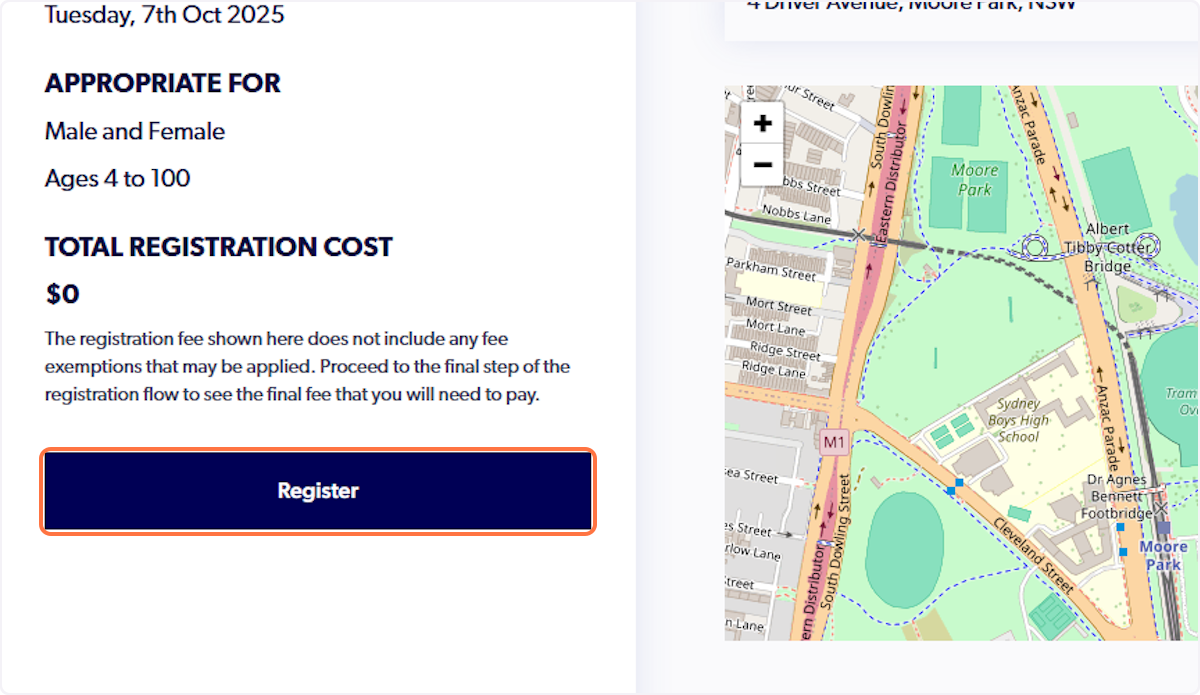
6. Click on Register
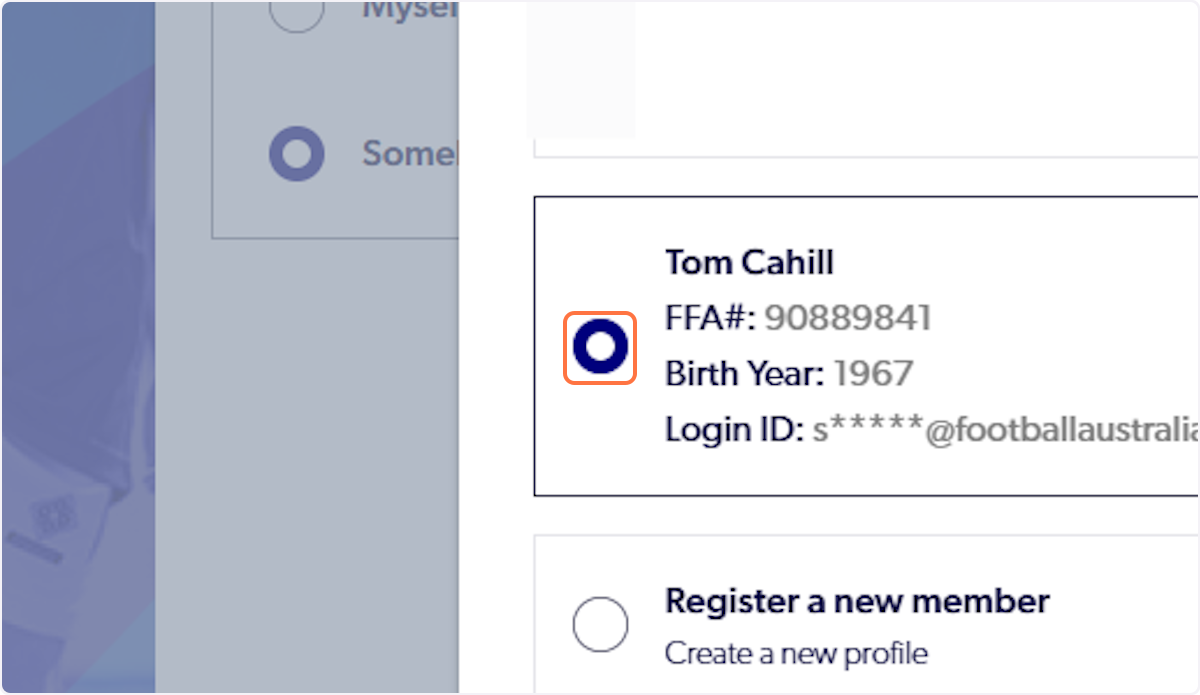
7. Select the particpant
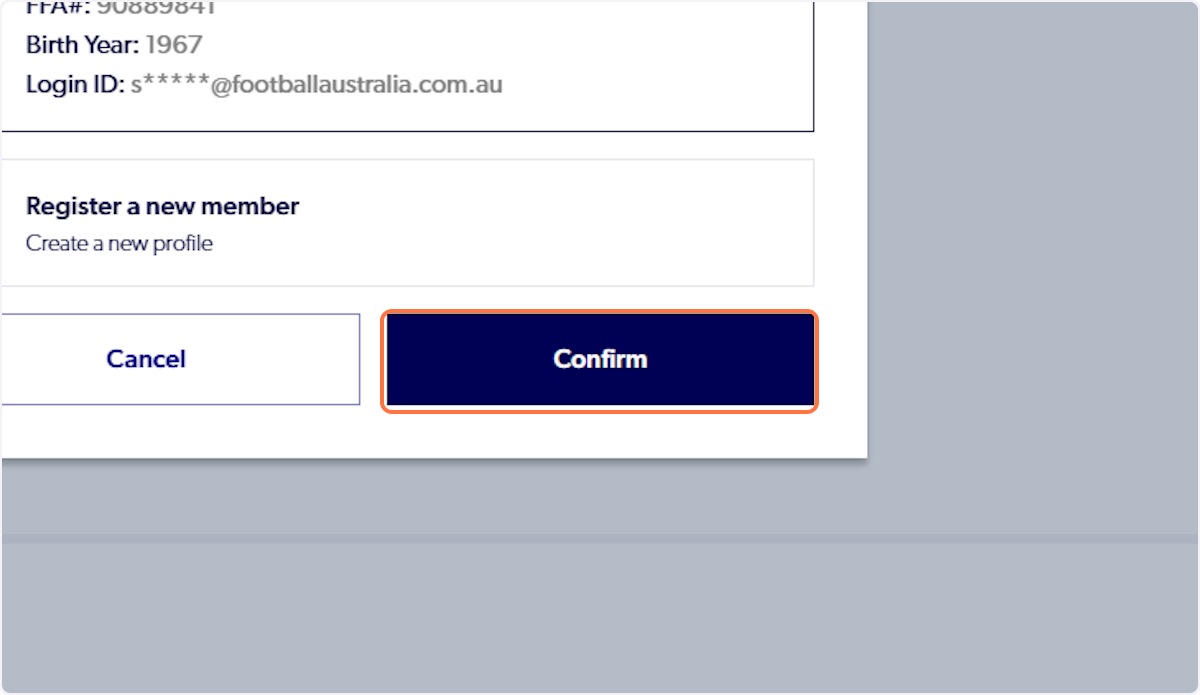
8. Click on Confirm
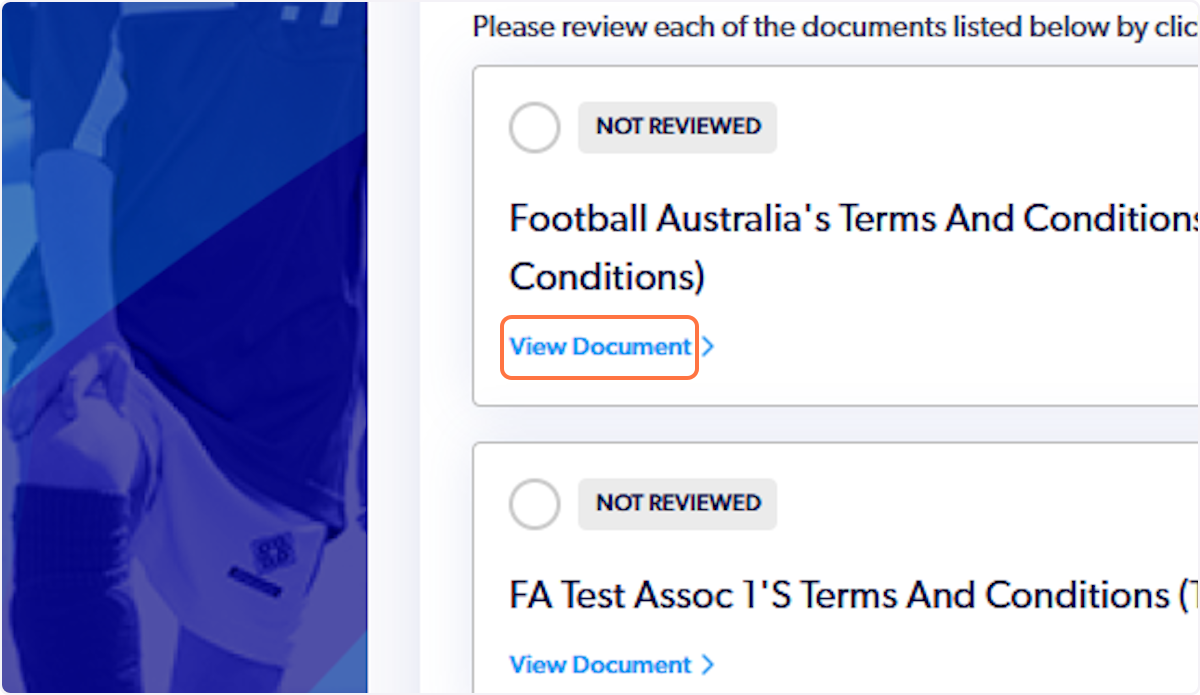
9. View the Terms and Conditions
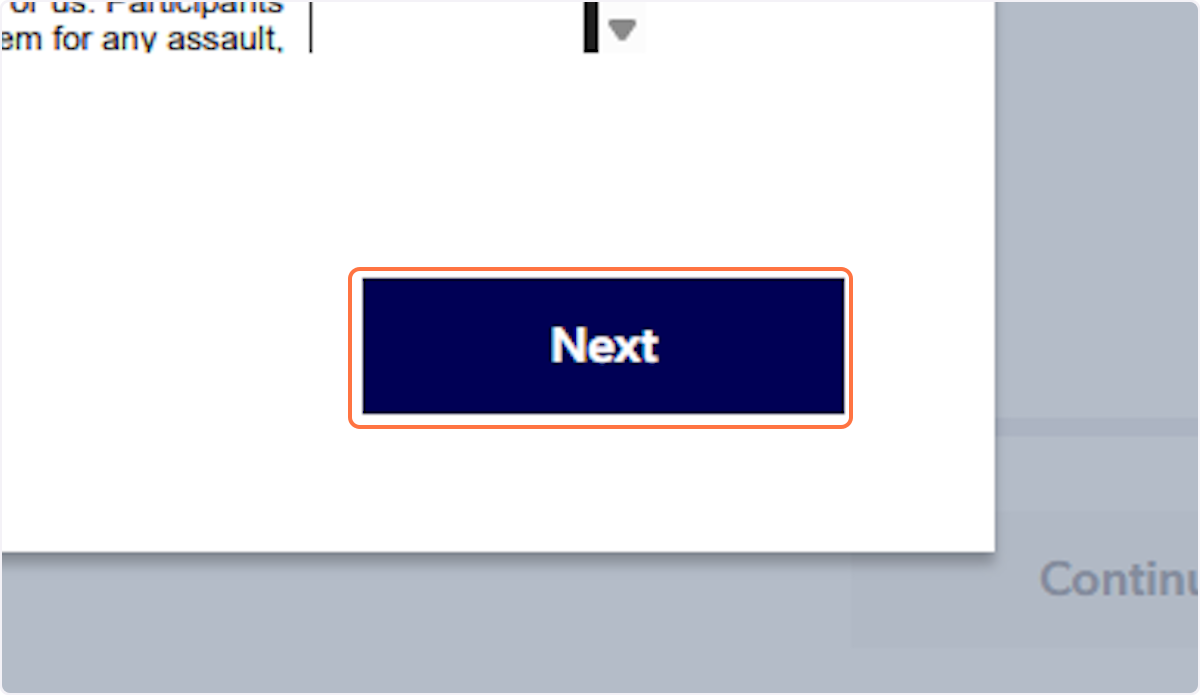
10. Click on Next
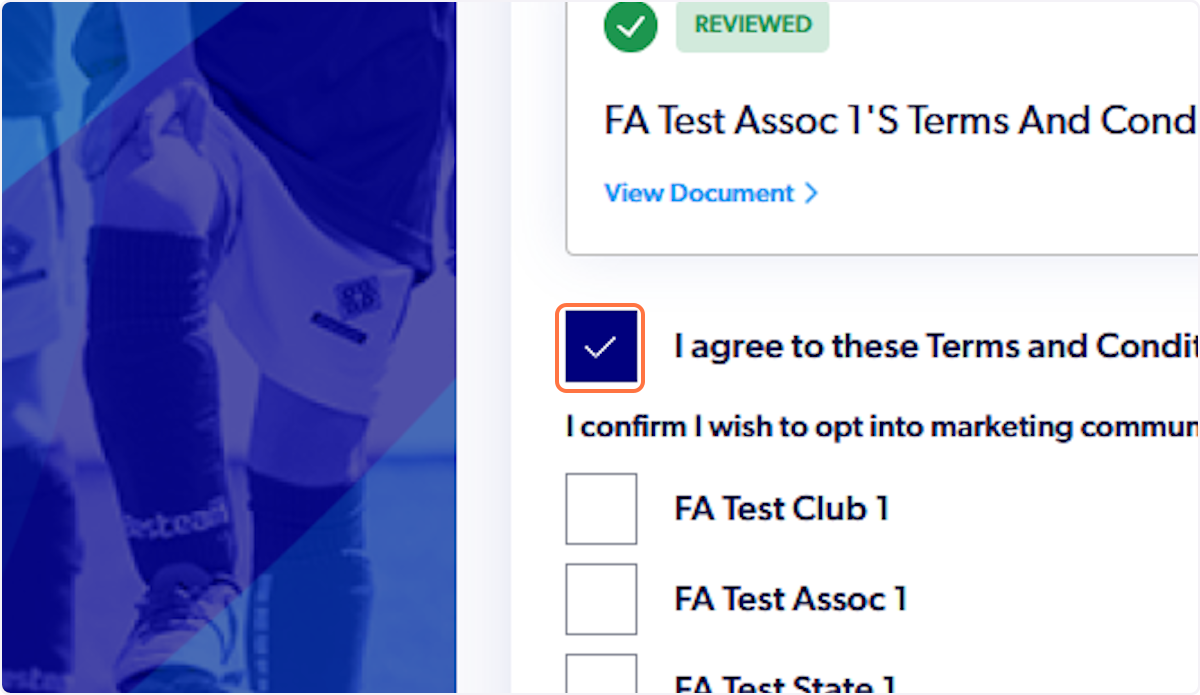
11. Check I agree to these Terms and Conditions
12. Click on Continue

13. Click on Start

14. Click on Next

15. Fill out your personal details
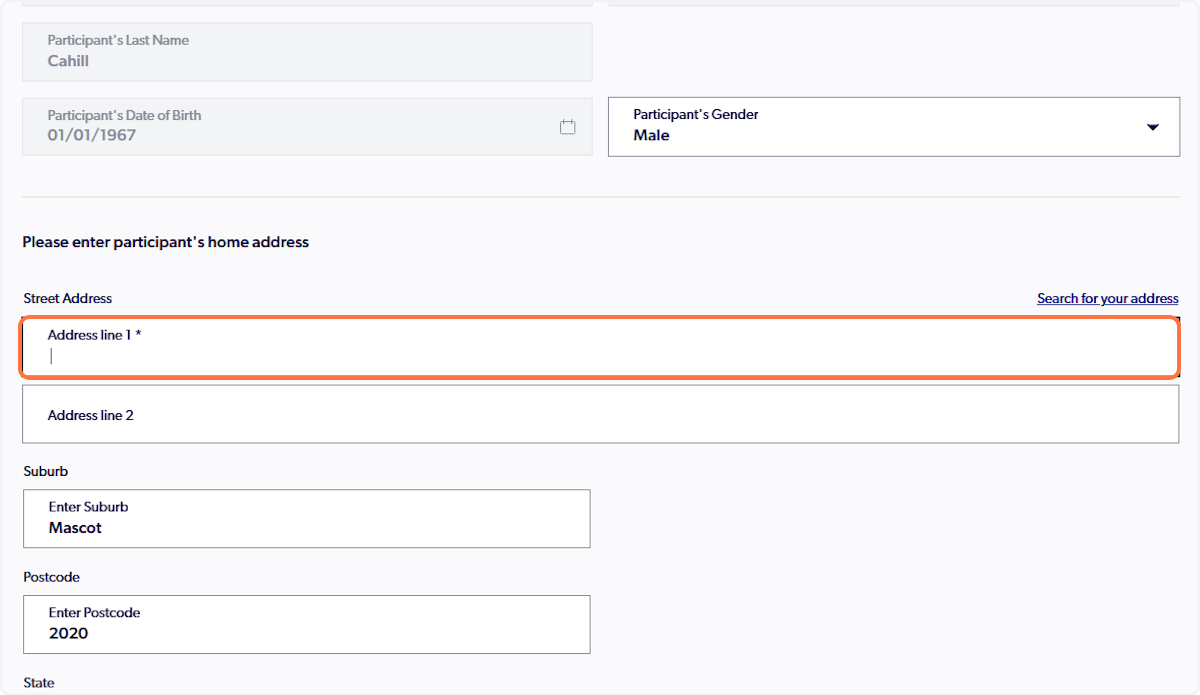
16. Click on Next

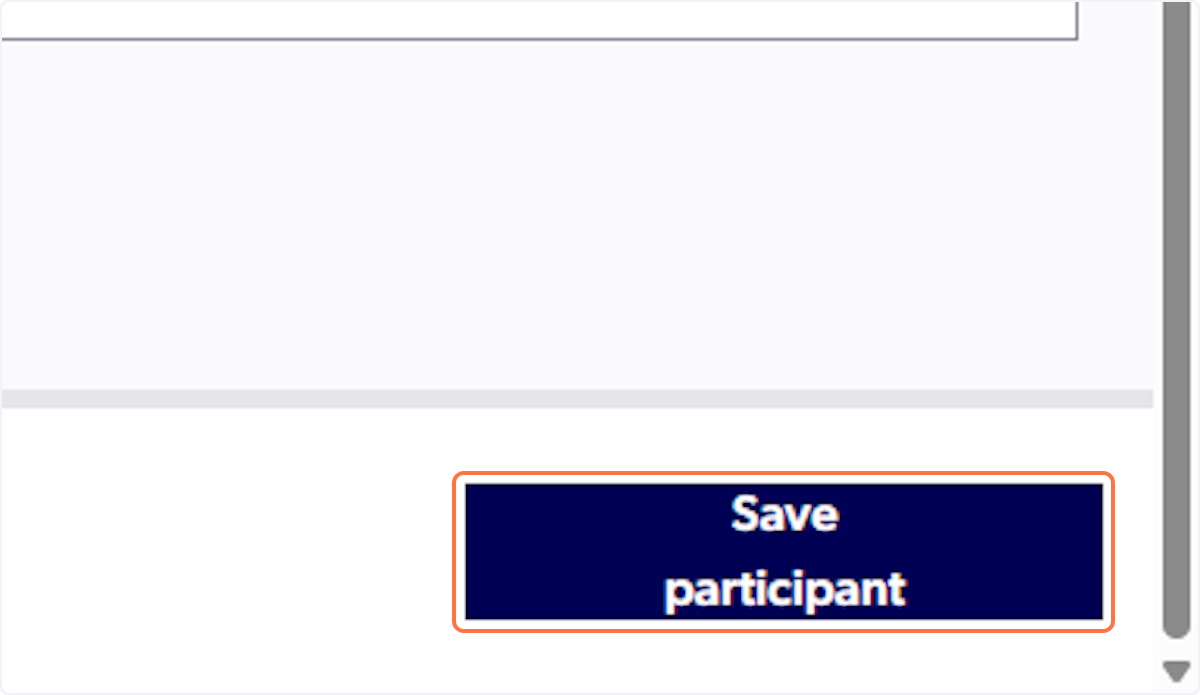
17. Click on Save participant
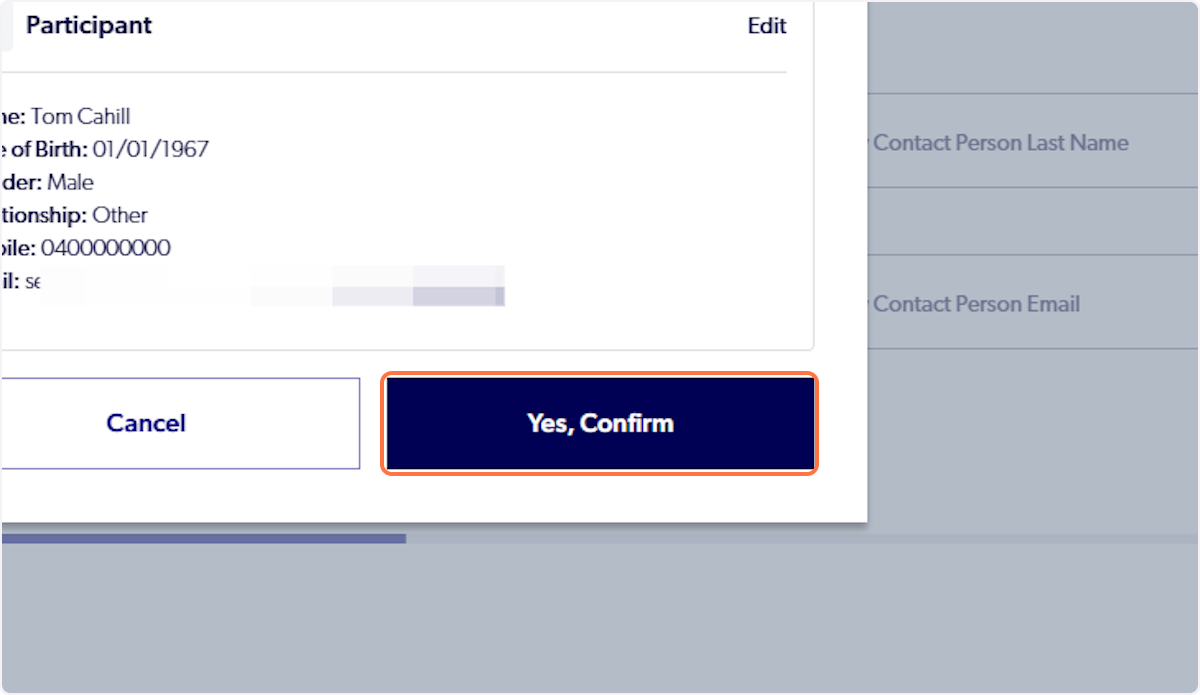
18. Click on Yes, Confirm
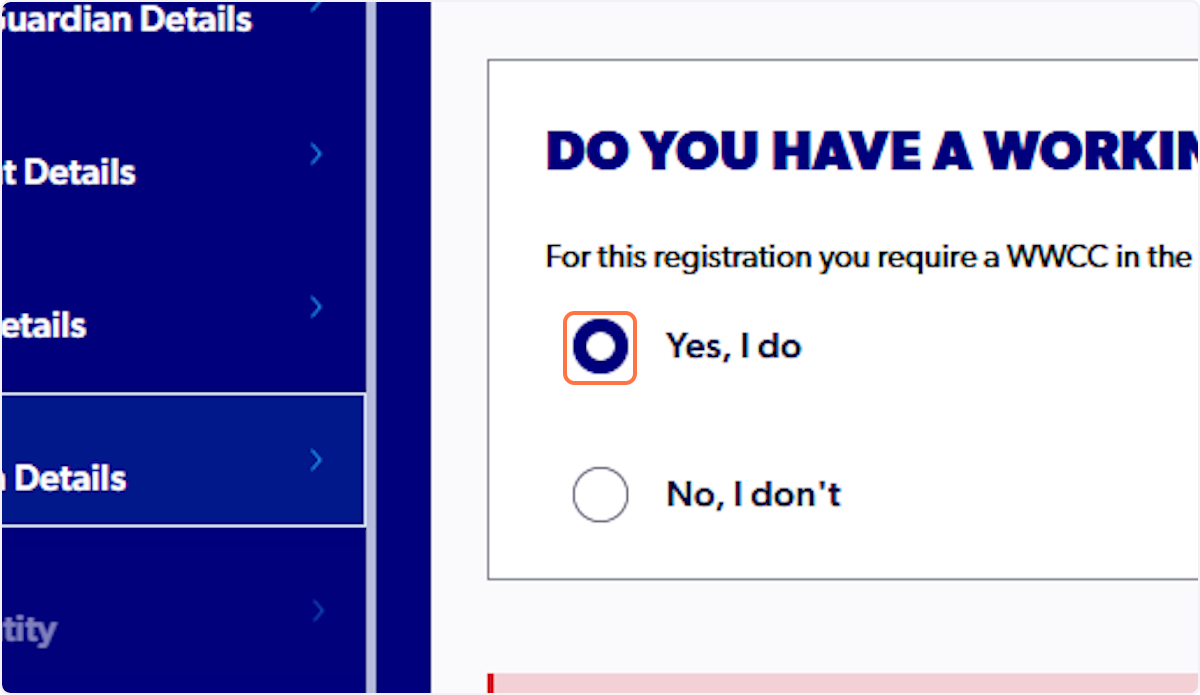
19. Select Yes, I do
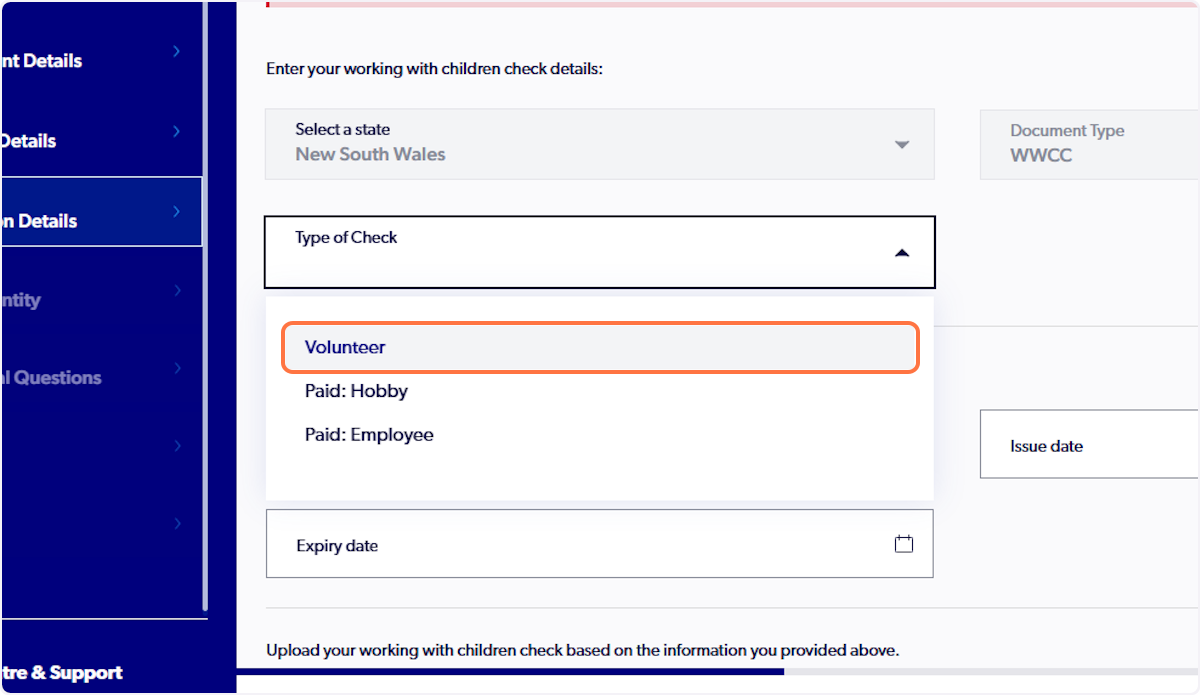
20. Select type of Check
21. Enter WWCC number
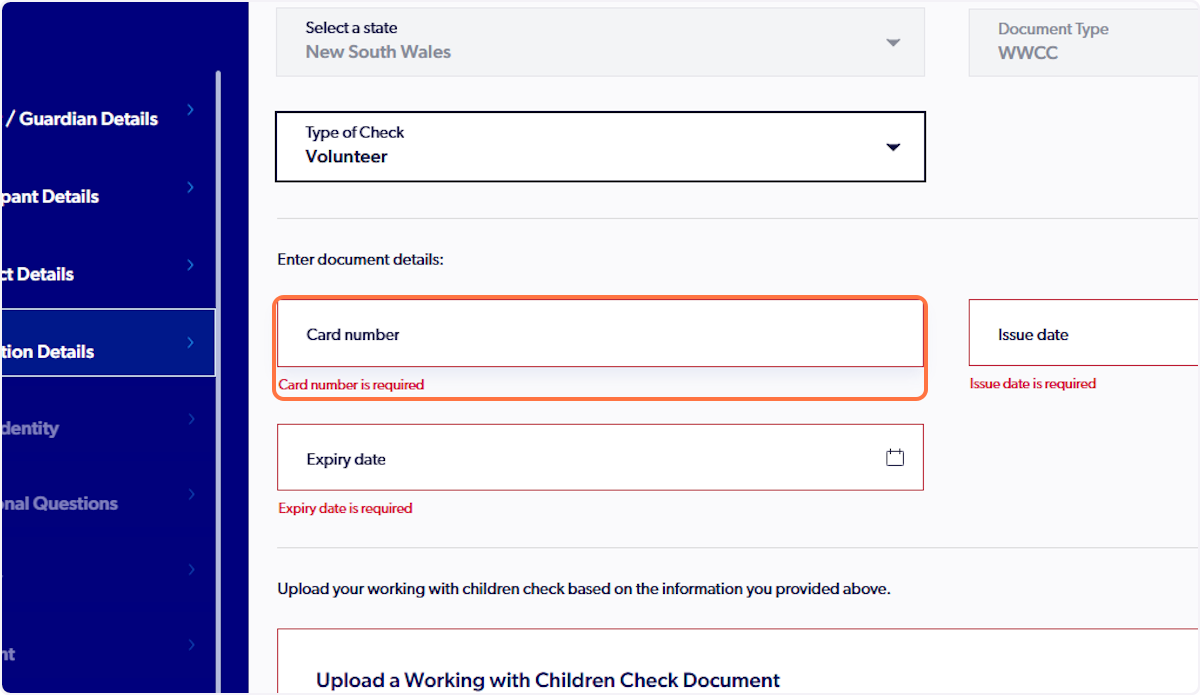
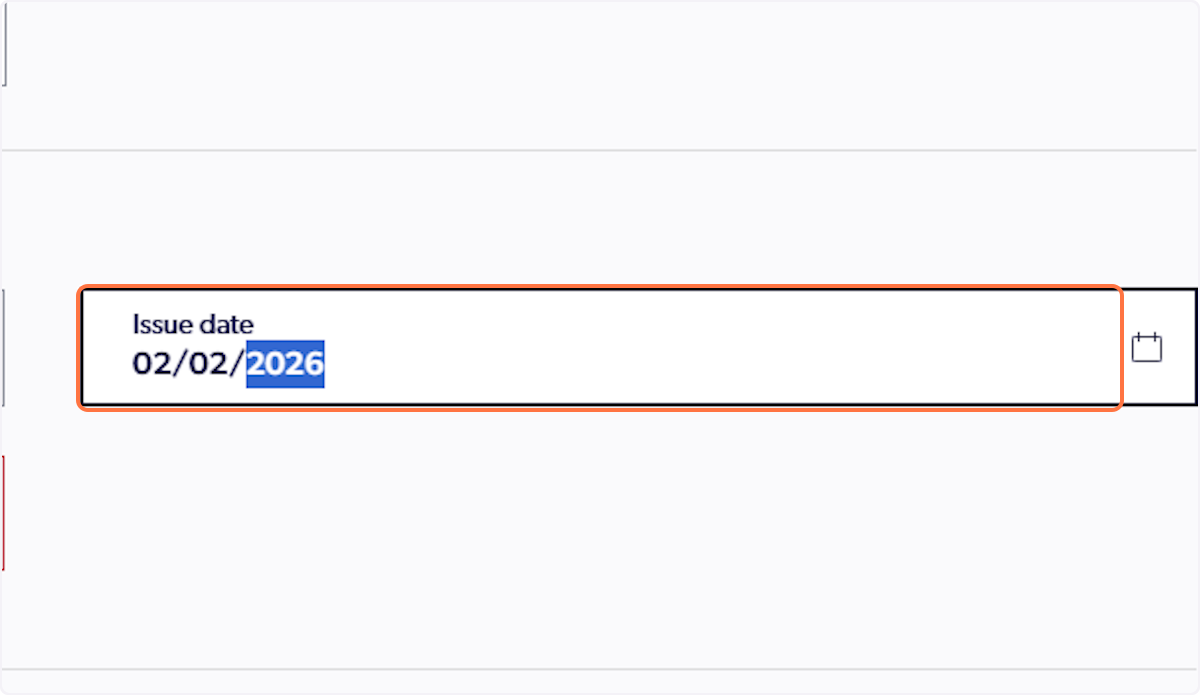
22. Enter issue date
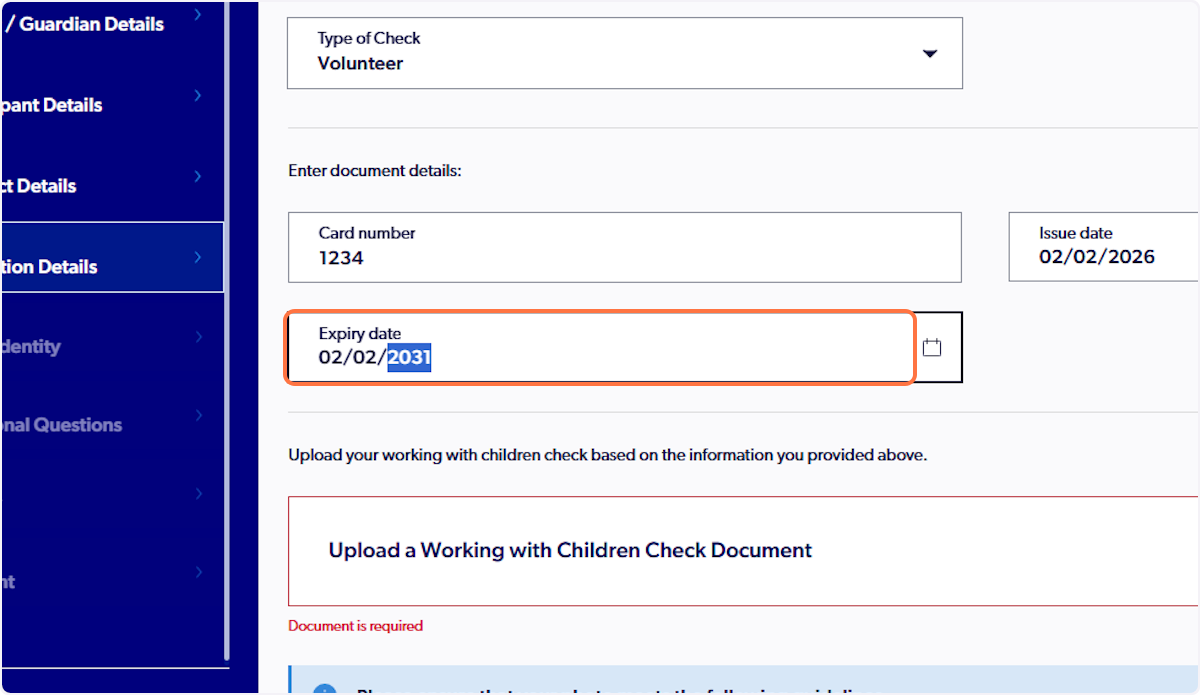
23. Enter expiry date
24. Click on Upload a Working with Children Check Document
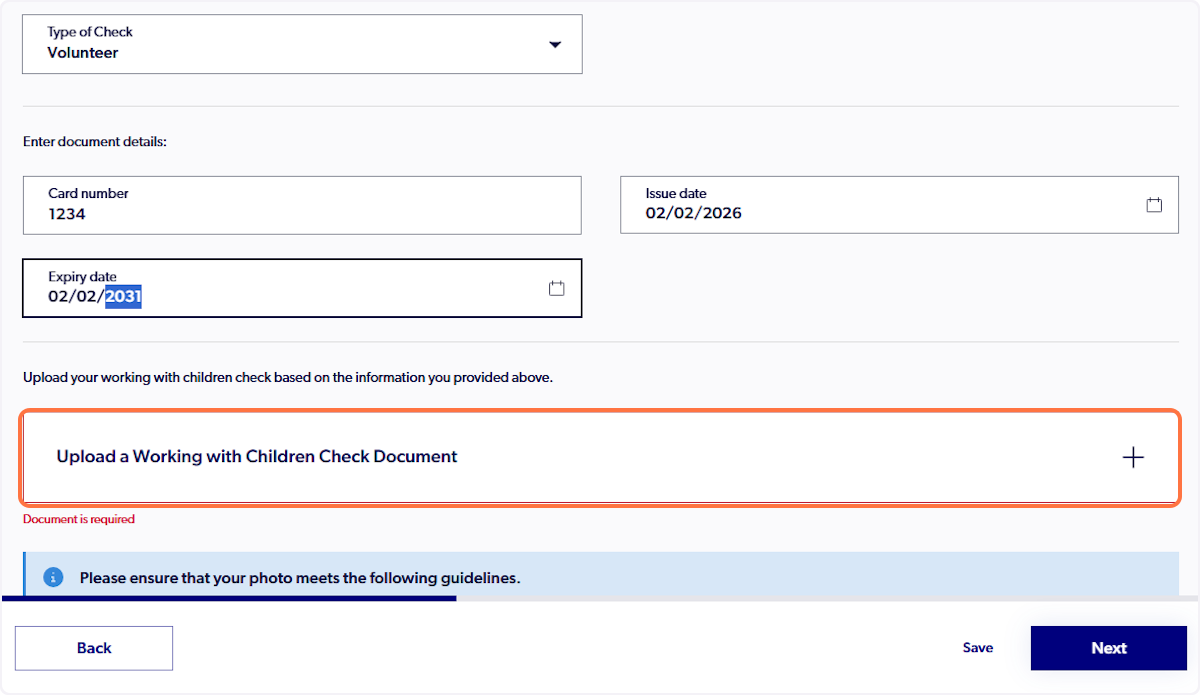
25. Upload WWCC

26. Click on Next
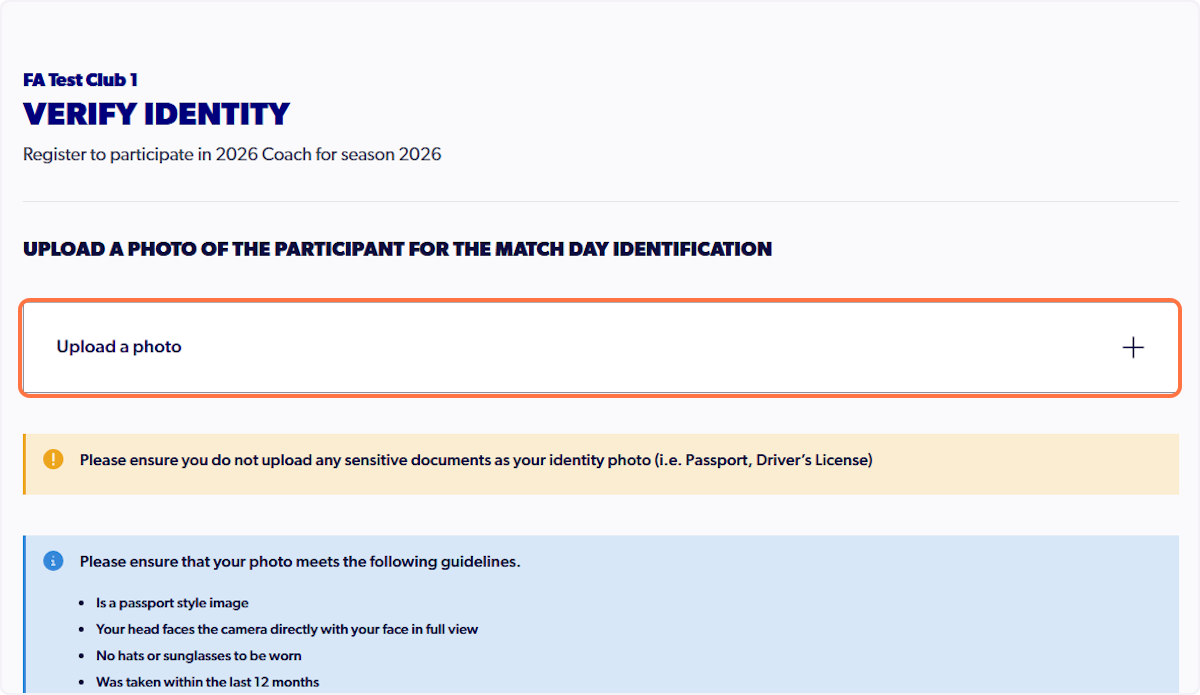
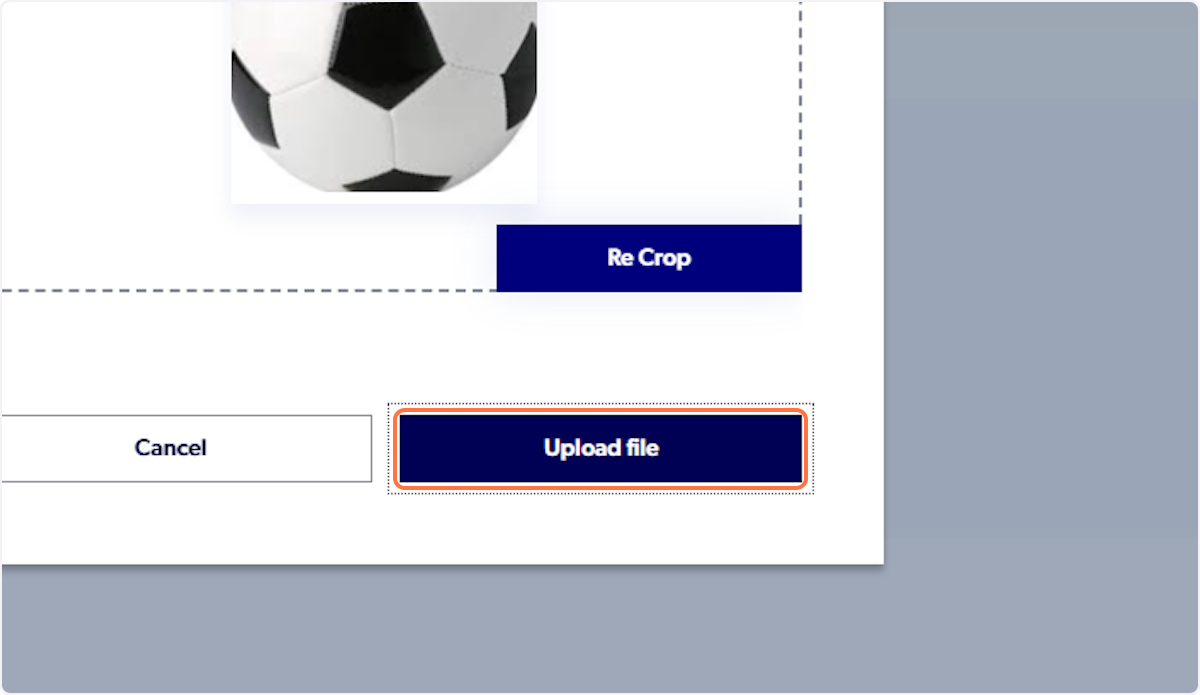
27. Click on Upload a photo
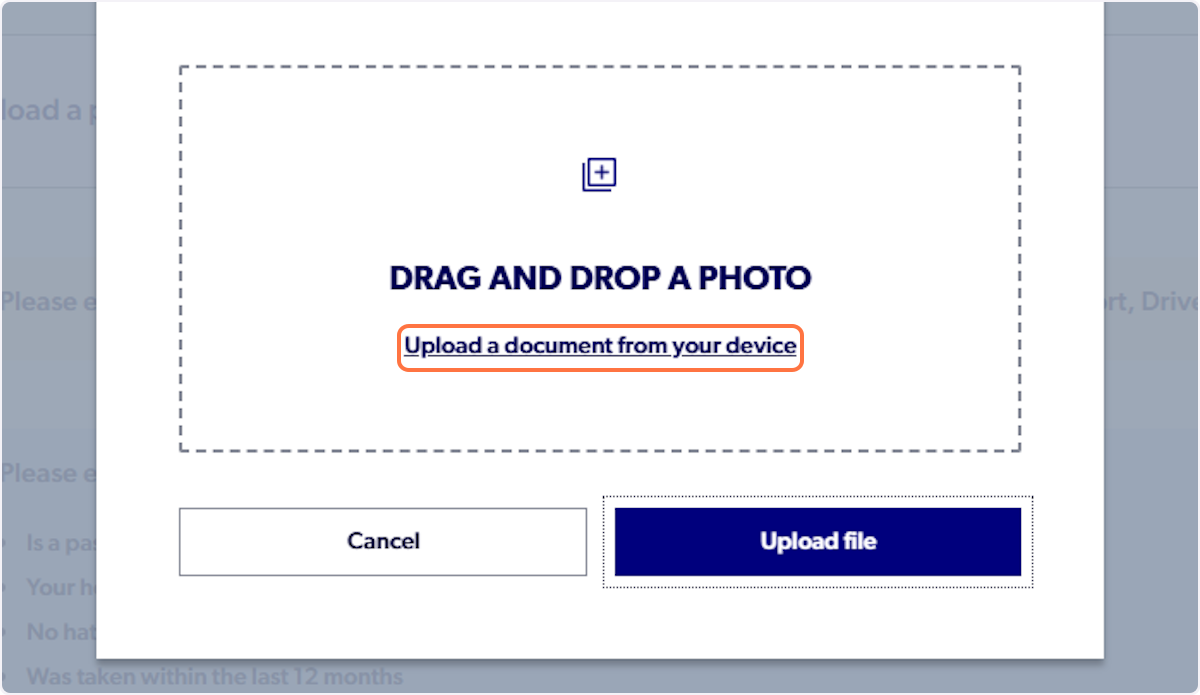
28. Upload a headshot photo
29. Click on Crop
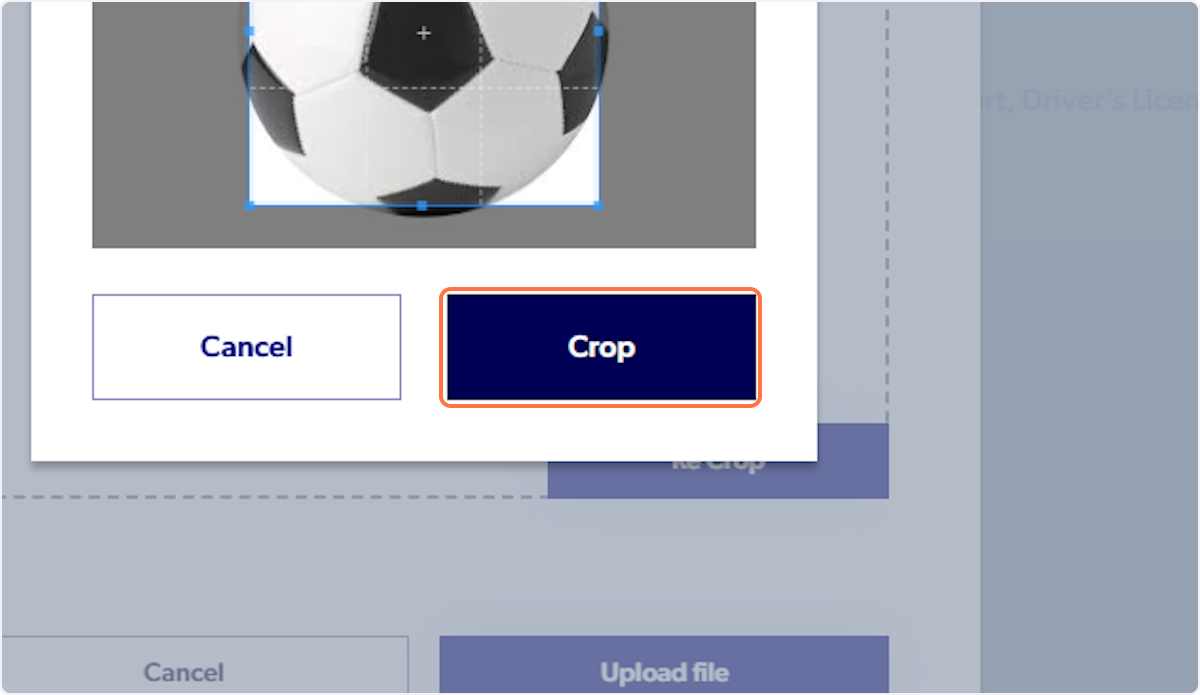
30. Click on Upload file
31. Click on Next

32. Fill out prompts
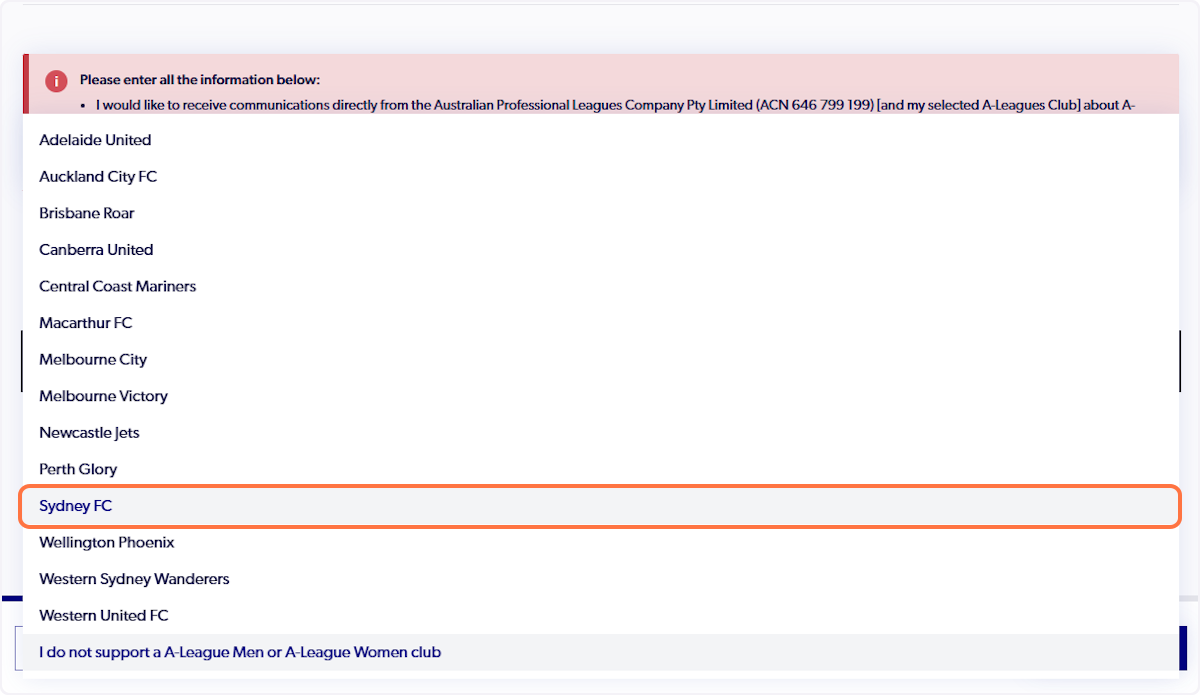
33. Select ID to bring to the club
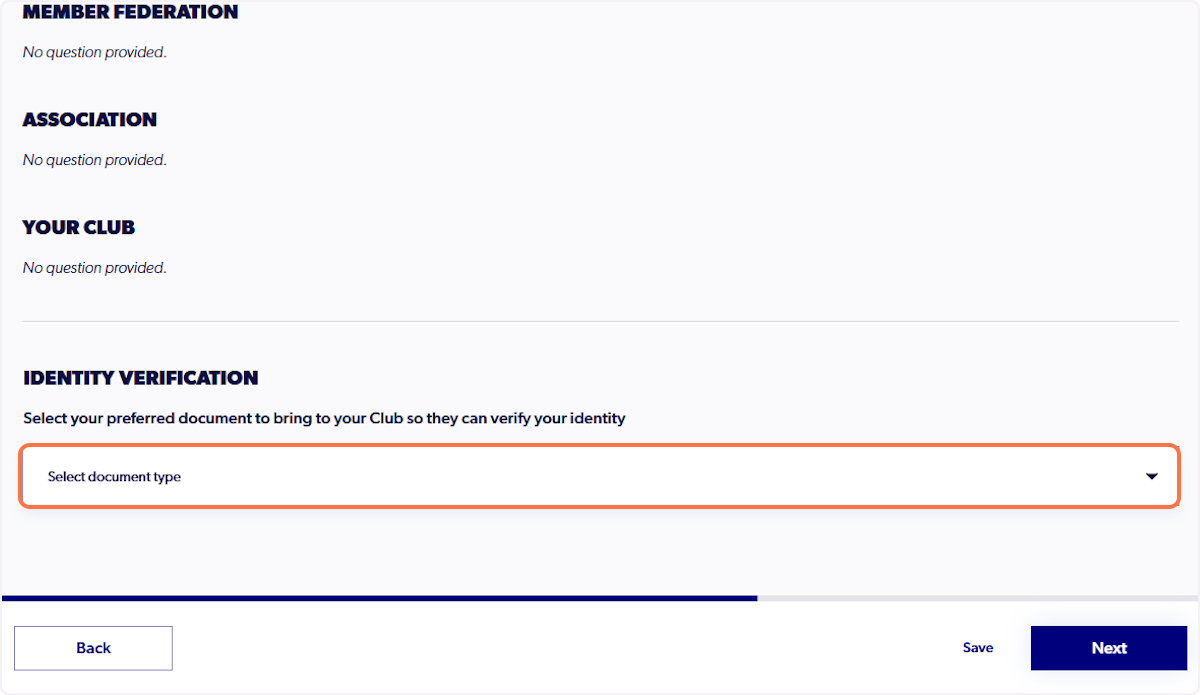
34. Click on Confirm and Pay

35. Click on Confirm and Pay Registration
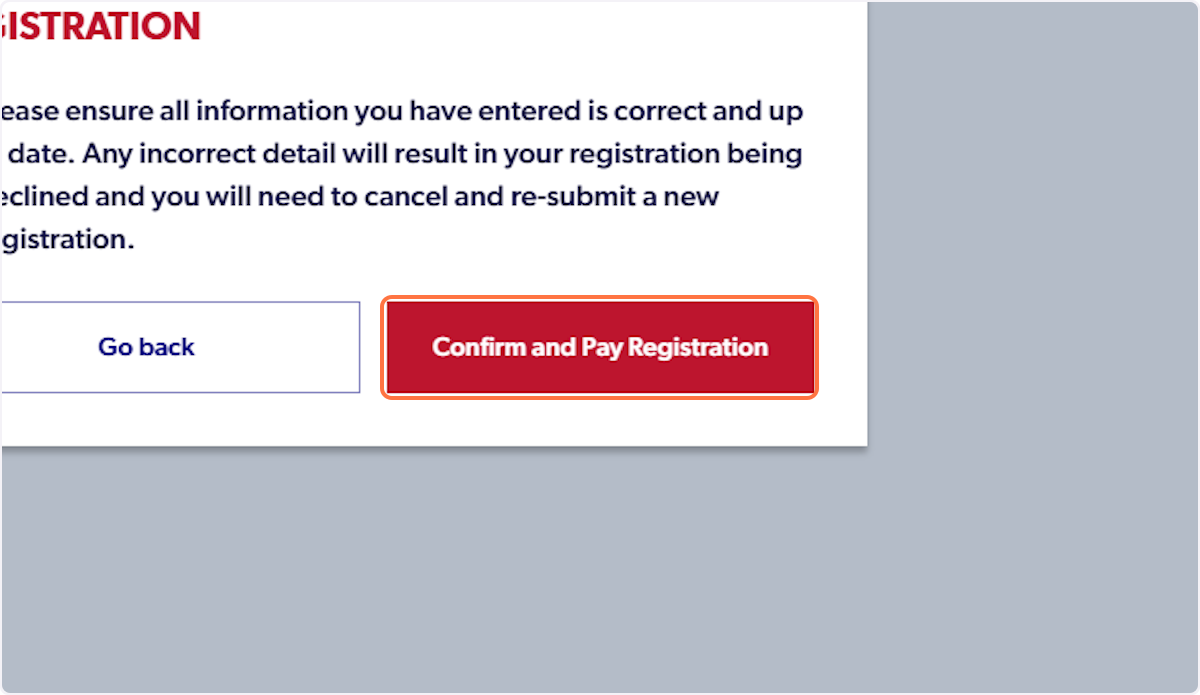
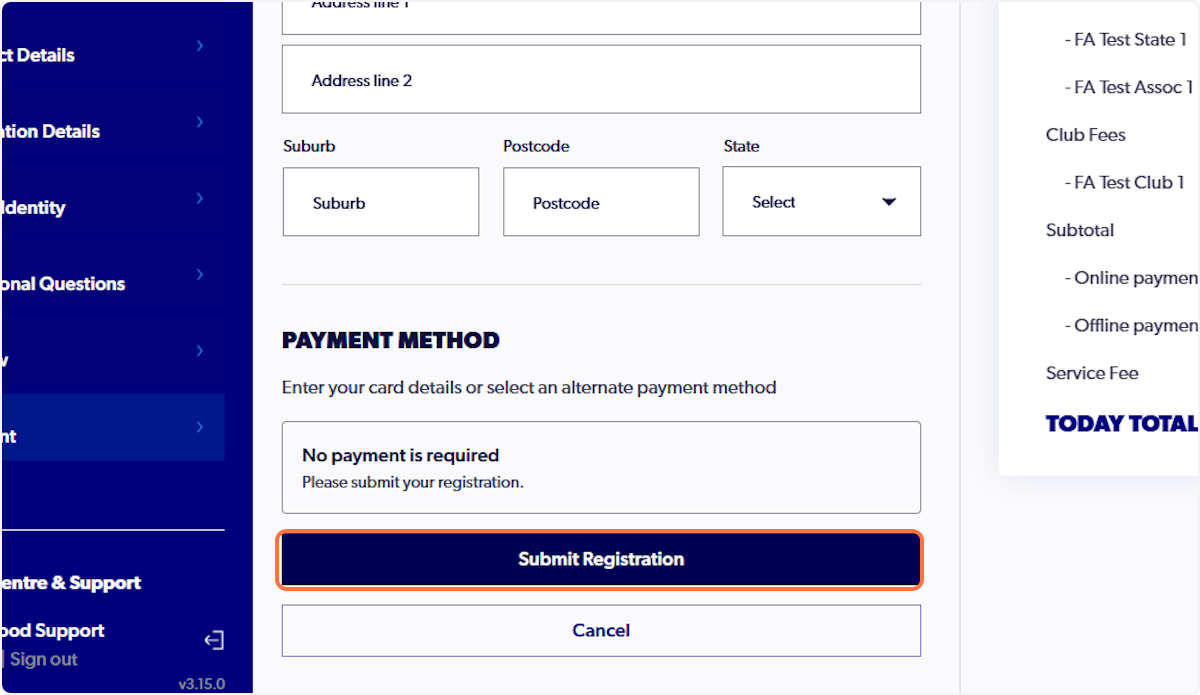
36. Click on Submit Registration
Did you find it helpful?
Yes
No
Send feedback Sorry we couldn't be helpful. Help us improve this article with your feedback.