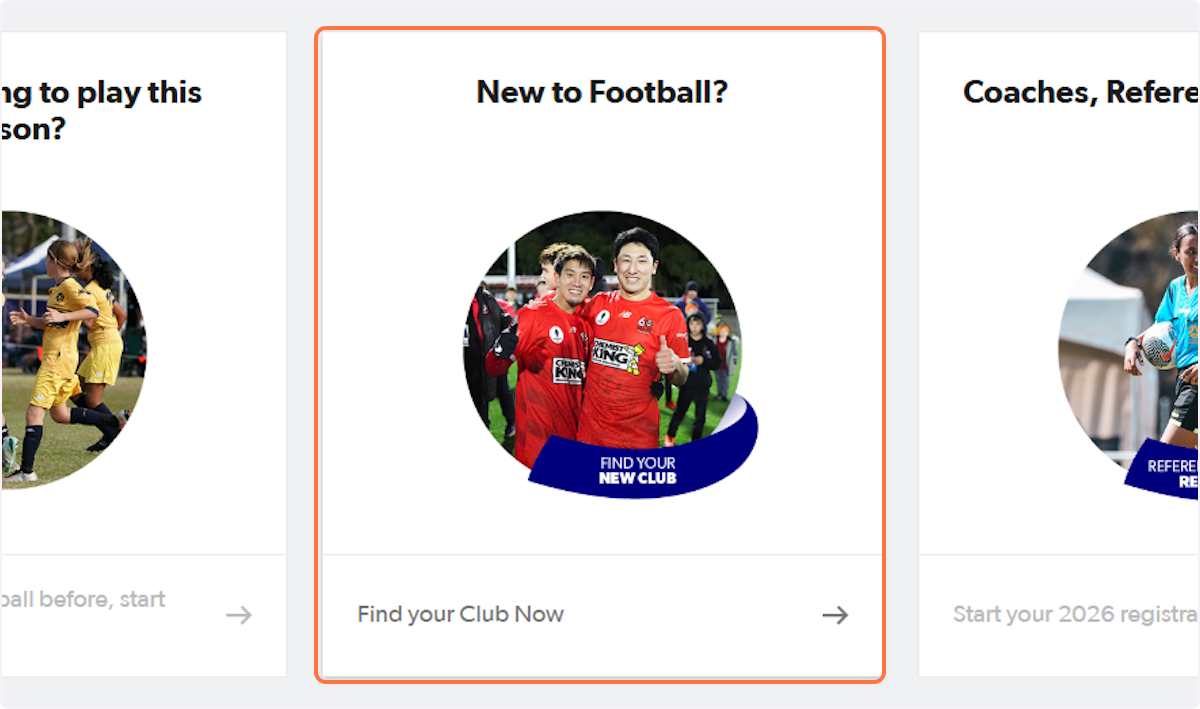
1. Go to playfootball.com.au and click on 'New to Football?'
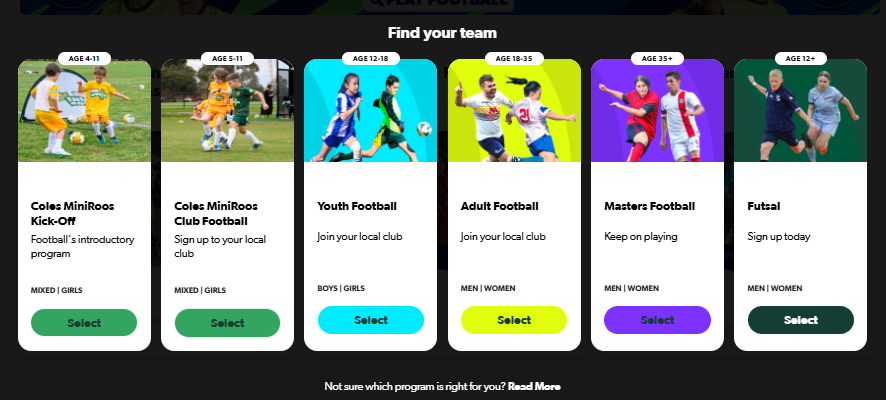
2. Select the participants age group
3. Type and select your postcode
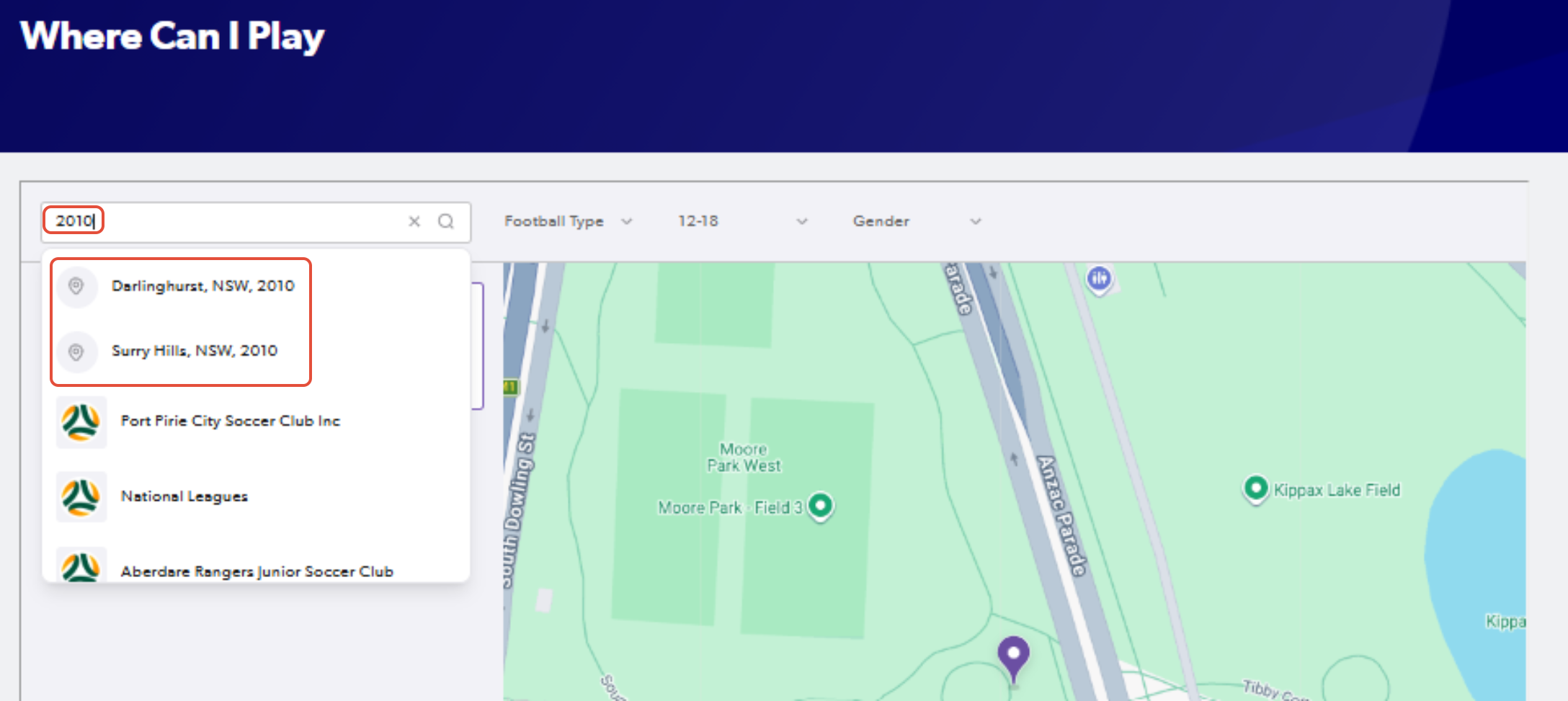
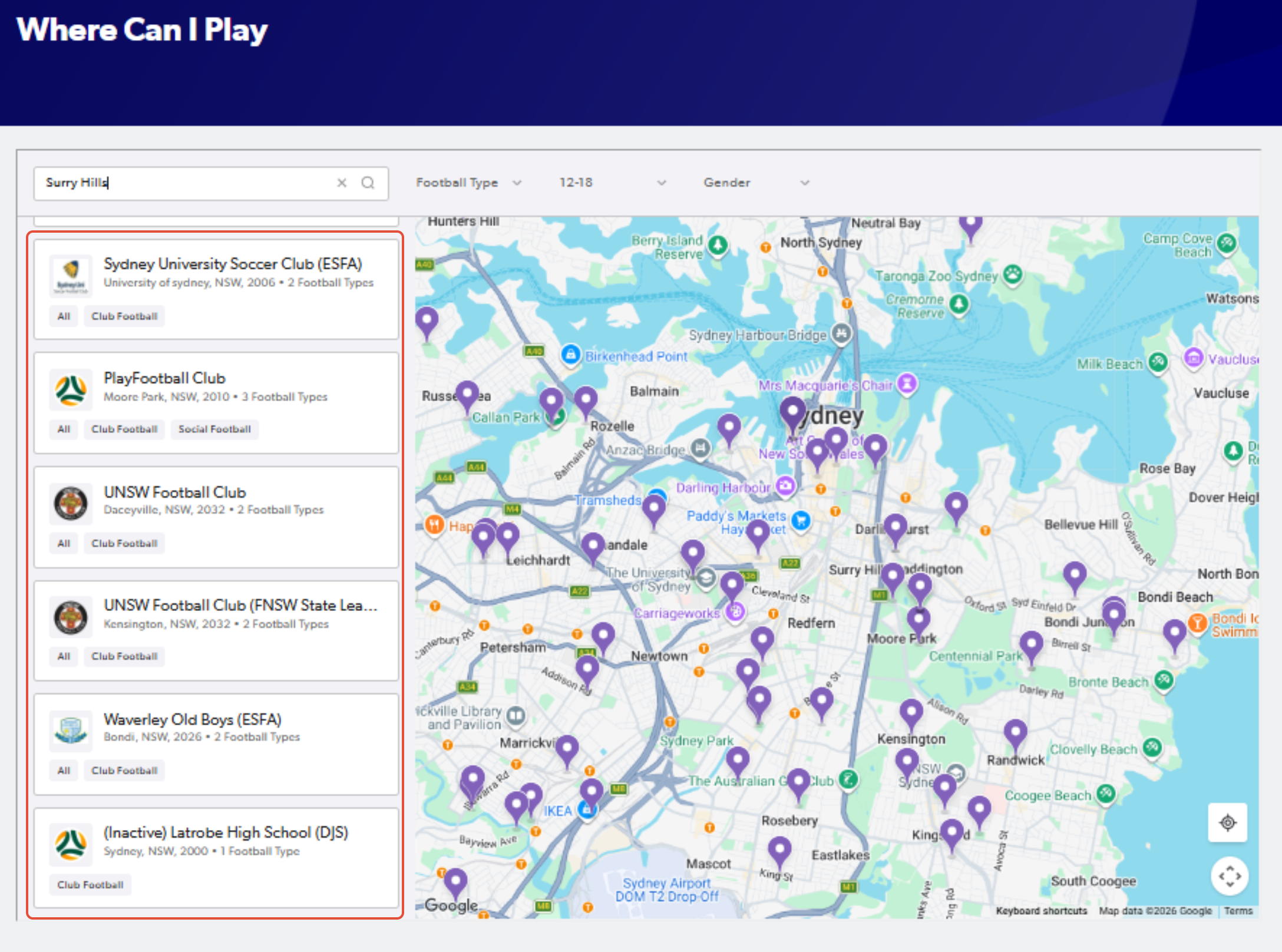
4. Go through the list and determine what club may be the most suitable option
By clicking on each club, you will be given more information on the club
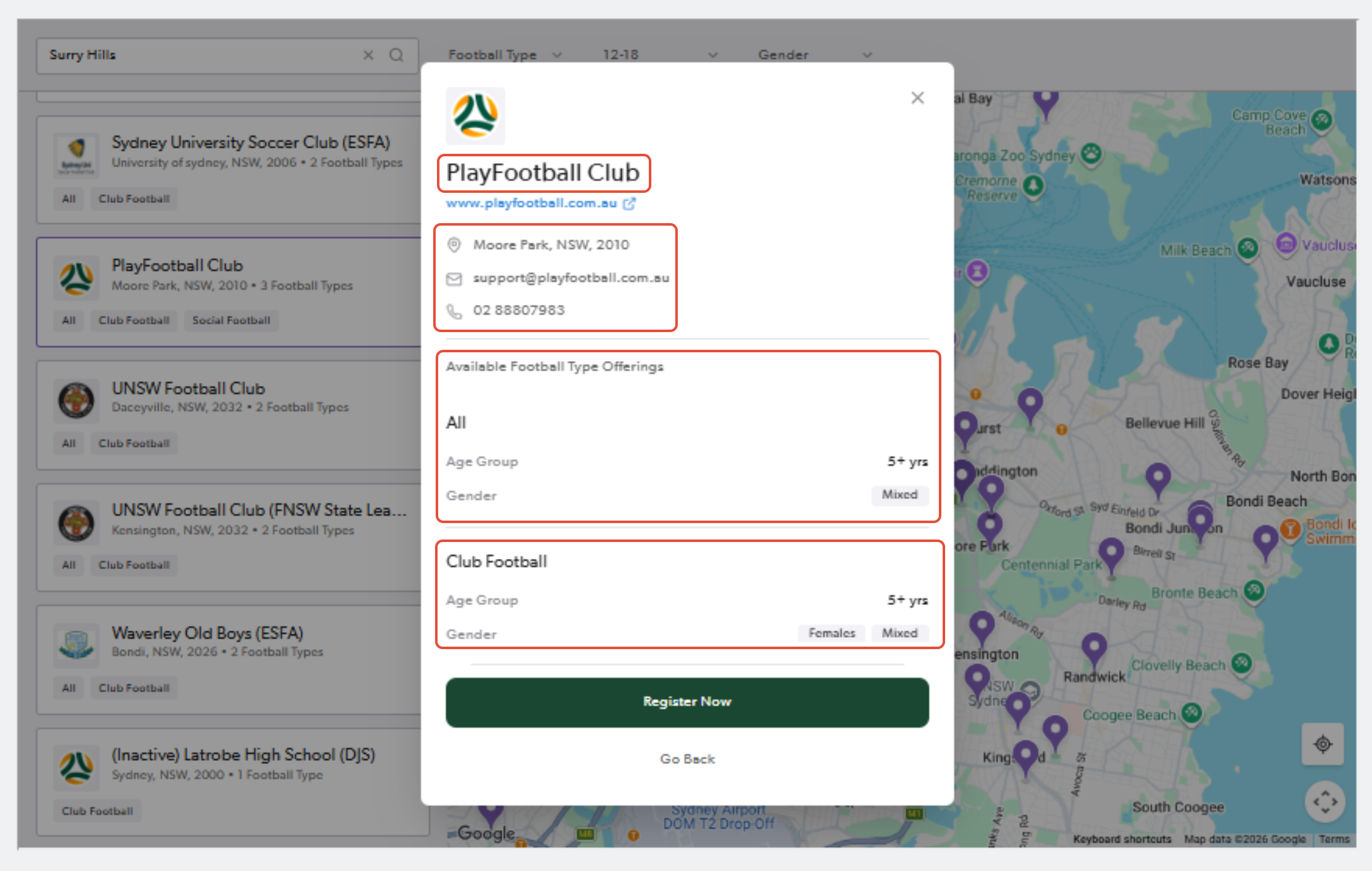
5. Once you have found the club, click "Register"
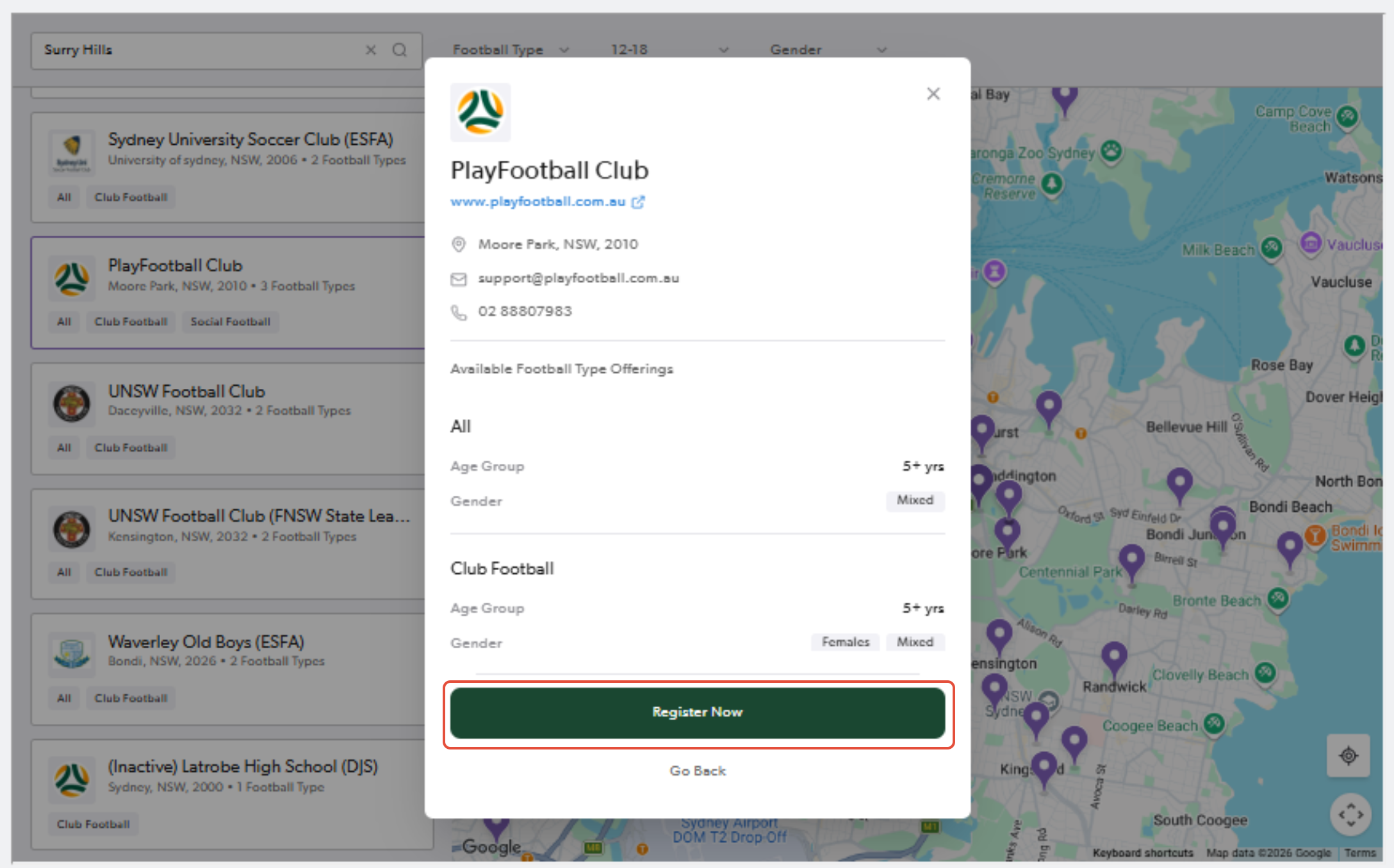
6. Sign in to PlayFootball
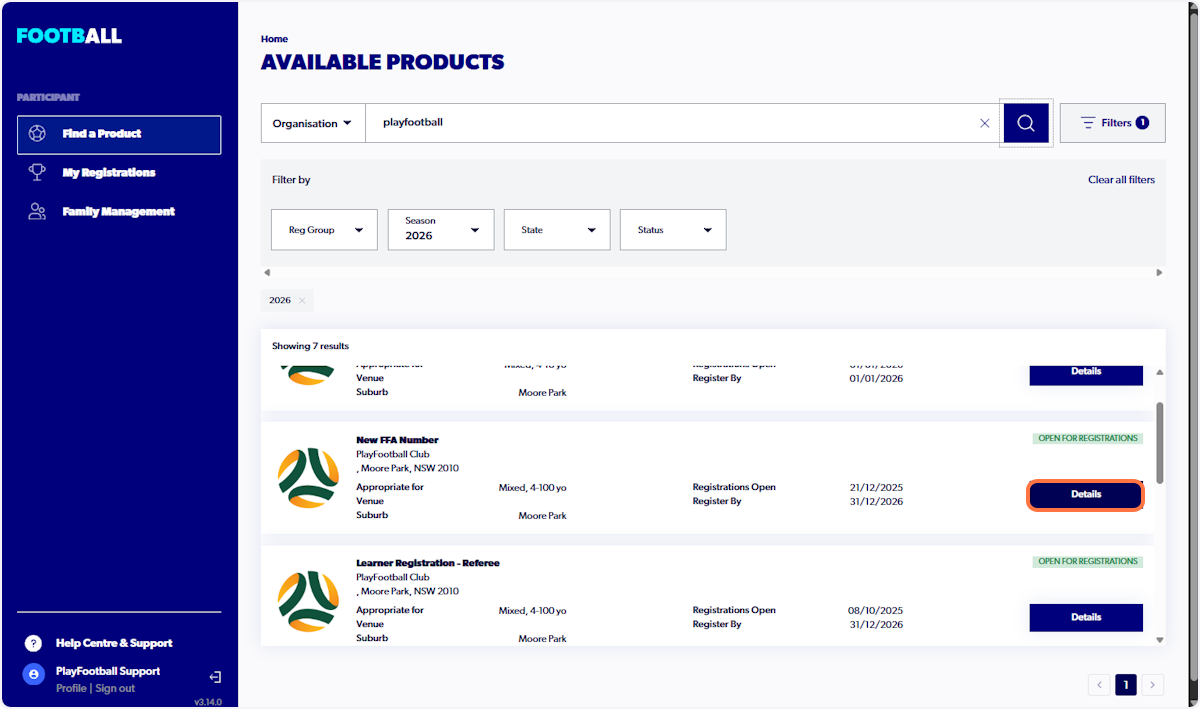
7. Locate the correct registration product and click 'Details'
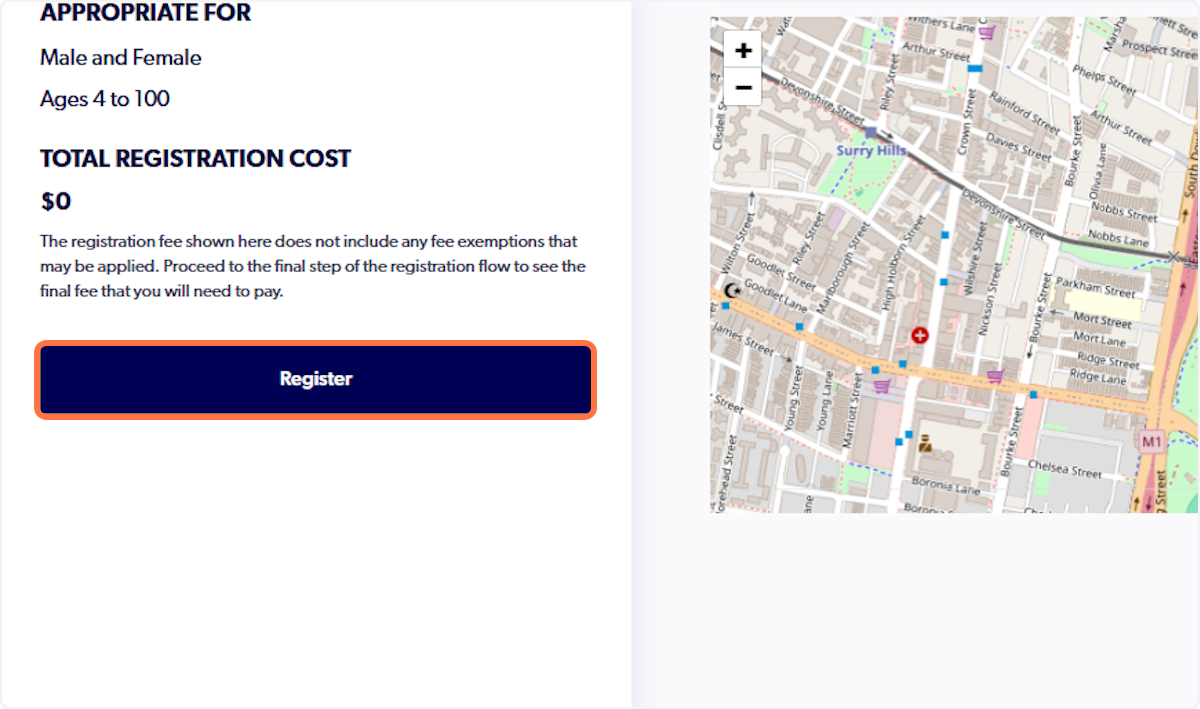
8. Click on Register
9. Select 'Somebody Else'
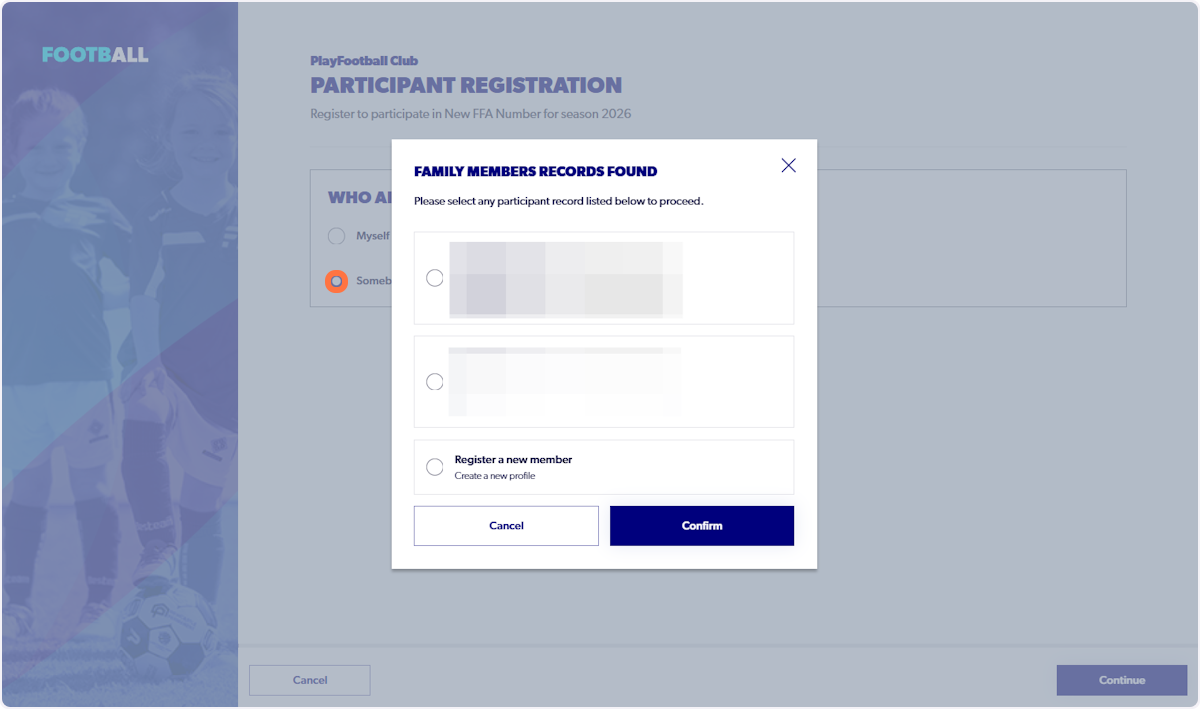
If the somebody else option is greyed out, please see the support article HERE before continuing.
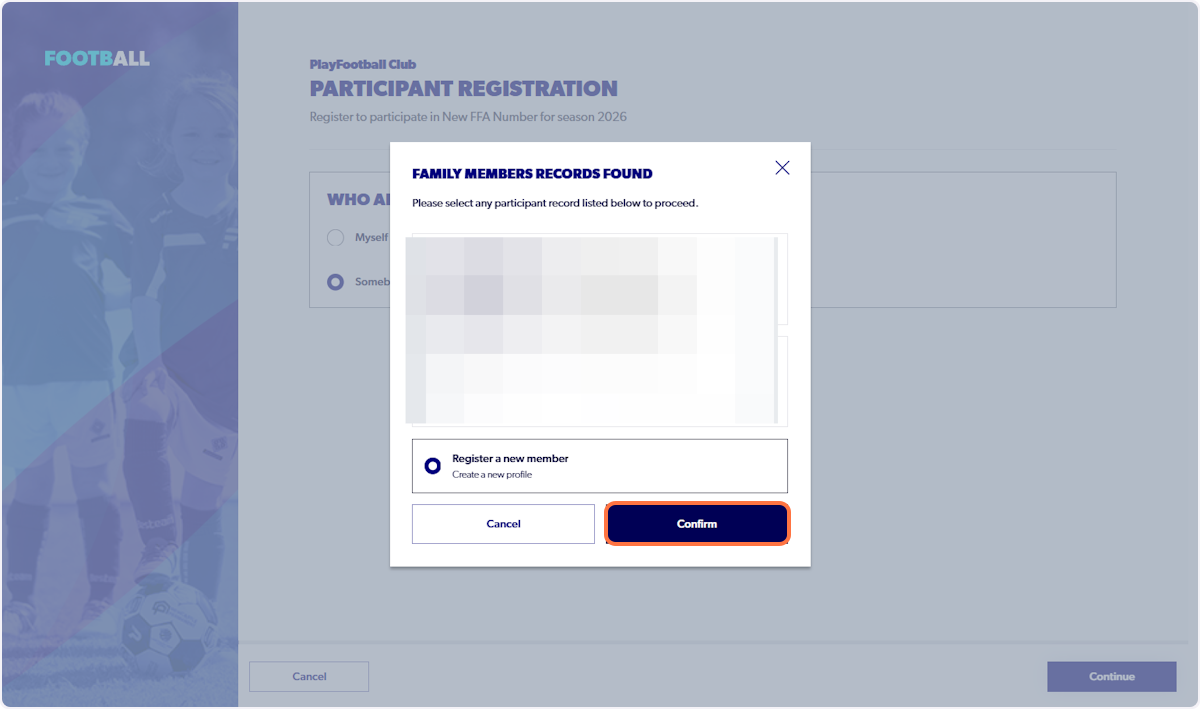
10. Select 'Register a new member'
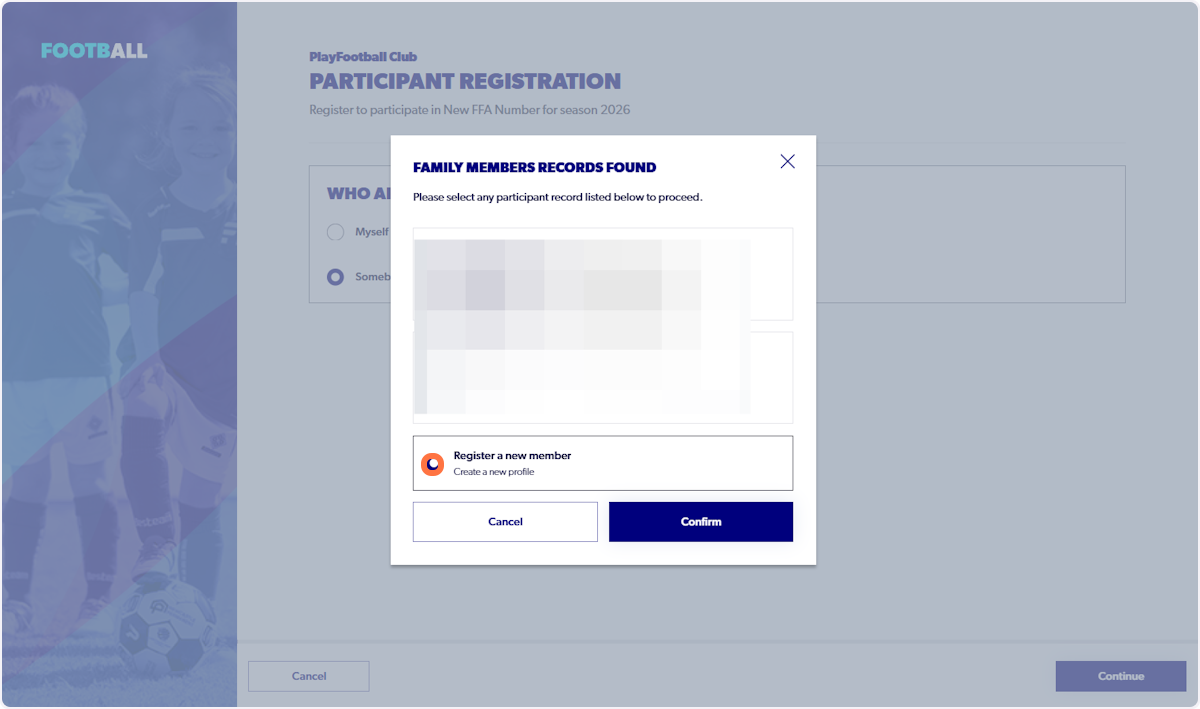
11. Click on Confirm
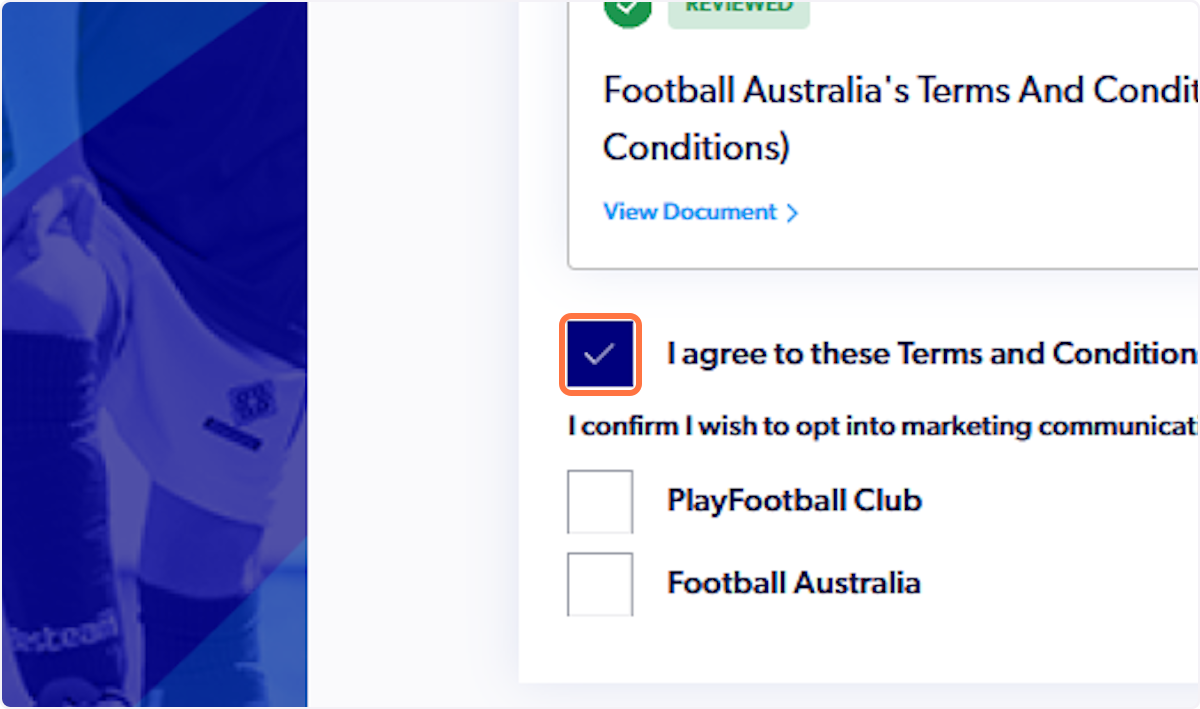
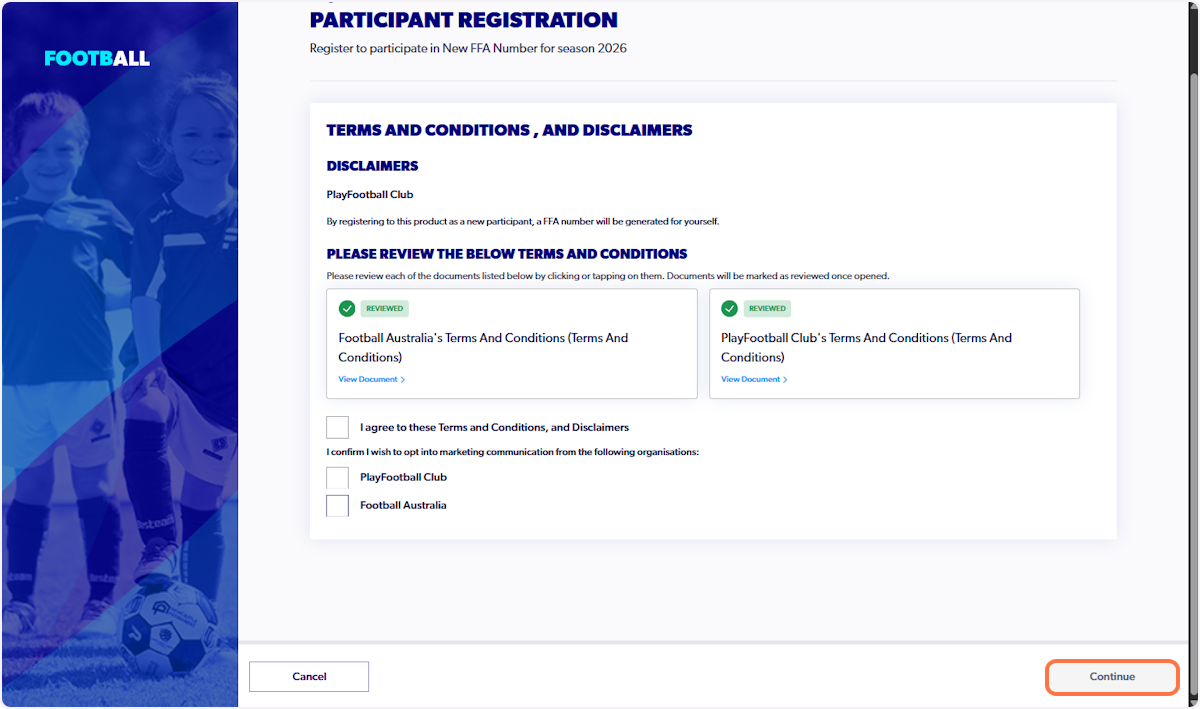
12. Check I agree to these Terms and Conditions, after reviewing the documents
13. Click on Continue
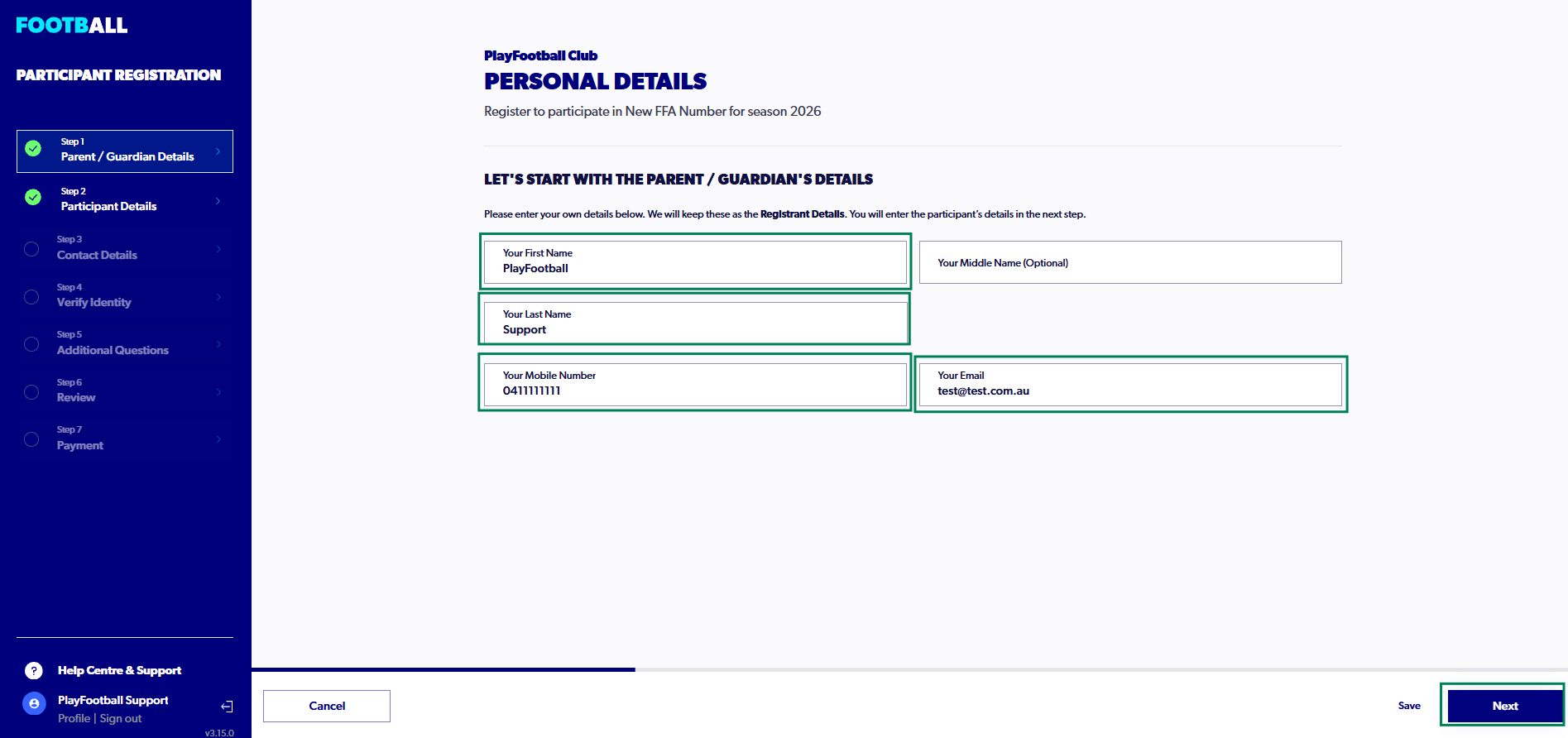
14. Enter the appropriate details for the parent or guardian and click on "Next"
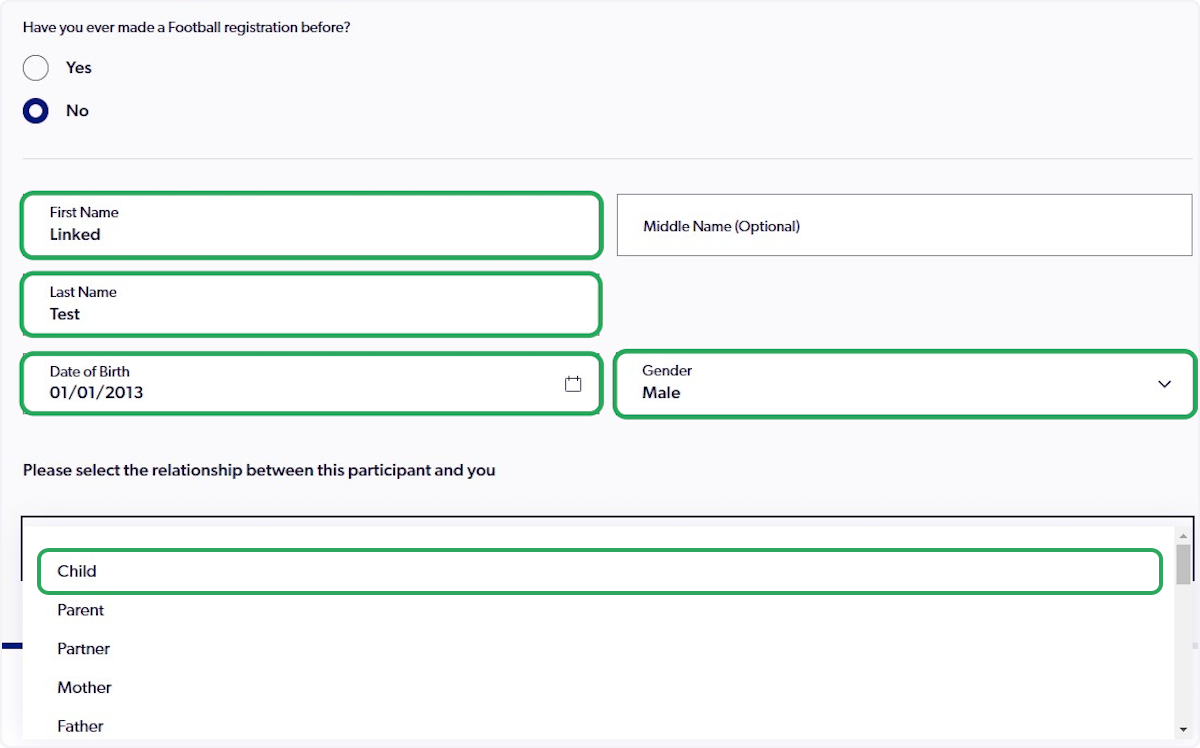
15. Enter the participant's details and select the relationship between this participant and you
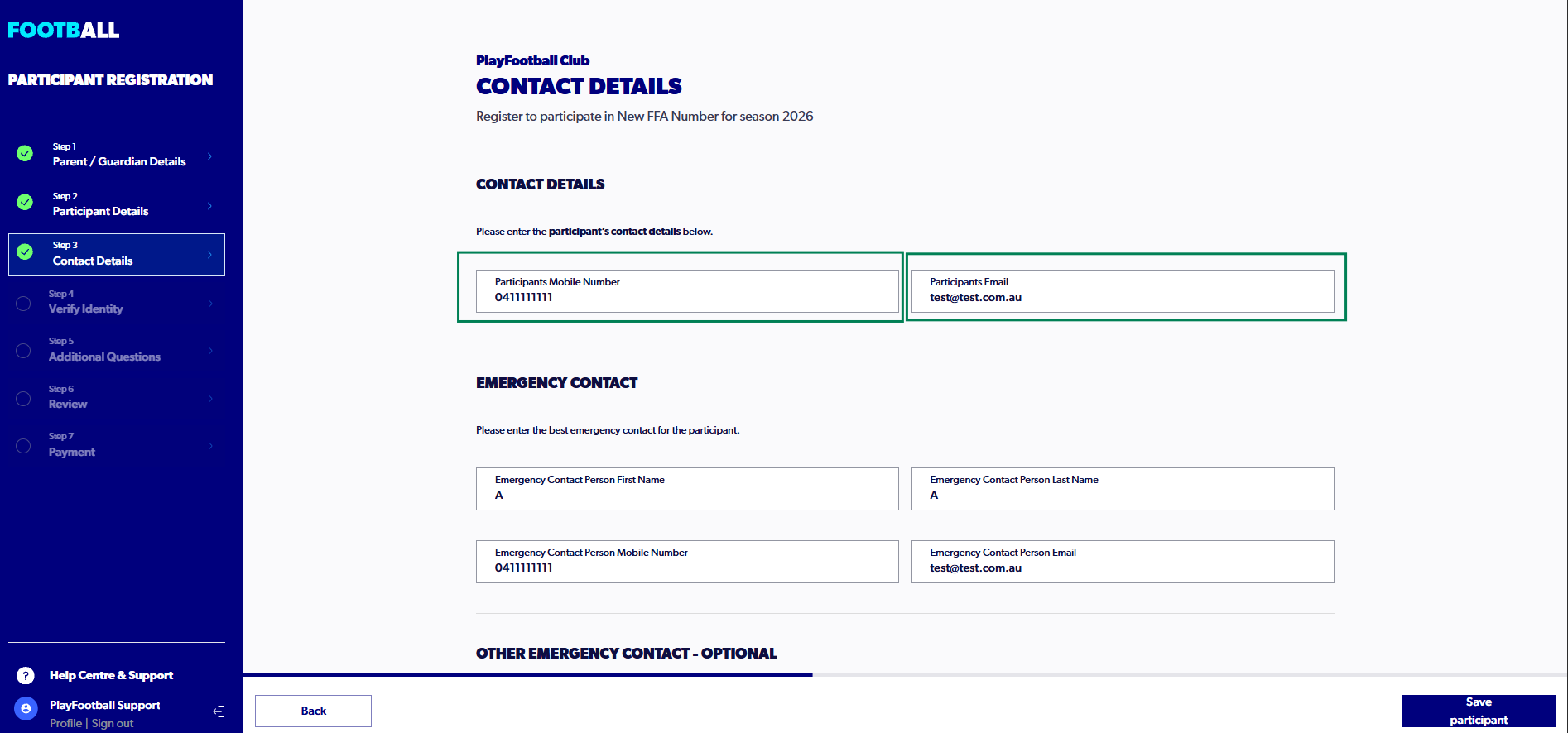
16. Type in the participant's contact details (These may be your details)
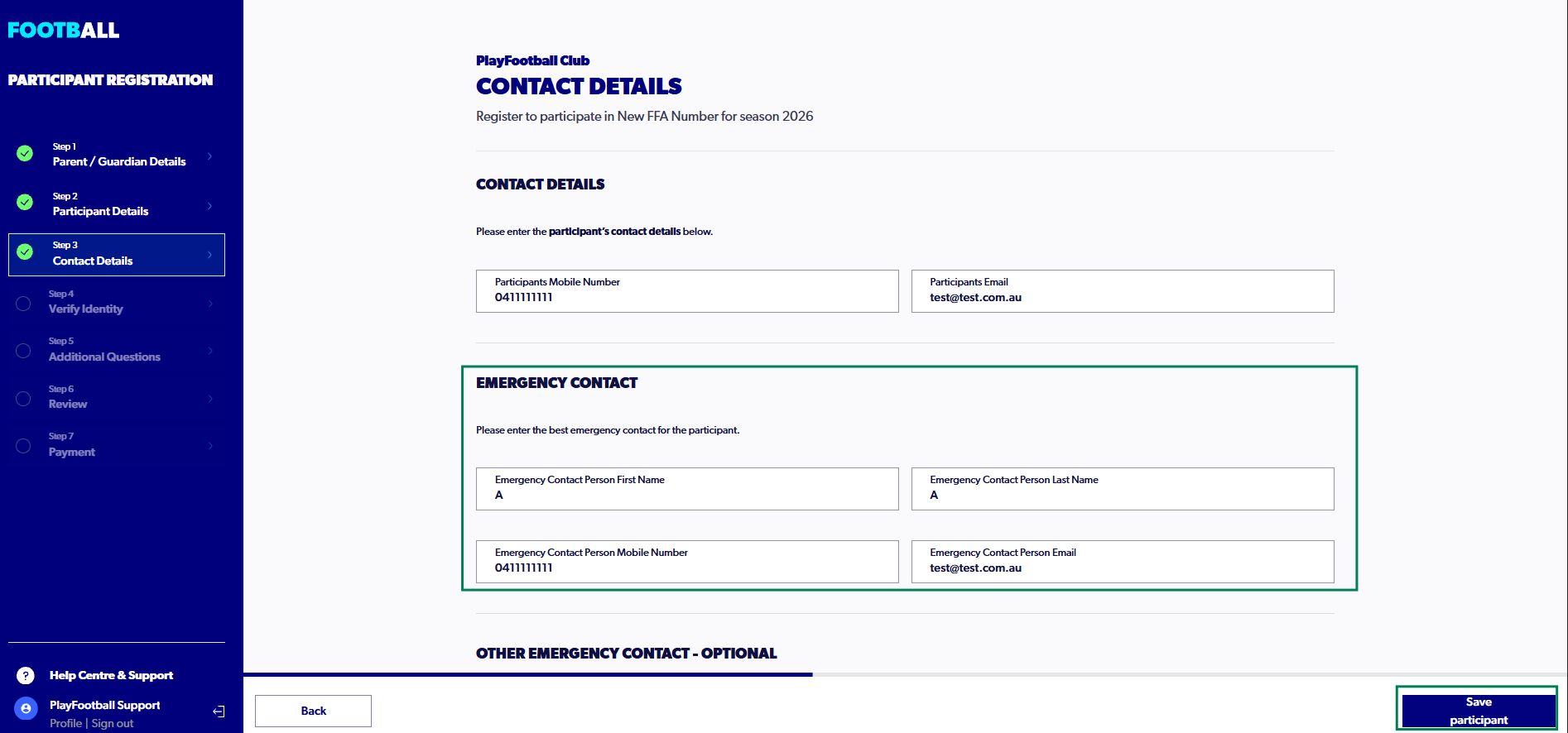
17. Enter an Emergency Contact and Click On "Next" (You may enter a secondary emergency contact should you need to)
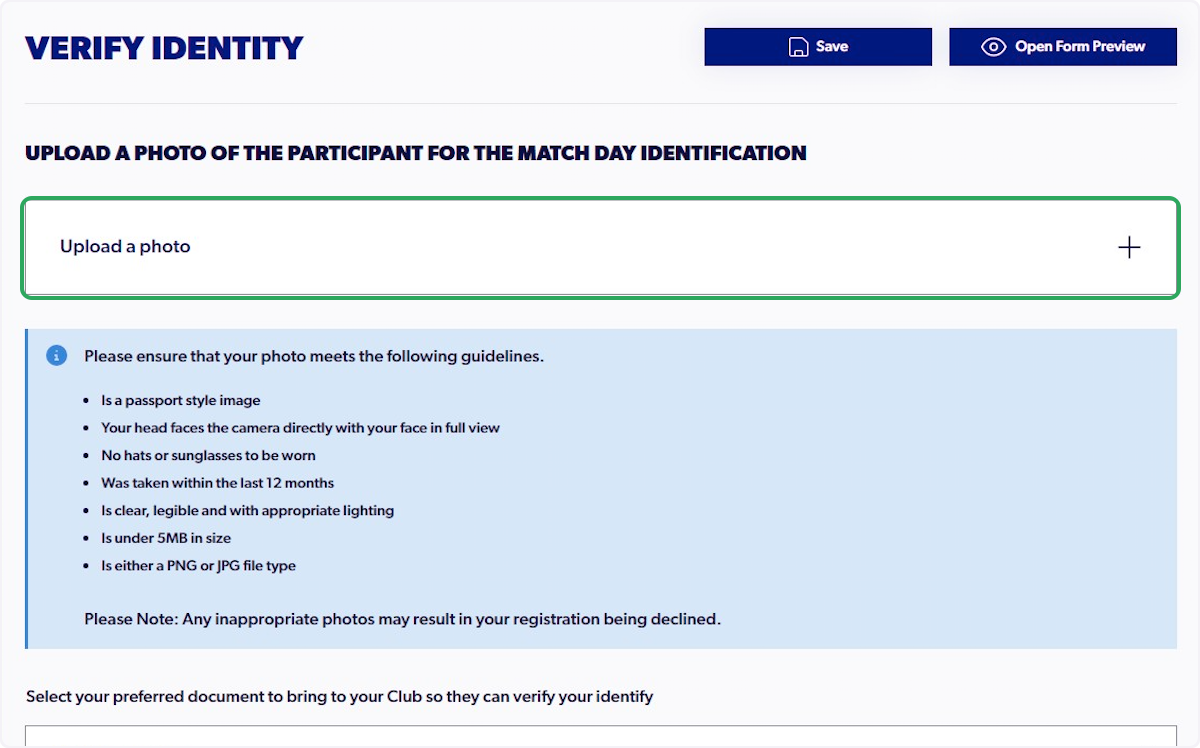
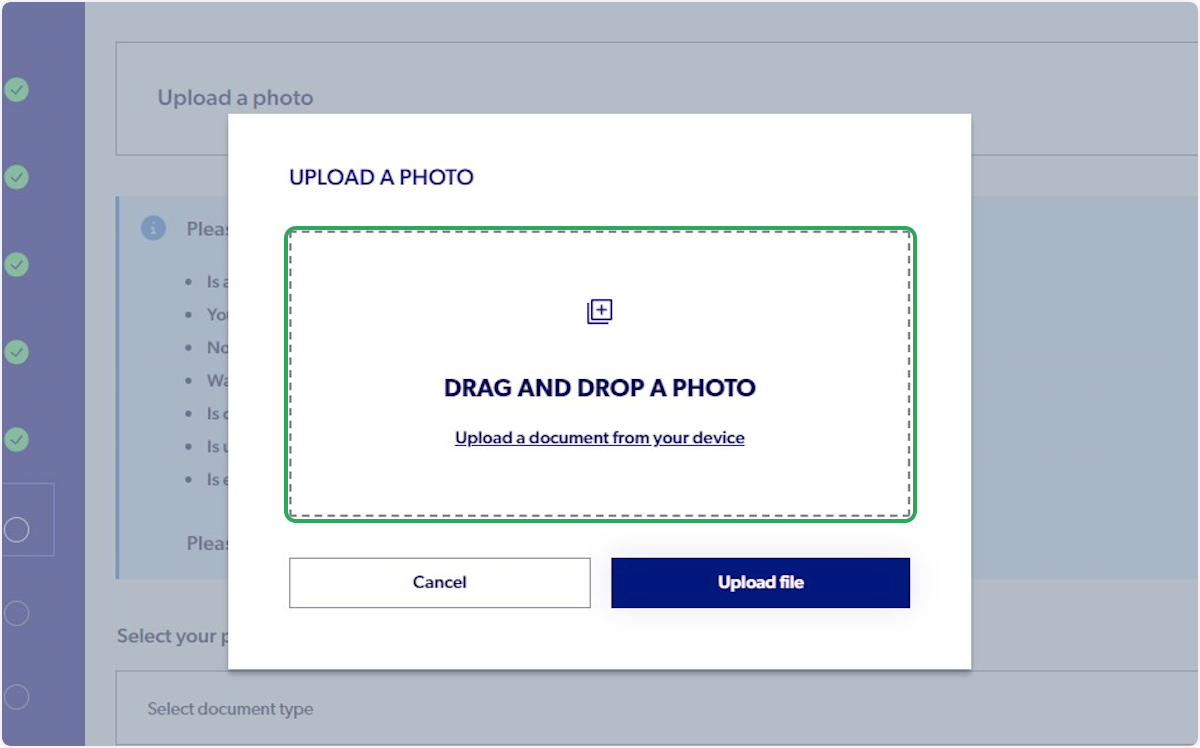
18. Click On "Upload a photo"
Please ensure you do not upload any sensitive documents as your identity photo (i.e. Passport, Driver’s License)
19. Upload a document from your device and click on 'Next'
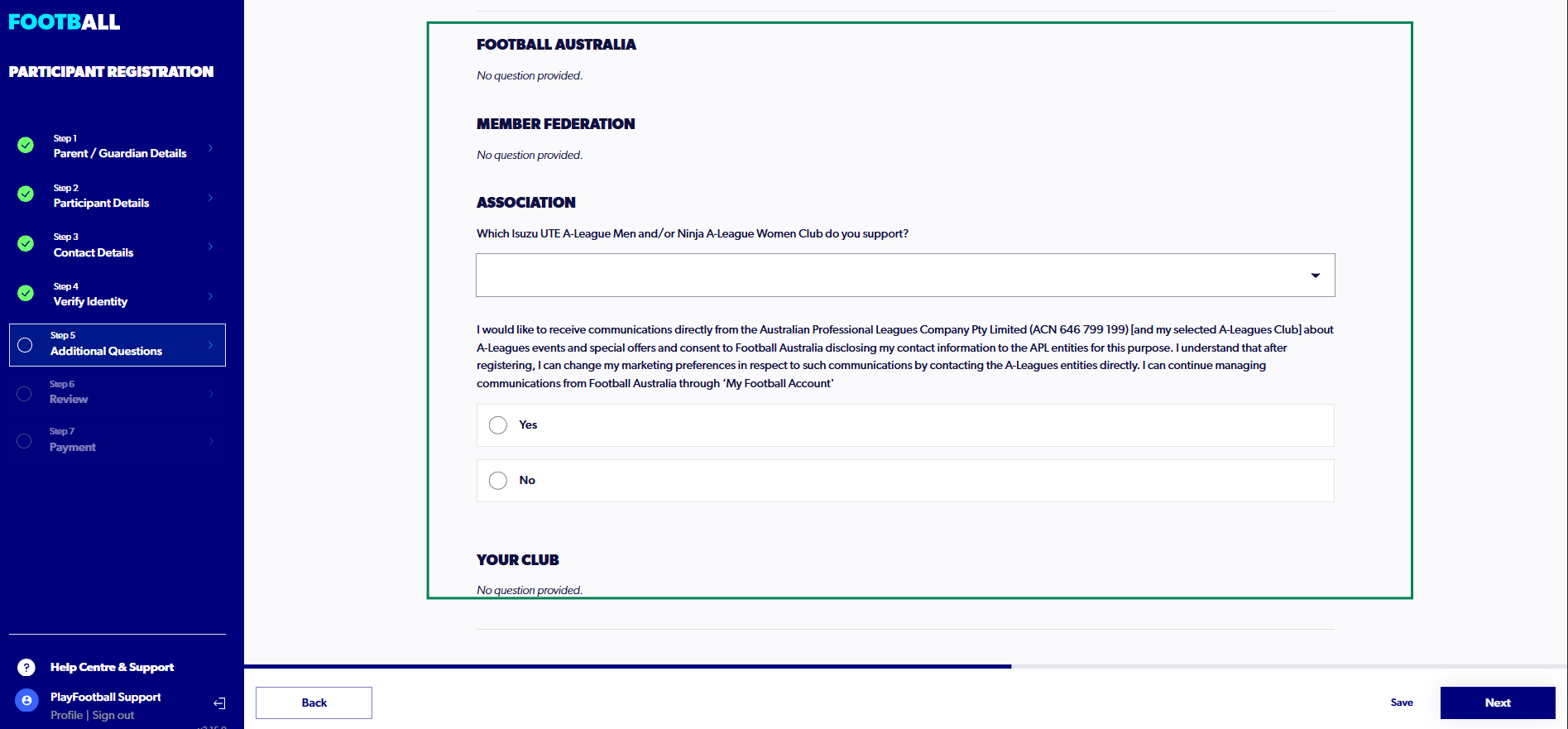
20. Answer the Additional Questions and click on 'Next'
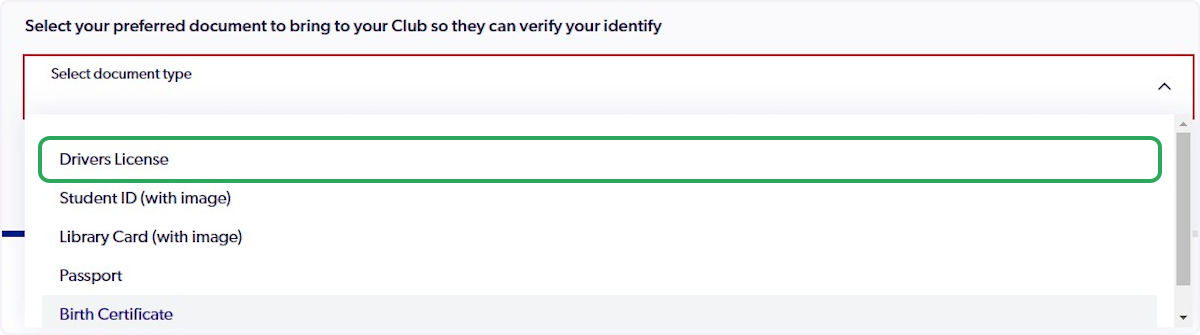
21. Click On "Select Document Type" and select the document.
Please note, you do not need to upload this document to the registration. This is only for club verification if requested.
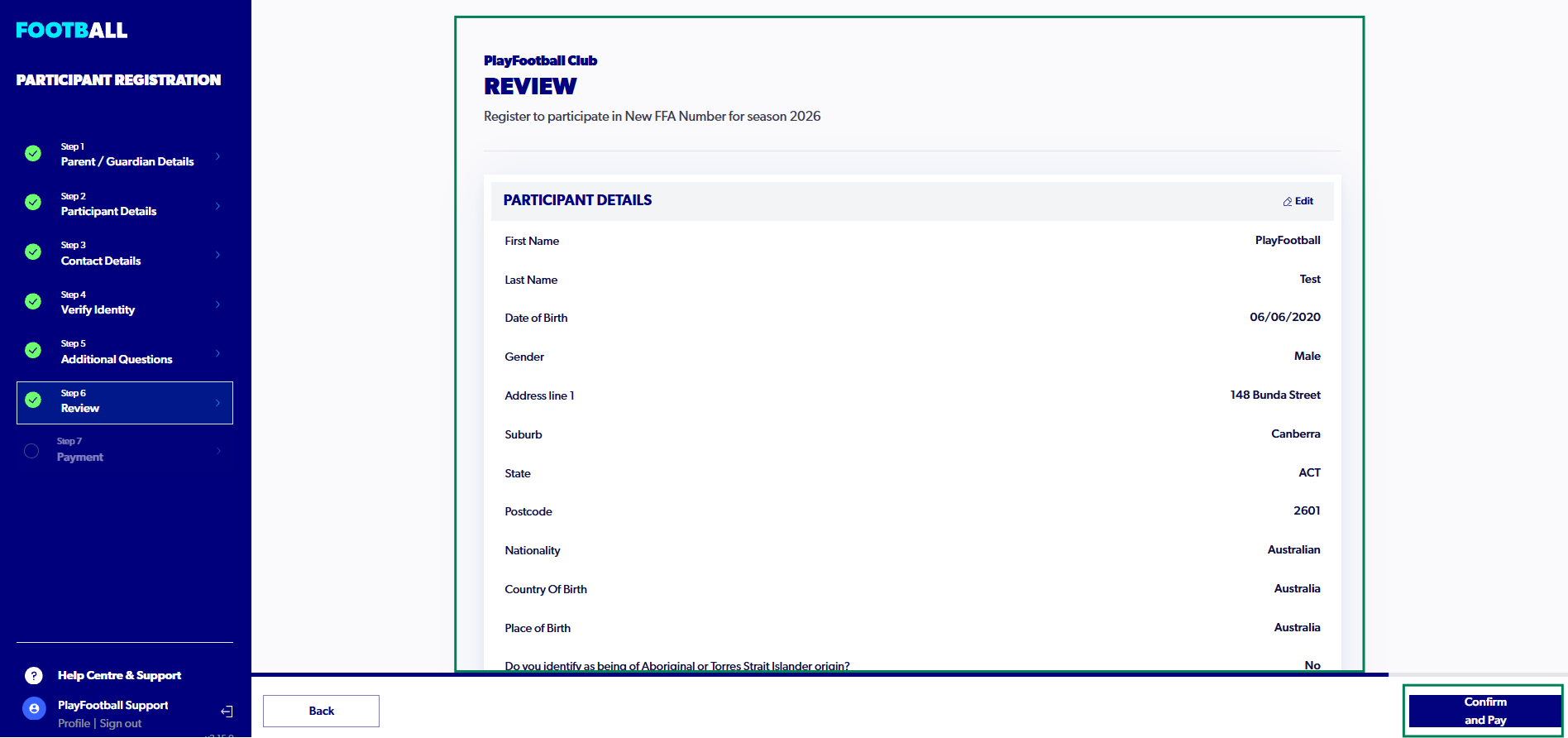
22. Review all of the details and Click On "Confirm and Pay"
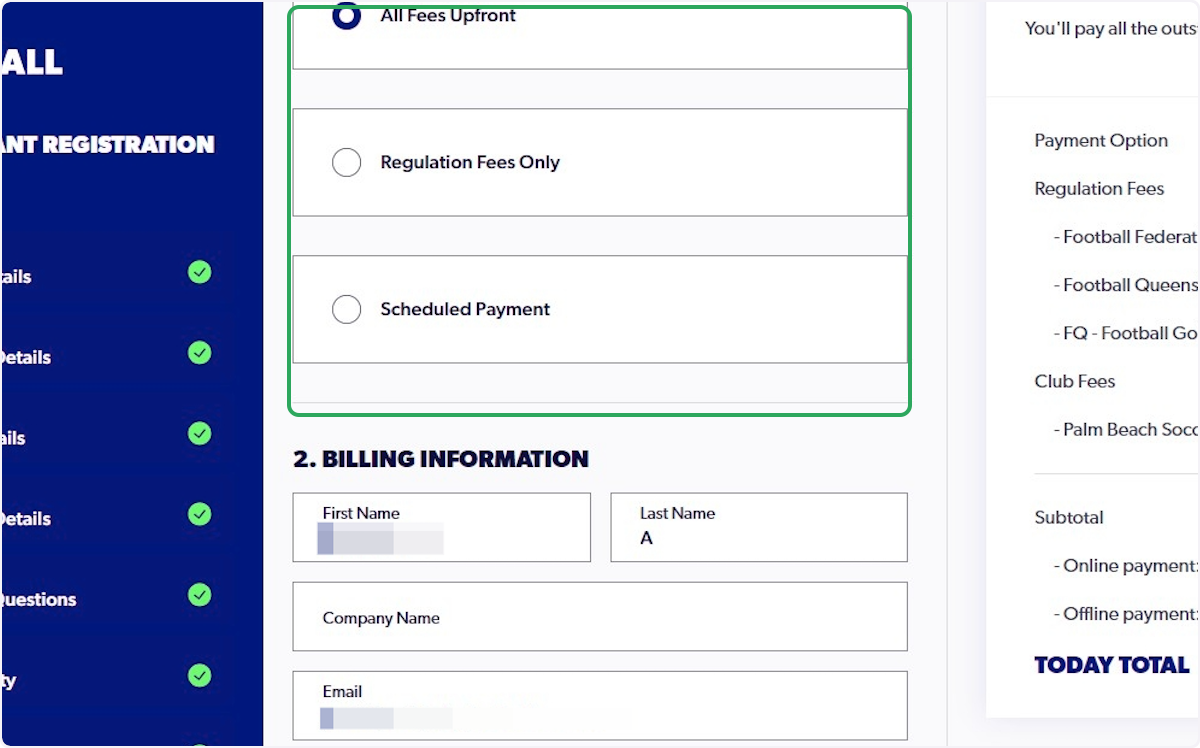
23. Select the appropriate Payment Type
24. Enter your card details or select GPay or Apple Pay options
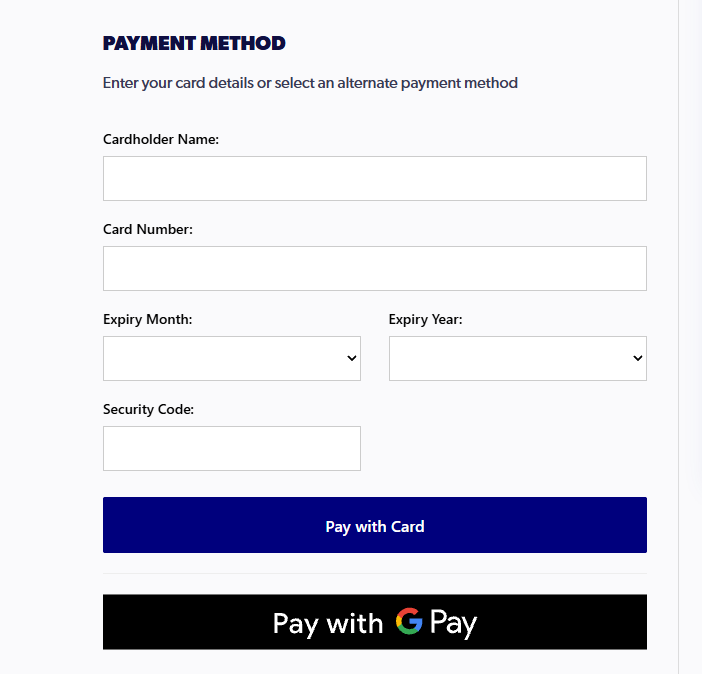
25. Click On 'Pay with Card'

26. The following screen will appear after successful payment and registration