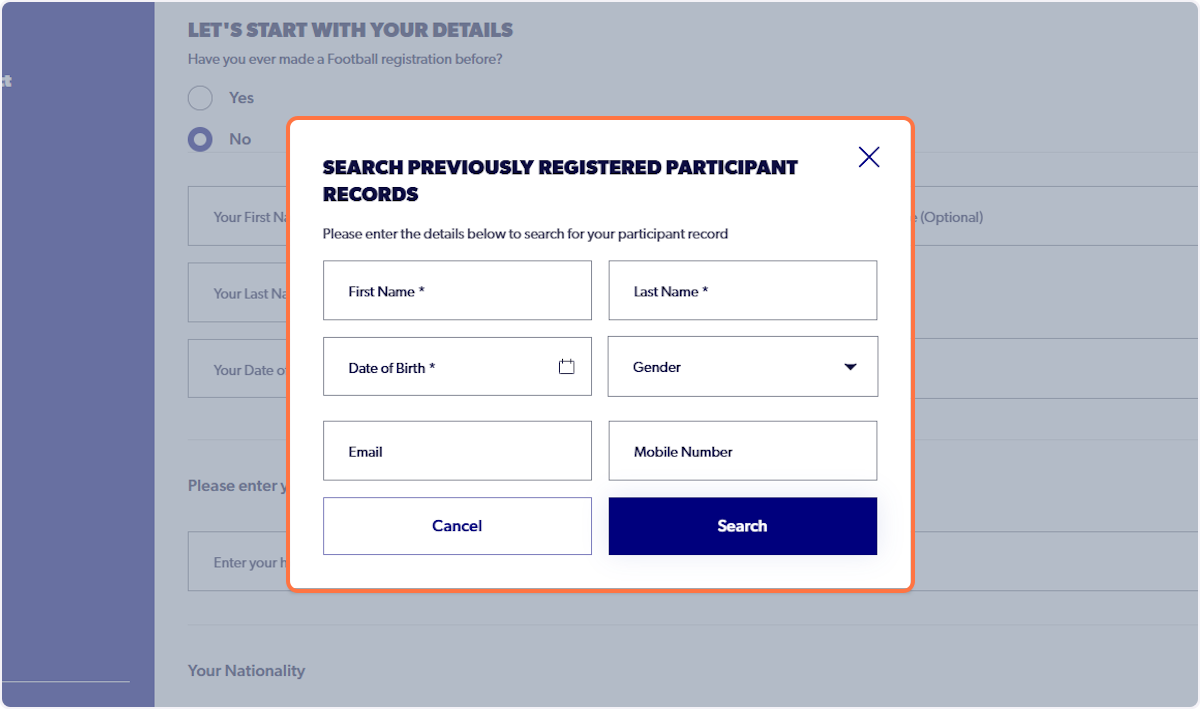
The following article will display how a Member Federation admin can unlink a participant record from the football account. The use cases for this feature is when a child may be appearing as the primary account holder for the football account and the parent/guardian wants to become the primary profile (Name that appears at the top of the profile). Unlinking the account will start the users profile from the beginning and they can re-claim the correct participant profile and subsequently add any other family members to their family.
1. Navigate to the primary participants member profile
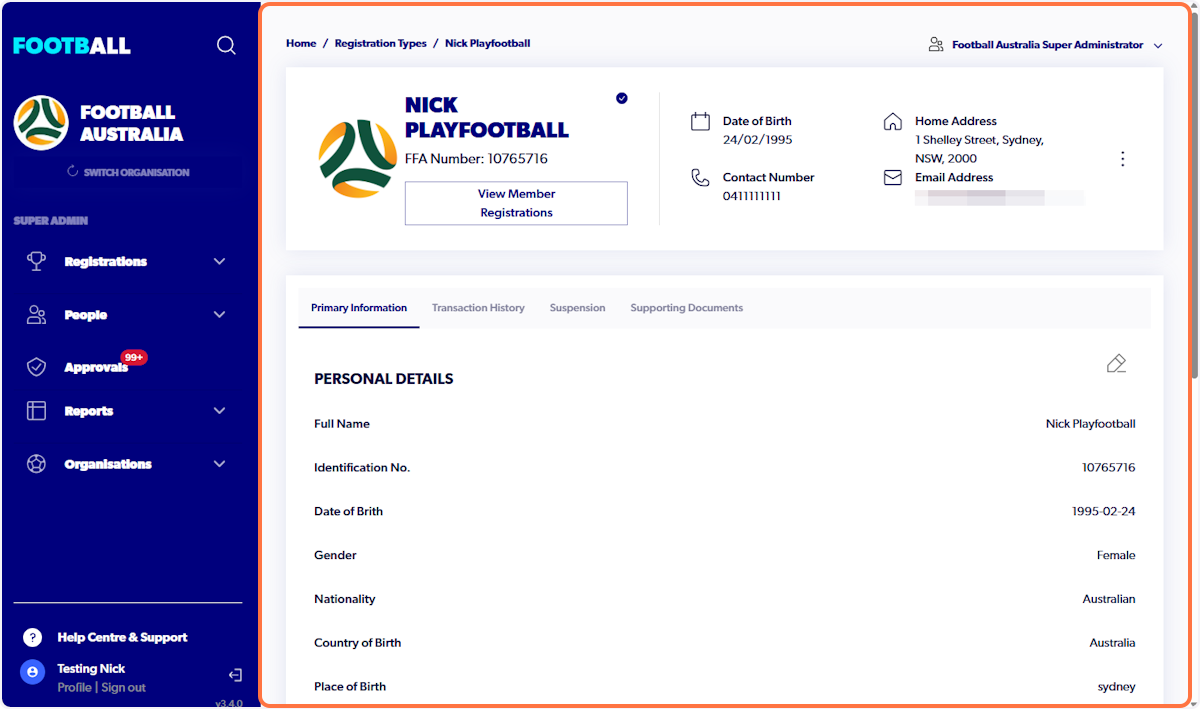
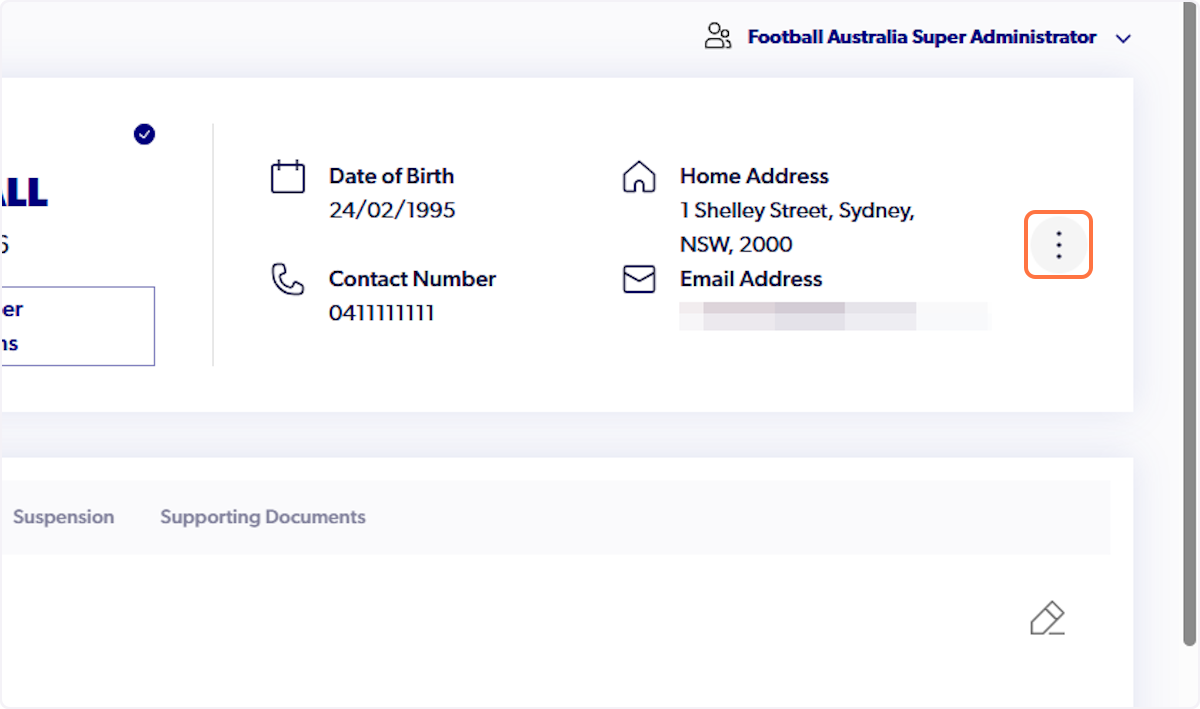
2. Click on three dots on the right hand side of profile
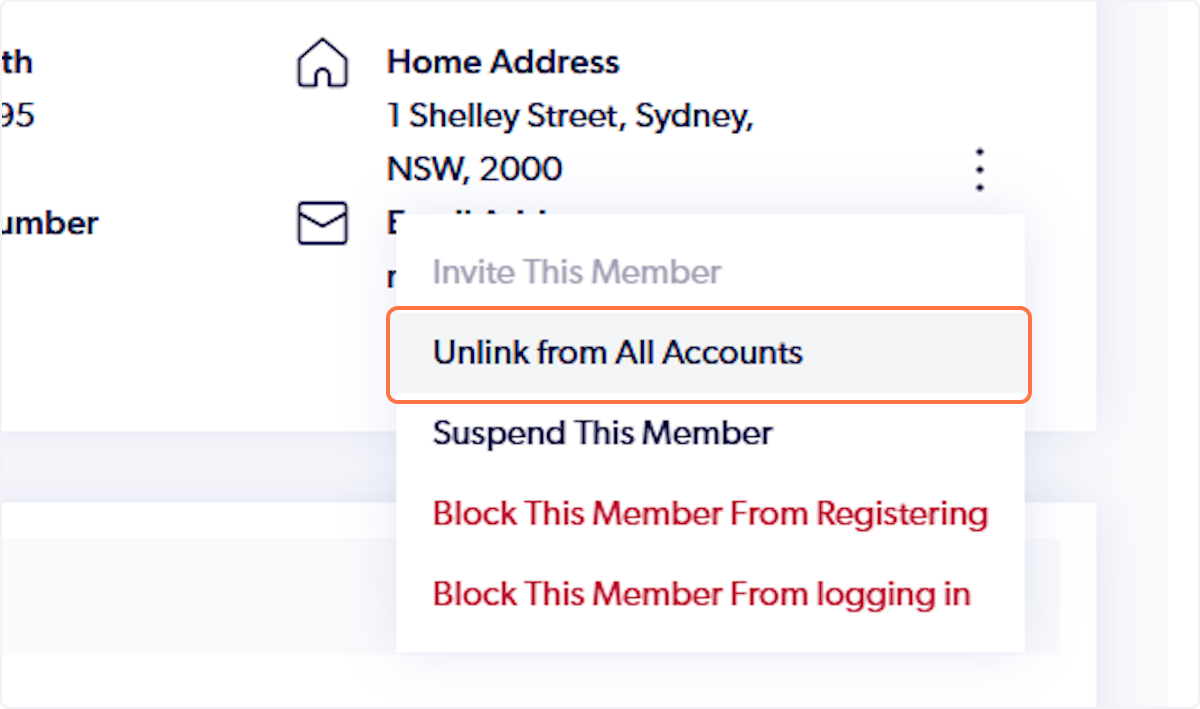
3. Select Unlink from All Accounts
4. Click on Yes
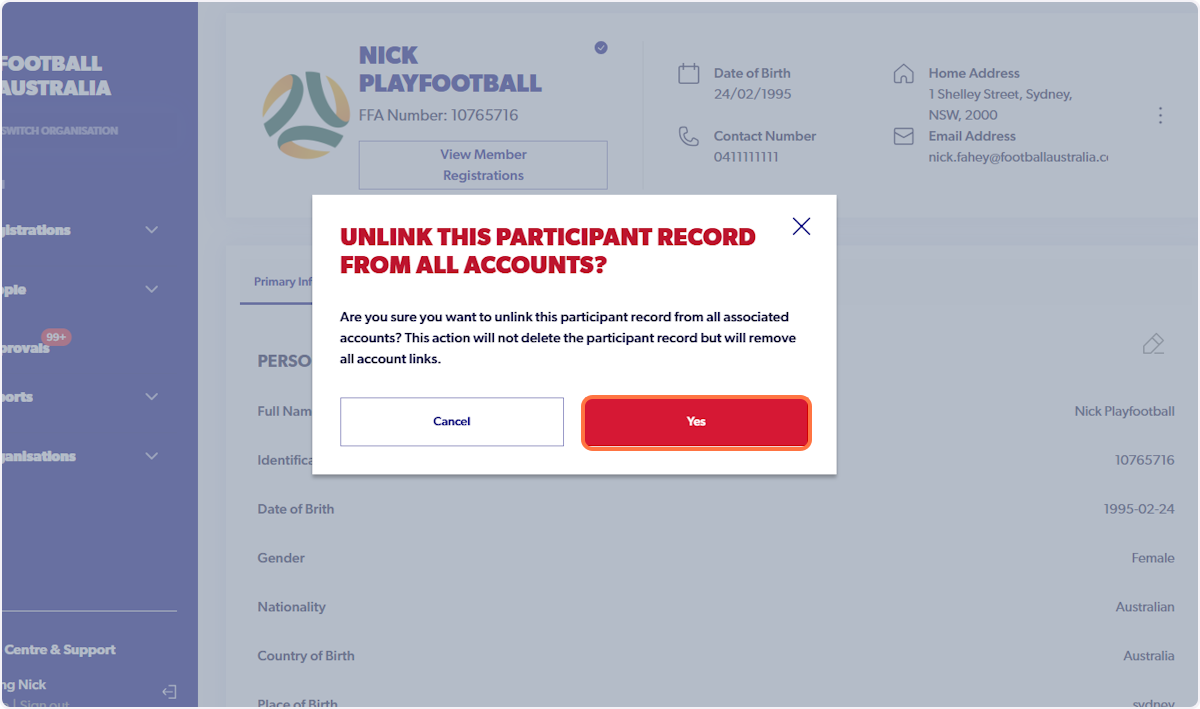
ℹ️ The participant account will be unlinked from all accounts and they can now claim the correct participant profile when signing in.
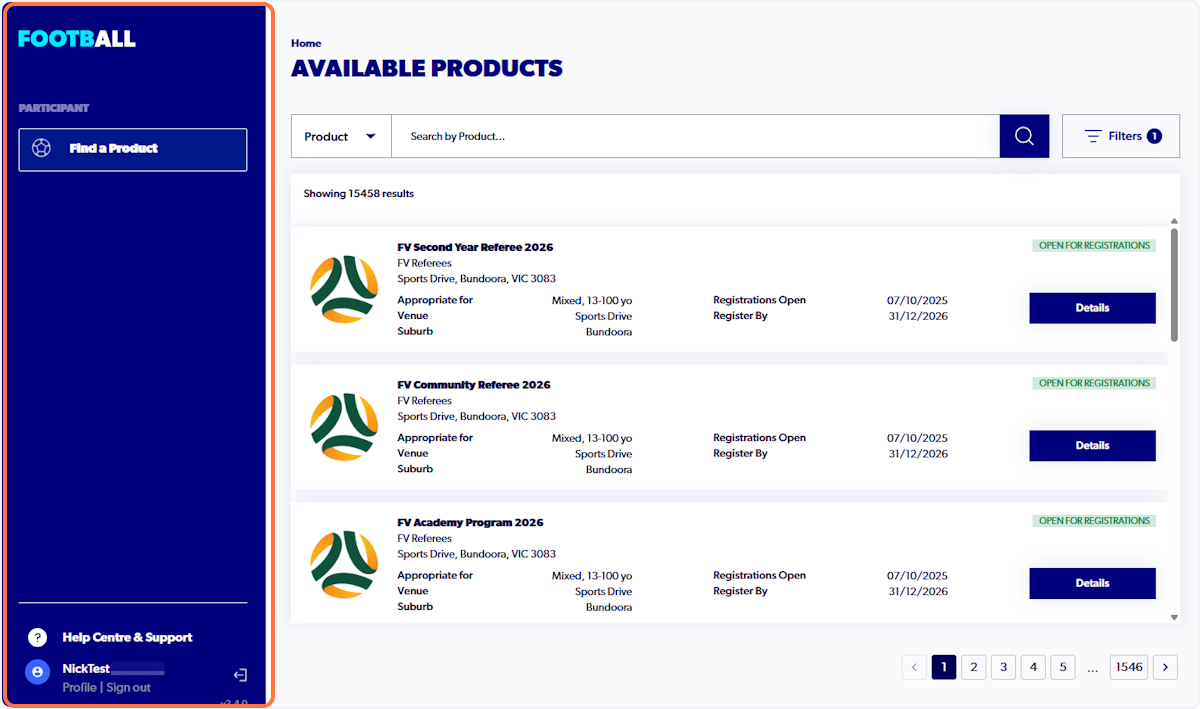
5. Participant account will display as the below
They will now need to reclaim the correct profile
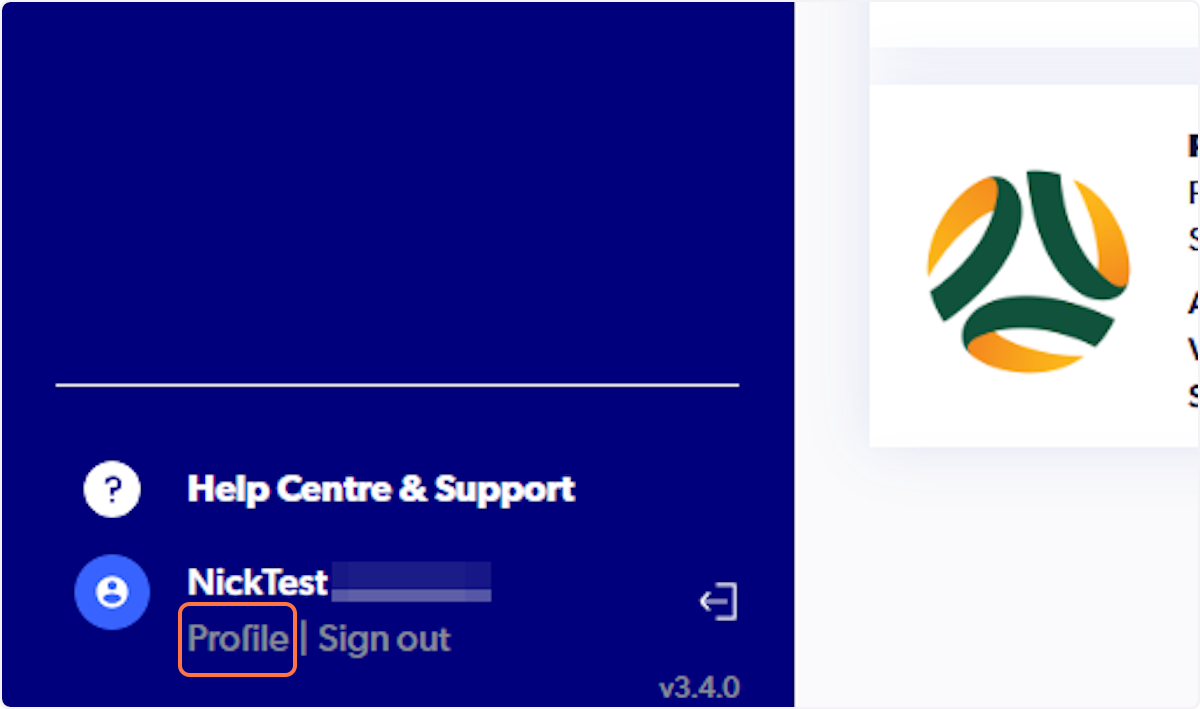
6. Click on Profile
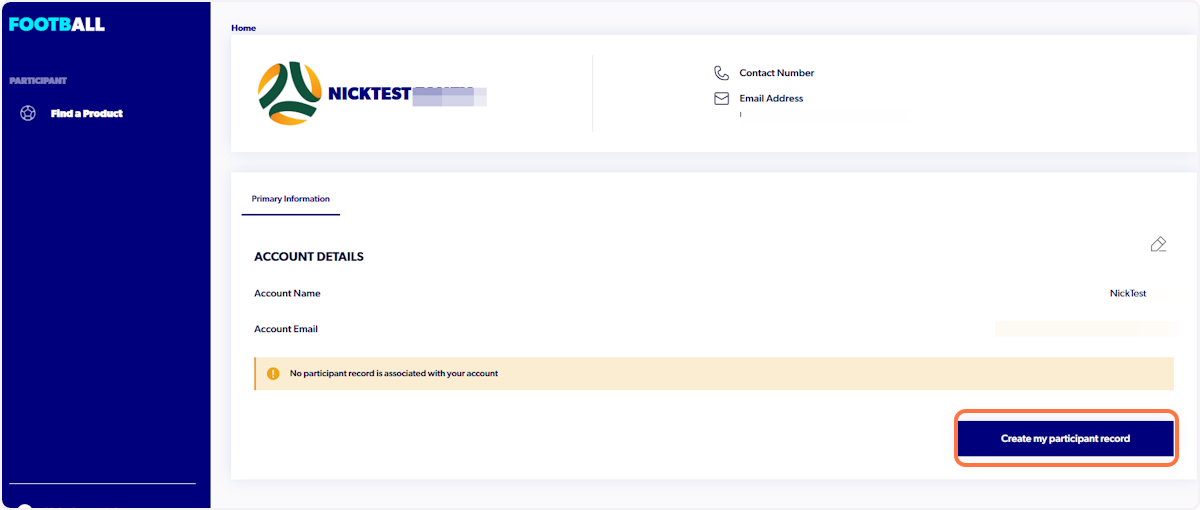
7. Click on Create my participant record
8. Input parent/guardian First name, Last name & DOB