Participant - How to upload a professional contract
Modified on: Tue, 18 Aug, 2026 at 12:37 PM
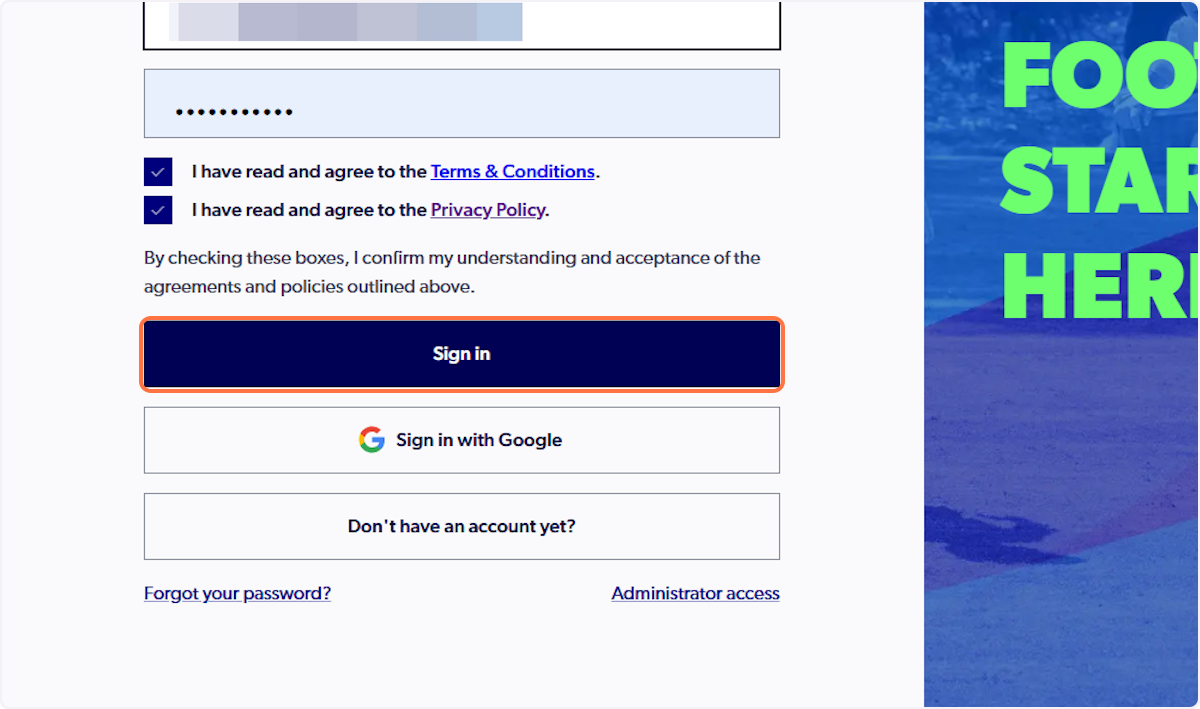
1. Sign in to your Participant account
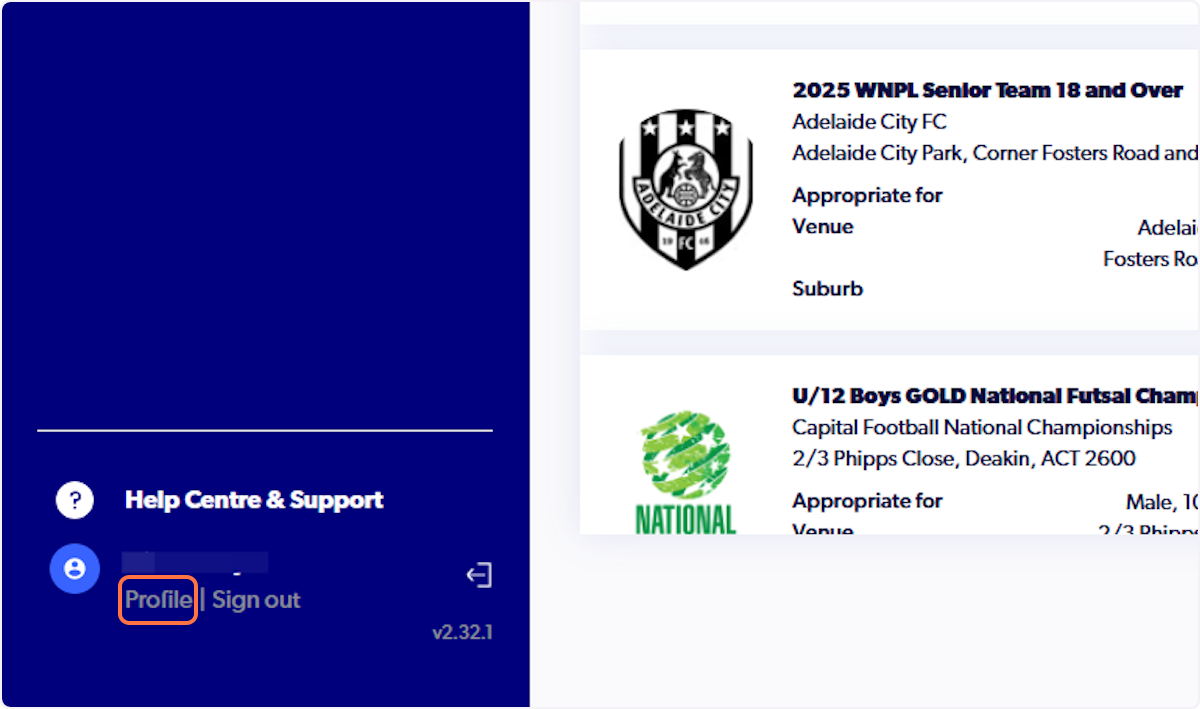
2. Click on Profile in bottom left of your profile
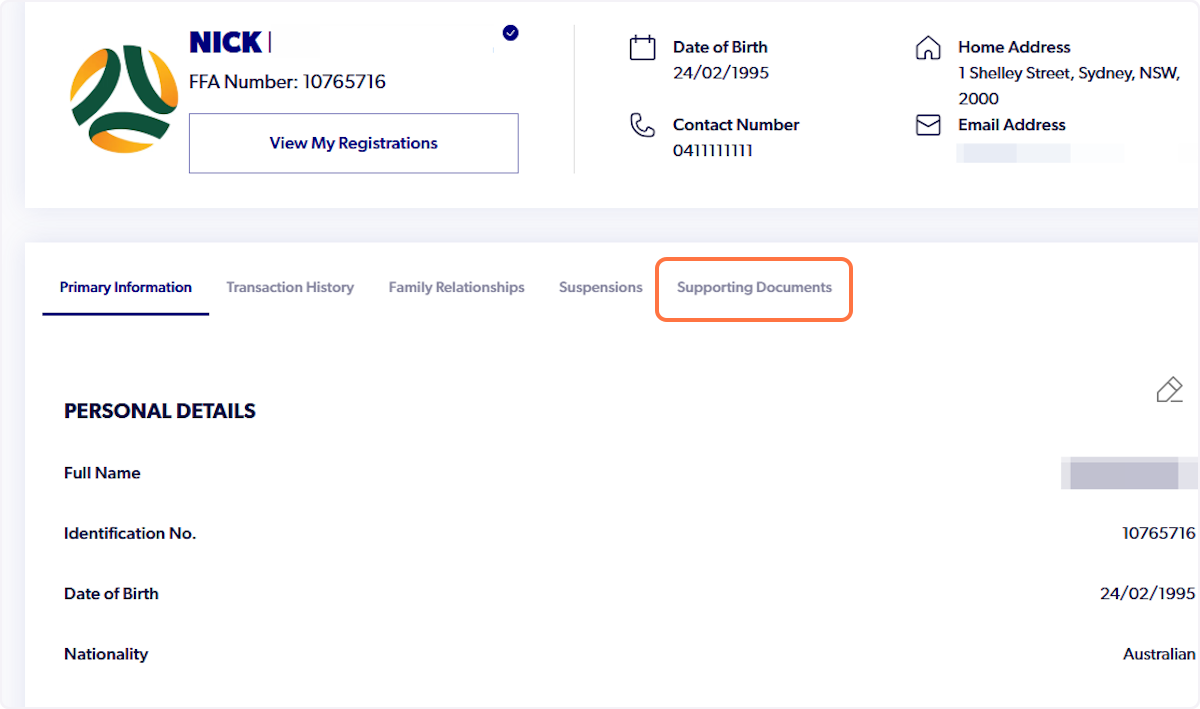
3. Click on Supporting Documents
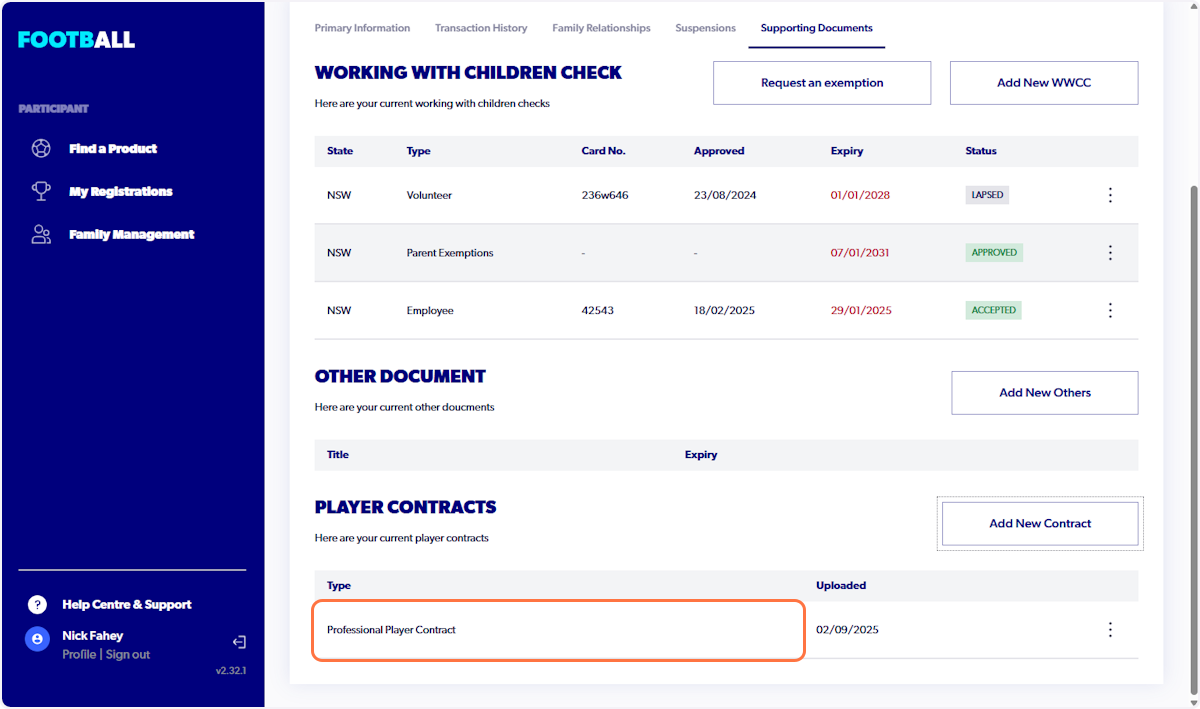
4. Player Contracts Section will display
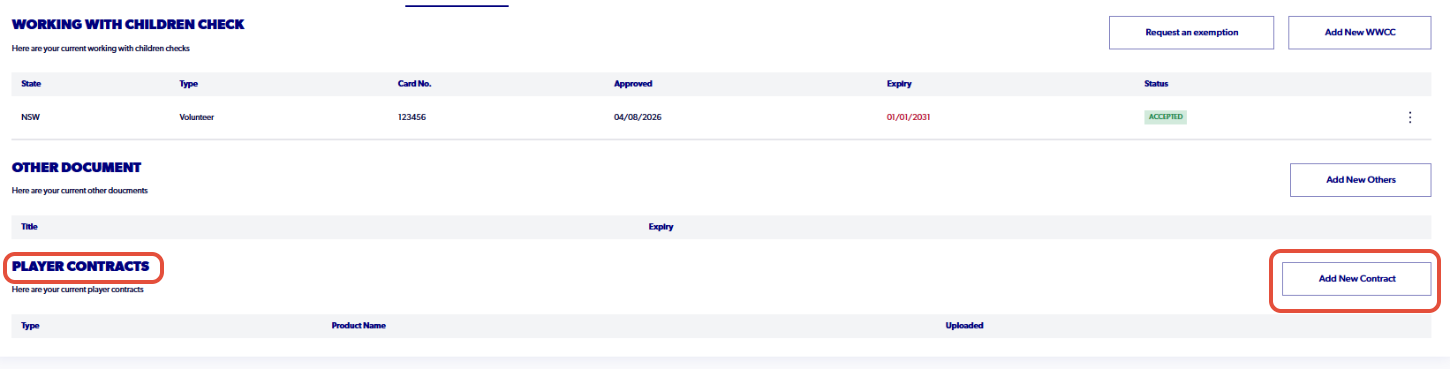
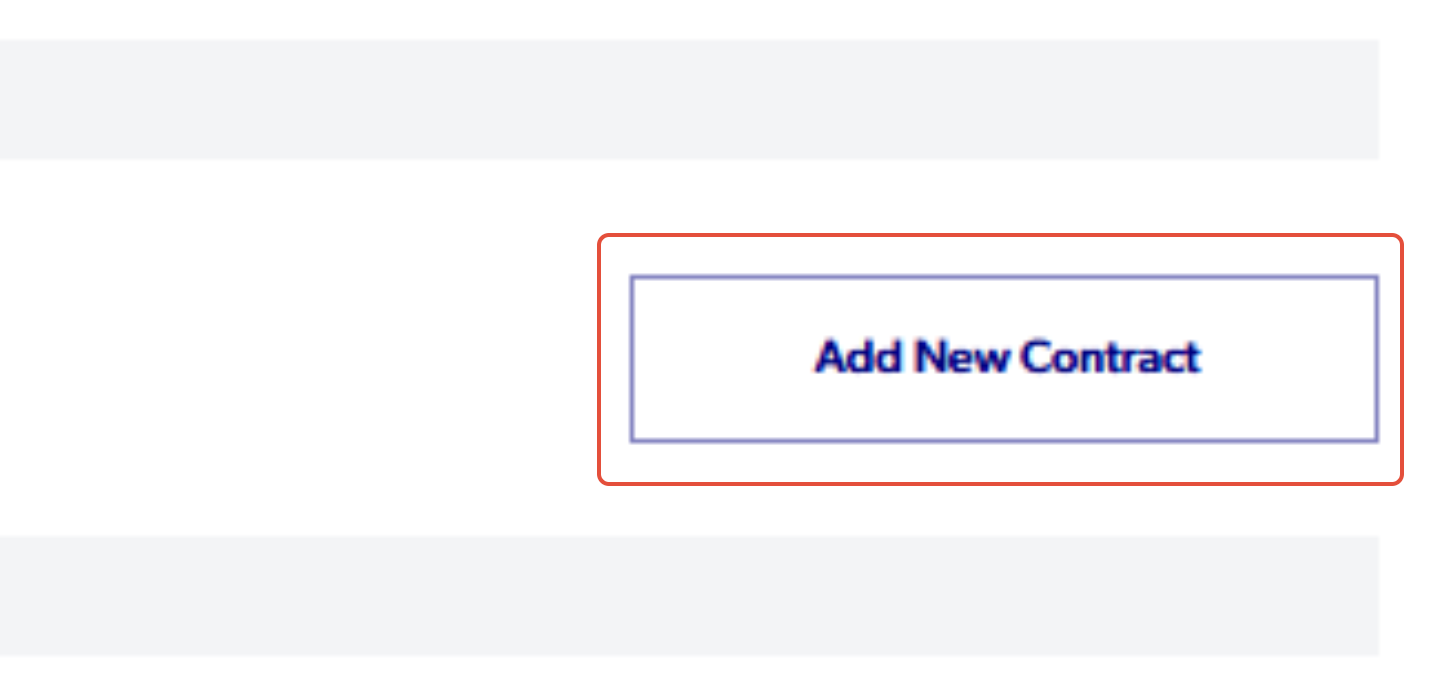
5. Click on Add New Contract
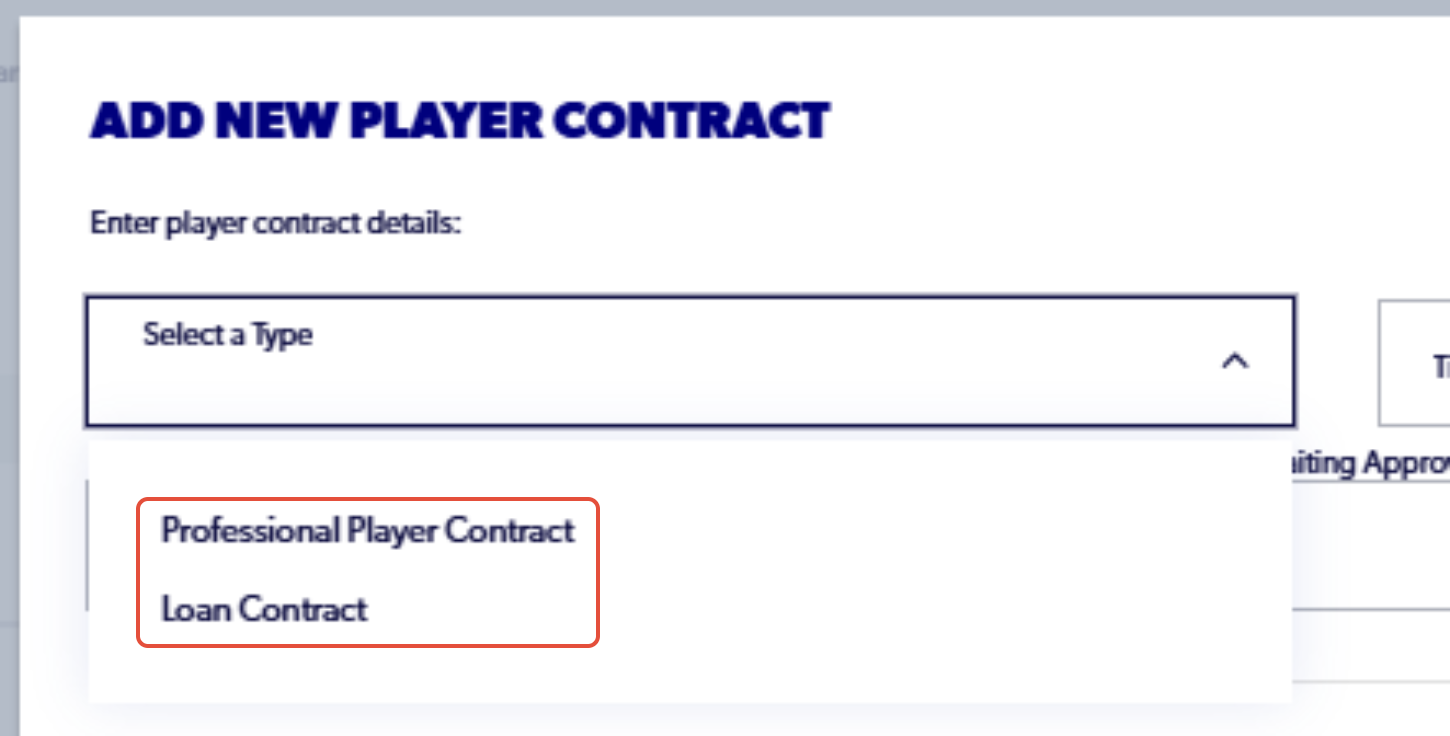
6. Click on Select a Type
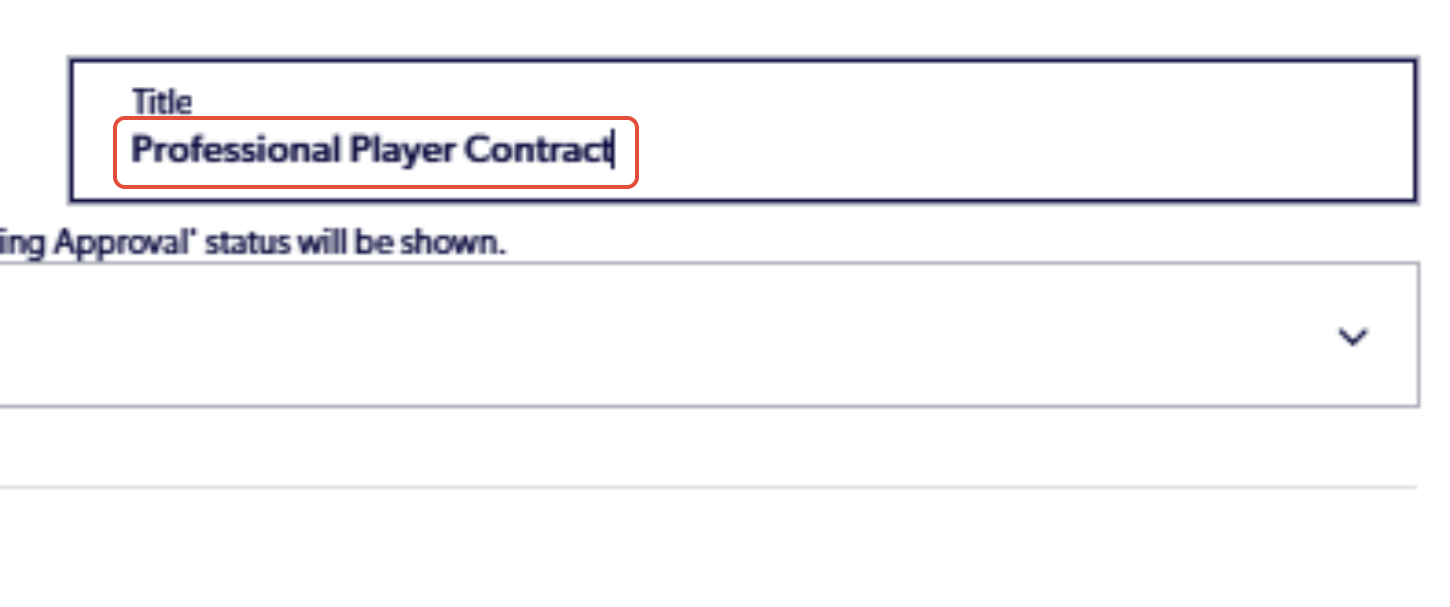
7. Add a title for the contract
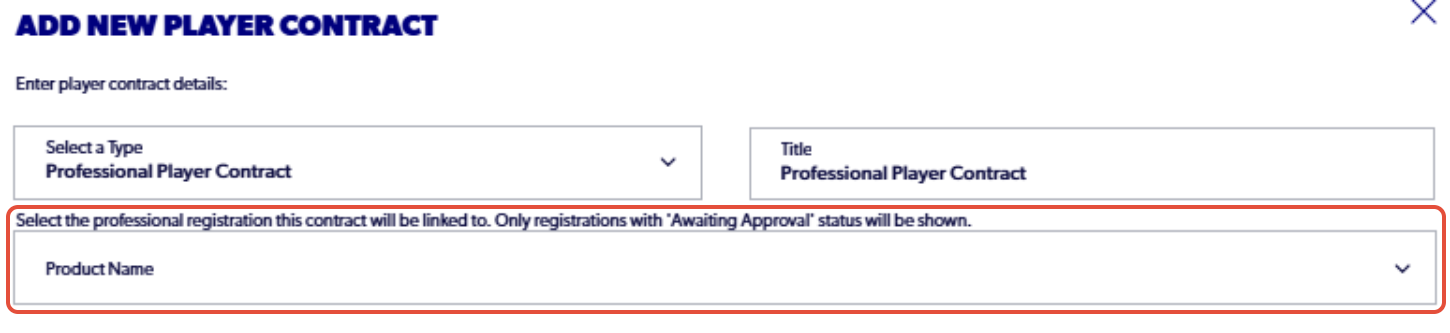
8. Select the professional registration that the contract will be attached to
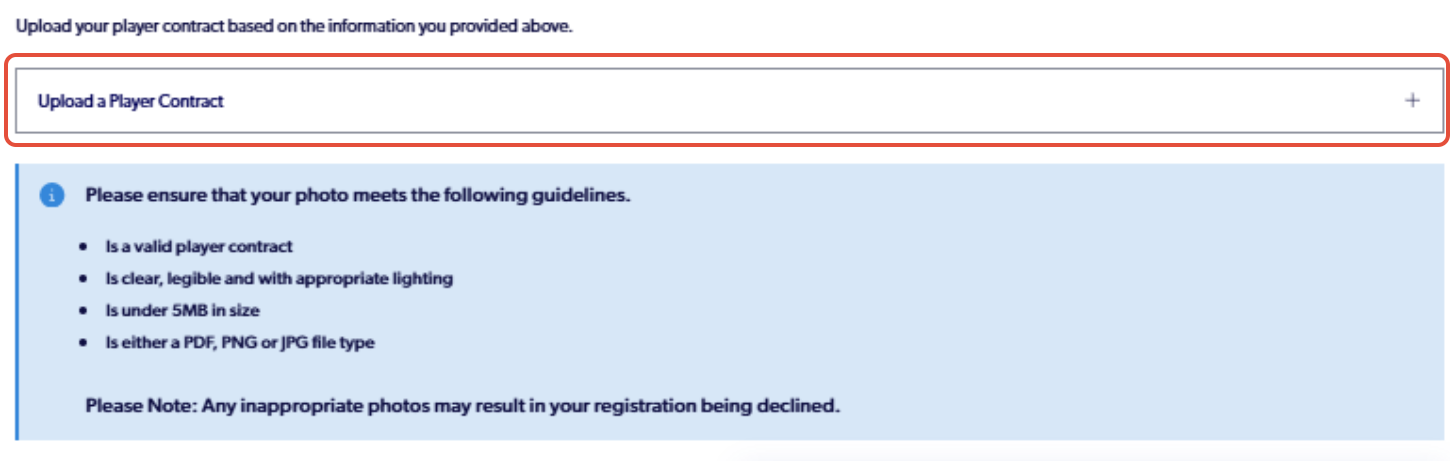
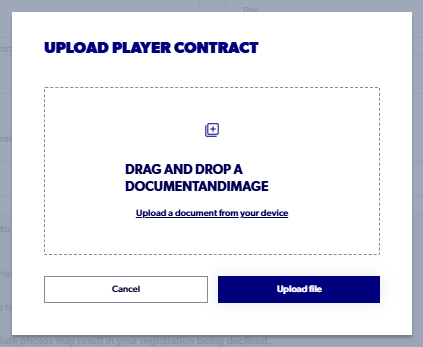
9. Click 'Upload a Player Contract' and select the necessary file
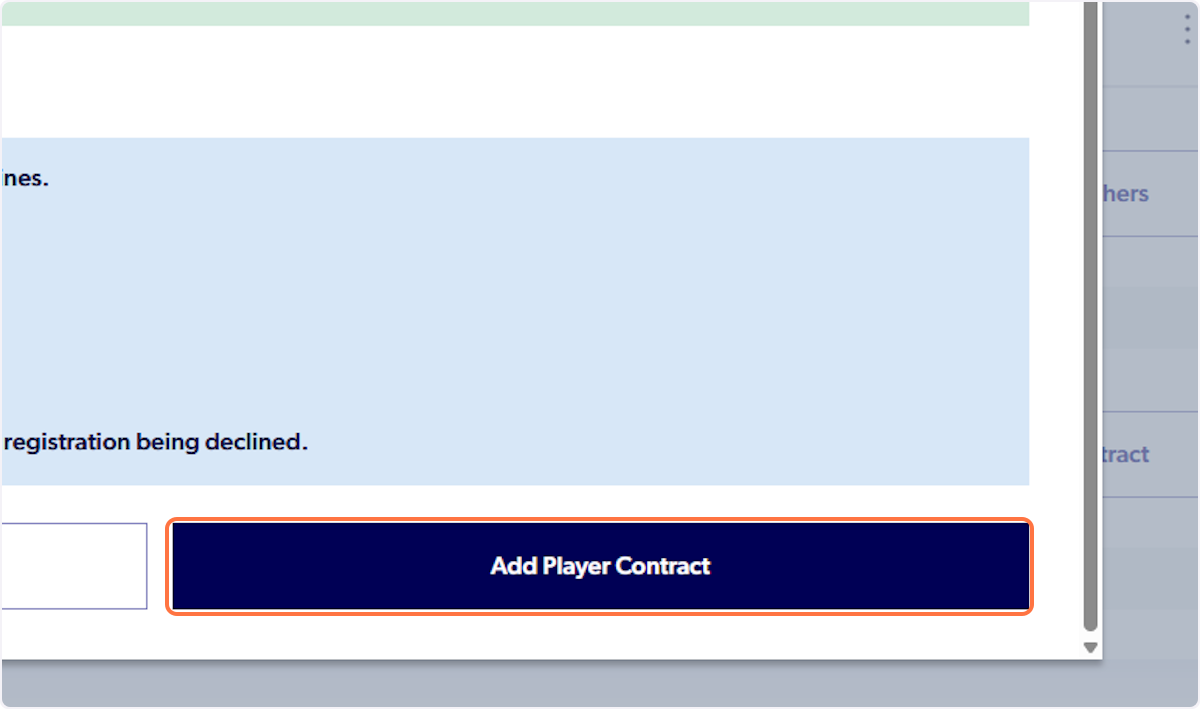
10. Once all the details are inputted correctly, click 'Add Player Contract'
11. Player Contract will appear in your profile
Did you find it helpful?
Yes
No
Send feedback Sorry we couldn't be helpful. Help us improve this article with your feedback.