Participant - How To View Lapsed/Previous Registrations
Modified on: Thu, 3 Sep, 2026 at 4:04 PM
This support article will provide you with a guide to viewing all of your past registrations that are linked to your FFA number.
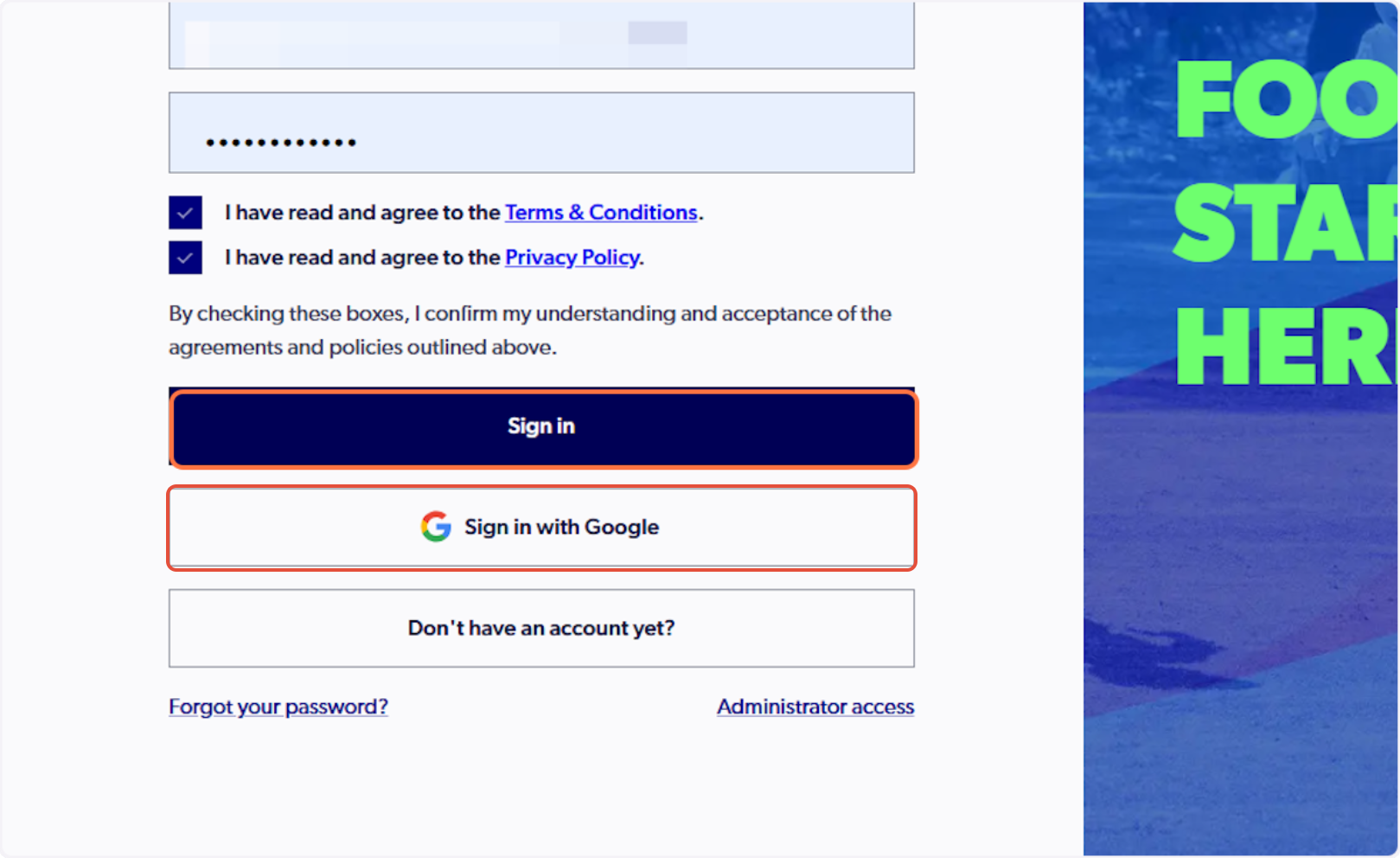
1. Sign in to PlayFootball Here
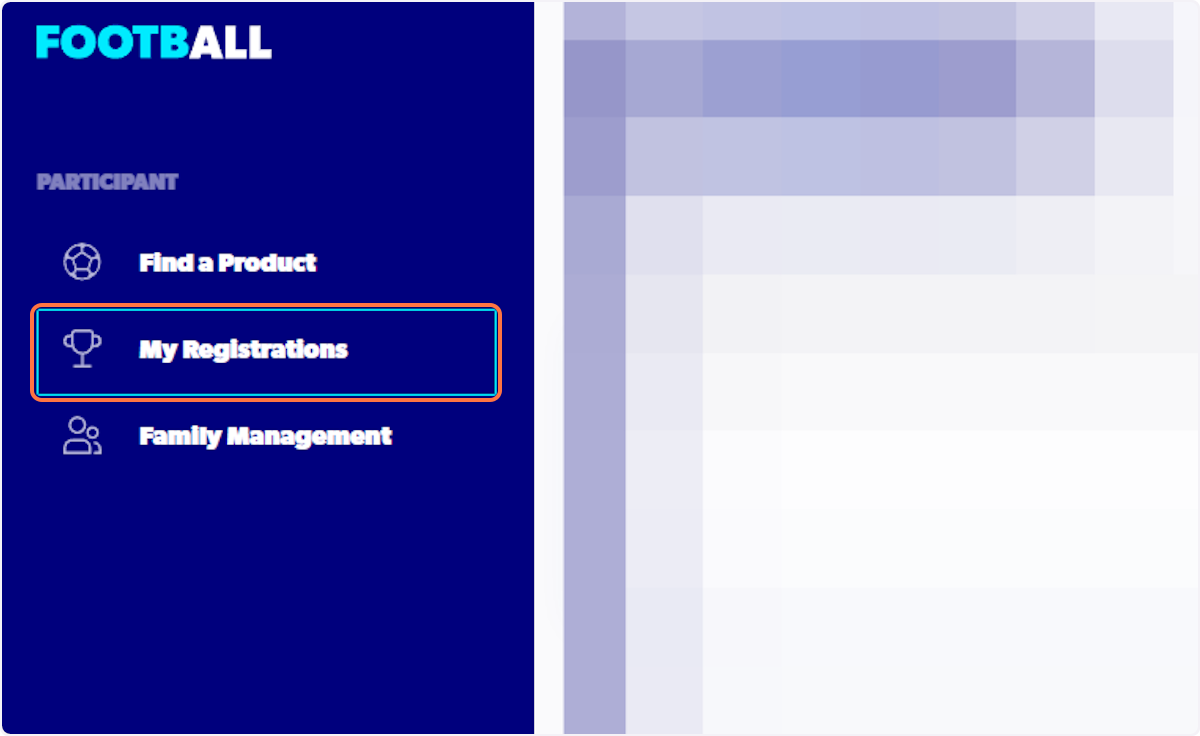
2. Click on My Registrations
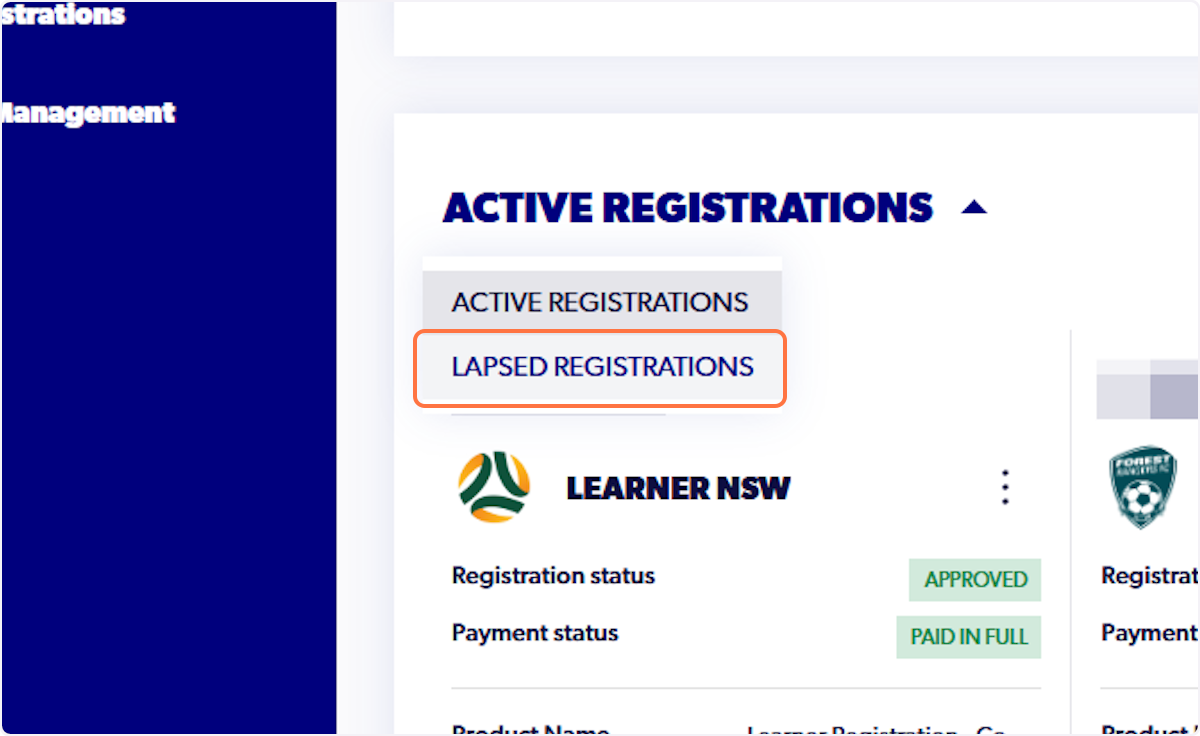
3. Click on ACTIVE REGISTRATIONS

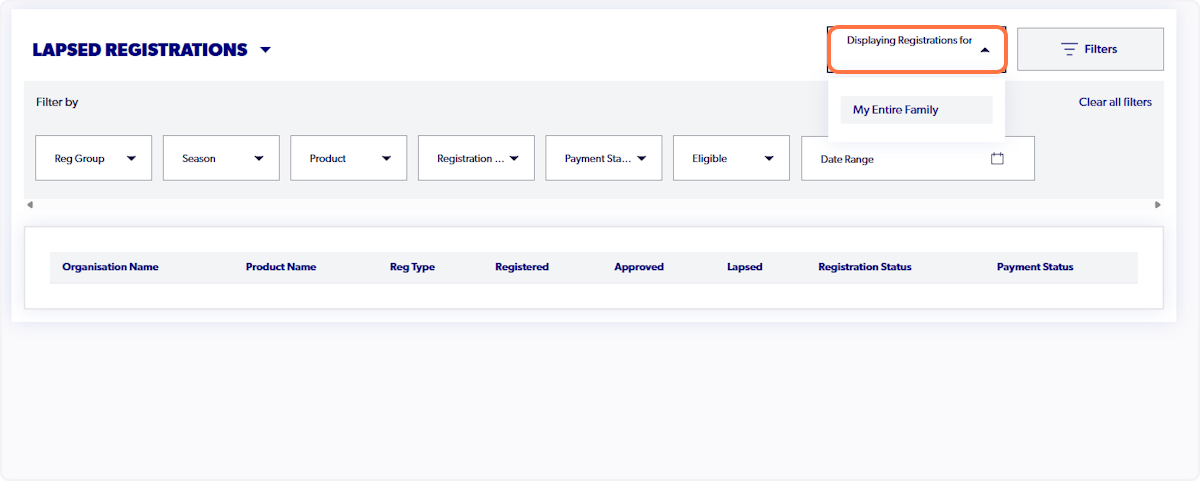
4. Click on LAPSED REGISTRATIONS
5. View the organisations the participant has played for and the year they played for them
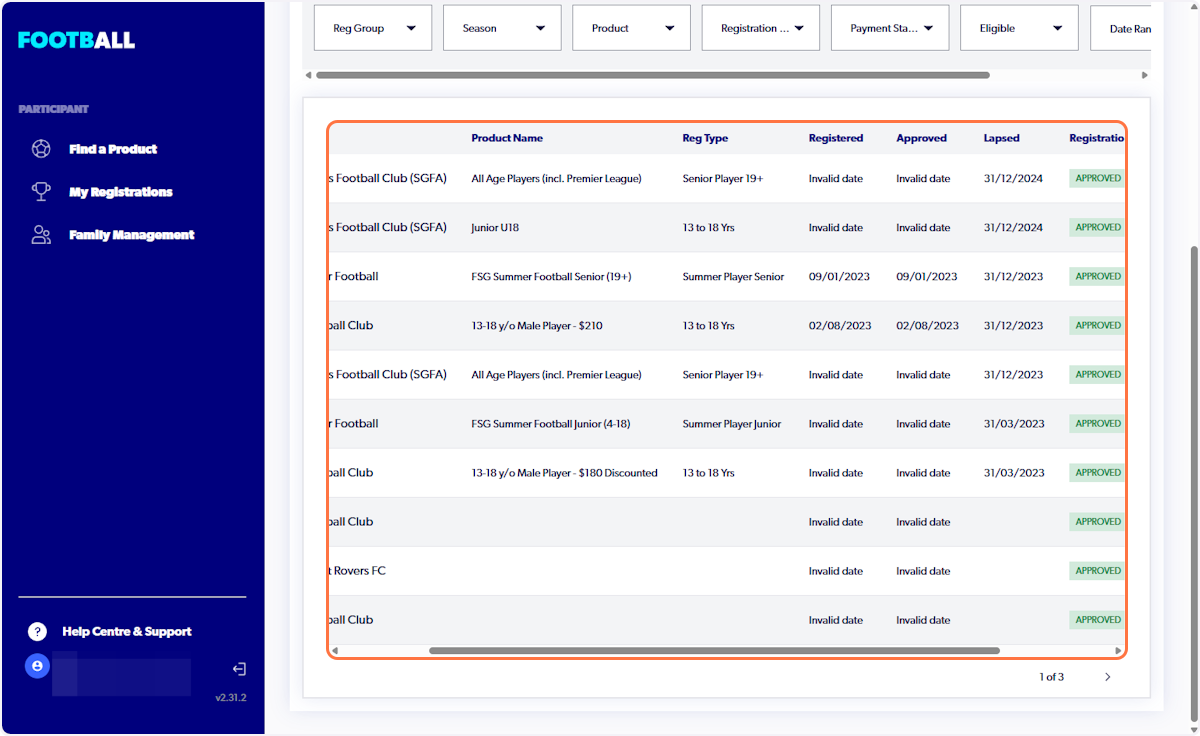
6. Select Displaying Registrations for, to refine which participant you are viewing Lapsed registrations for
Did you find it helpful?
Yes
No
Send feedback Sorry we couldn't be helpful. Help us improve this article with your feedback.