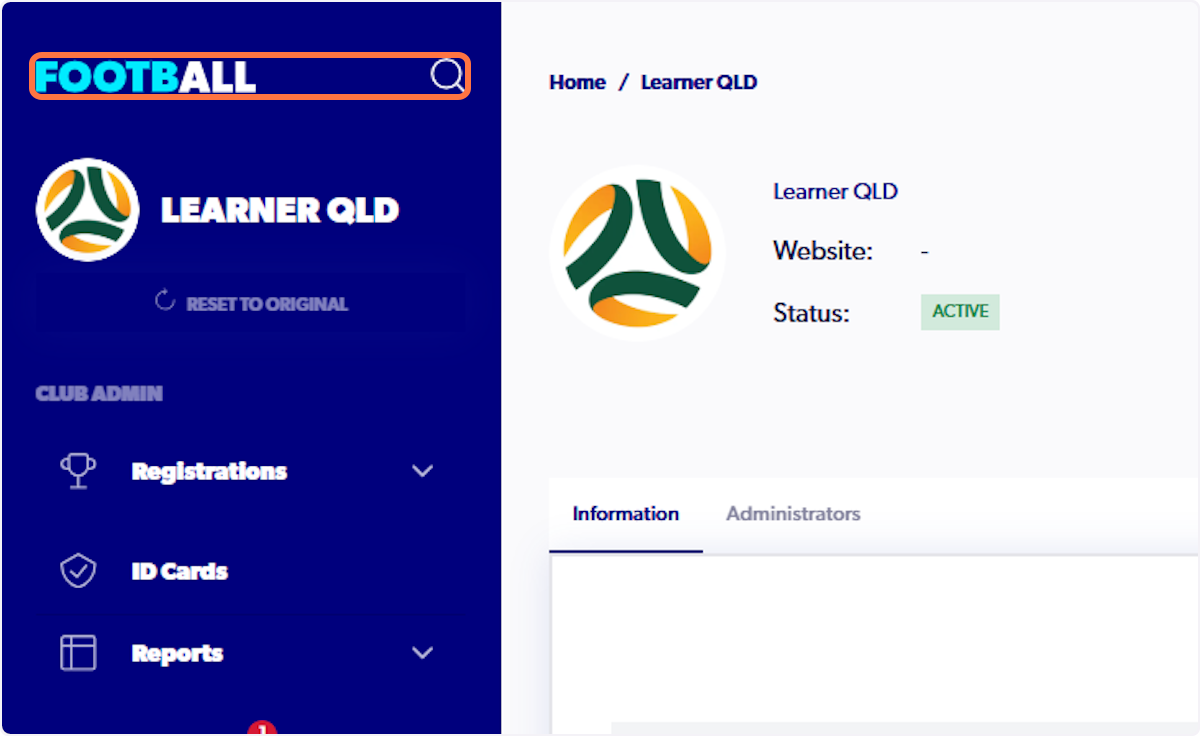
ℹ️ Note: You will need to ensure you are at the club level as an association or member federation administrator.
1. Click on the search icon
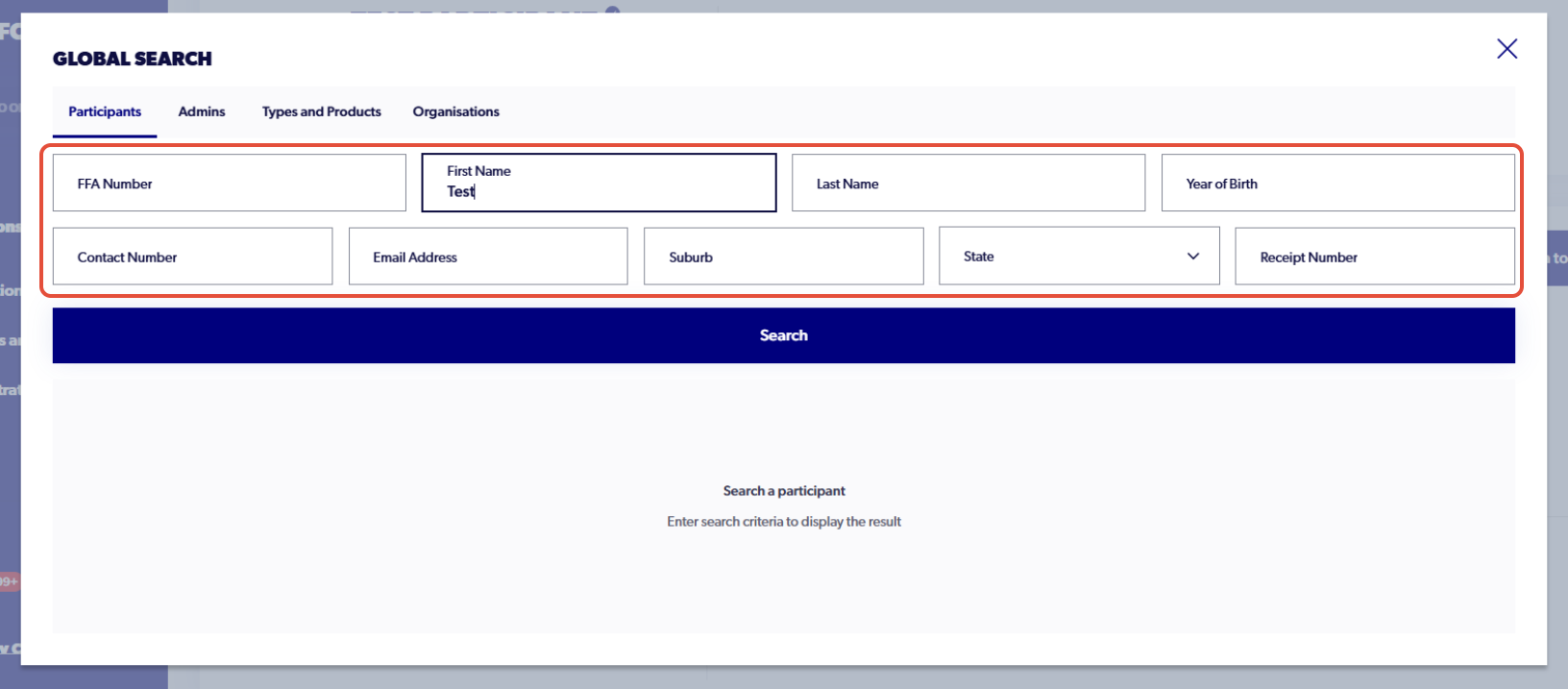
2. Enter the participants details
Note, you do not need to fill out all fields to locate the participants profile
3. Click on the participant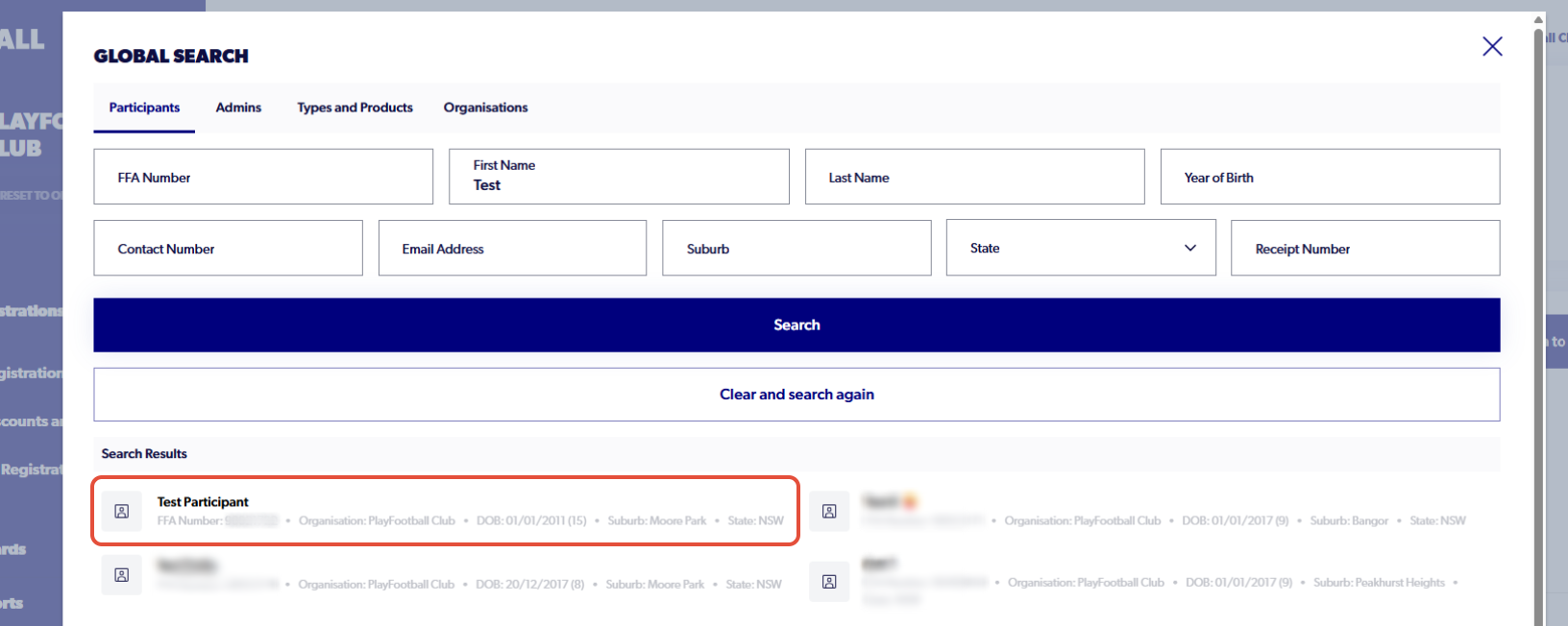
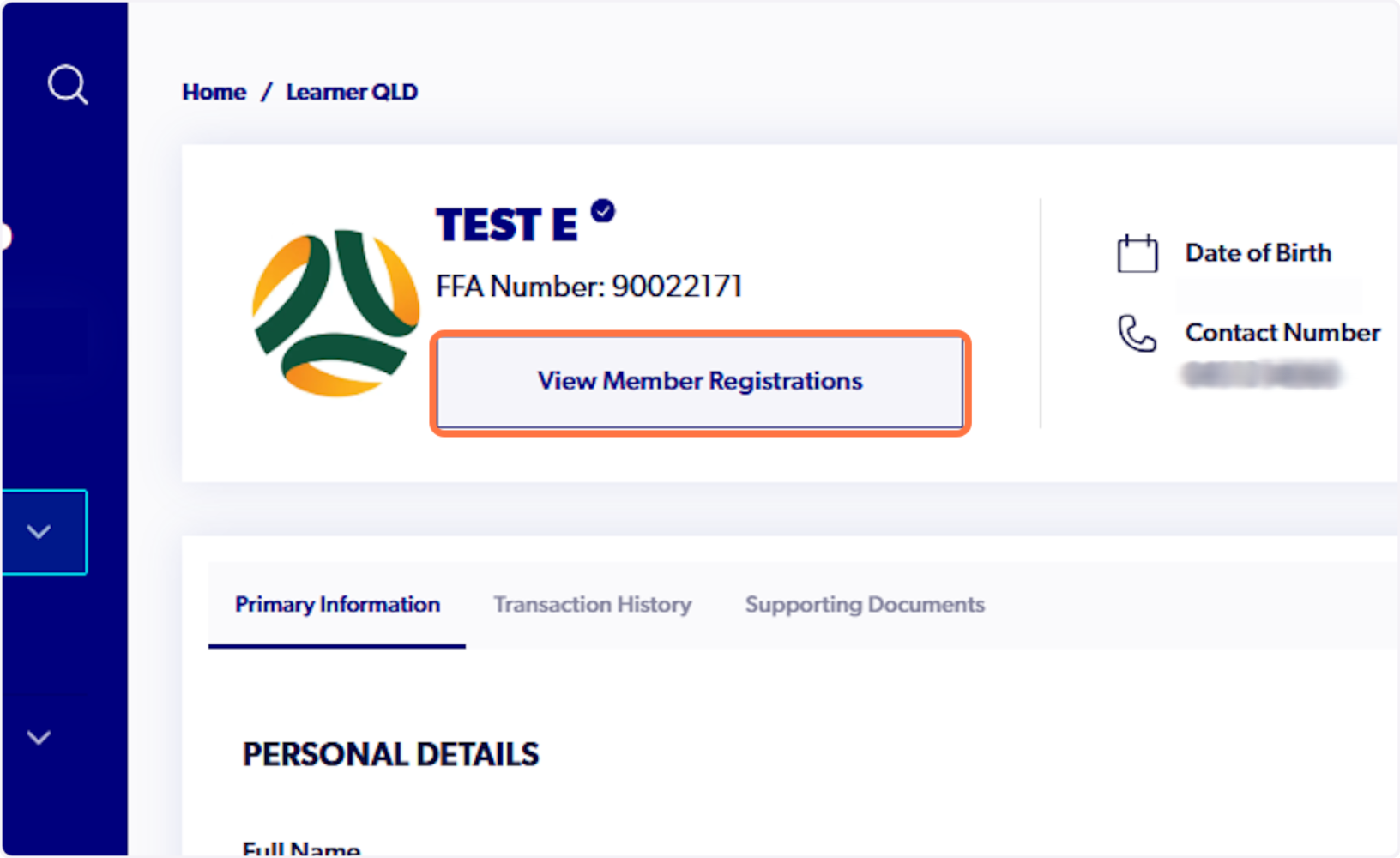
4. Click on View Member Registrations
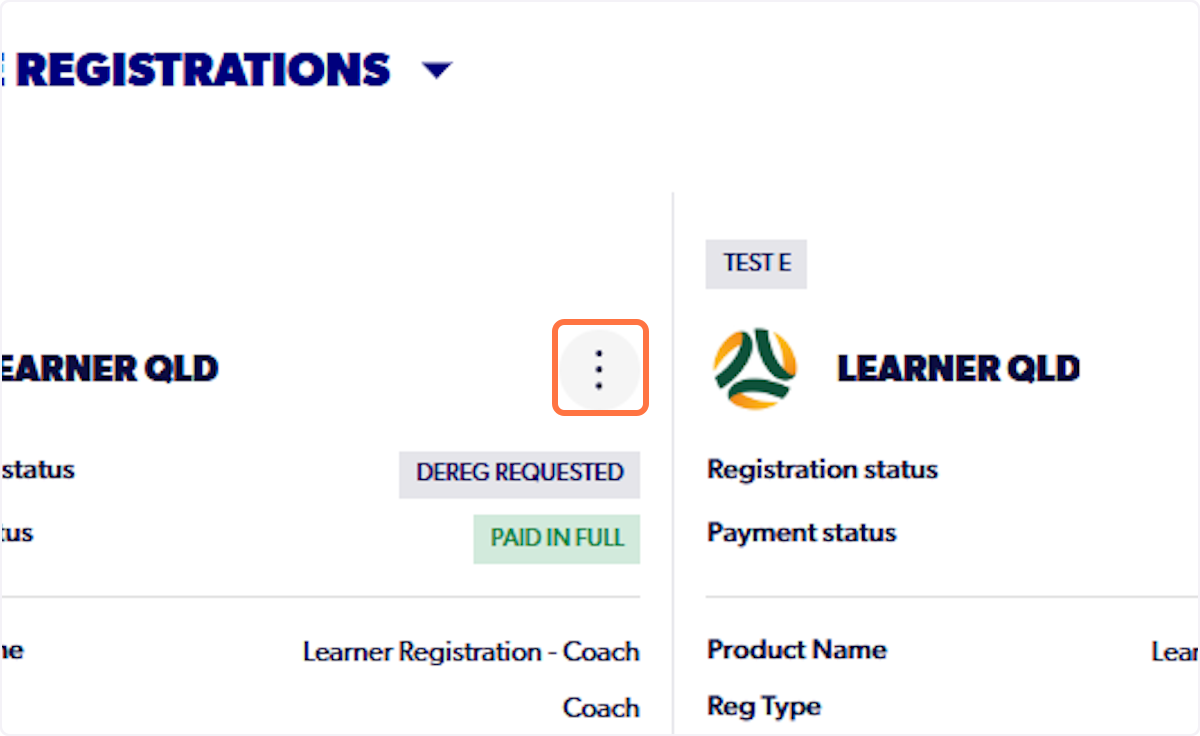
5. Click on the 3 vertical dots
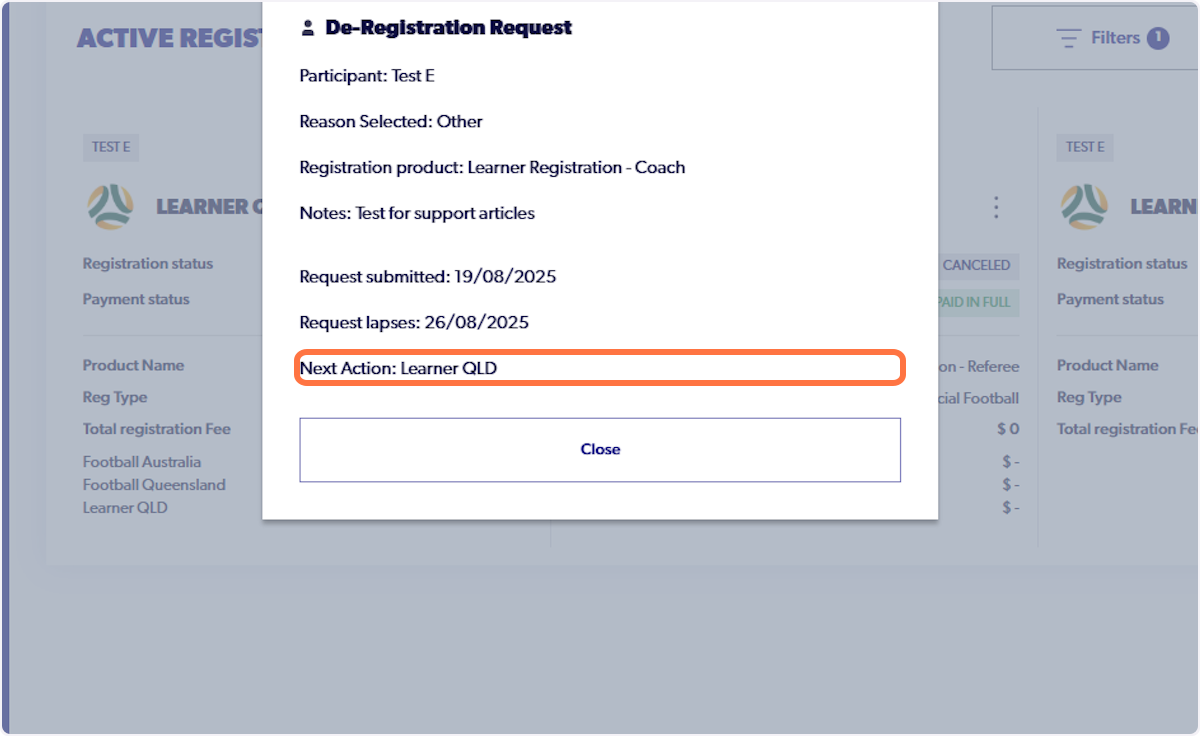
6. Click on View De-Registration Request
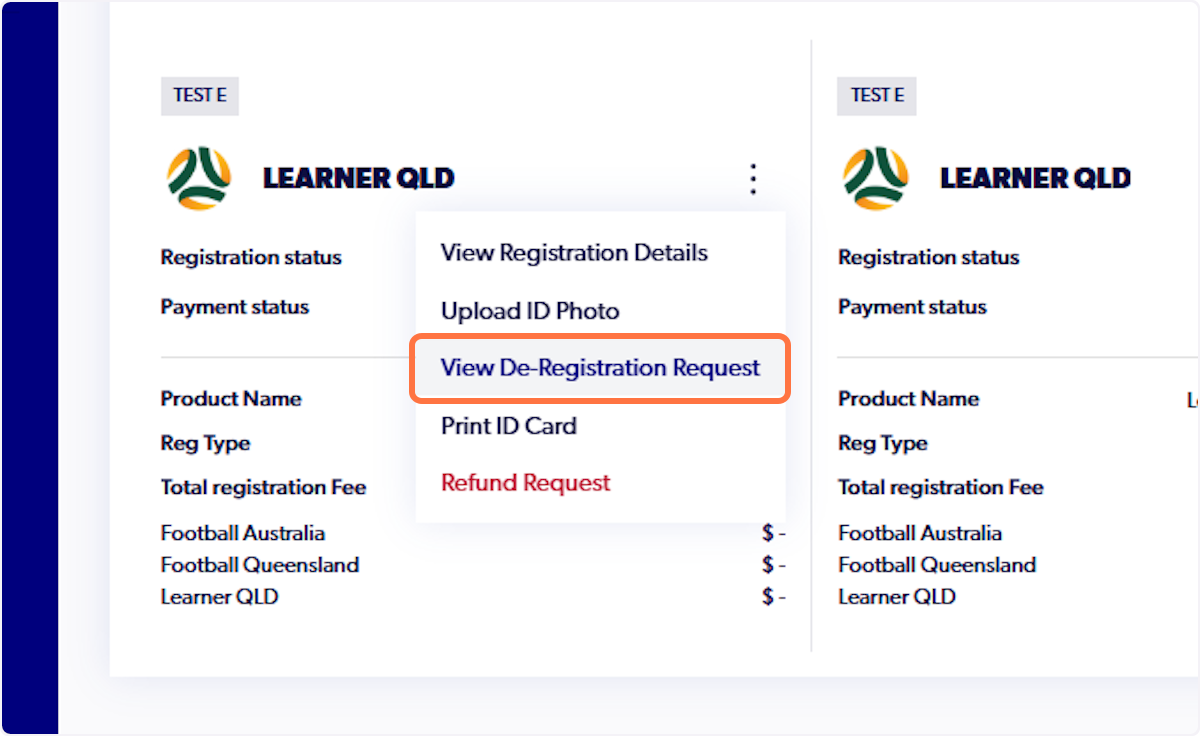
7. View the Next Action to see where the de-registration request is sitting at