1. Go to playfootball.com.au. Sign in to your Football Network account
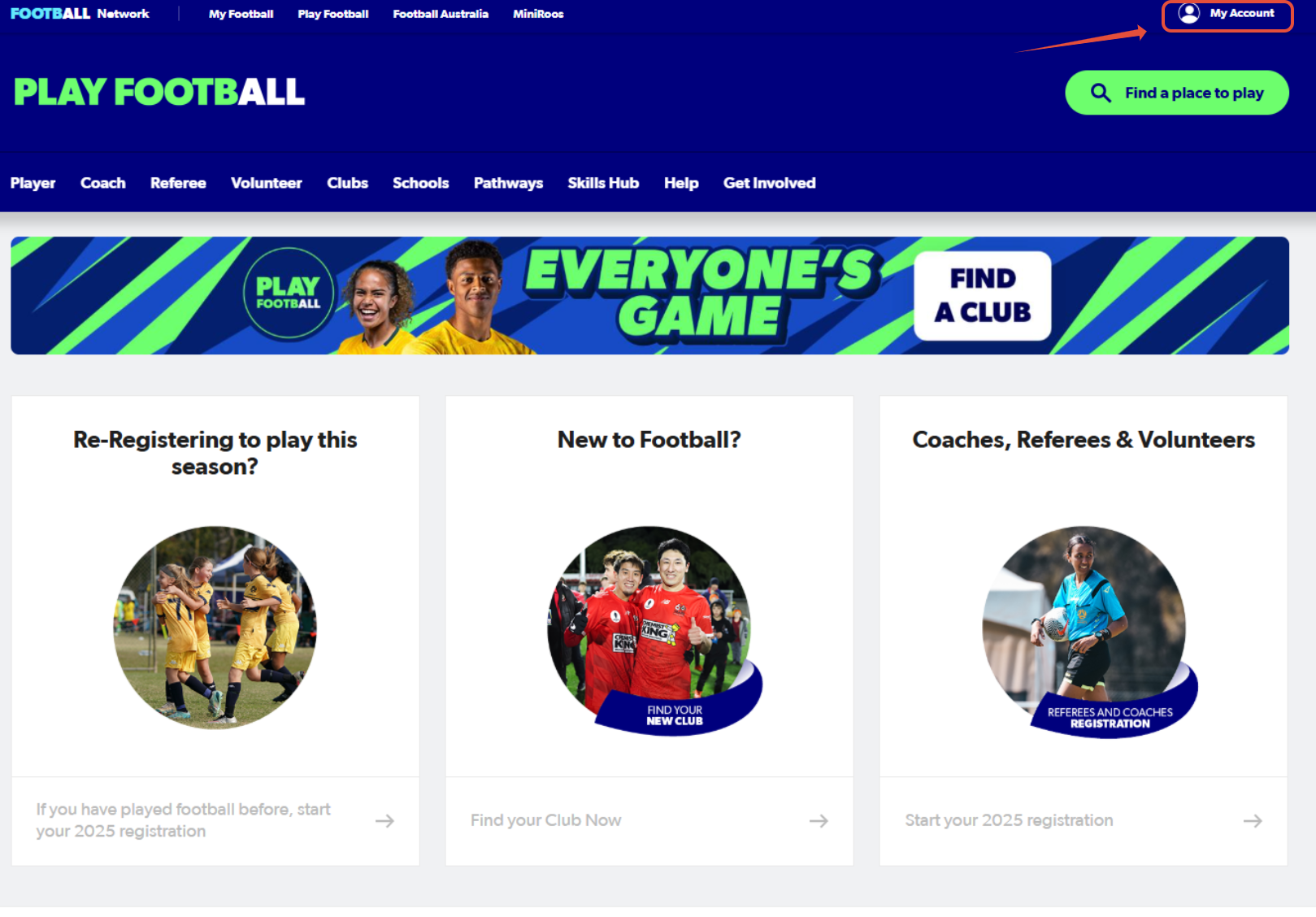
Once you sign in, your name will appear in the top-right hand corner. Please hover over your name and select, 'My Account' again.
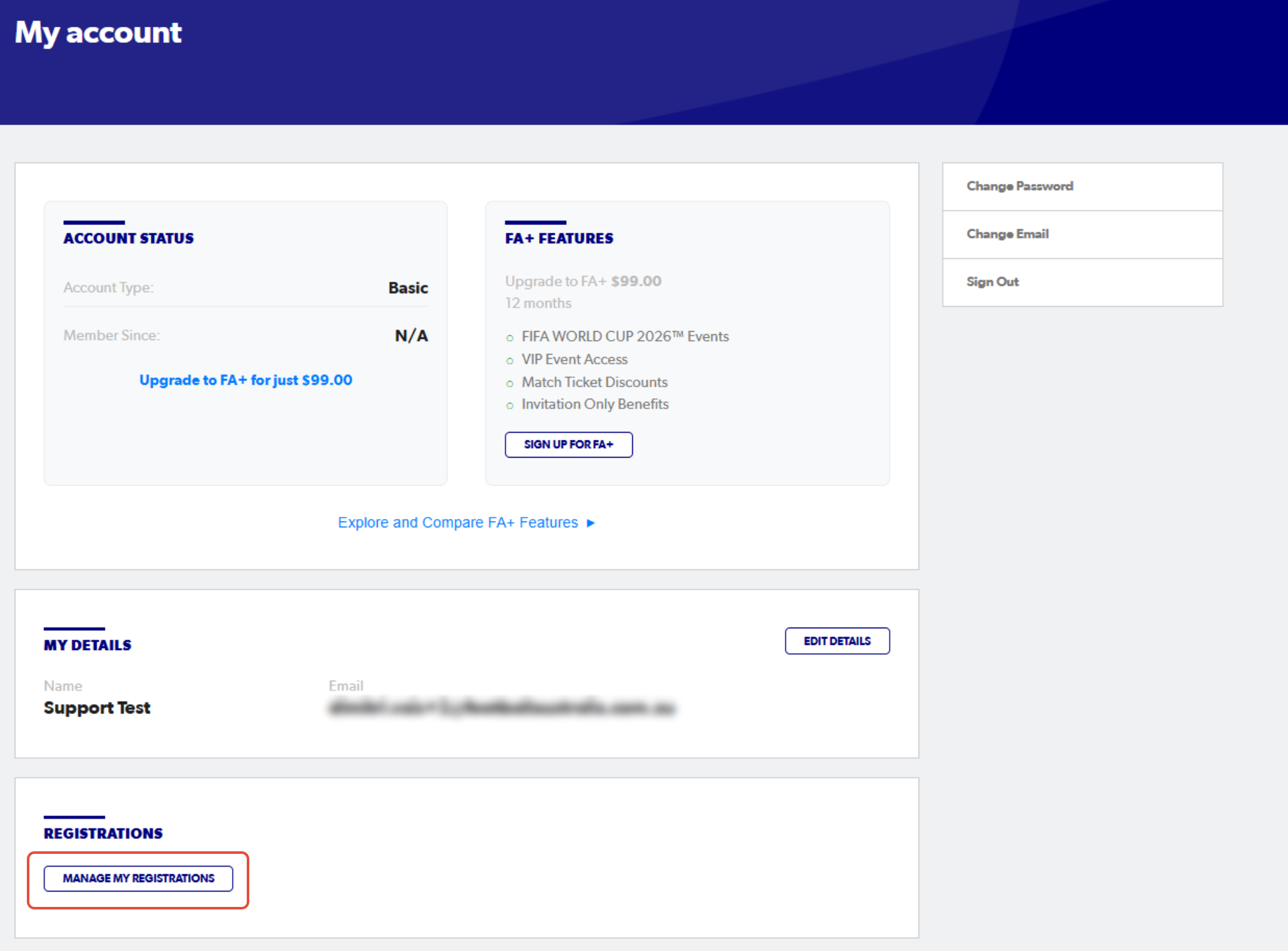
2. Select 'Manage My Registrations'
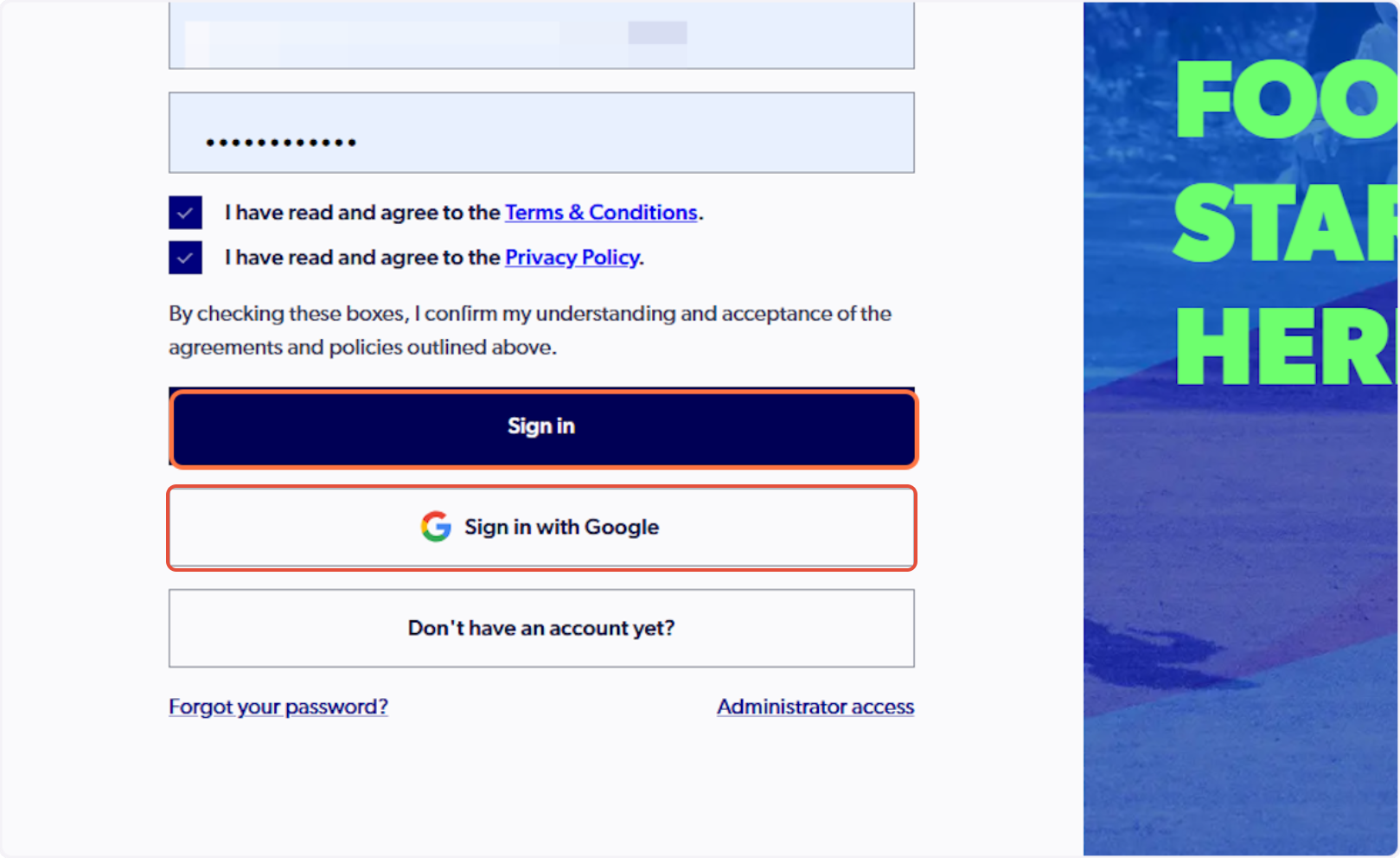
3. Sign in to PlayFootball
Please note: if you have created your account using Google, you must select 'Sign in with Google'
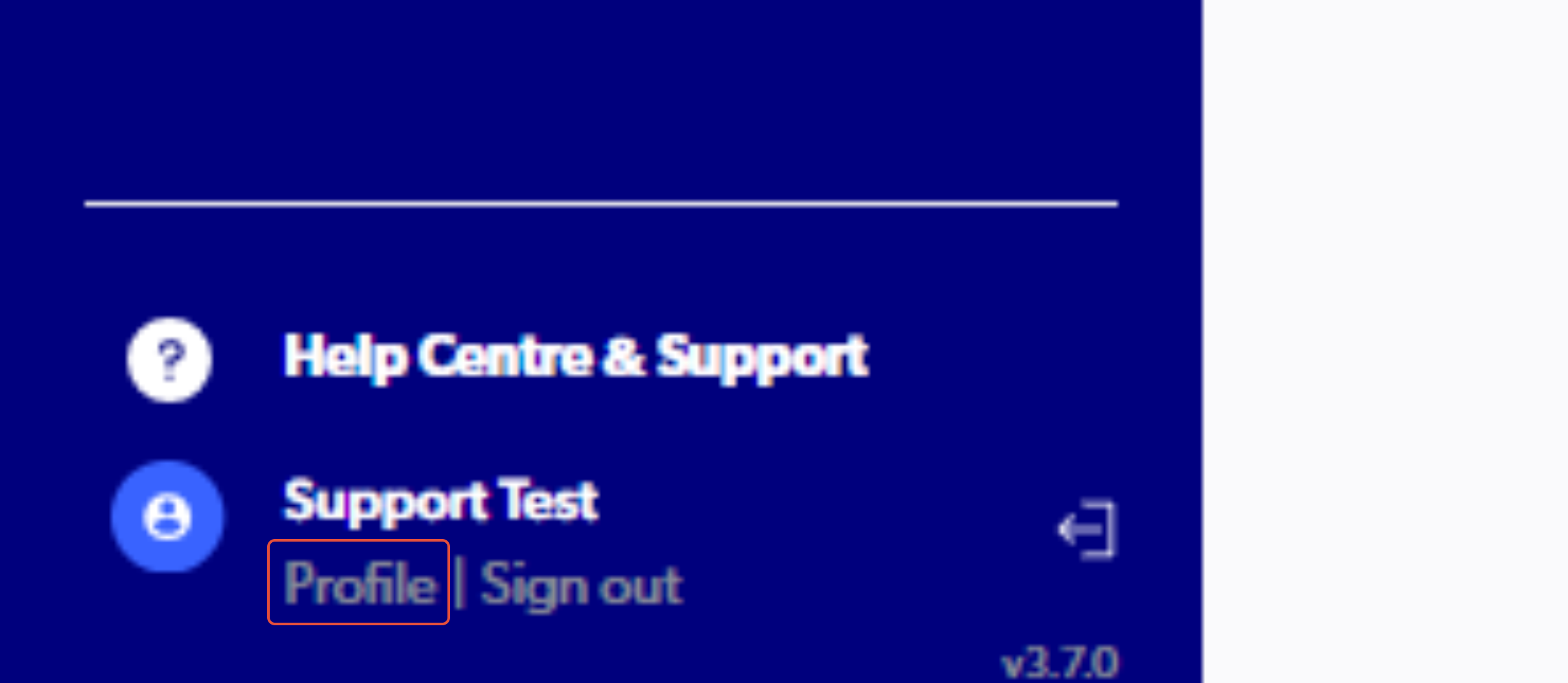
4. Click on 'Profile'
If you need to request an exemption on behalf of a linked family member, please see the support article HERE.
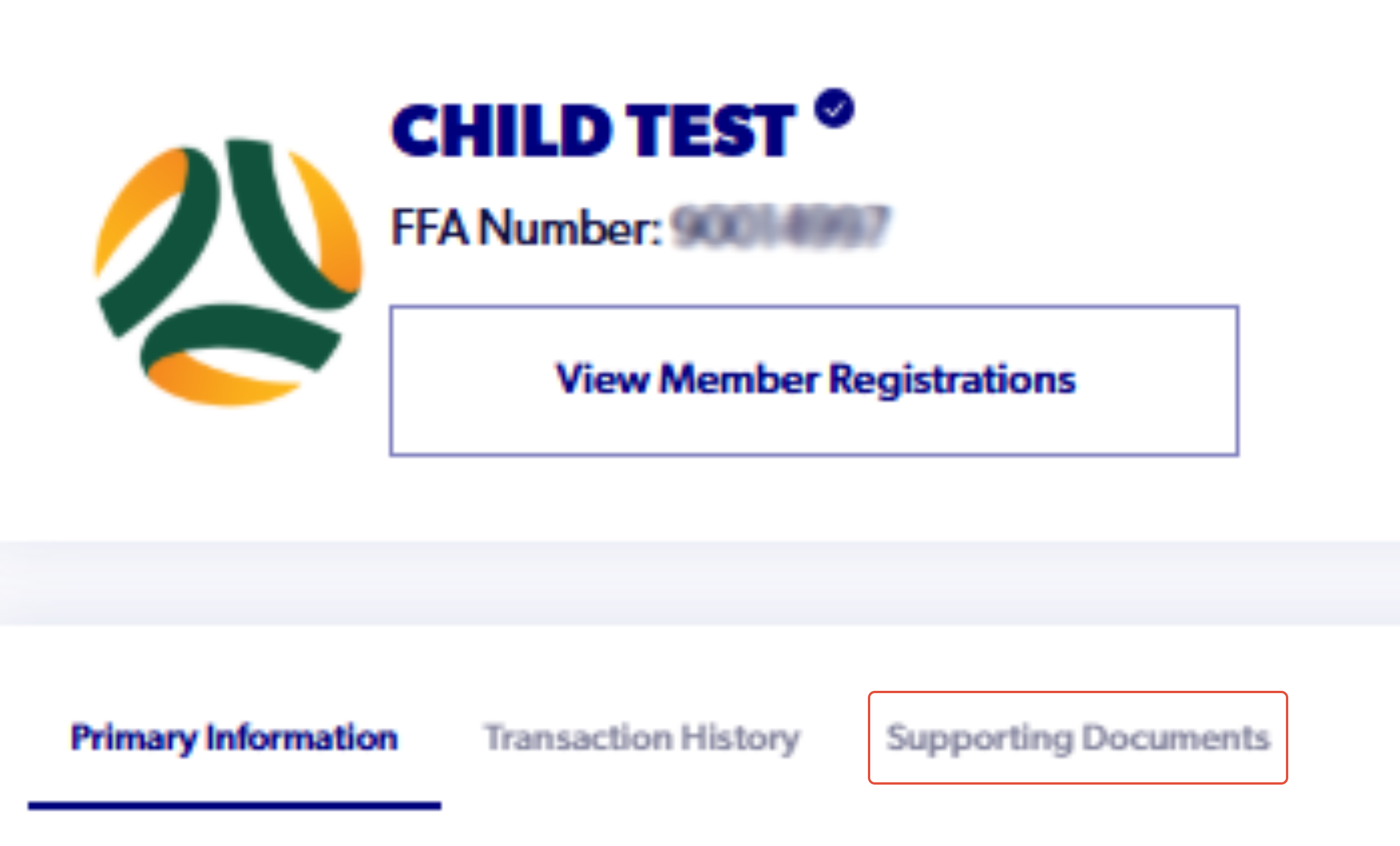
5. Click on 'Supporting Documents'
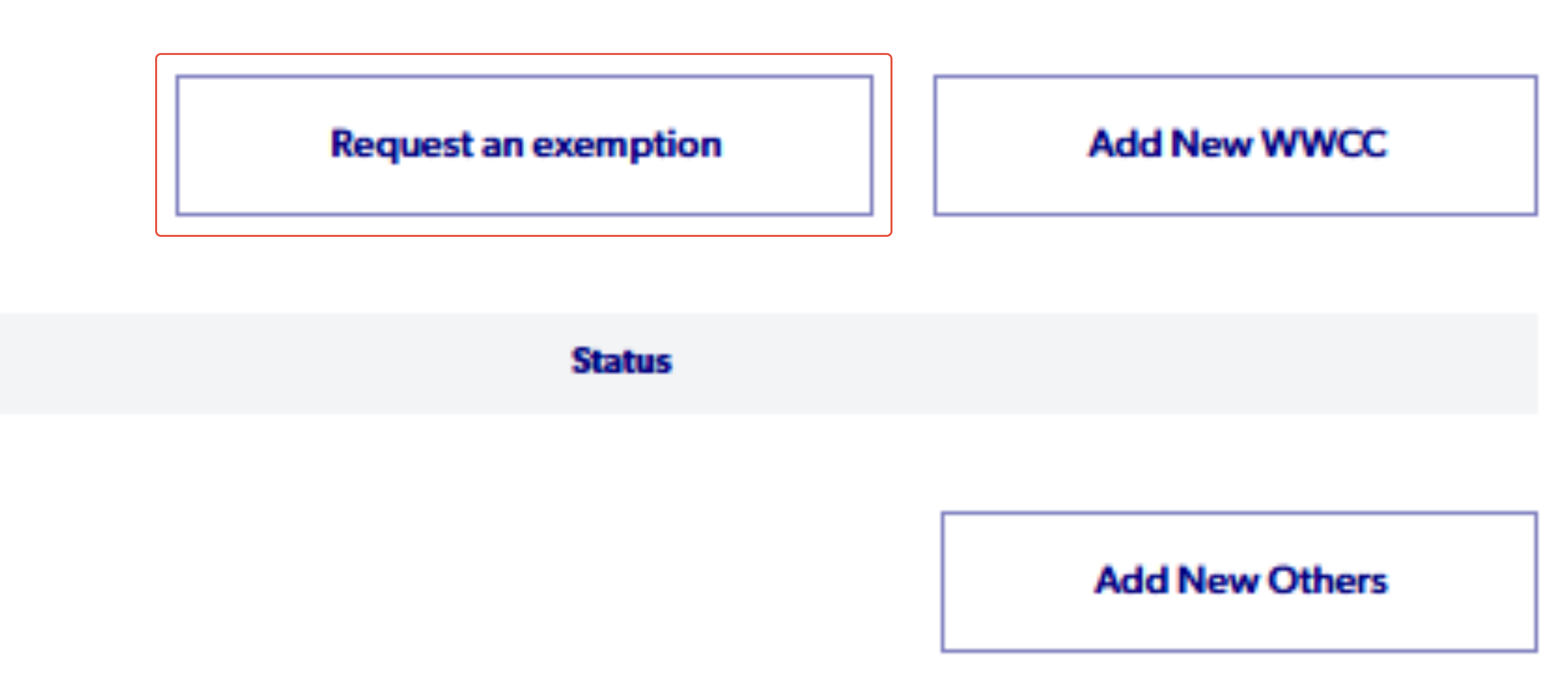
6. Click on 'Request an exemption'
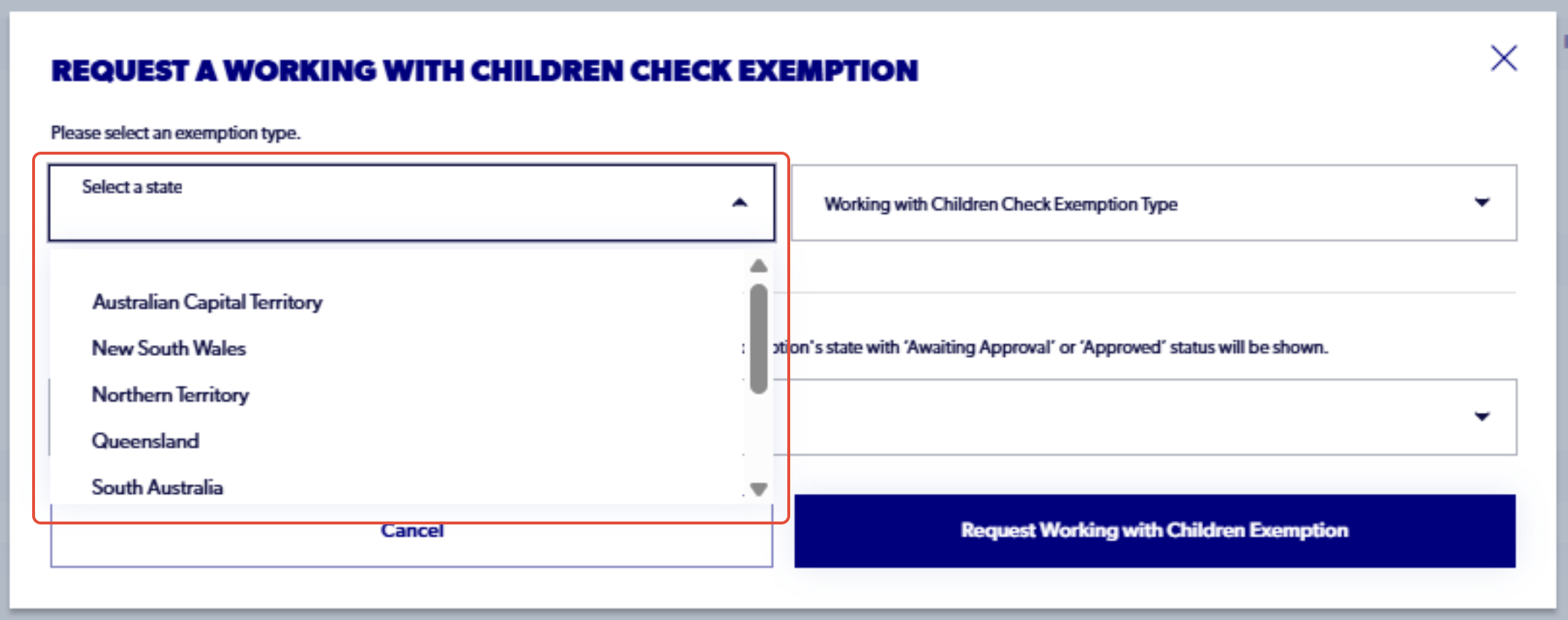
7. Click on 'Select a state' and choose the state your club is in
8. Click on Exemption type and select an option.
Each state has their own exemption options to choose from. Ensure that you are selecting your exemption type based on your eligibility.
The following is an article to each state's exemption list: Member Federation Exemption List
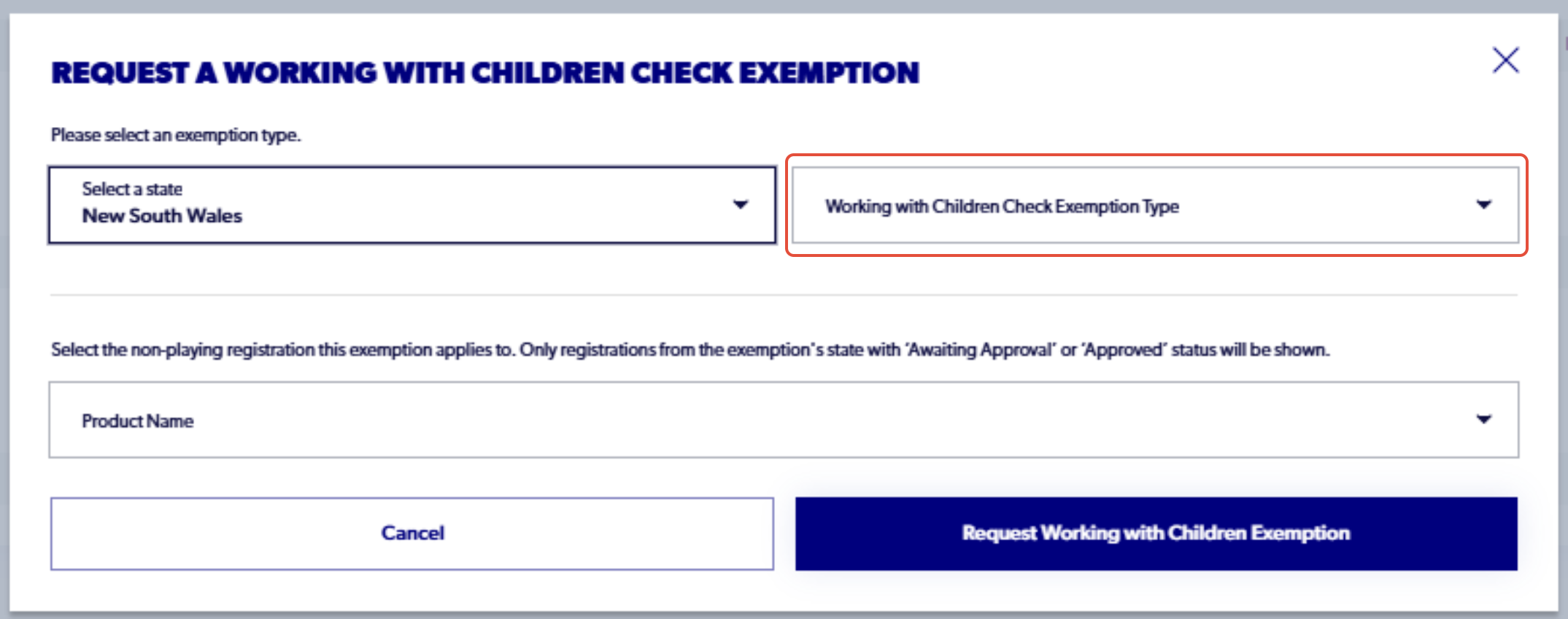
9. Click on Product Name and select the registration you would like to attach the exemption to
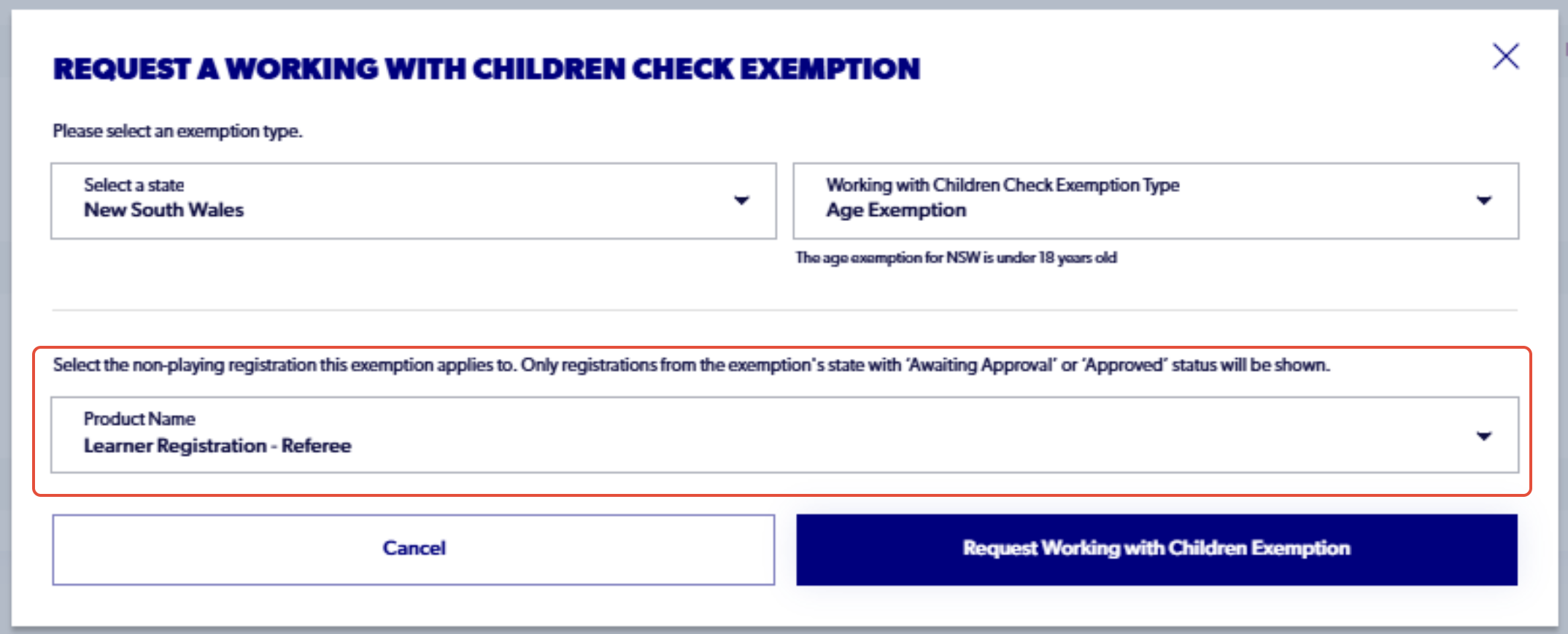
10. Click on 'Request Working with Children Exemption'
The club should then be able to approve the exemption and then the registration.
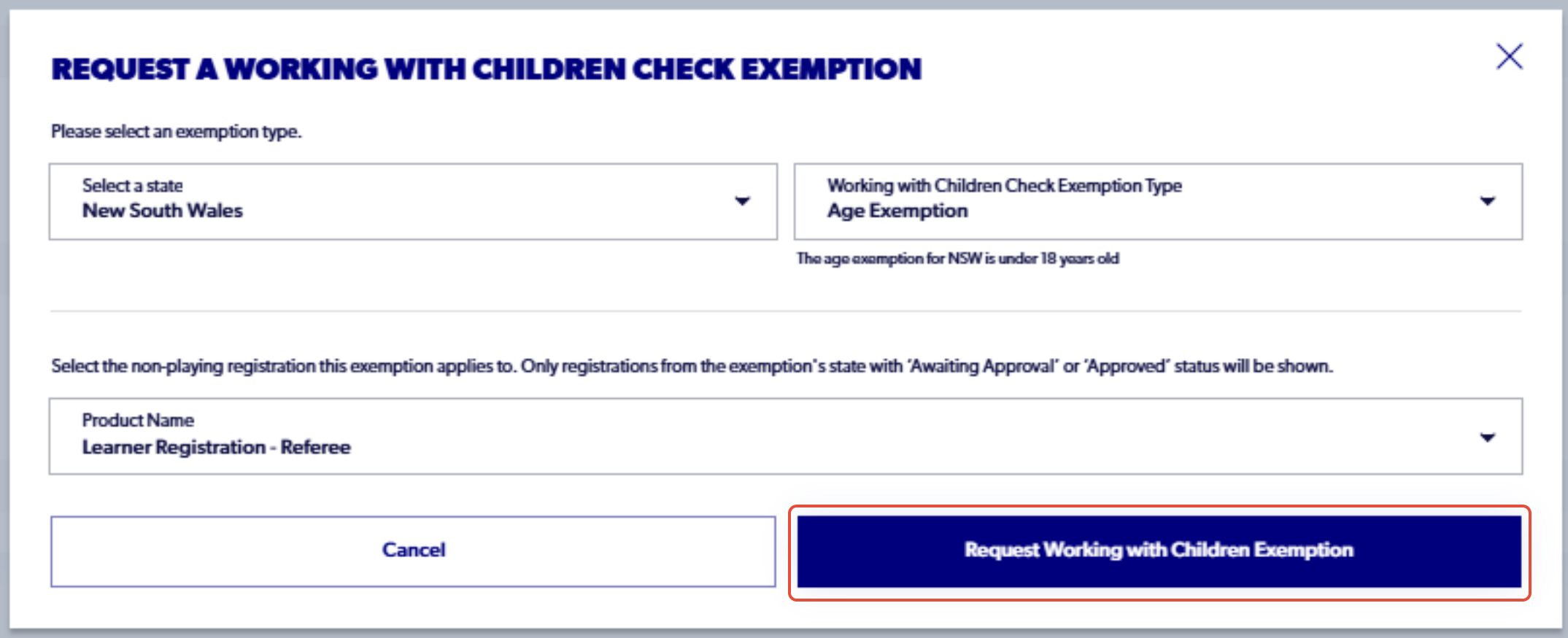
Please note, each non-playing registration requires a valid exemption. If you have multiple non-playing registrations, please apply this exemption individually to each product by repeating this process.