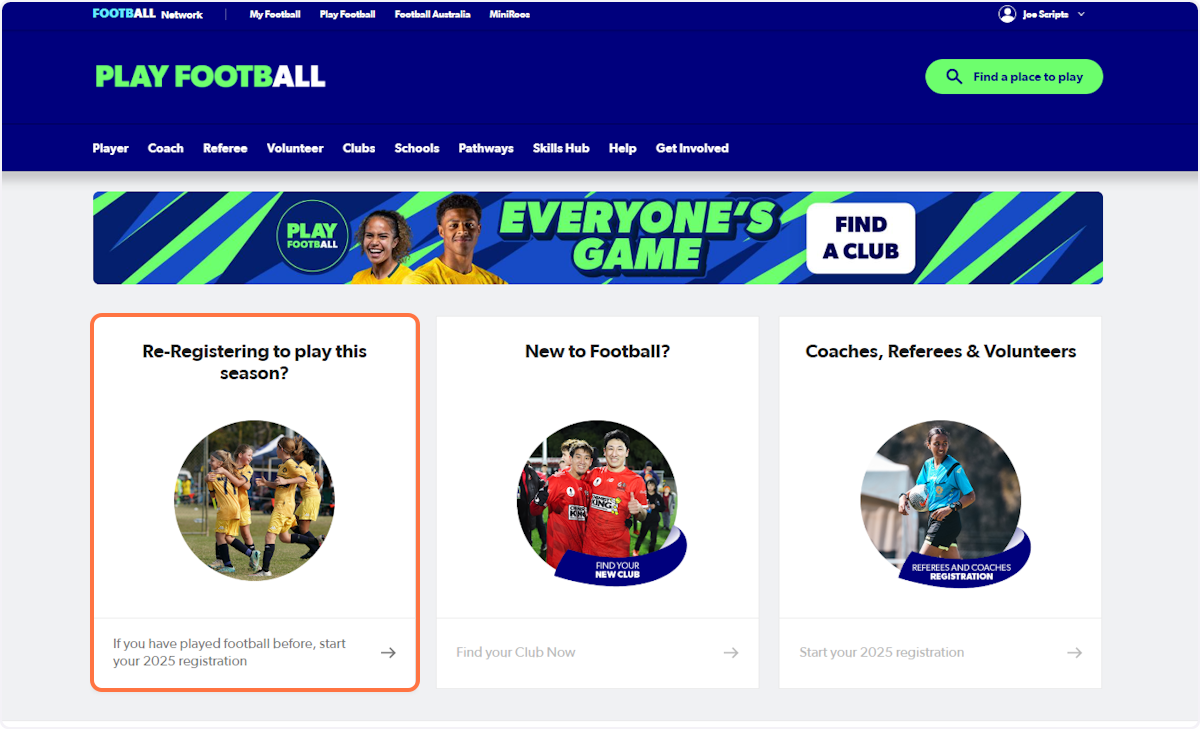
1. Go to playfootball.com.au and click on 'Re-Registering to play this season?'
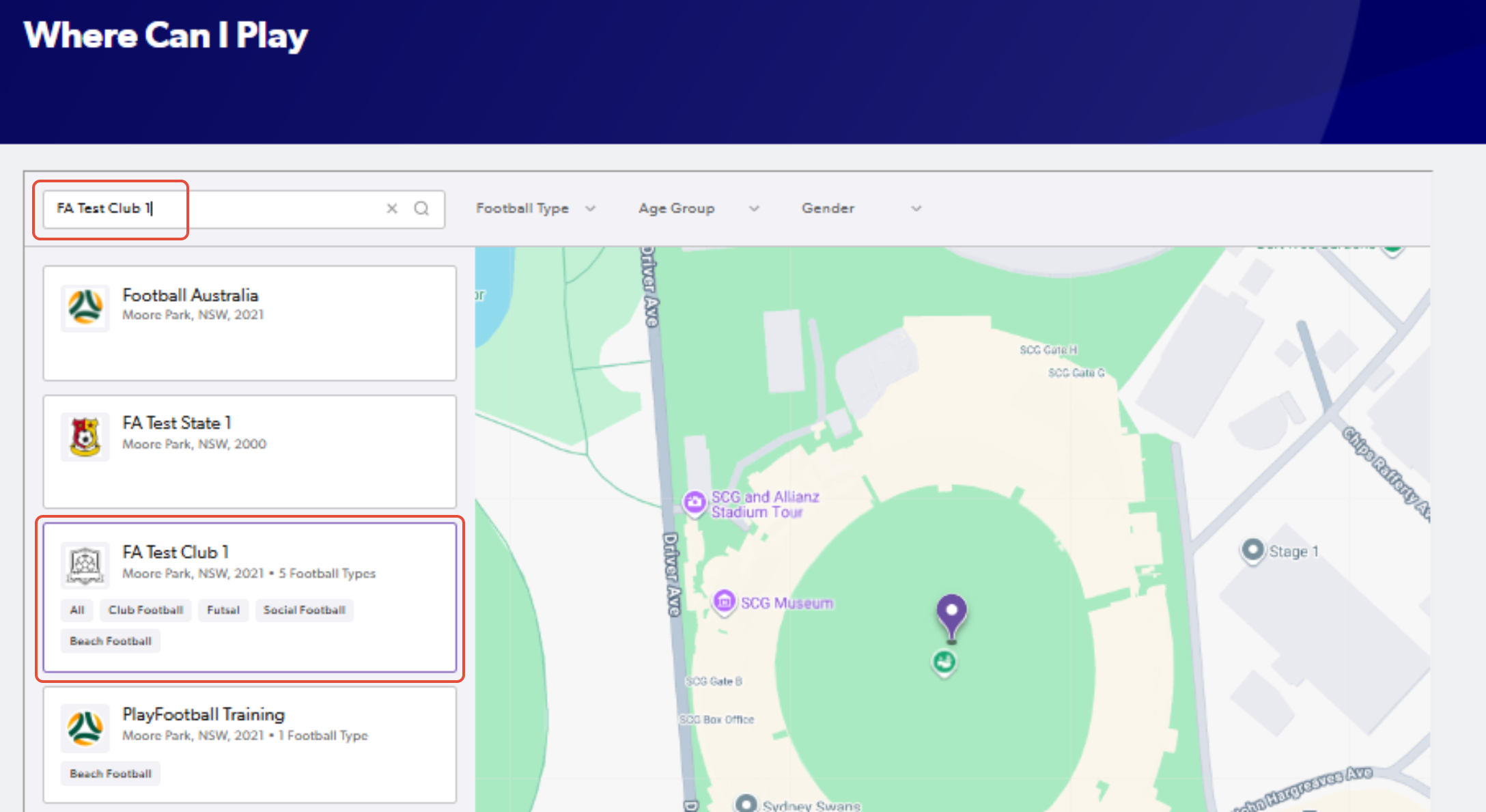
2. Type the name of your club or association
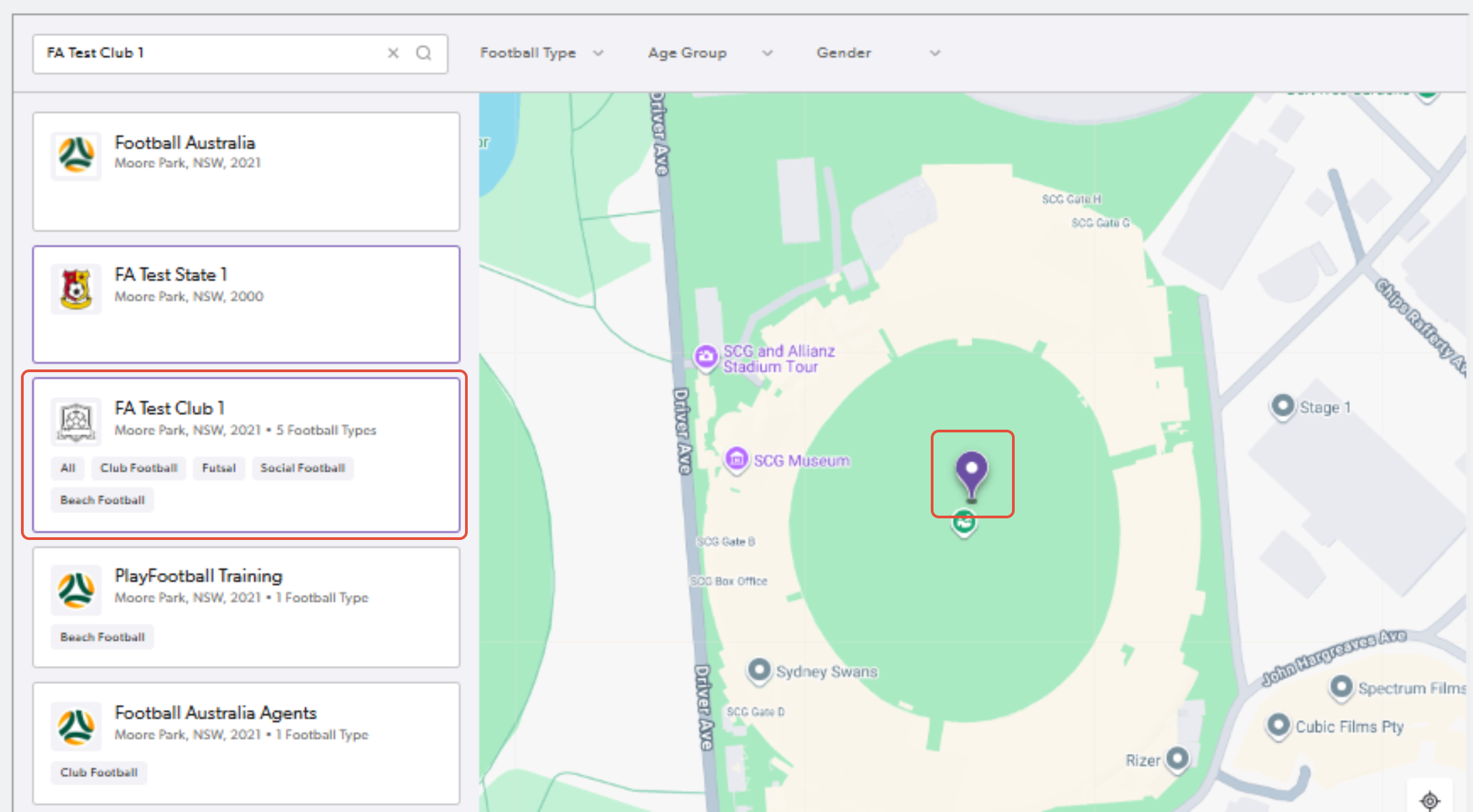
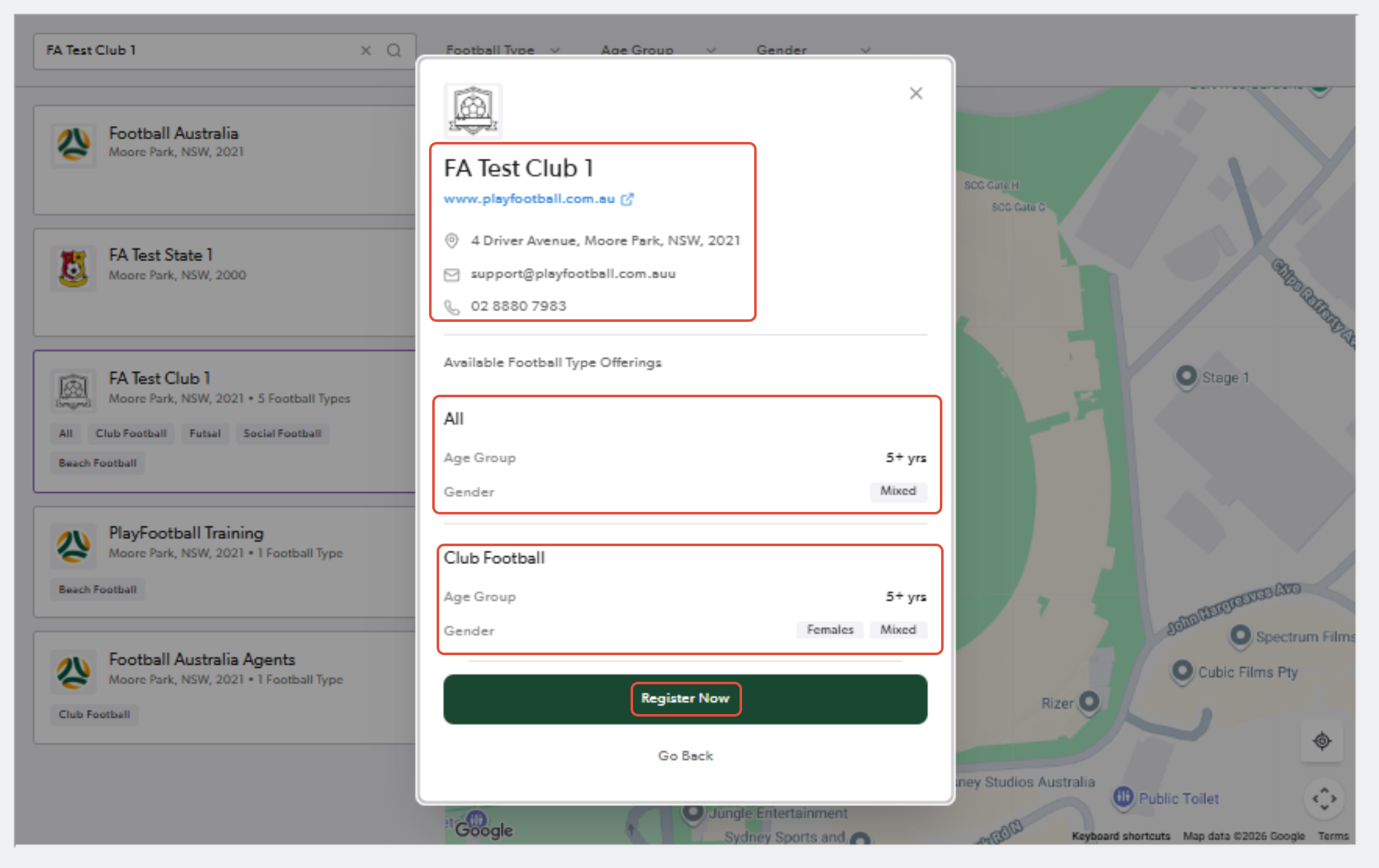
3. Click on the pinned location for the club and select "Register Now" once you confirm the club details
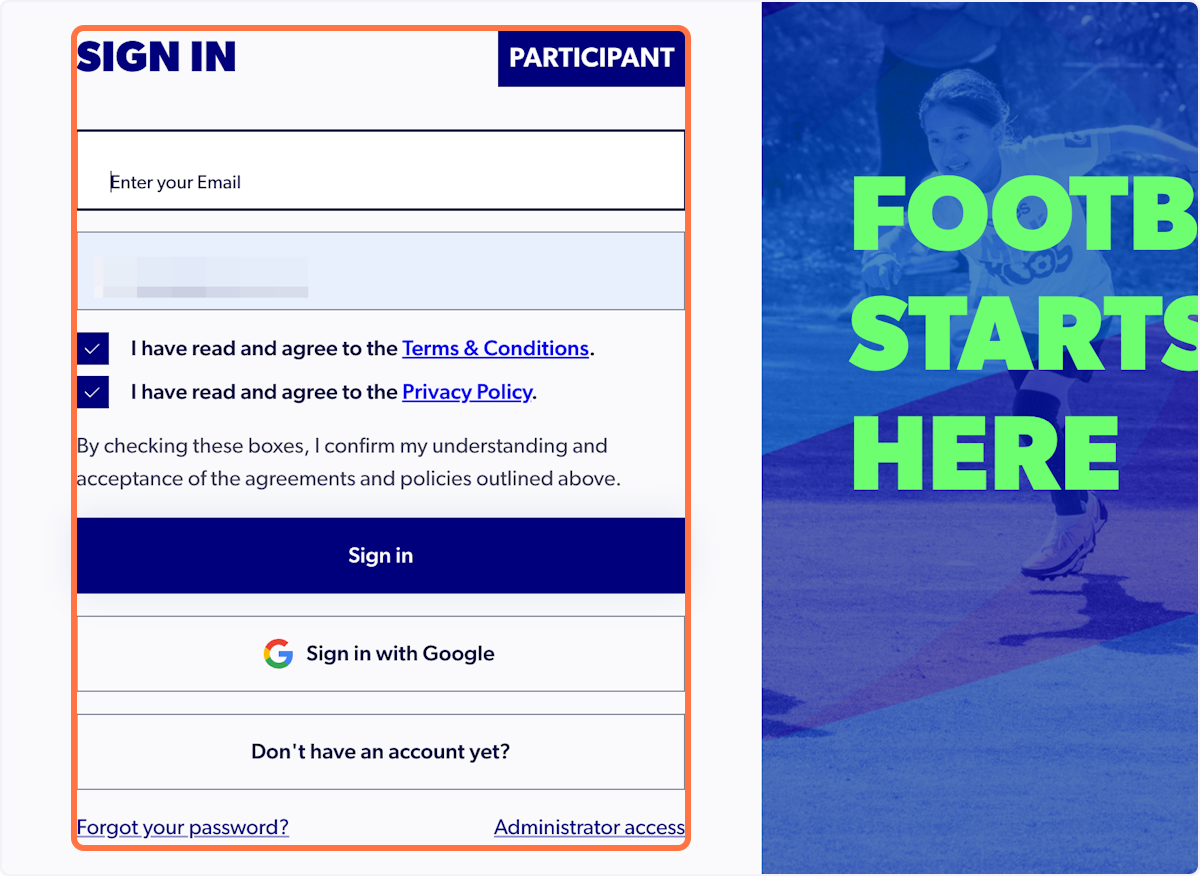
4. Sign in to your PlayFootball account
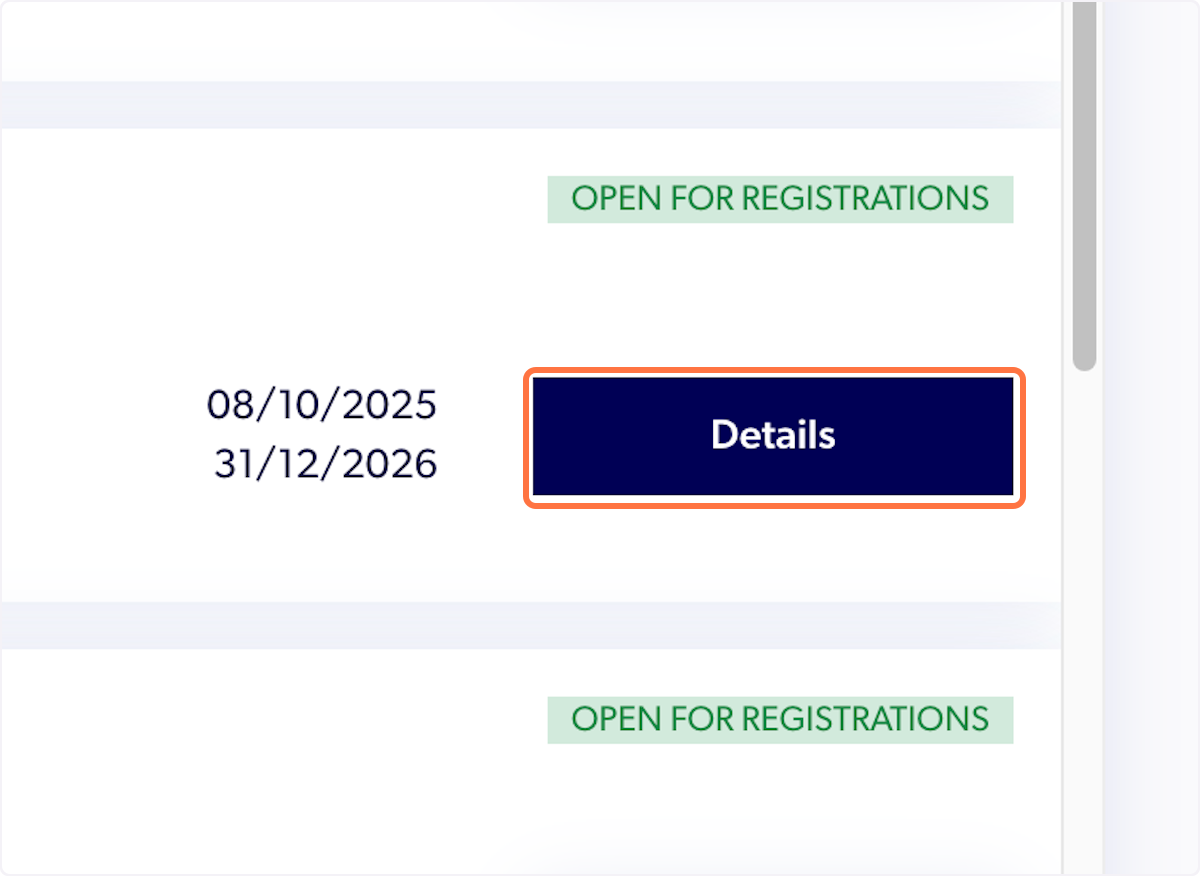
5. Click on Details next to the appropriate product
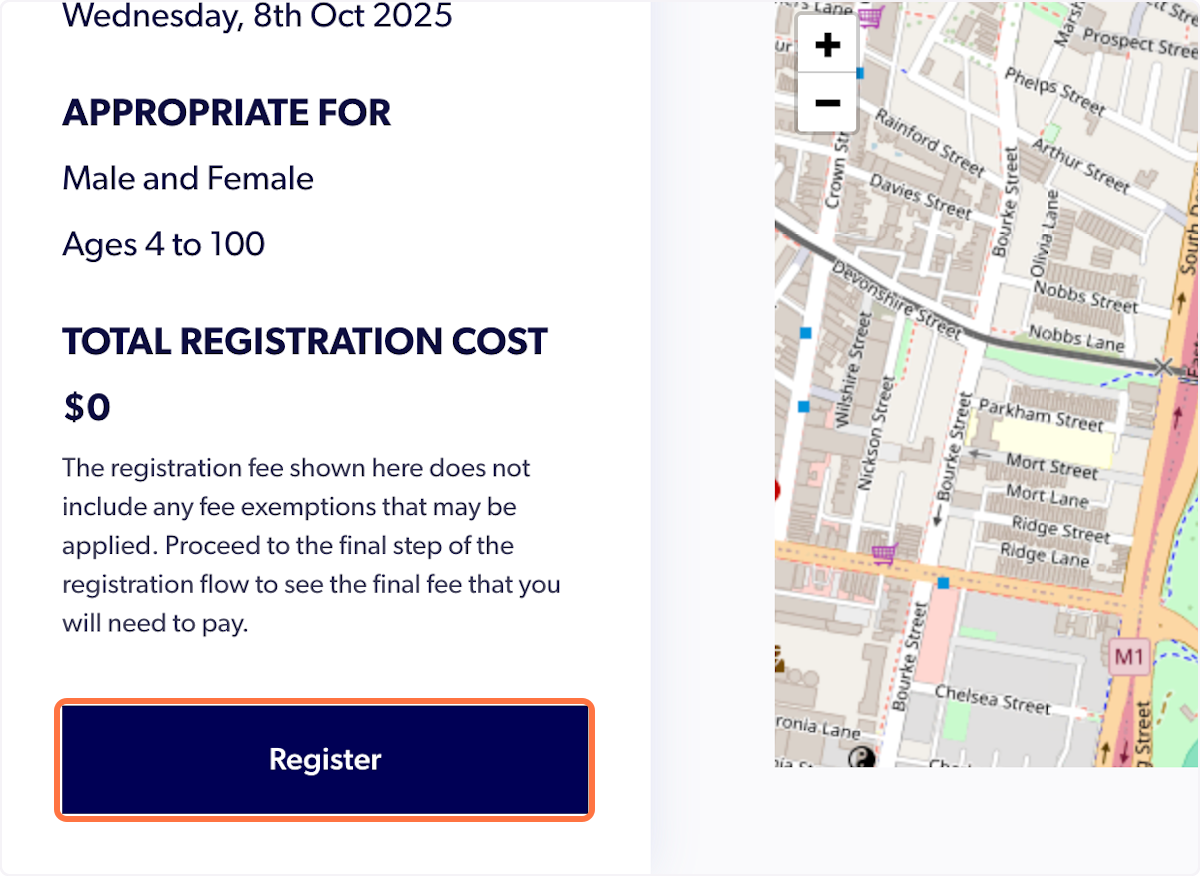
6. Click on Register
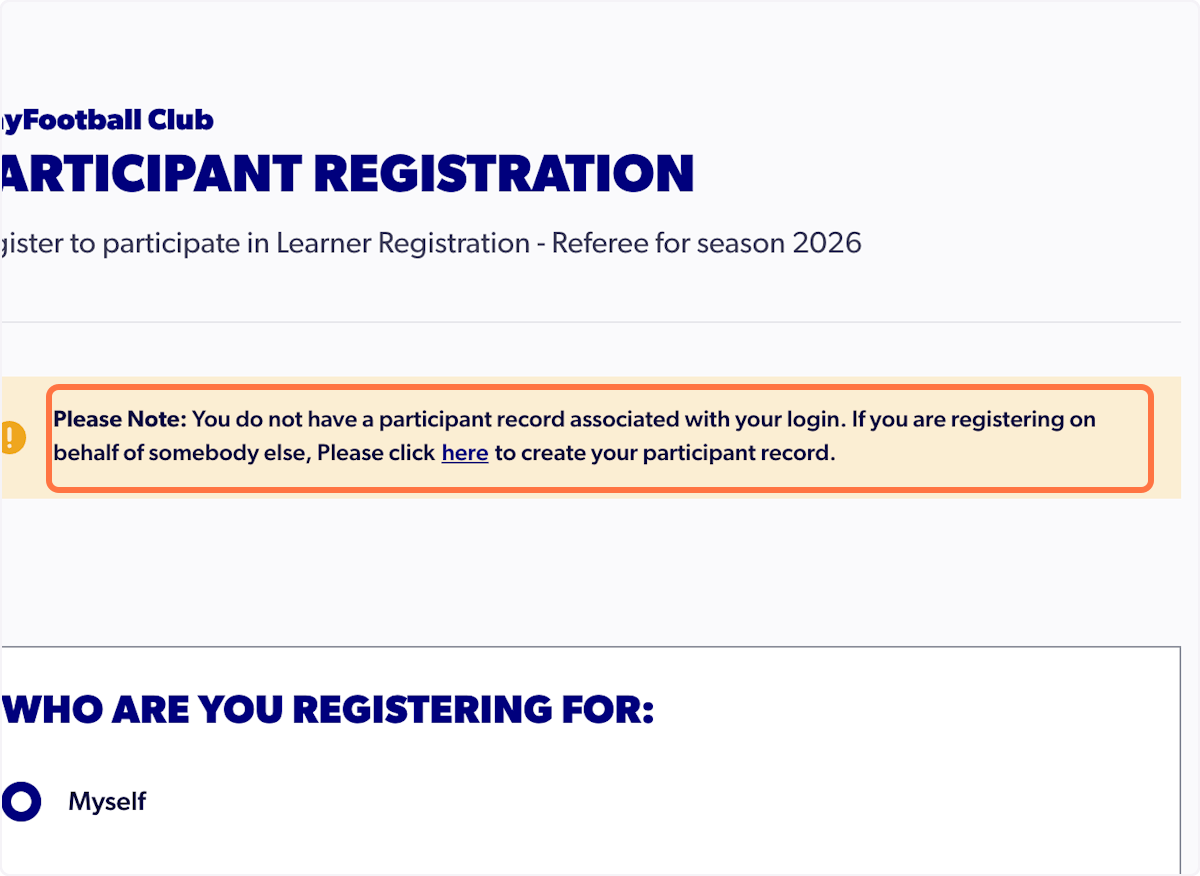
7. Select 'Myself'
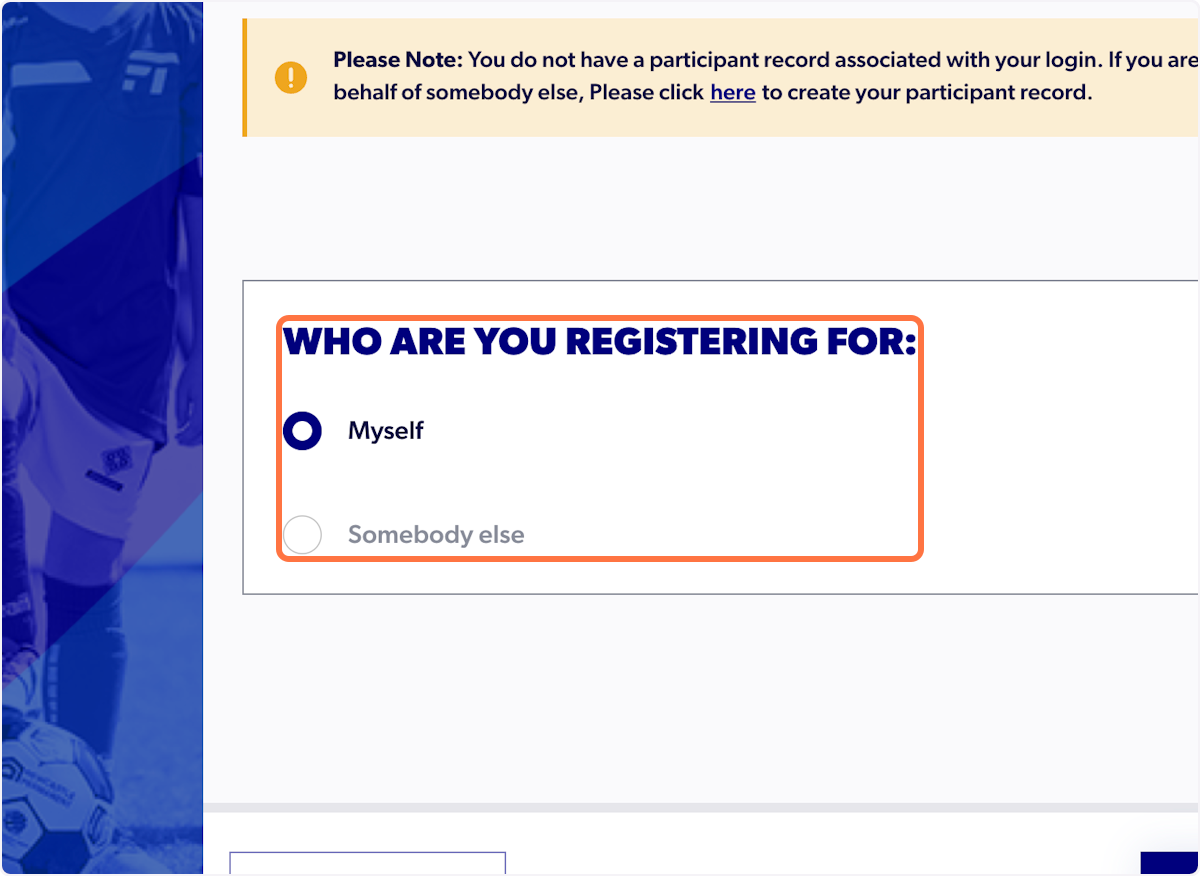
⚠️ If you are trying to register for somebody else, you will need to create your own participant record first. Please follow the hyperlink before continuing.
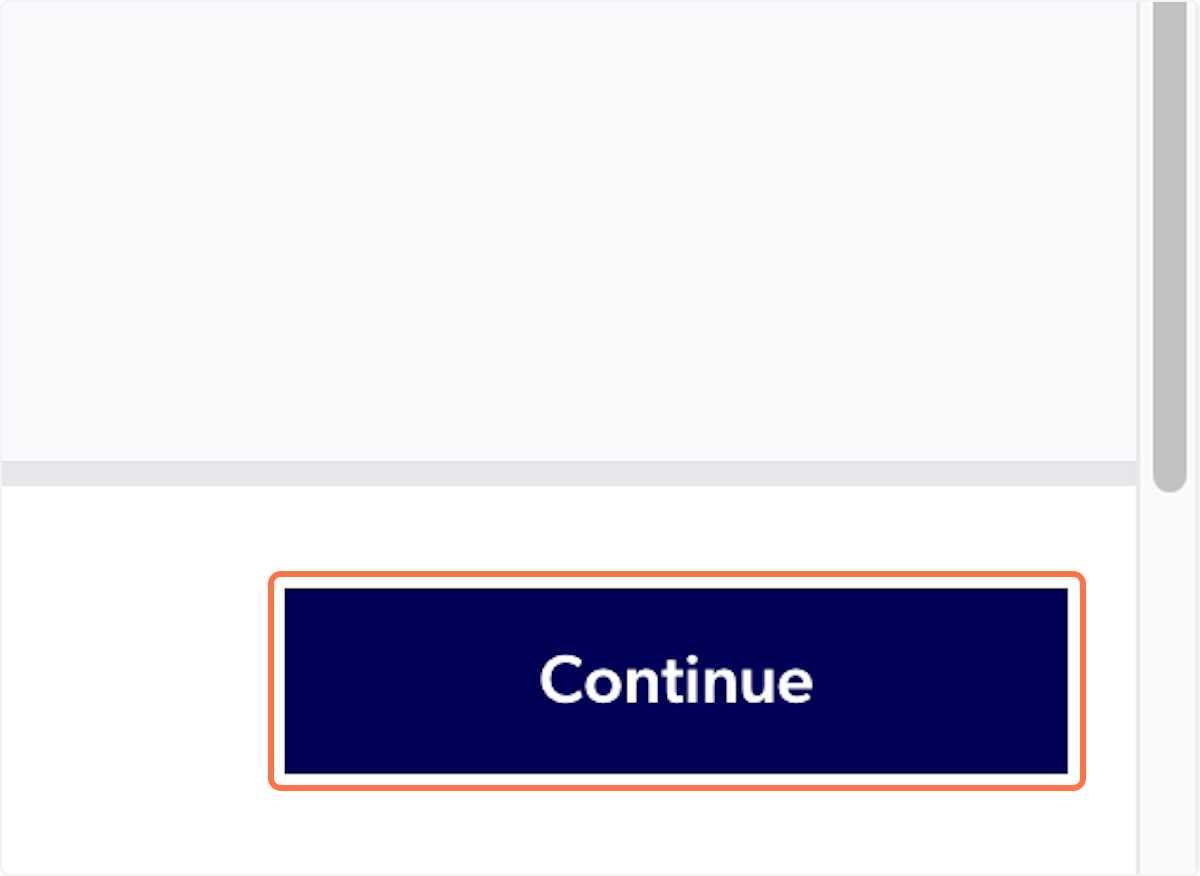
8. Click on Continue
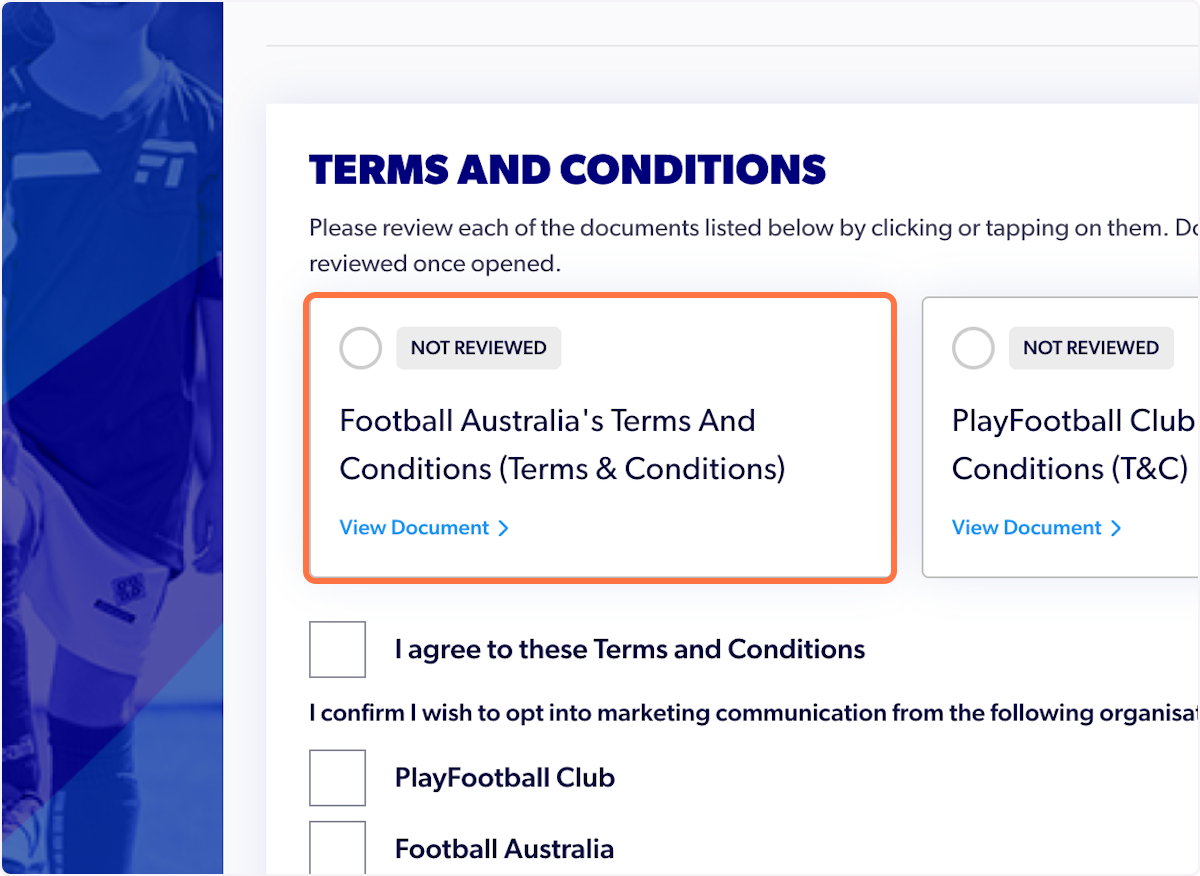
9. Review each of the Terms and Conditions
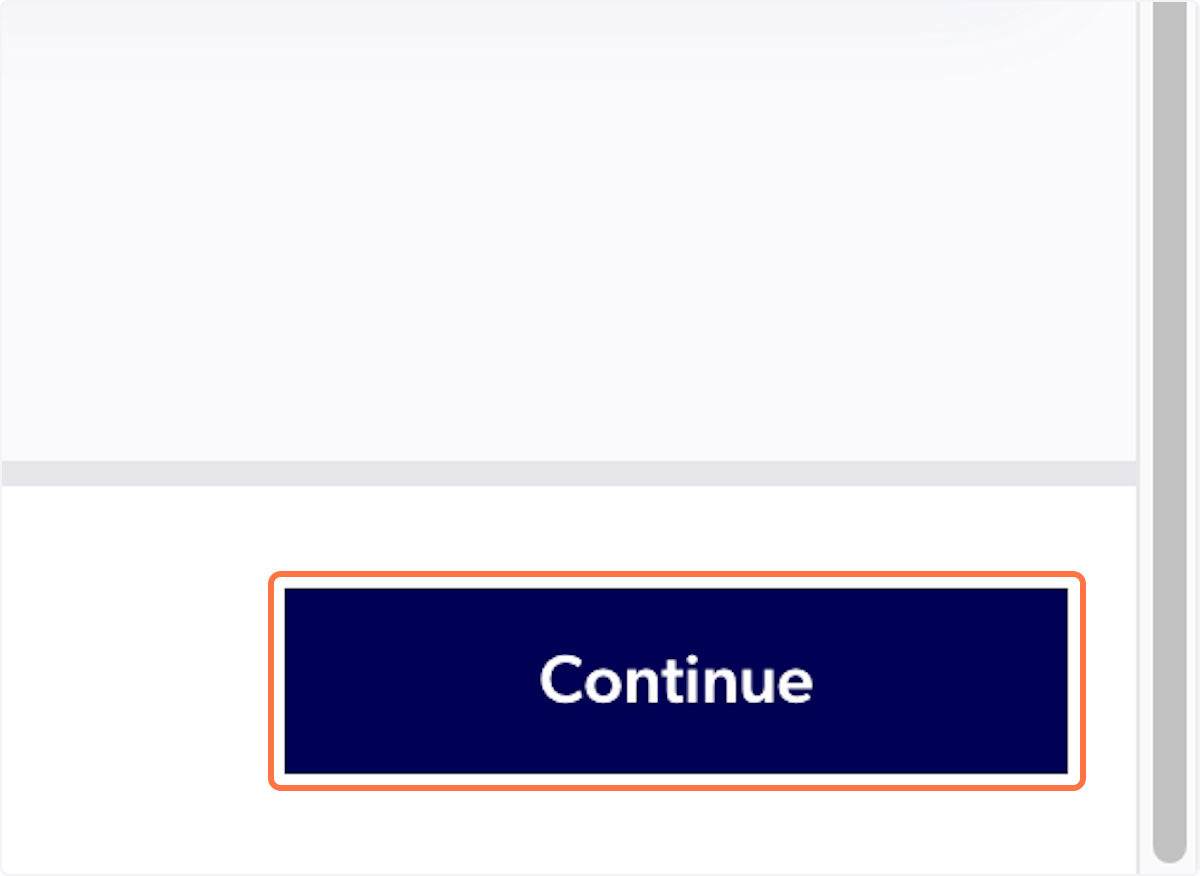
10. Click on Continue
11. Click on Start
12. Enter the participant's first name, last name, and date of birth only in the search tab
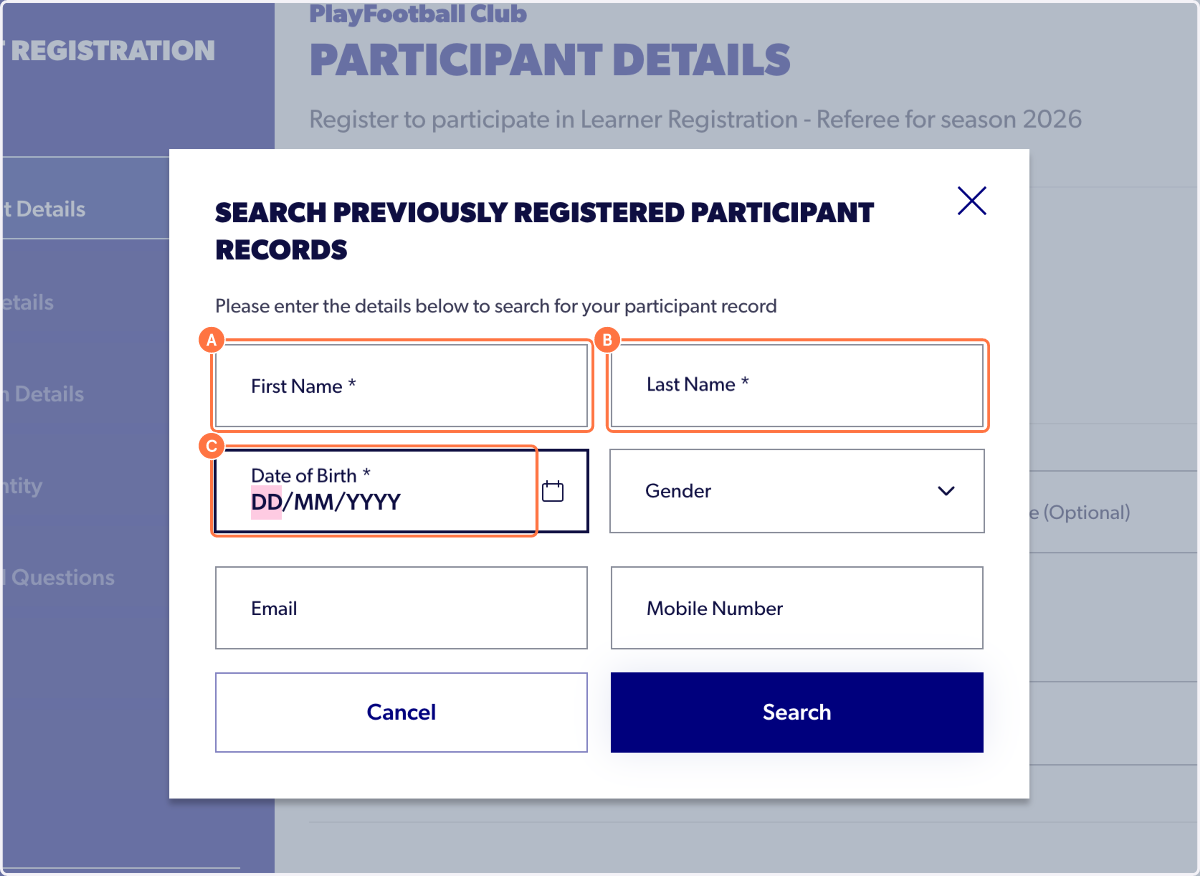
⚠️ Please make sure there are no spaces when entering the mobile number
⚠️ All details need to match to pick up participants previous record
13. Click on Search
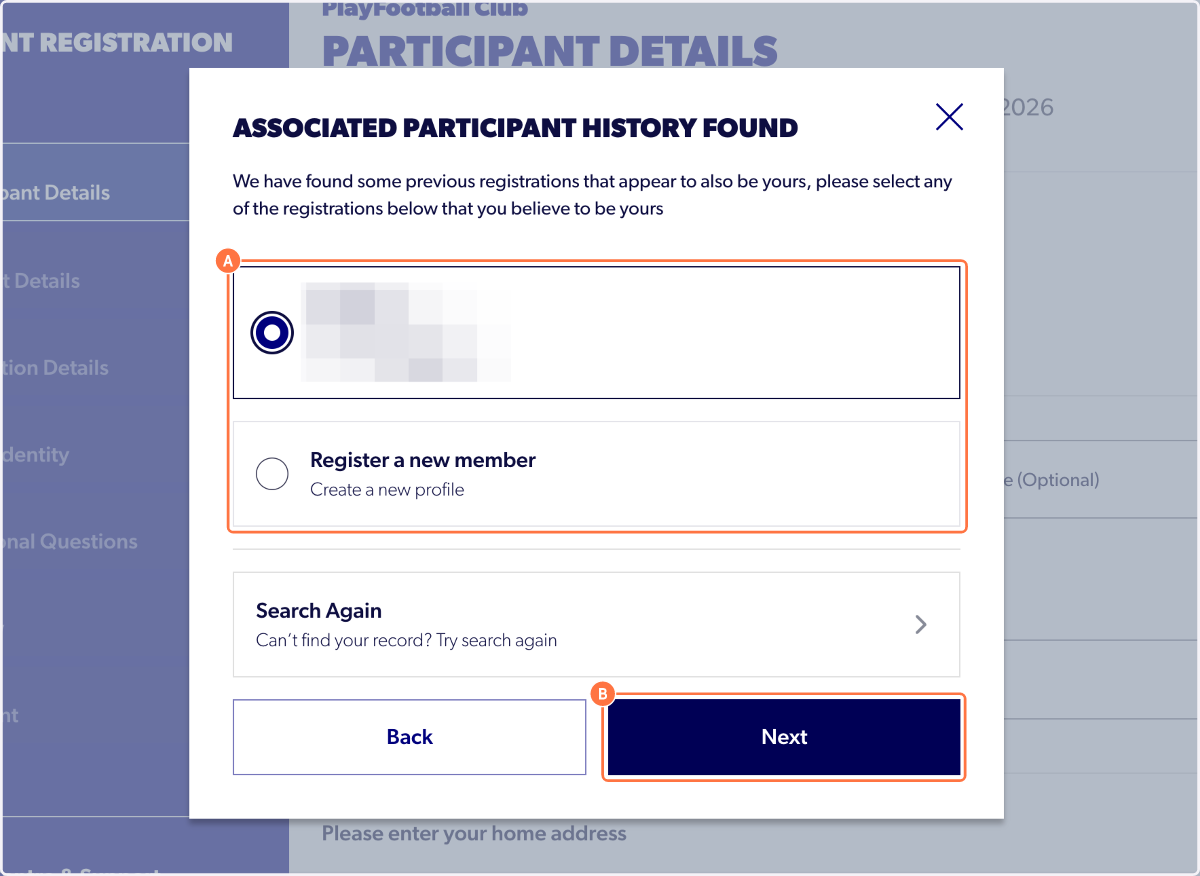
14. Select the appropriate record and select next
15. Enter the verification code and select 'Verify'
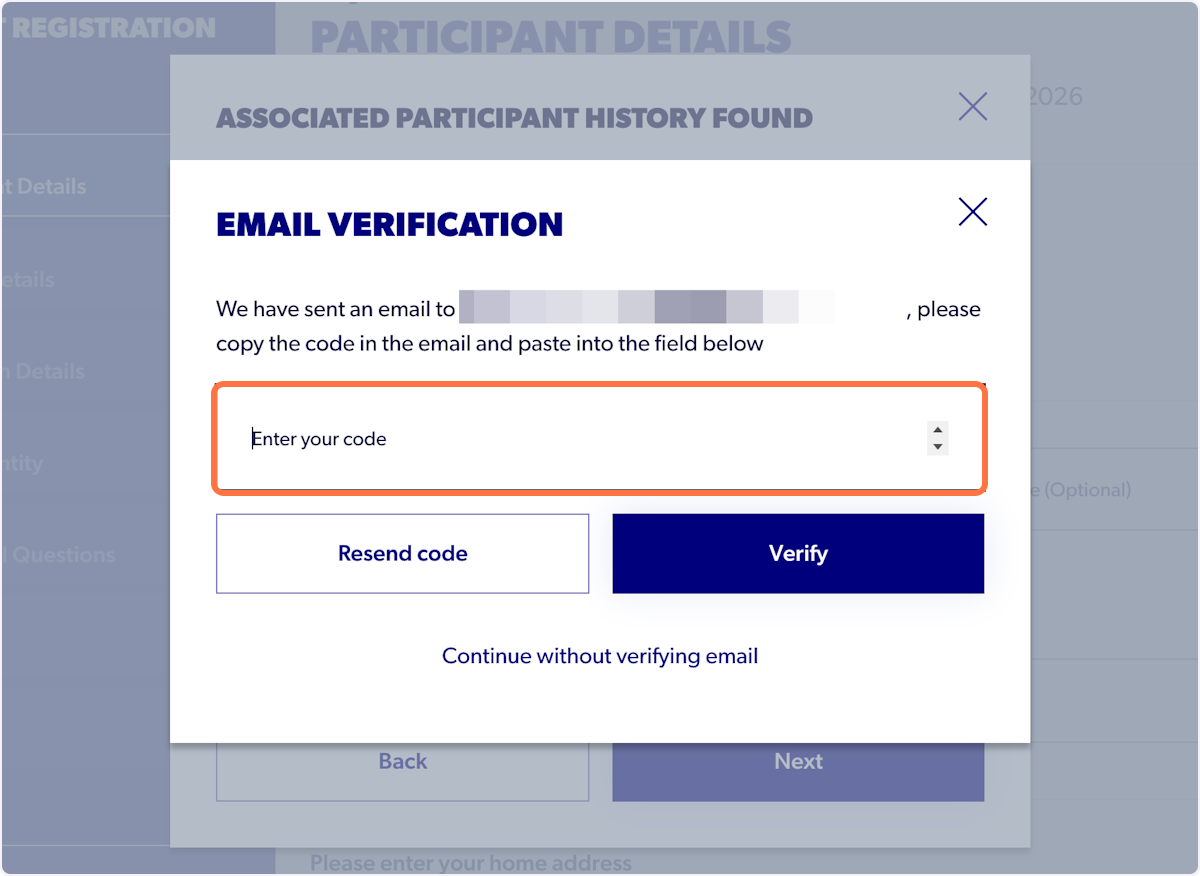
16. Once verified you can continue to register using the record claimed
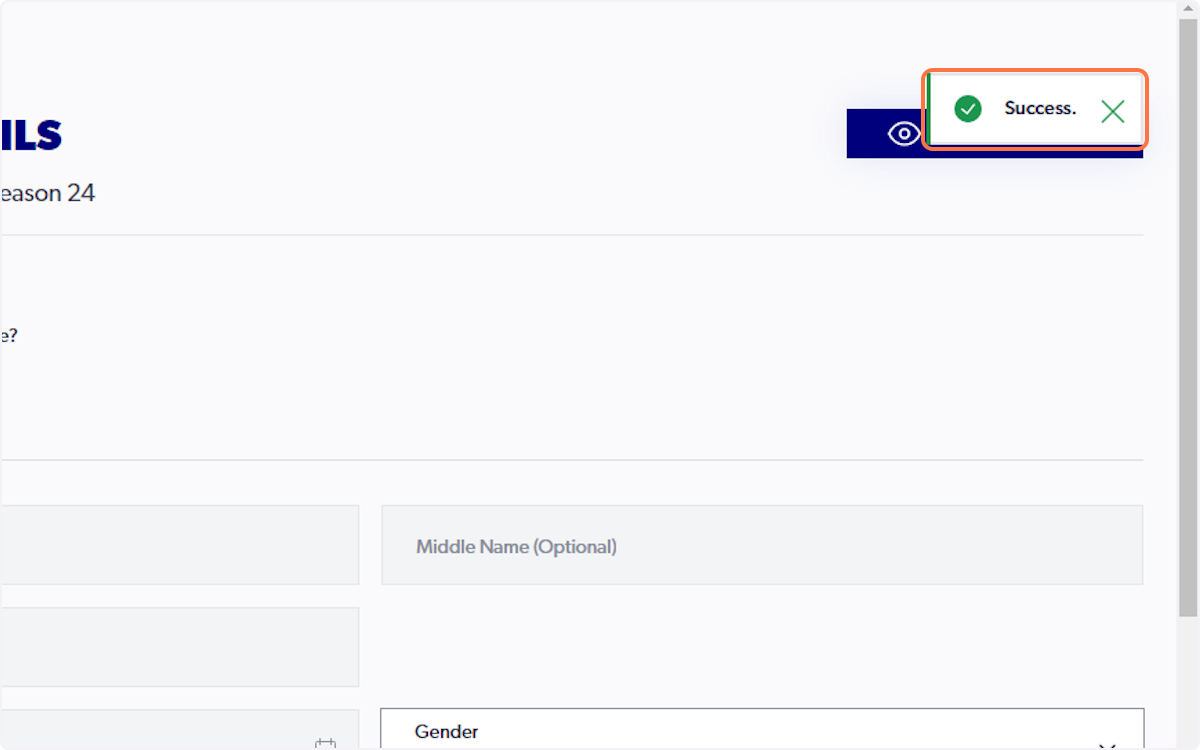
ℹ️ Existing details will automatically appear on the profile once you claimed participant history
ℹ️ If you cannot claim your participant history or locate your previous record, please contact the PlayFootball support team.