Please follow the steps below to obtain access to the Learning Centre. If you have any issues, please email - 'learningcentre@footballaustralia.com.au'.
Proceed to www.playfootball.com.au
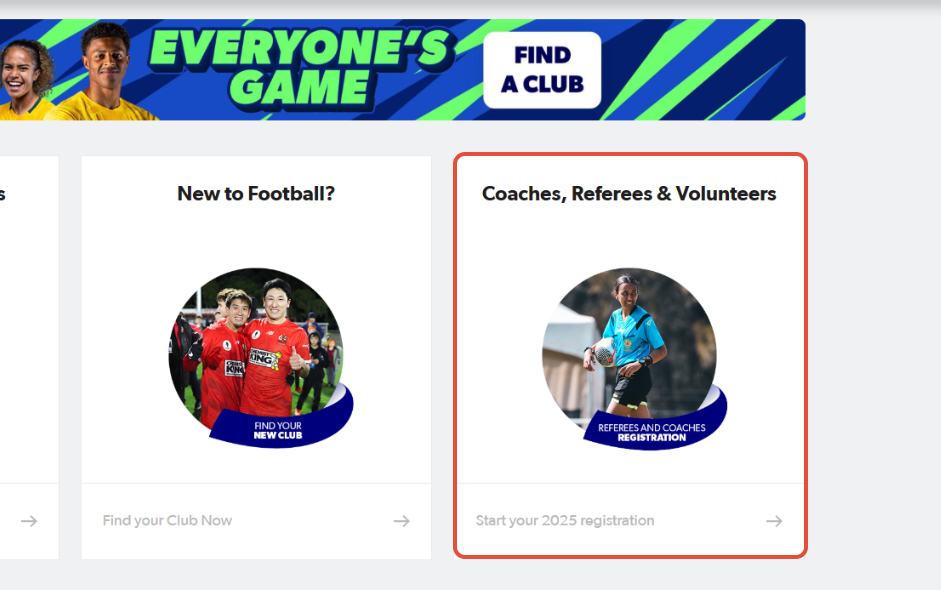
1. Click on Coaches, Referees & Volunteers
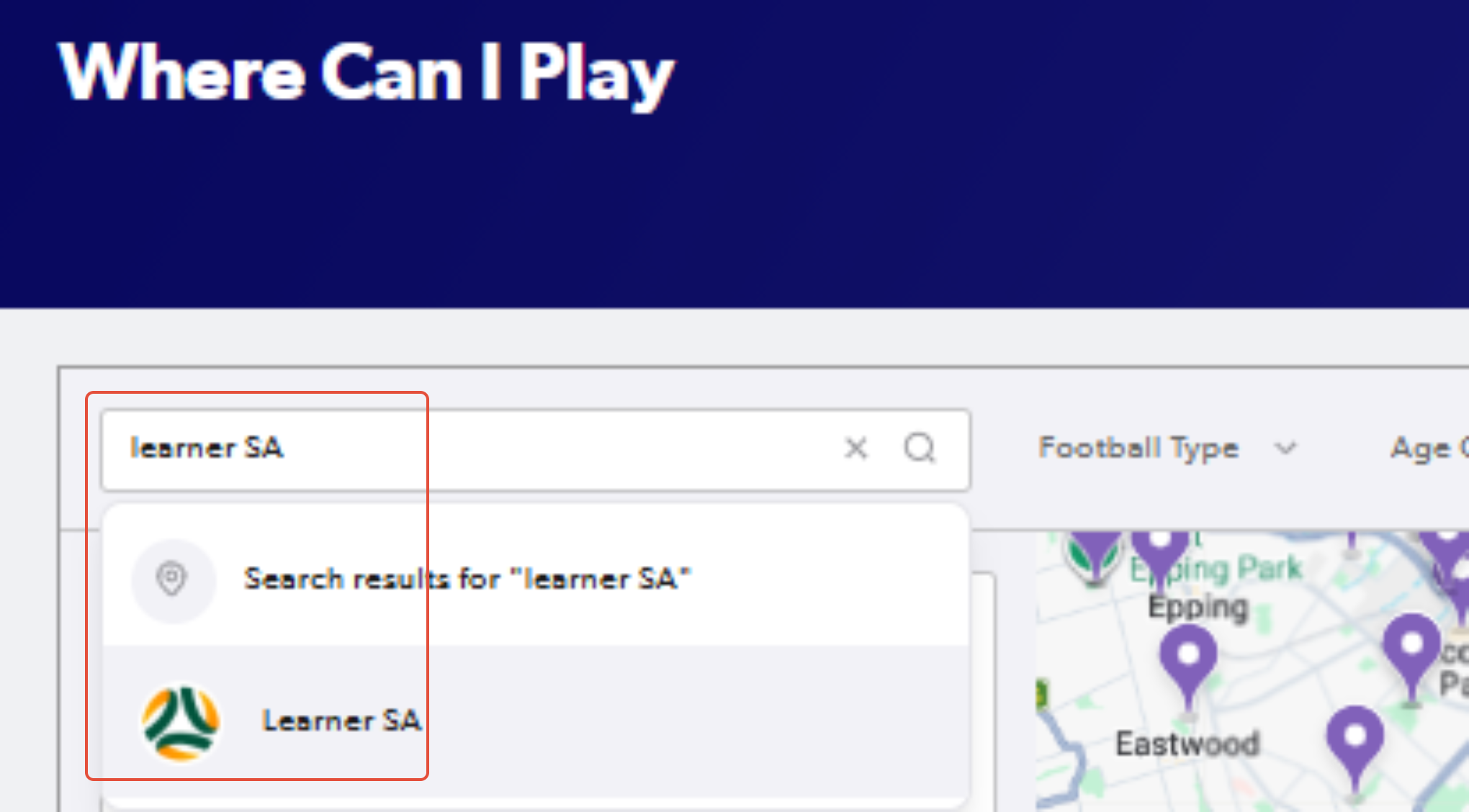
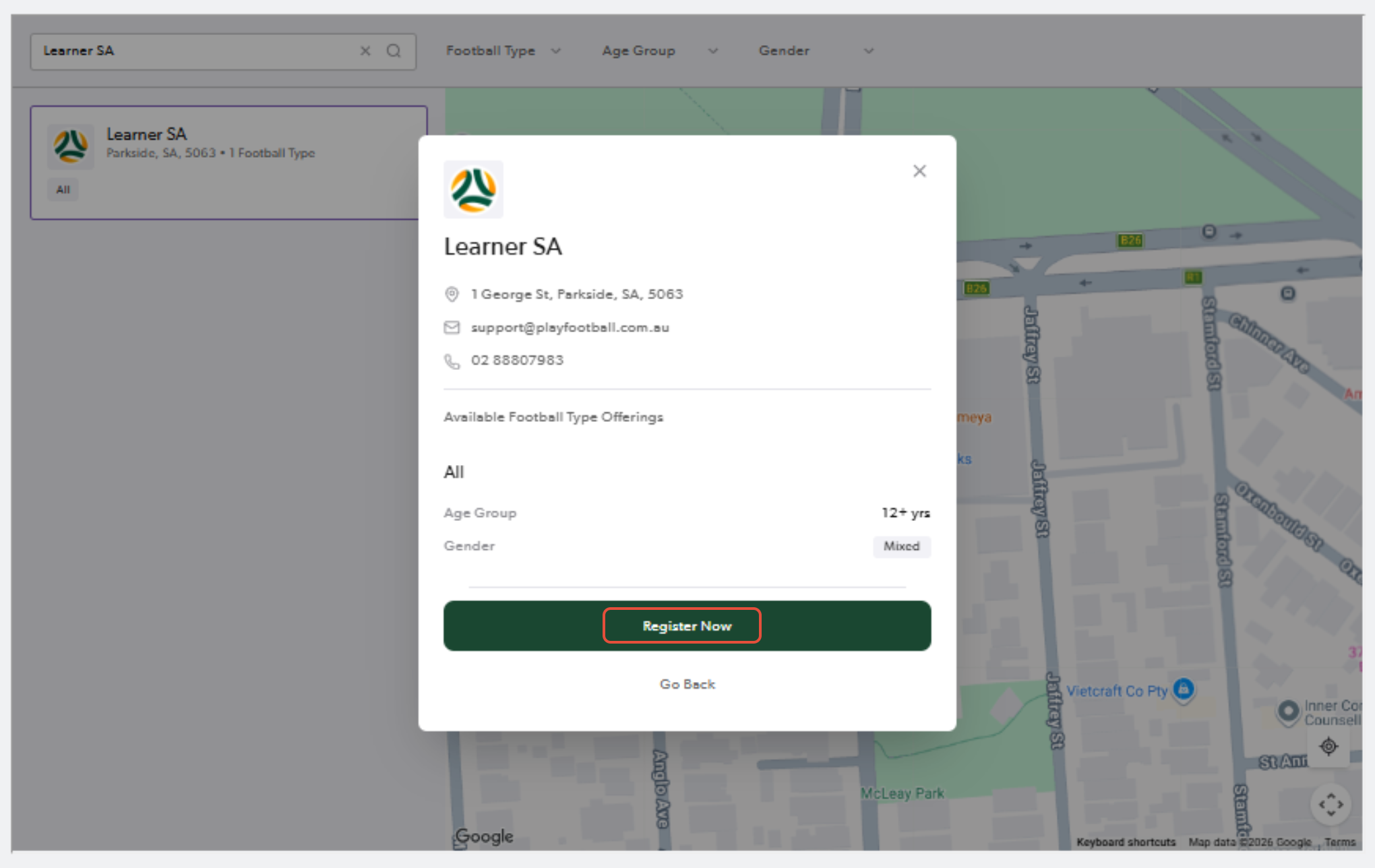
2. Type "Learner SA"
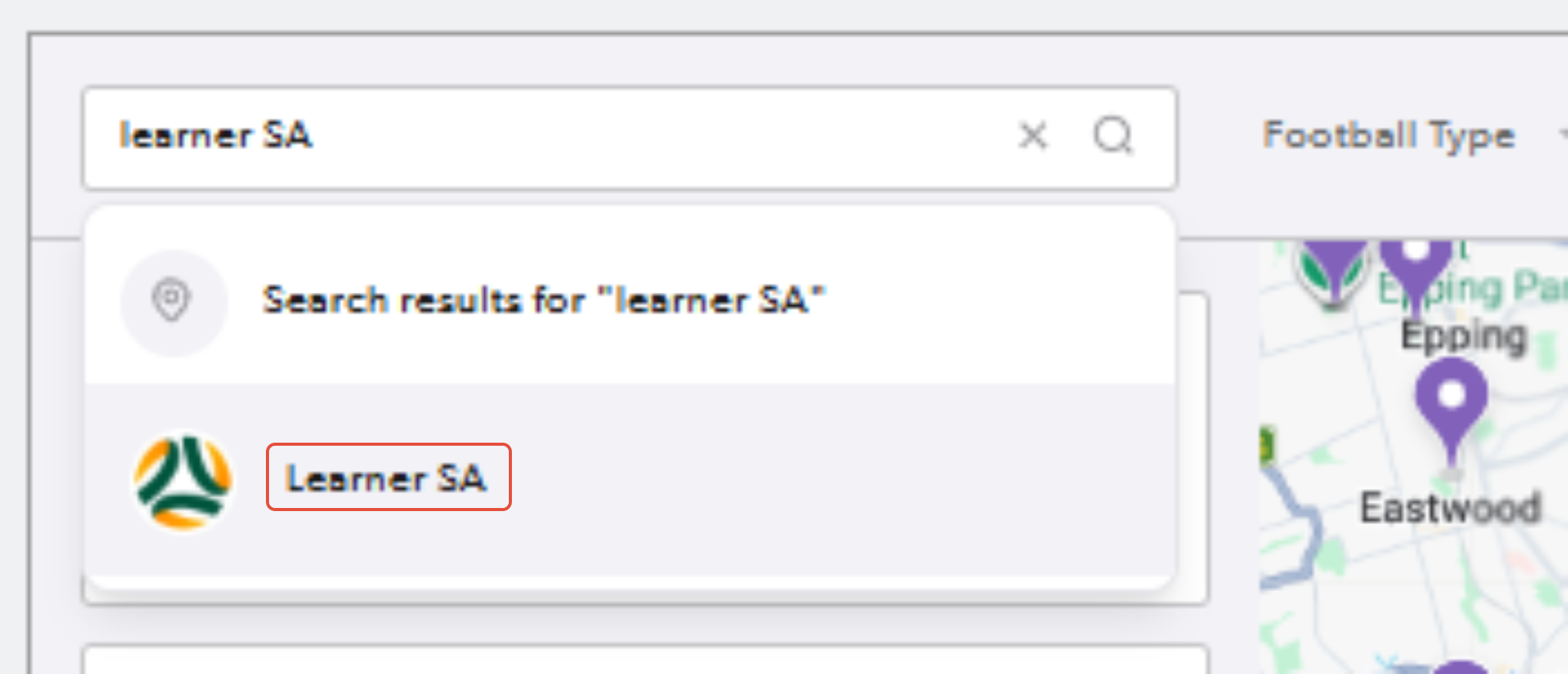
3. Click on Learner SA…
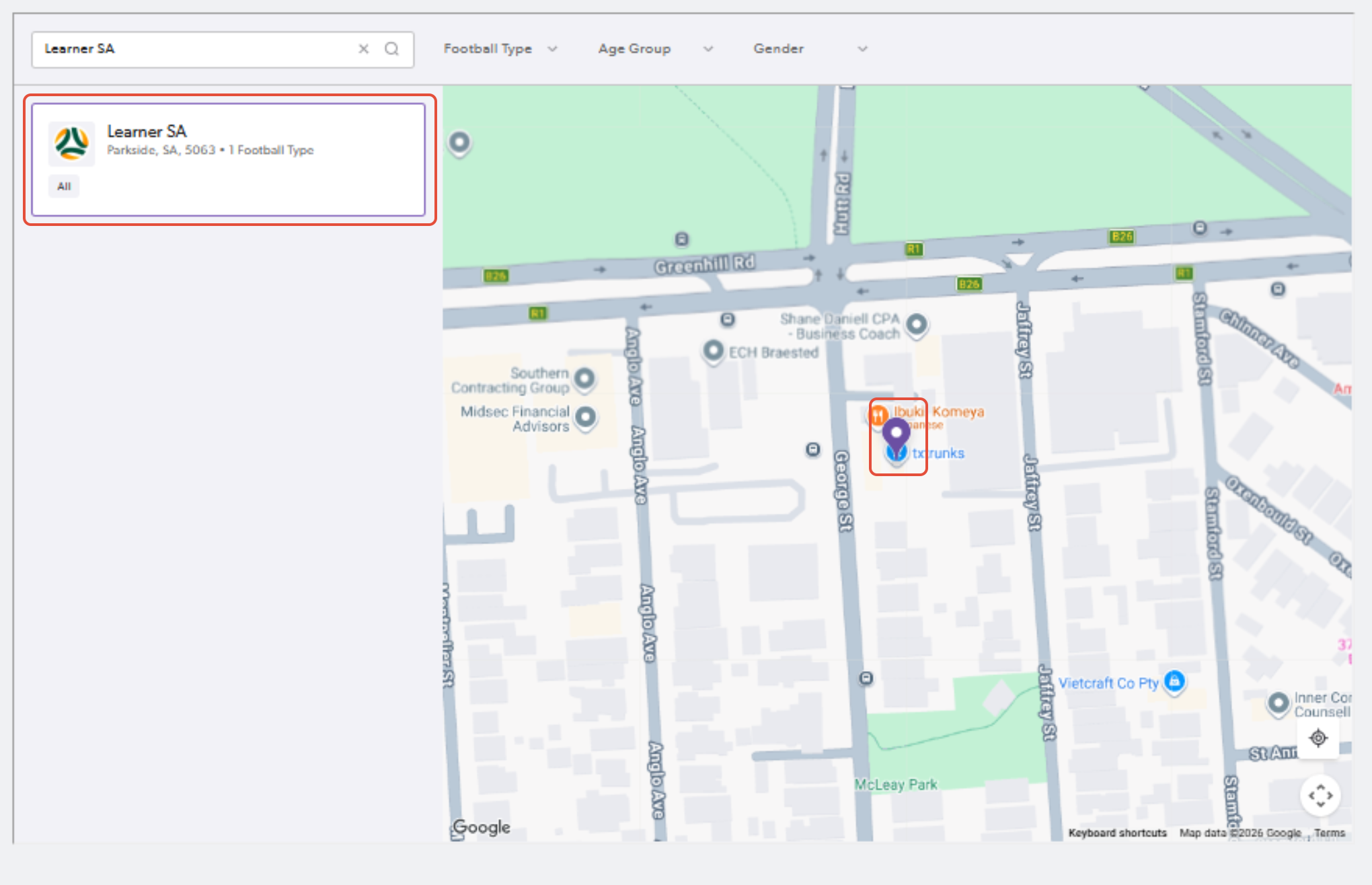
4. Click on the club name or pinned location and click "Register Now"
5. Enter your email and password
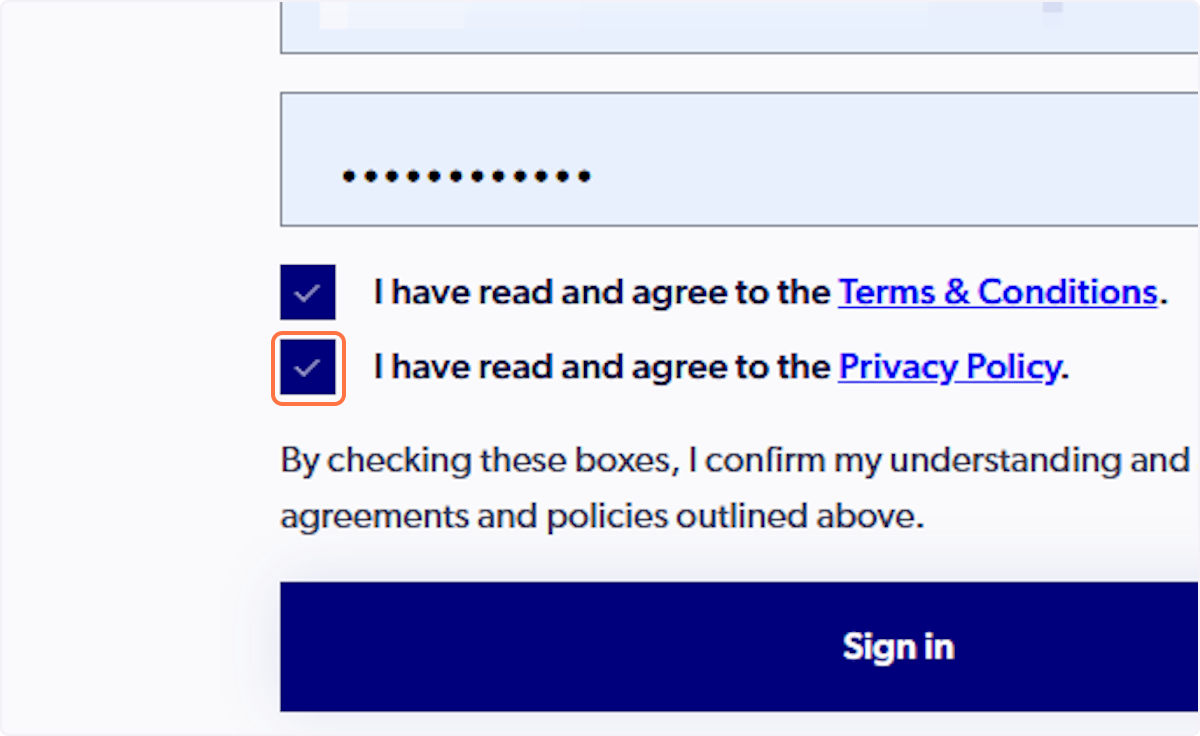
If you have set up a Google account, tick the Ts & Cs and the privacy policy and select "Sign in with Google"
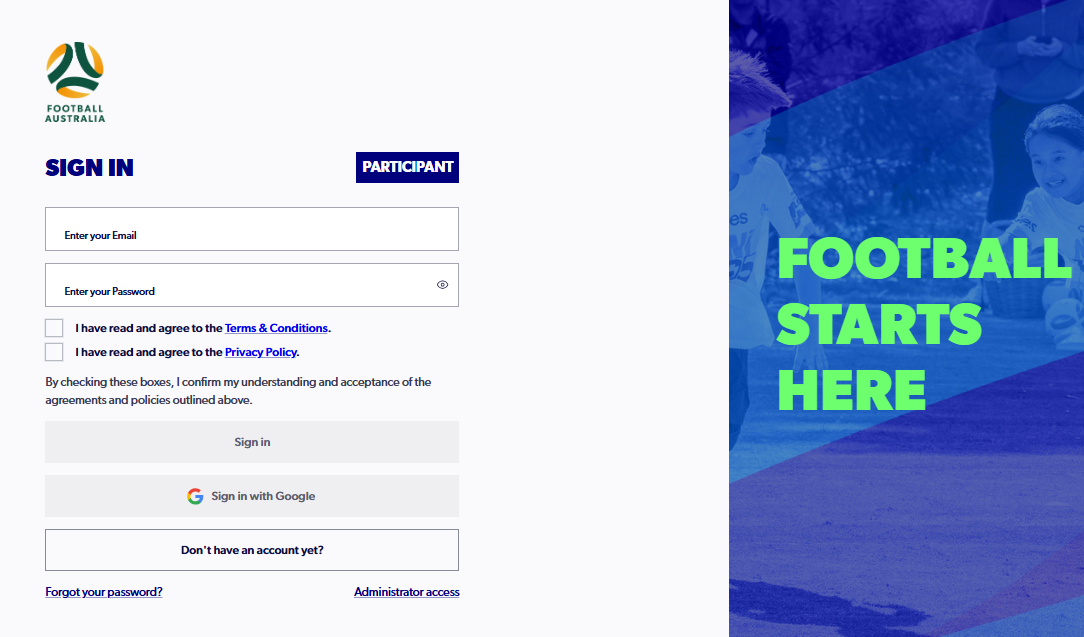
6. Select 'Sign In'
7. Find Learner SA Referee 2026 and click on 'Details'
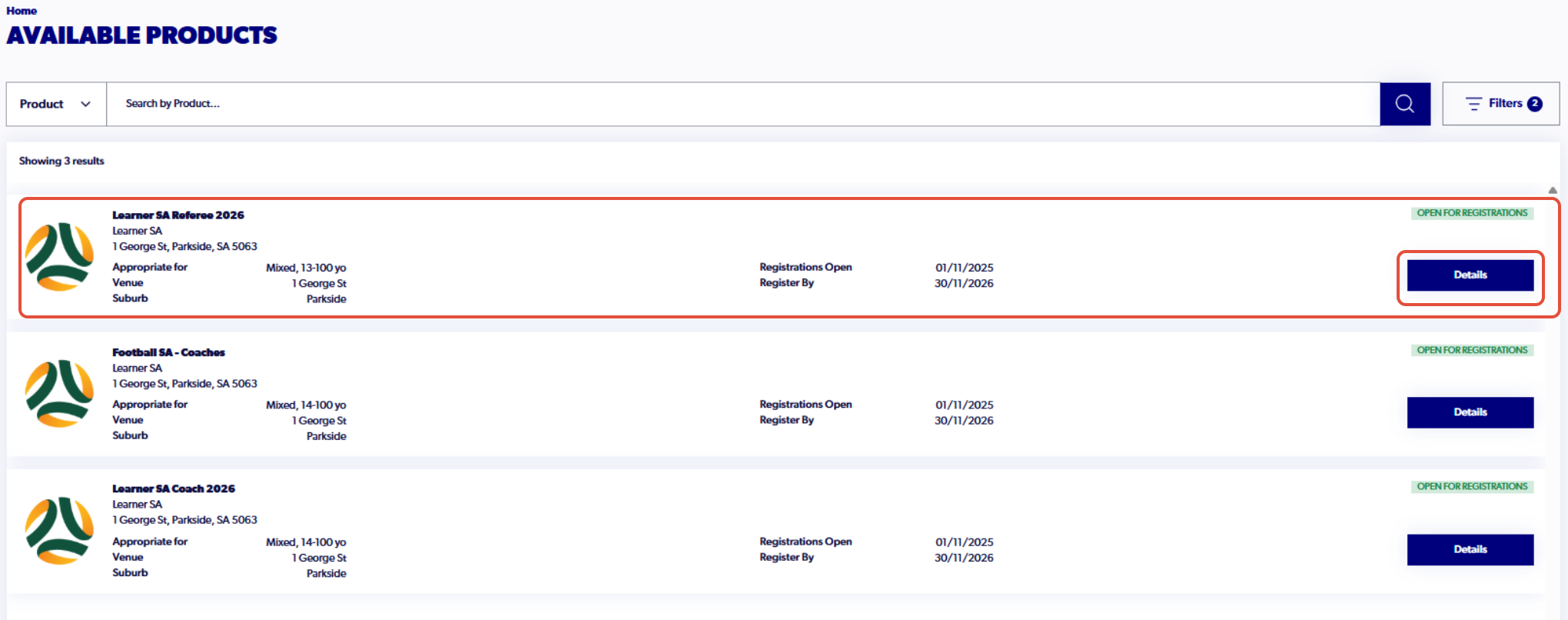
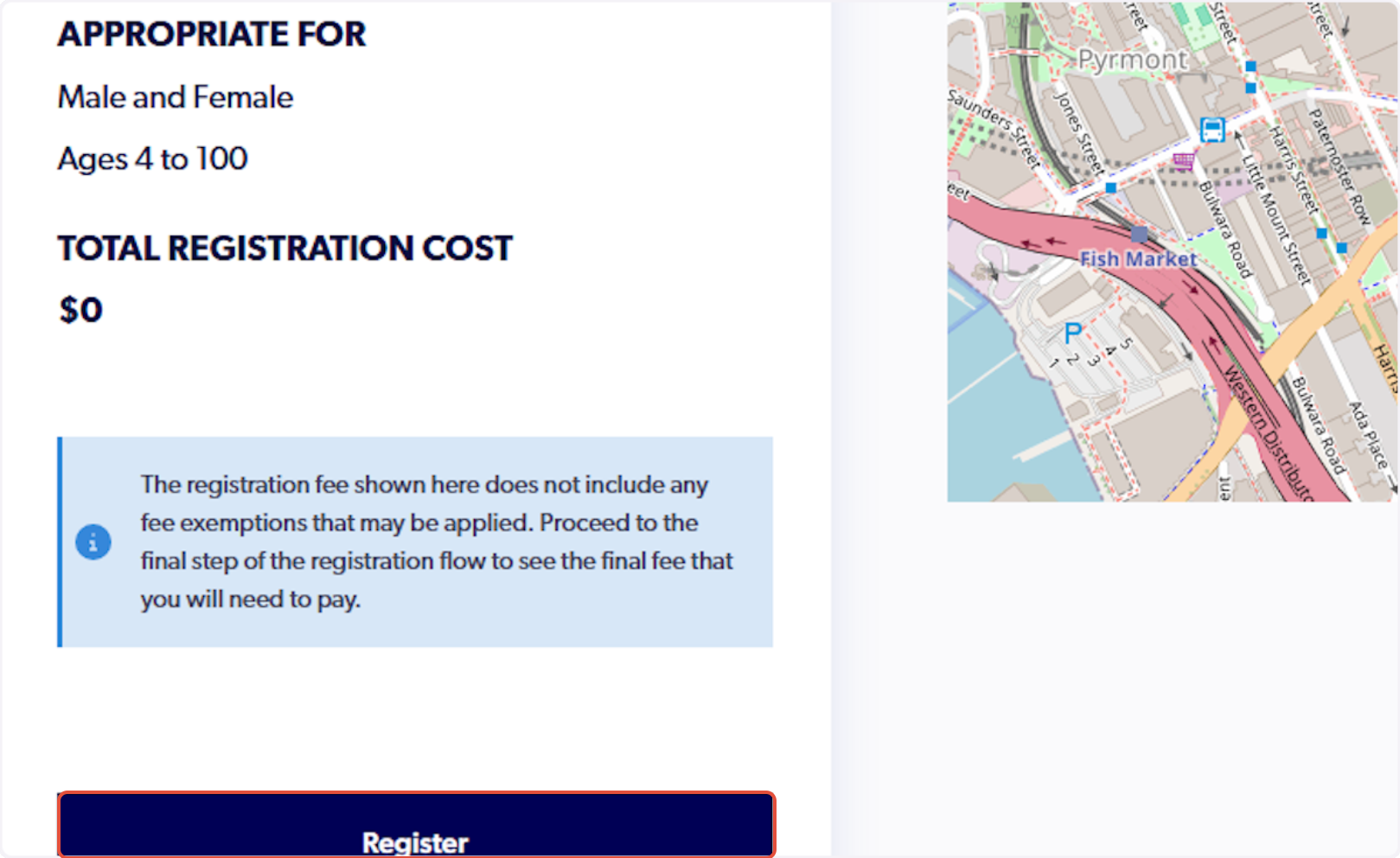
8. Click on 'Register'
9. Select Myself or Someone Else to find the participant that you are registering
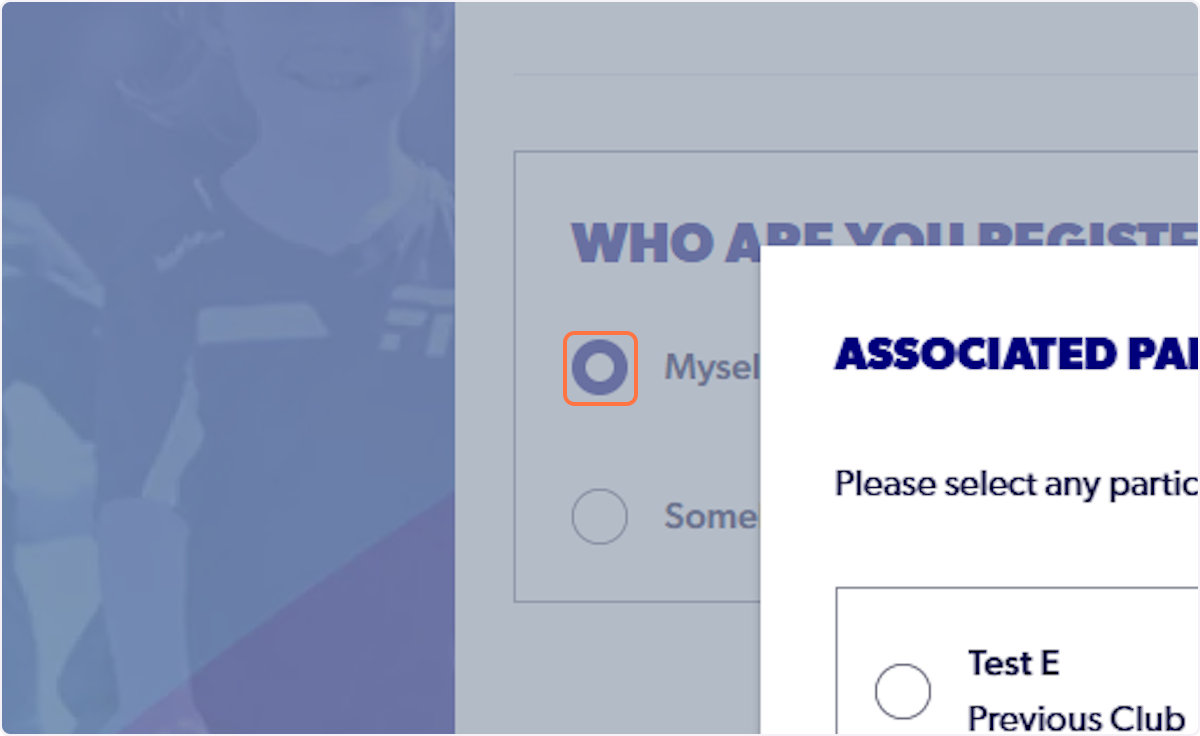
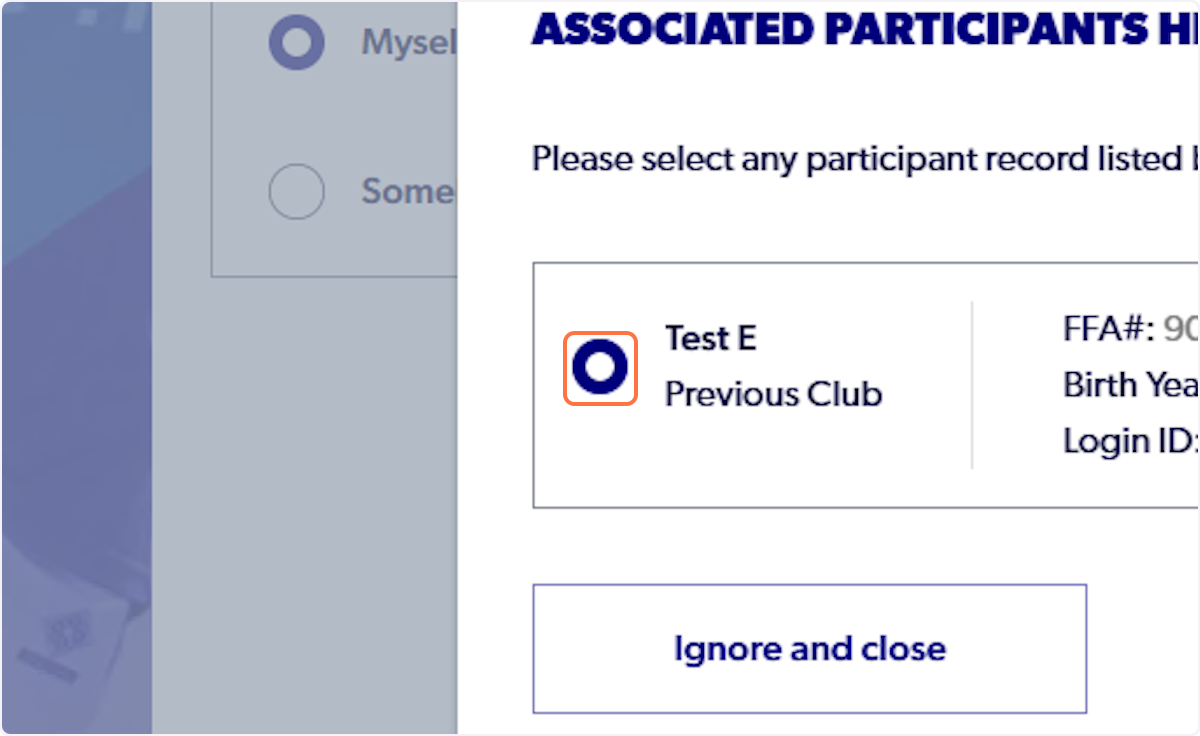
10. Select the participant.
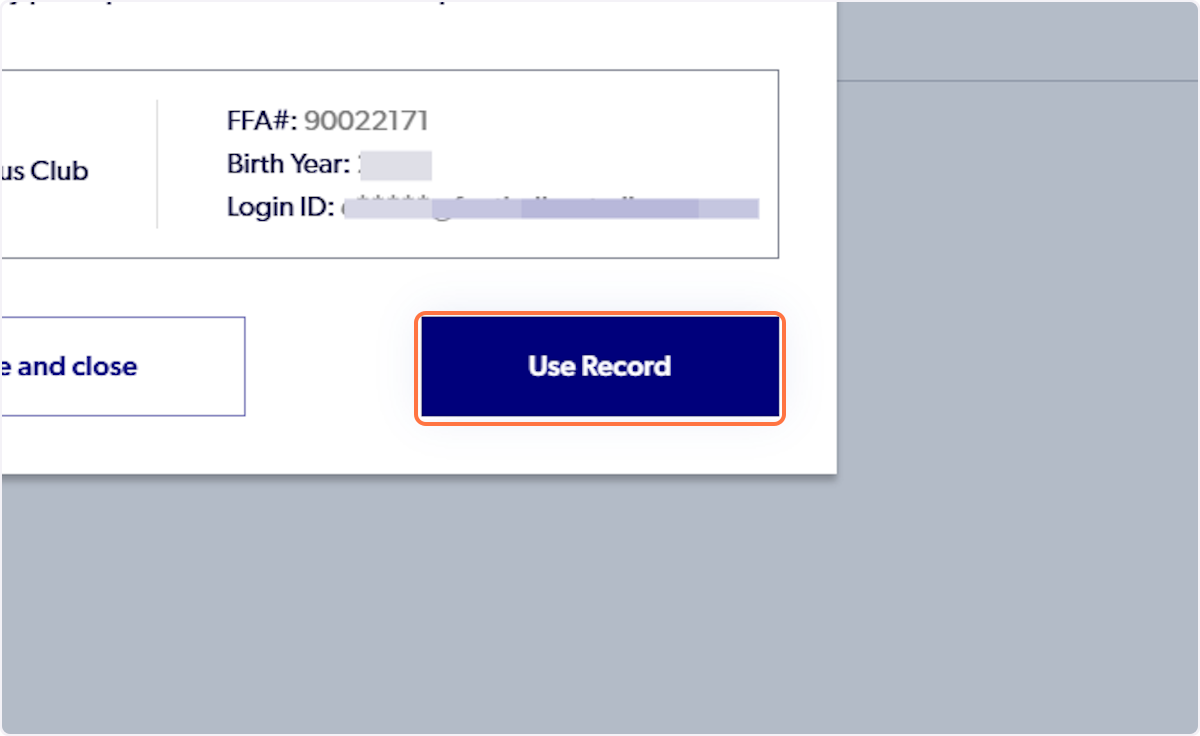
11. Click on 'Use Record'
12. Click on Continue
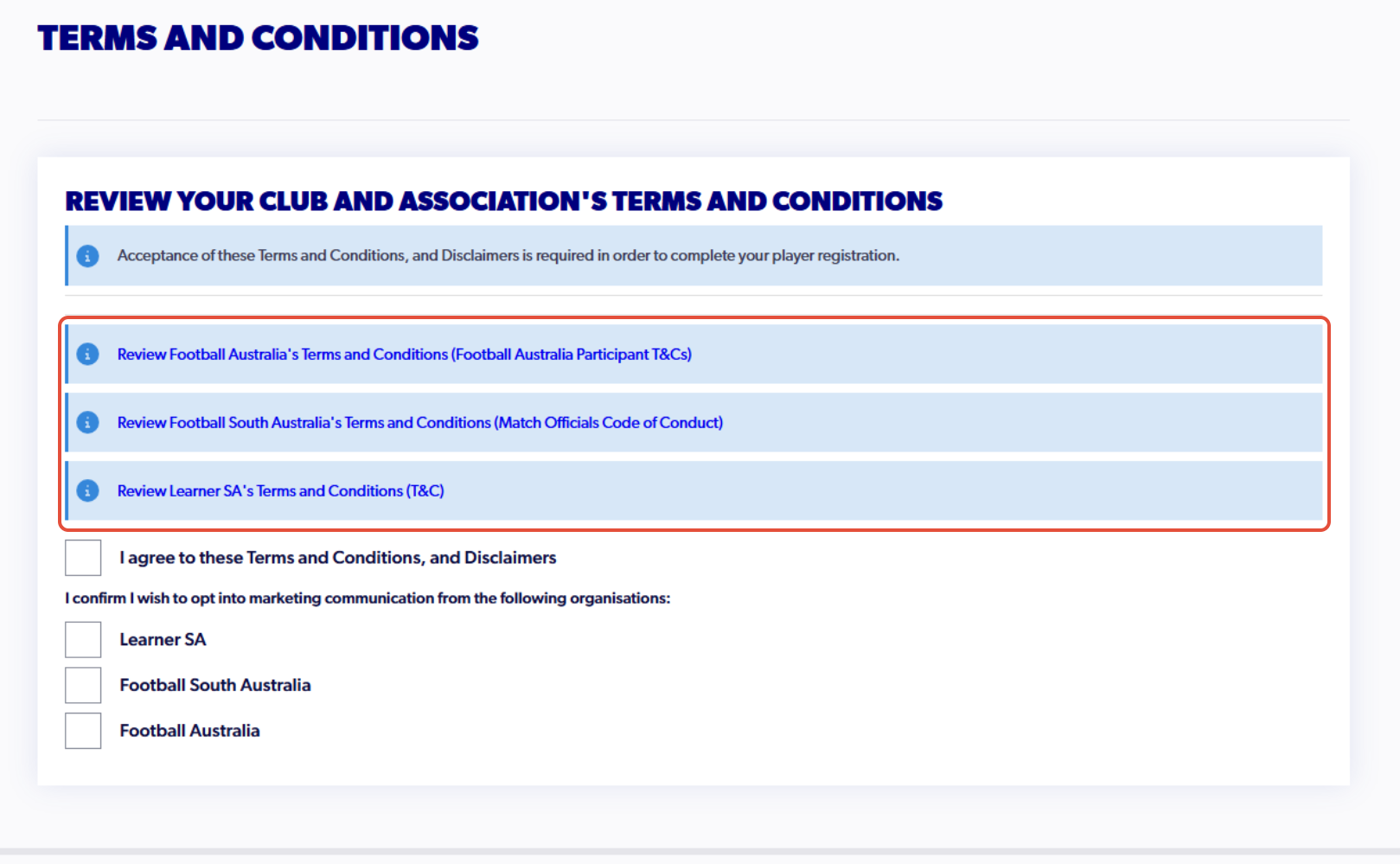
13. Click on each of the 'Terms and Conditions'
14. Click on 'Confirm & Close' (repeat for each of the terms and conditions)
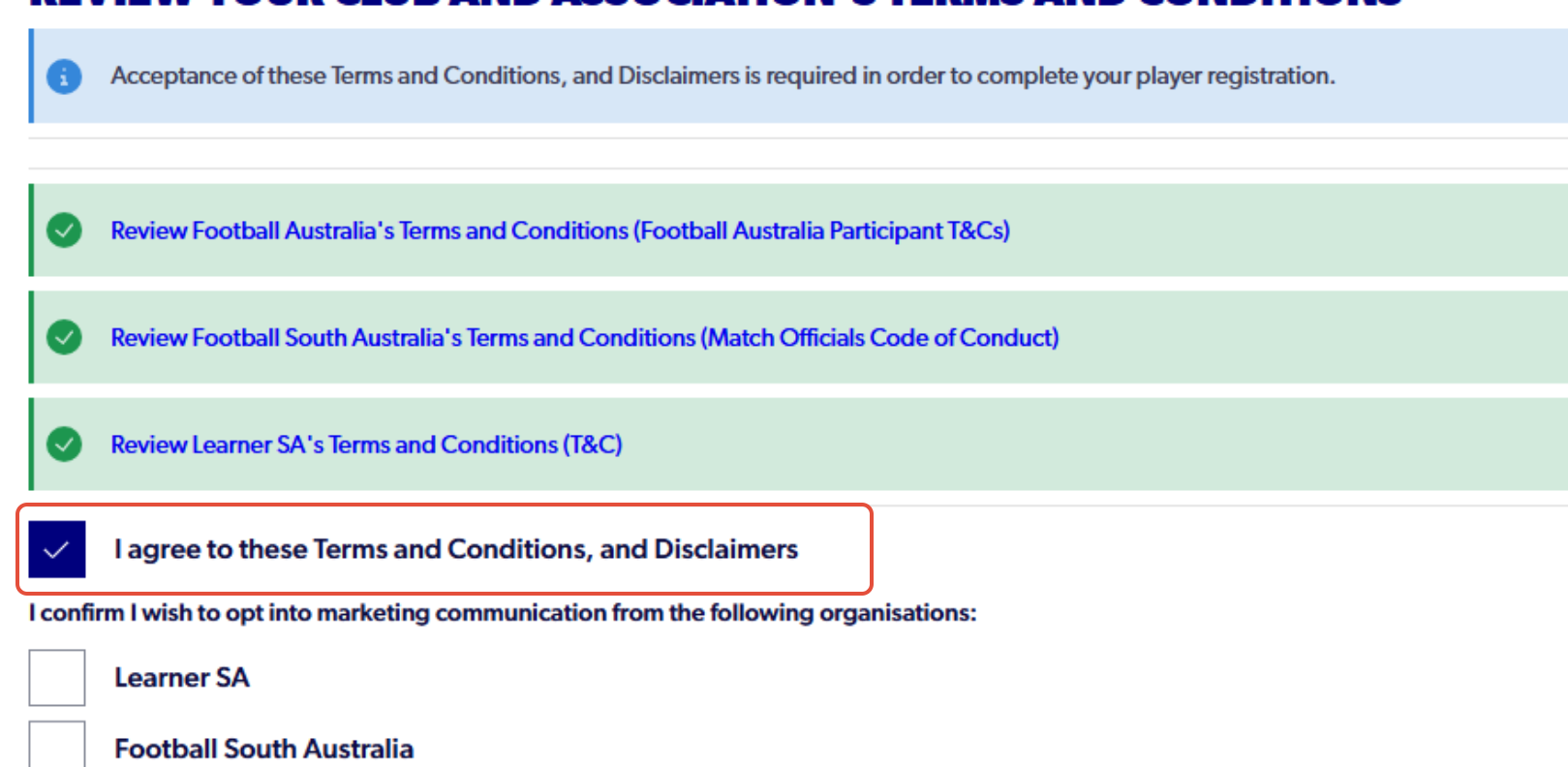
15. Check 'I agree to these Terms and Conditions, and Disclaimers'
16. Click on 'Continue'
17. Click on Start
18. Fill out all the questions in the form for each step
On Step 3 'Contact Details,' please use a unique email address for the participant. This will be used to create the Learning Centre account.
19. Click on Confirm and Pay when you reach the review page
20. Click on Confirm and Pay Registration
21. Click on Submit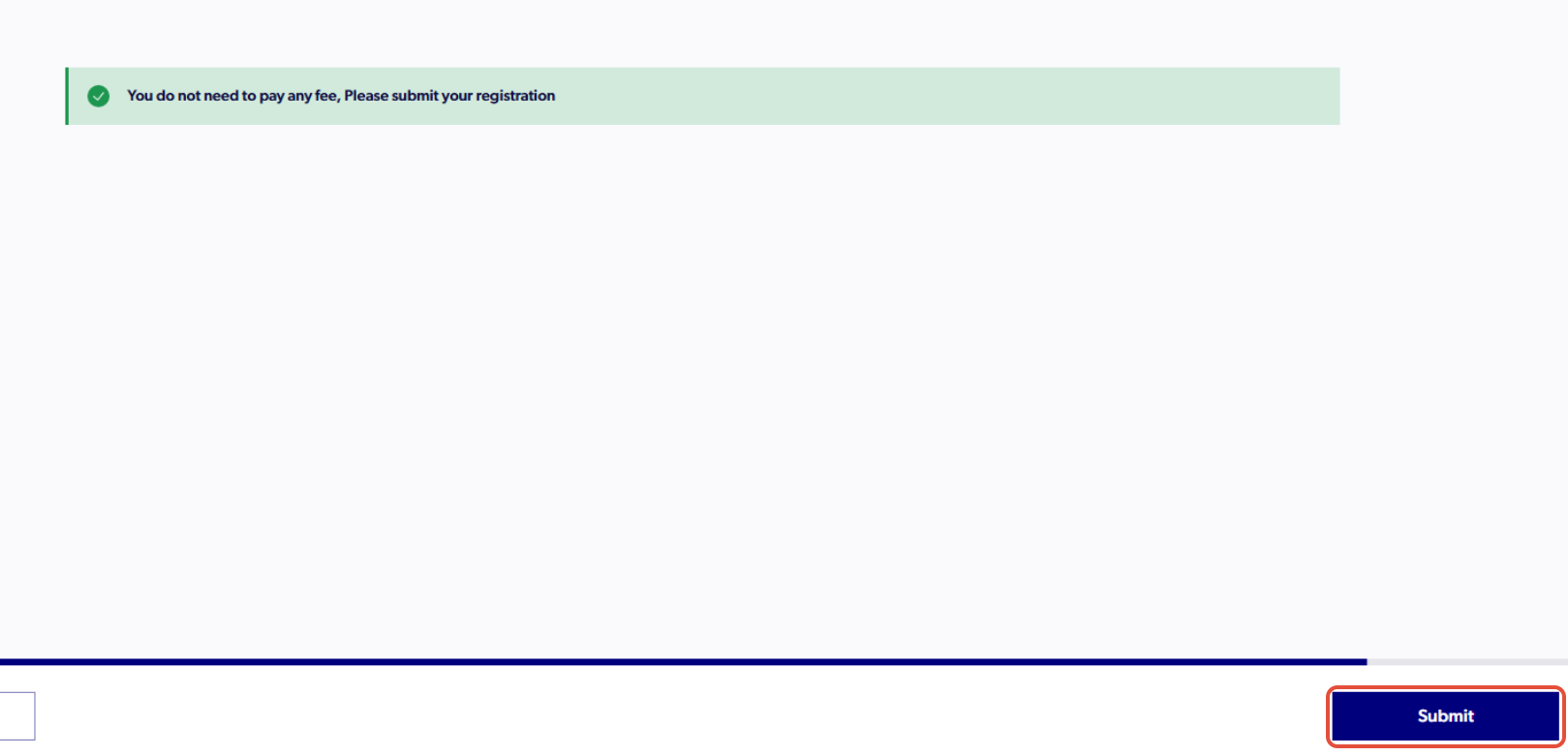
22. Finish Registration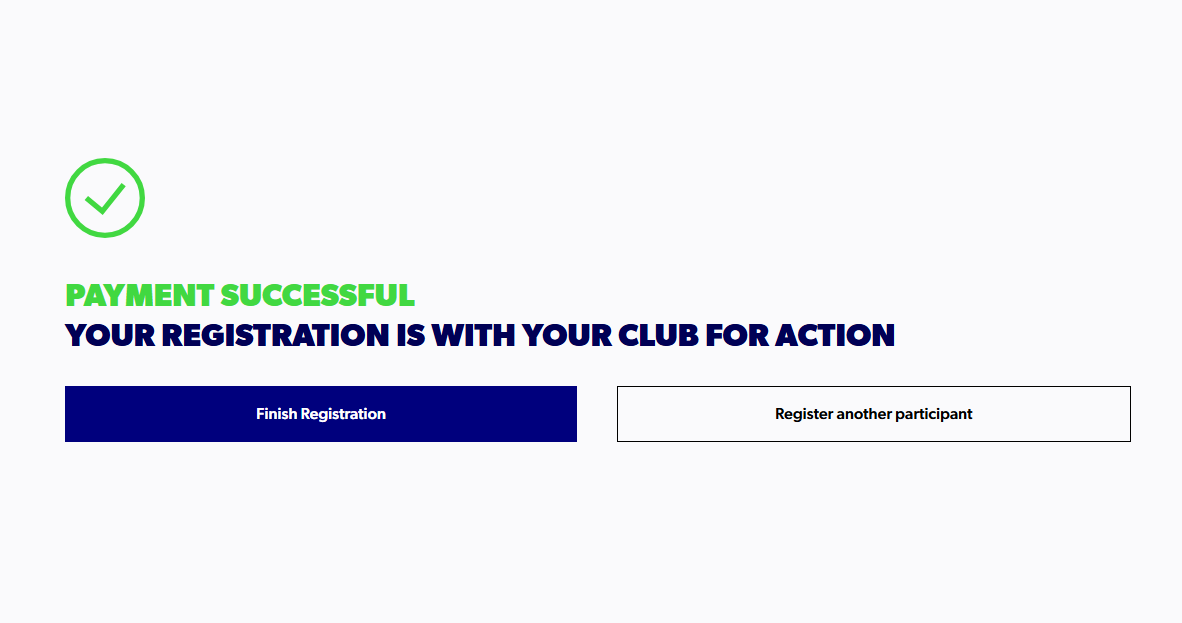
✅ Once these steps have been completed, you will obtain access to the Learning Centre in the next 24-48 hours, after the registration has been made. If you have any issues, please contact the following email - 'learningcentre@footballaustralia.com.au'
Created with Tango.us