Participant - Eligibility Breach
Modified on: Mon, 24 Aug, 2026 at 12:29 PM
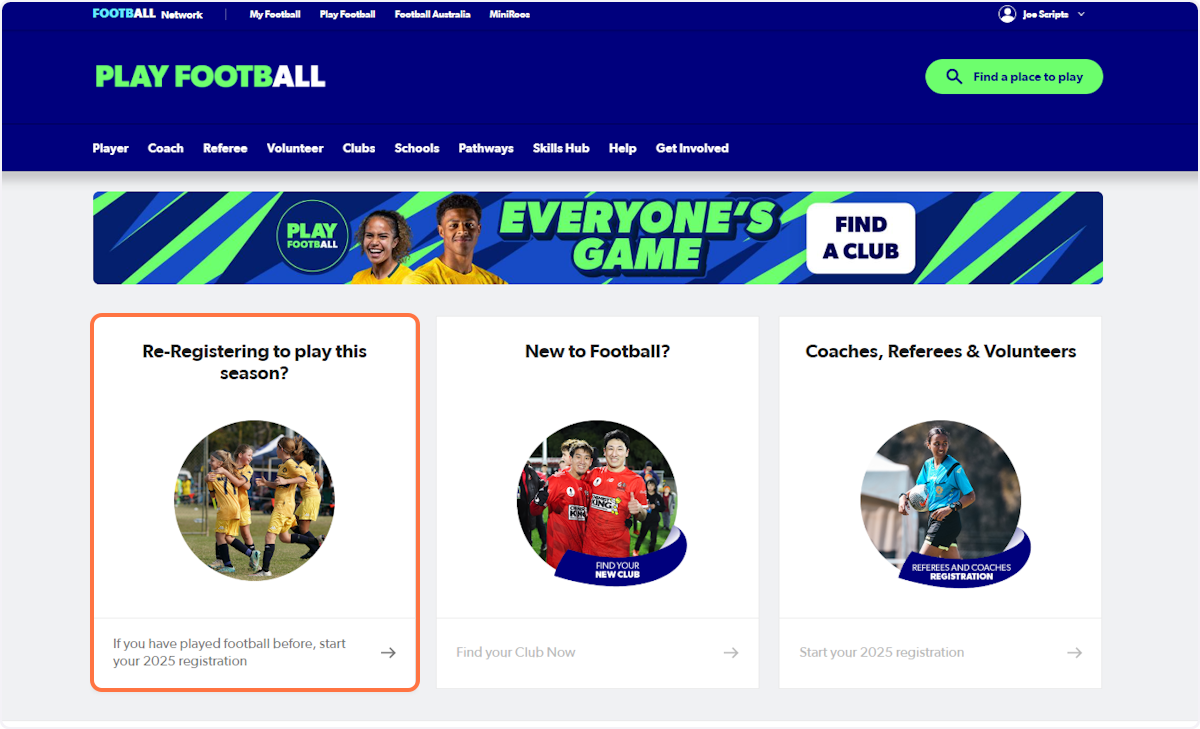
1. Go to playfootball.com.au and Click on Re-Registering to play this season
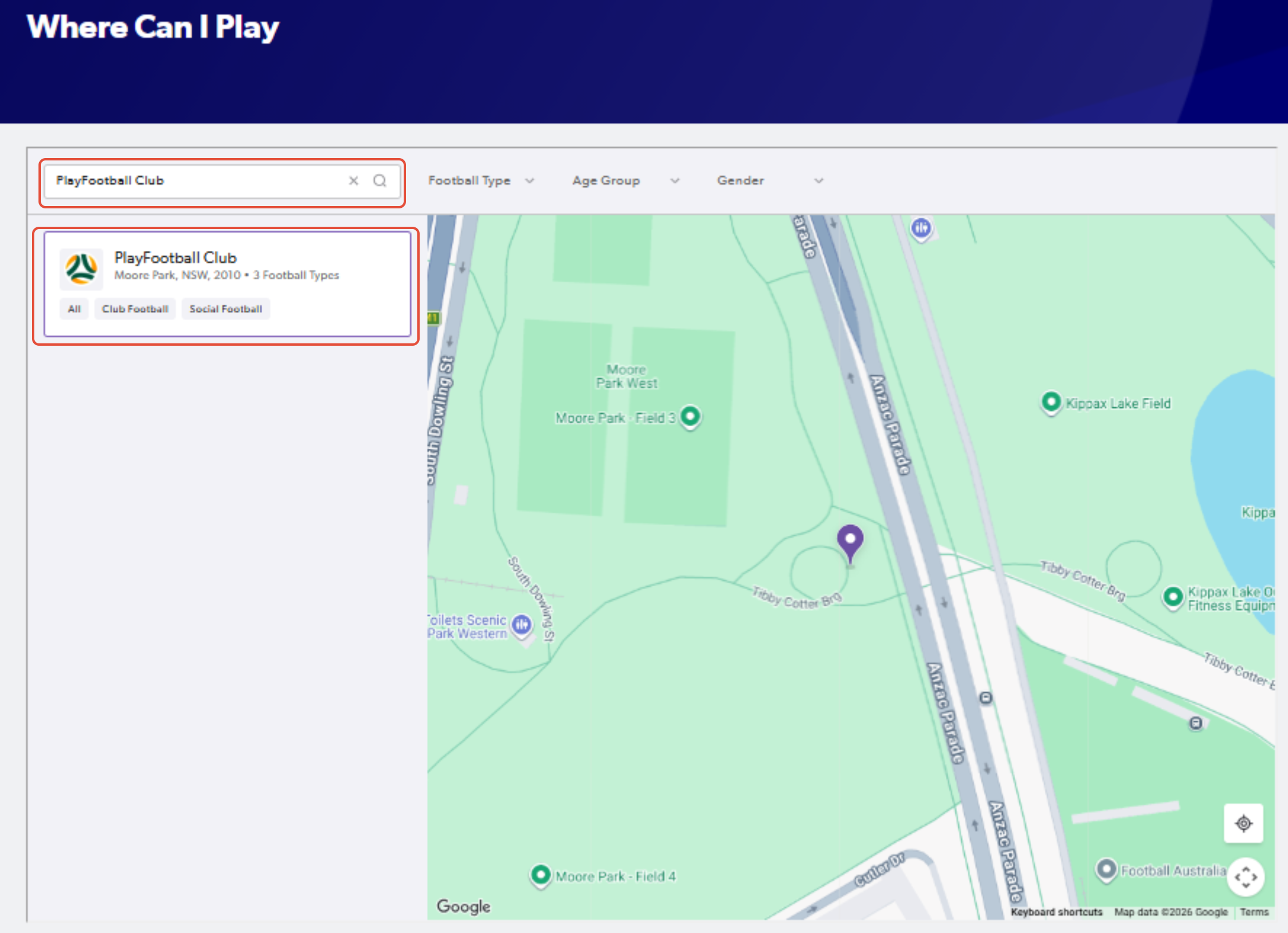
2. Search for the club that you will be registering to
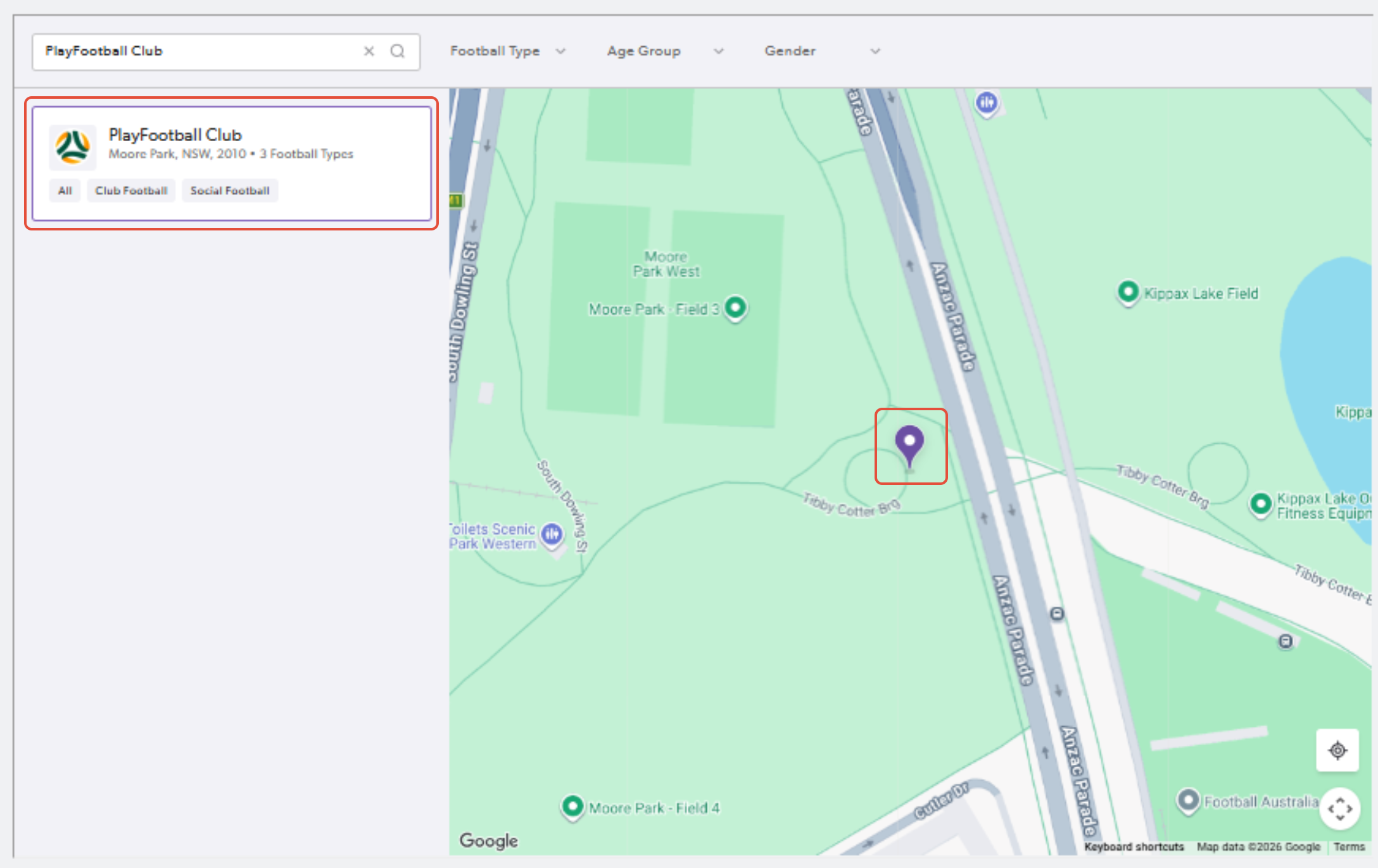
3. Click on the pinned location or club name and select "Register Now" once you confirm the club details
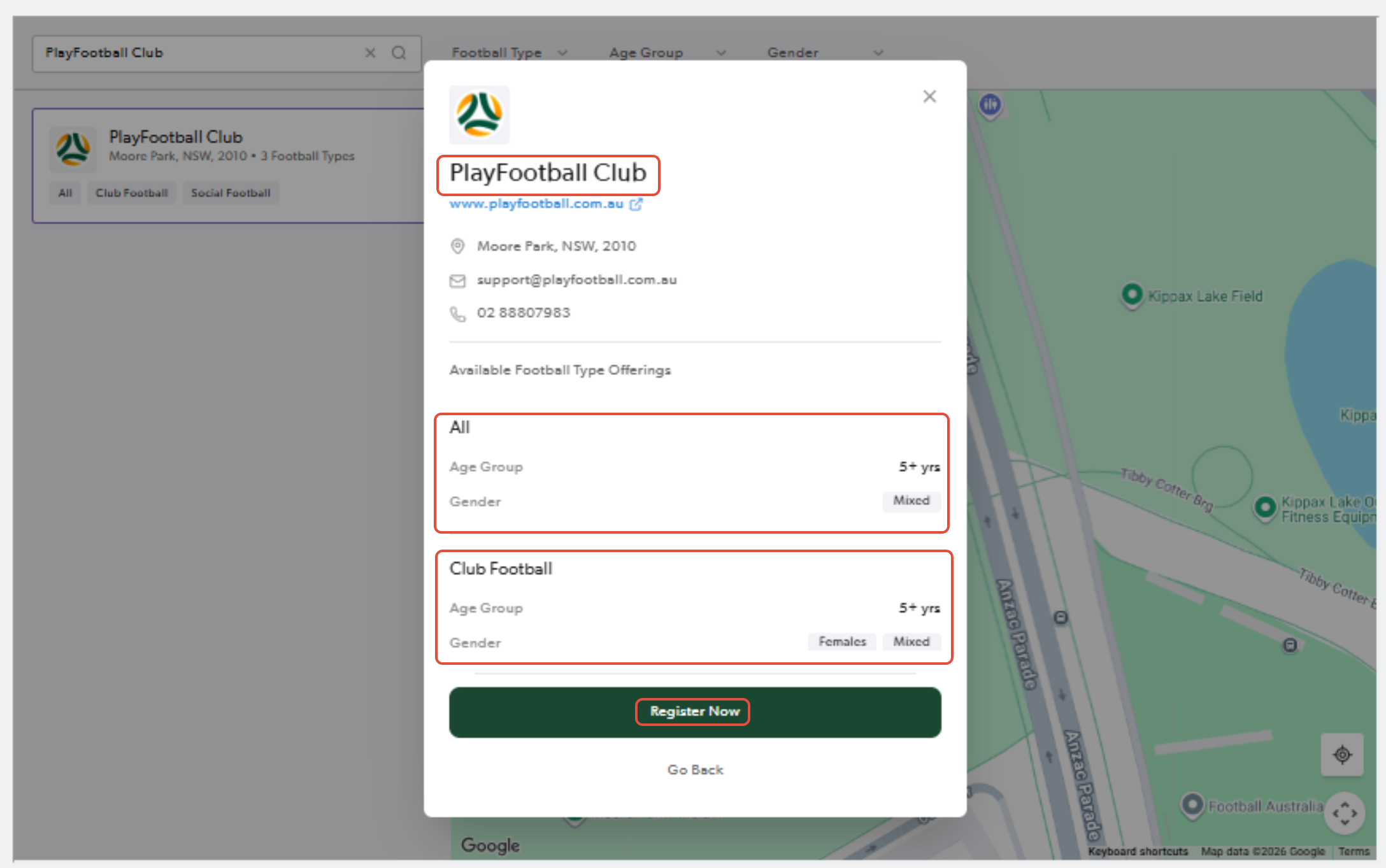
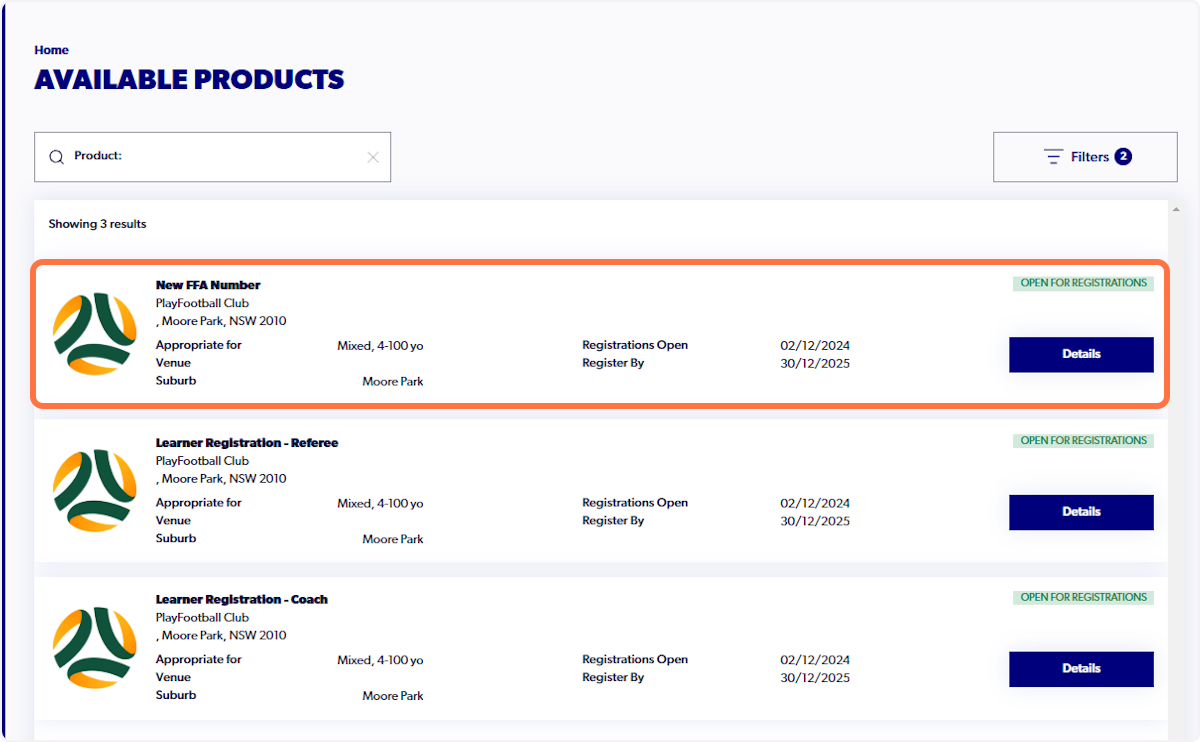
4. Ensure that you are registering to the correct product
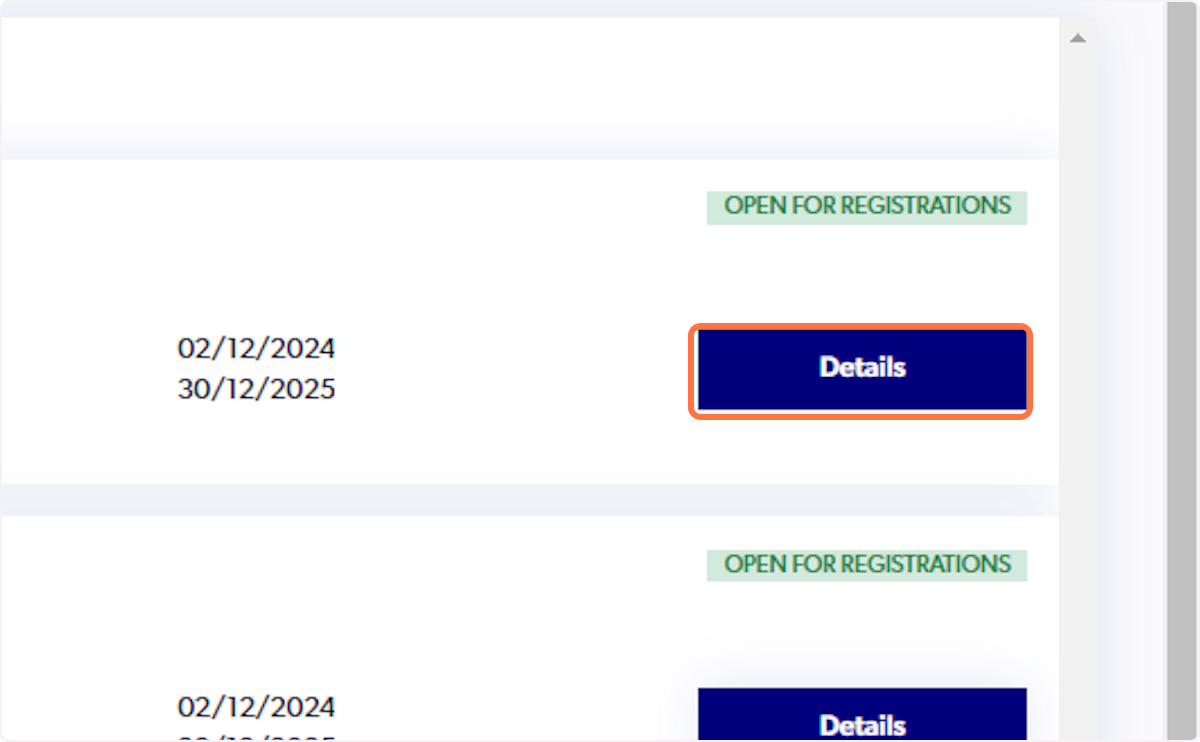
5. Click on Details
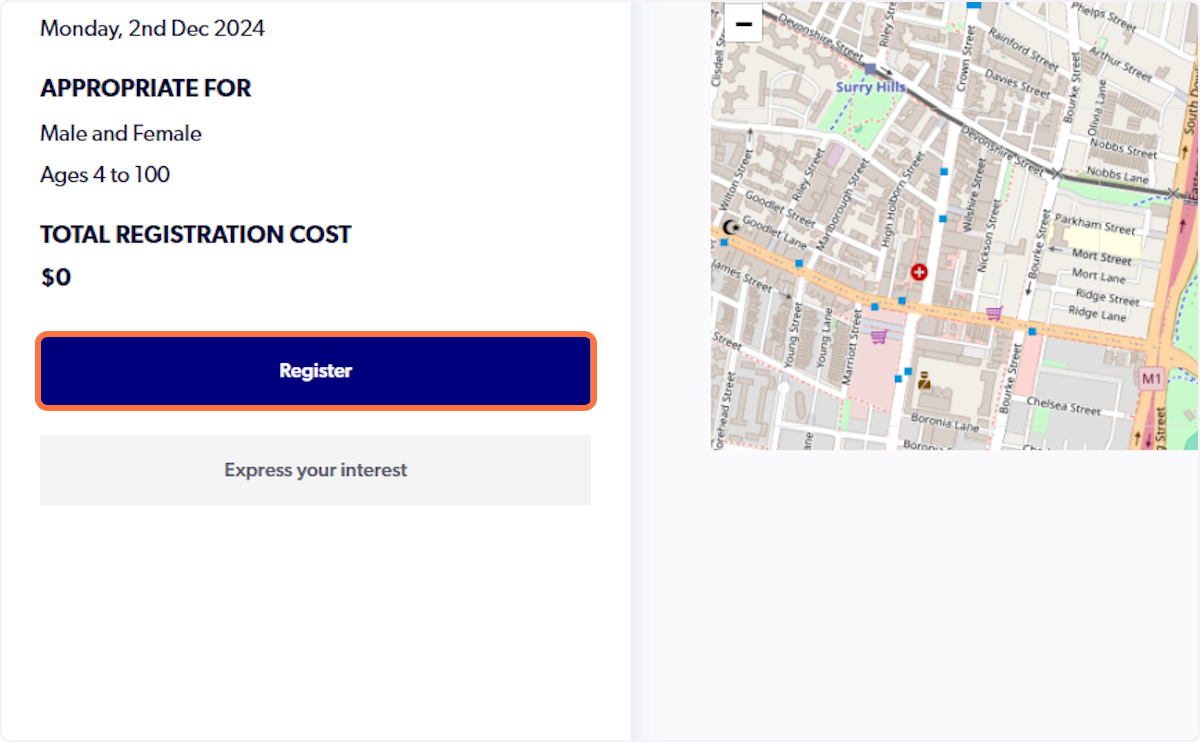
6. Click on Register
7. Select "Myself"

8. Select the applicable participant record listed in the history check

9. Click on "Use Record"

10. Confirmation message "Use record successfully" will appear

11. Click on "Continue"

12. Review the relevant Terms and Conditions
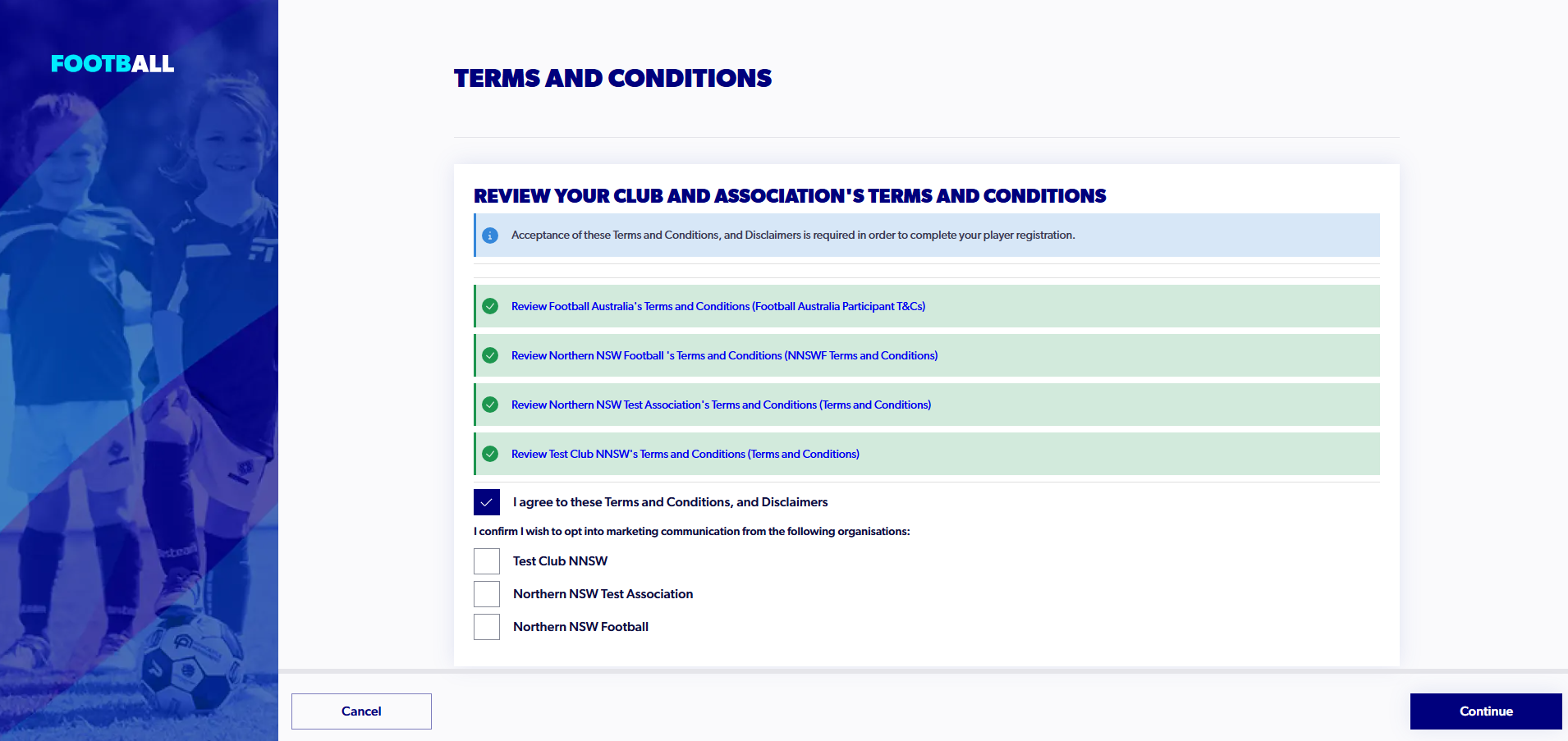
13. Select "I agree to these Terms and Conditions"

14. Click on "Continue"

15. Click on "Start"

16. Click on "Save participant"

17. "Eligibility Breach" notification will appear with the reason provided

18. Click "Ignore, Continue Registration"


Did you find it helpful?
Yes
No
Send feedback Sorry we couldn't be helpful. Help us improve this article with your feedback.