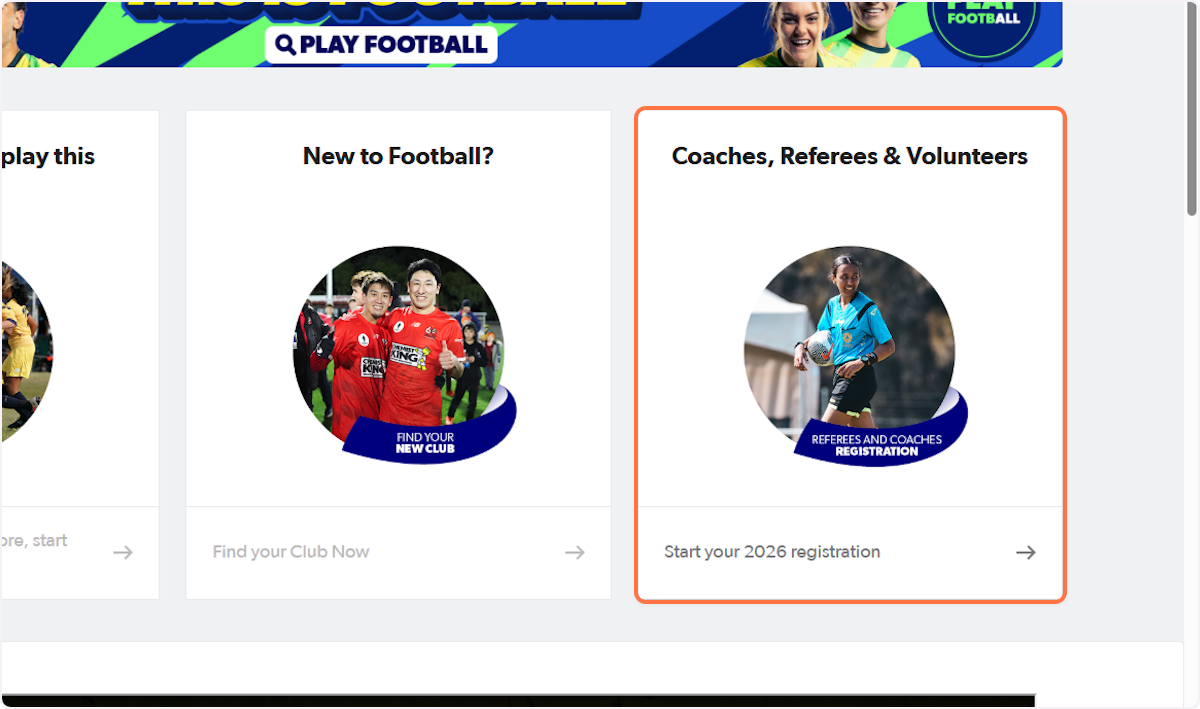
1. Go to playfootball.com.au and select 'Coaches, Referees & Volunteers'
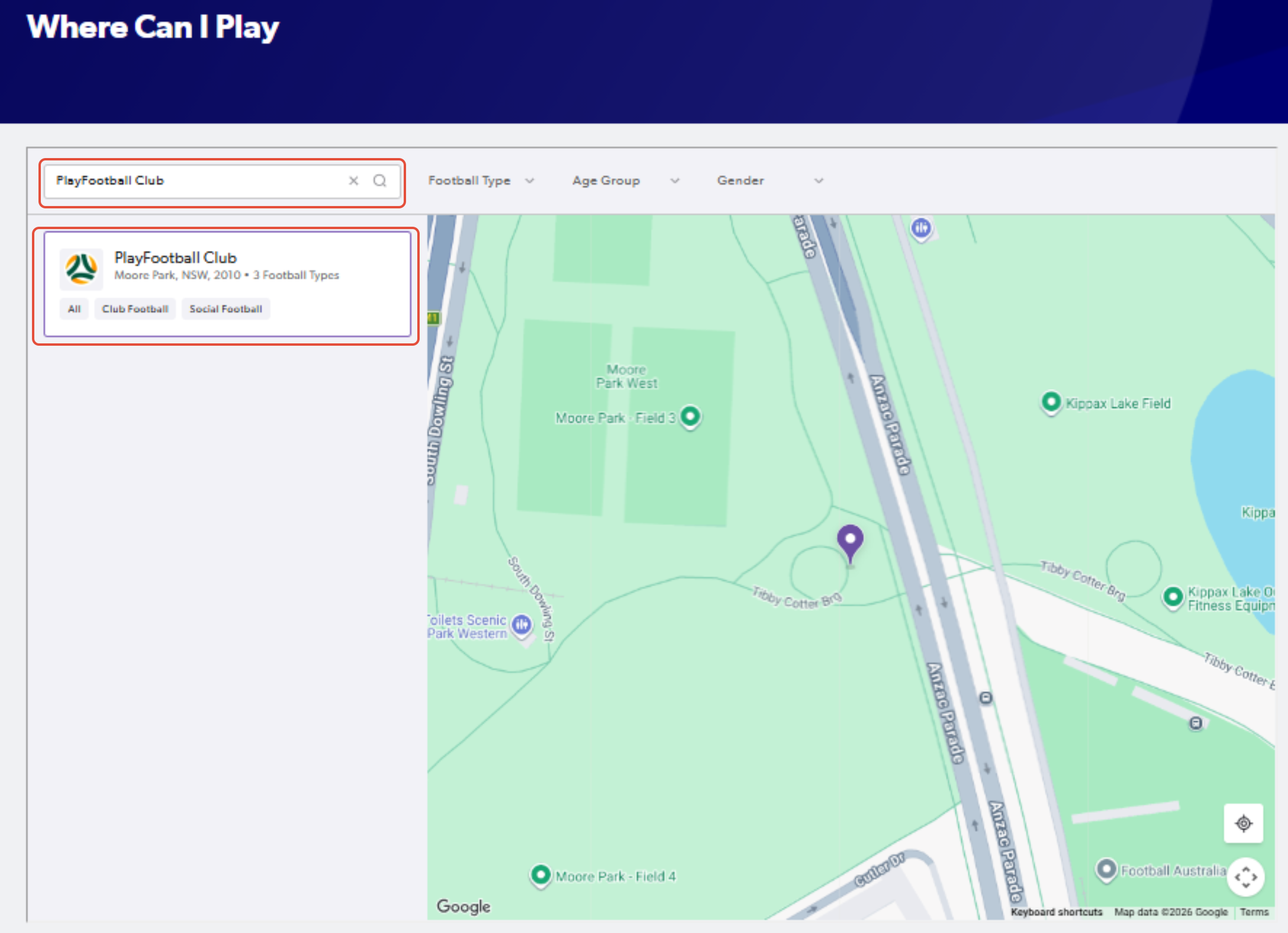
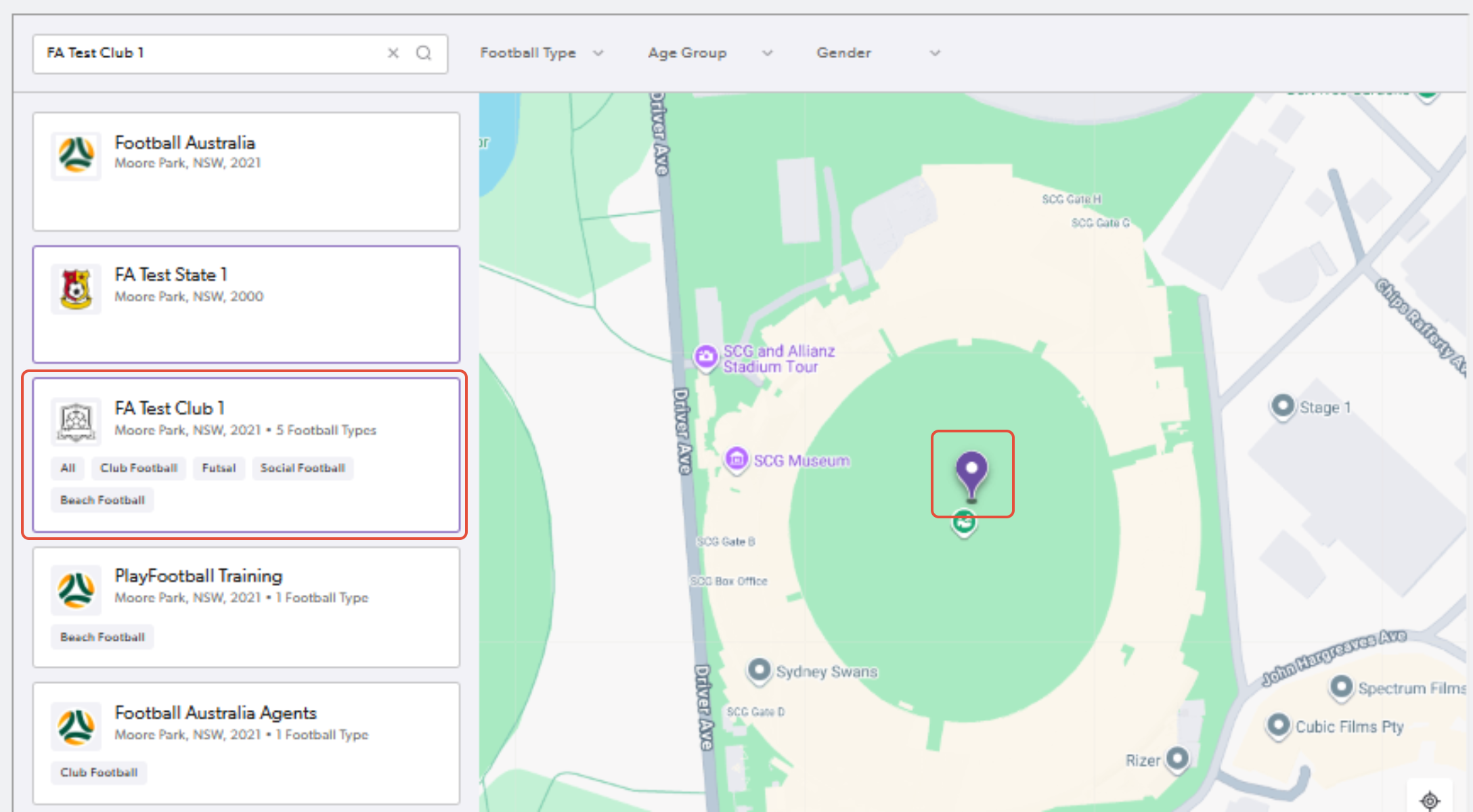
2. Search for the club that you will be registering to
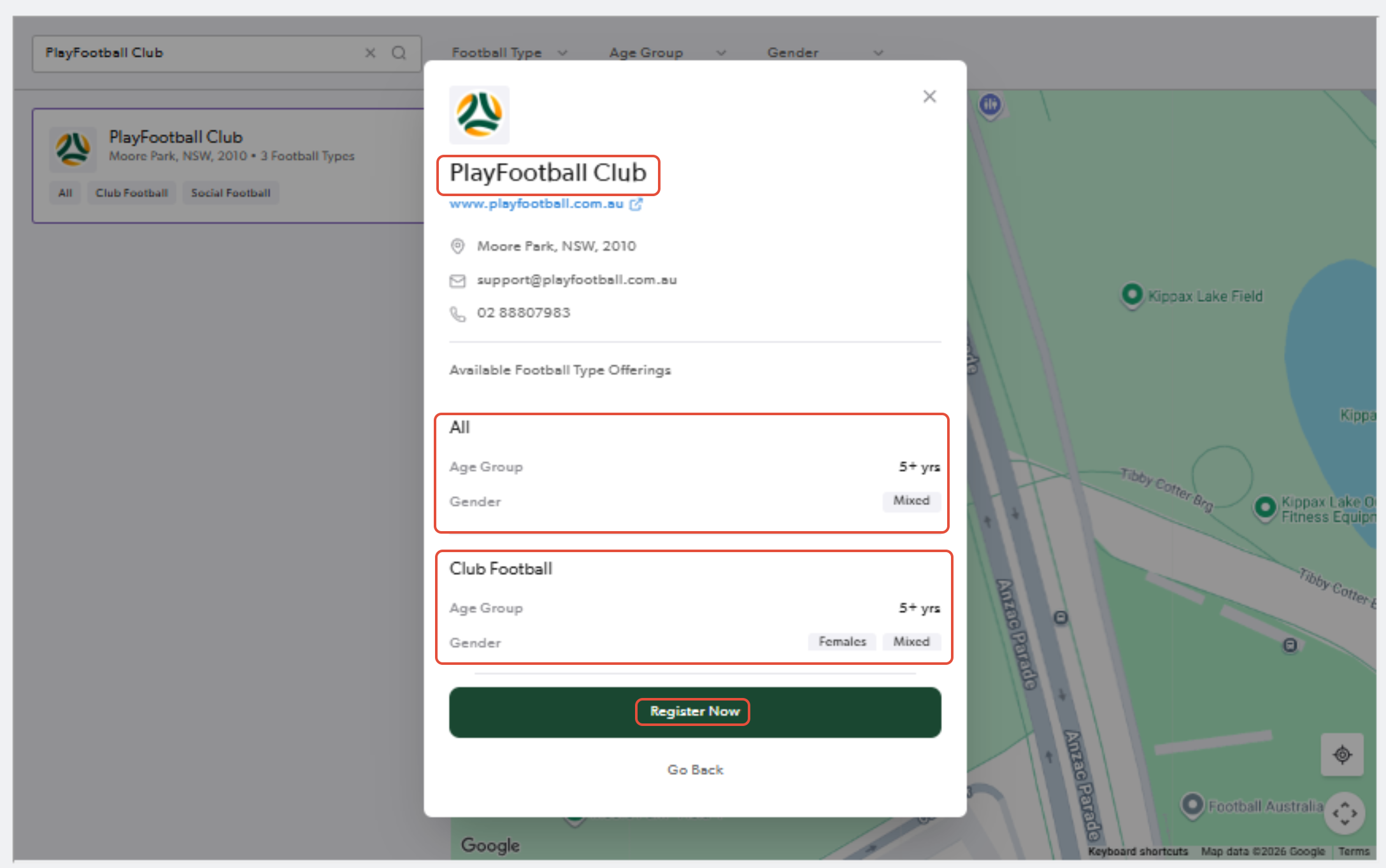
3. Click on the pinned location for the club and select "Register Now" once you confirm the club details
4. Find your registration product and select 'details' to continue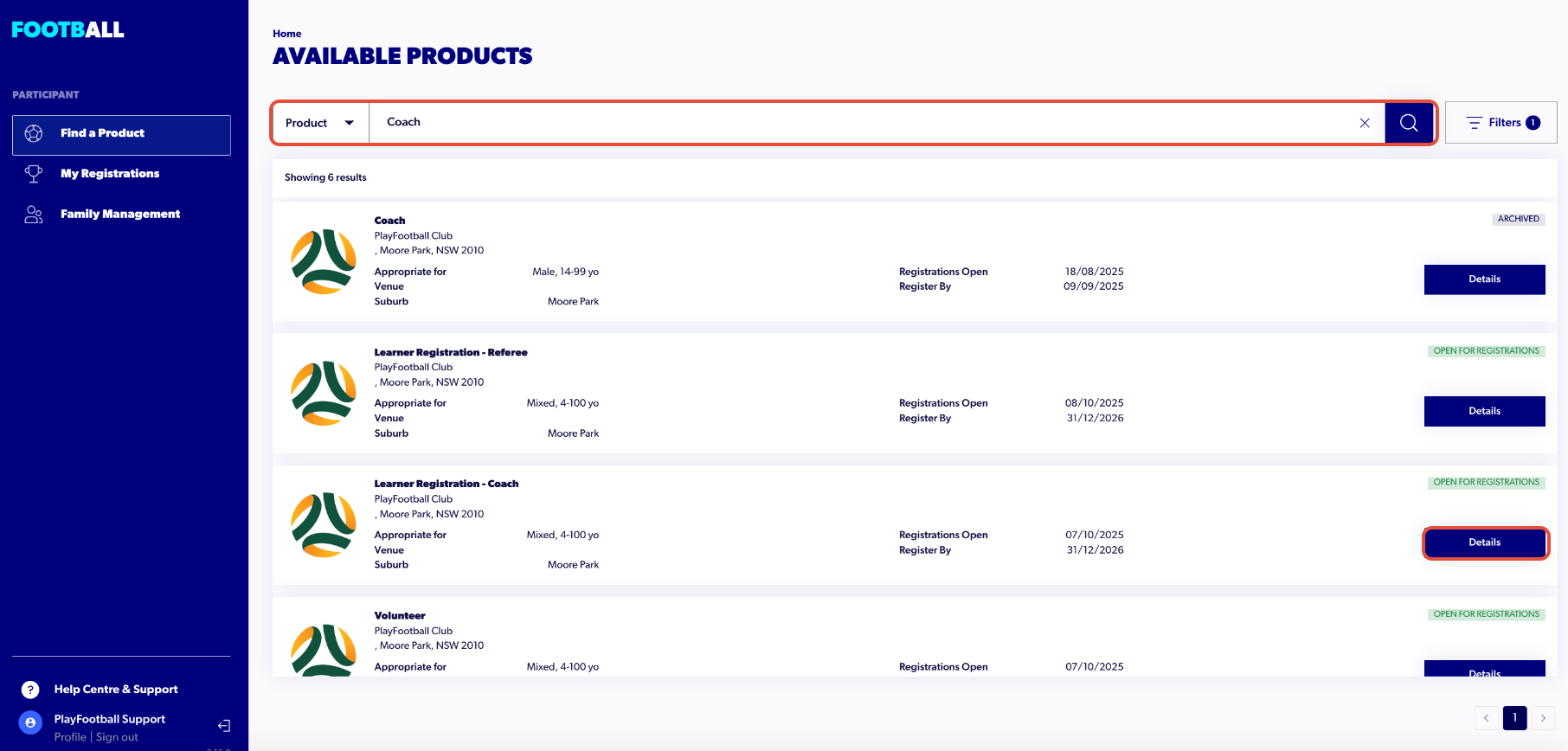
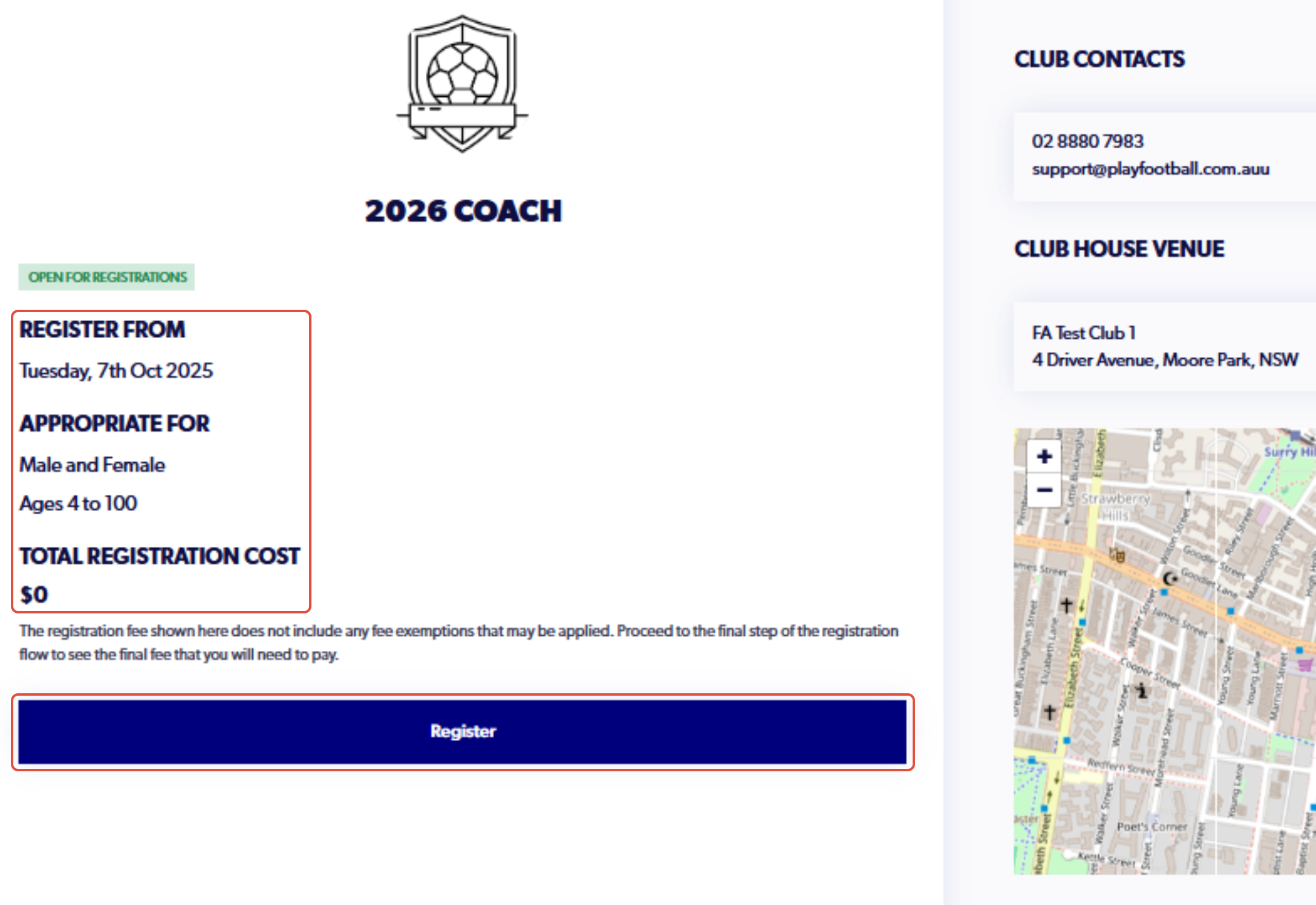
5. Confirm the details of the registration and click on 'Register'
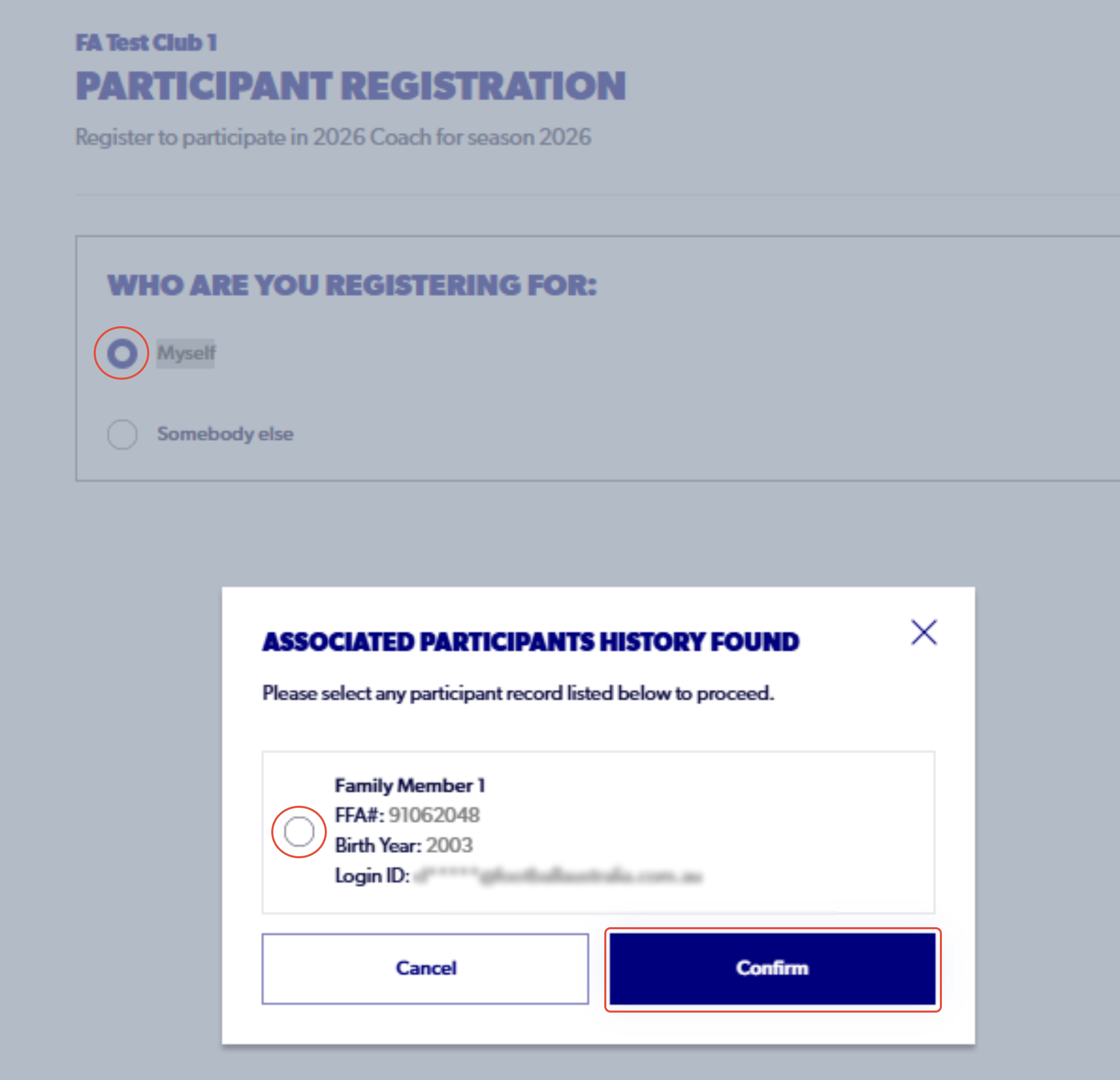
6. Select the person who is being registered and select ‘Continue’ and the bottom of the page.
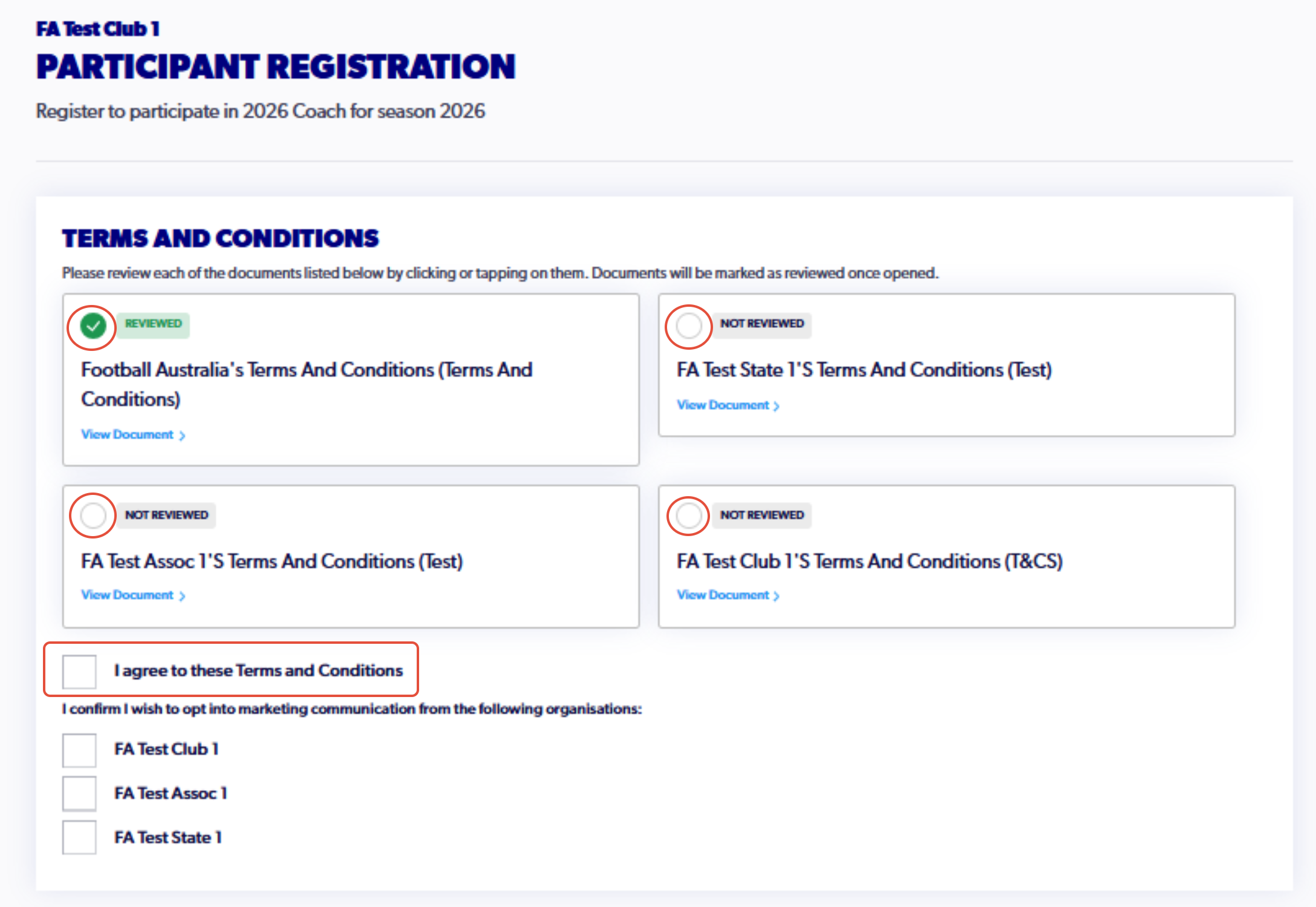
7. Review and agree to the Terms and Conditions and select ‘Continue’ and the bottom of the page.
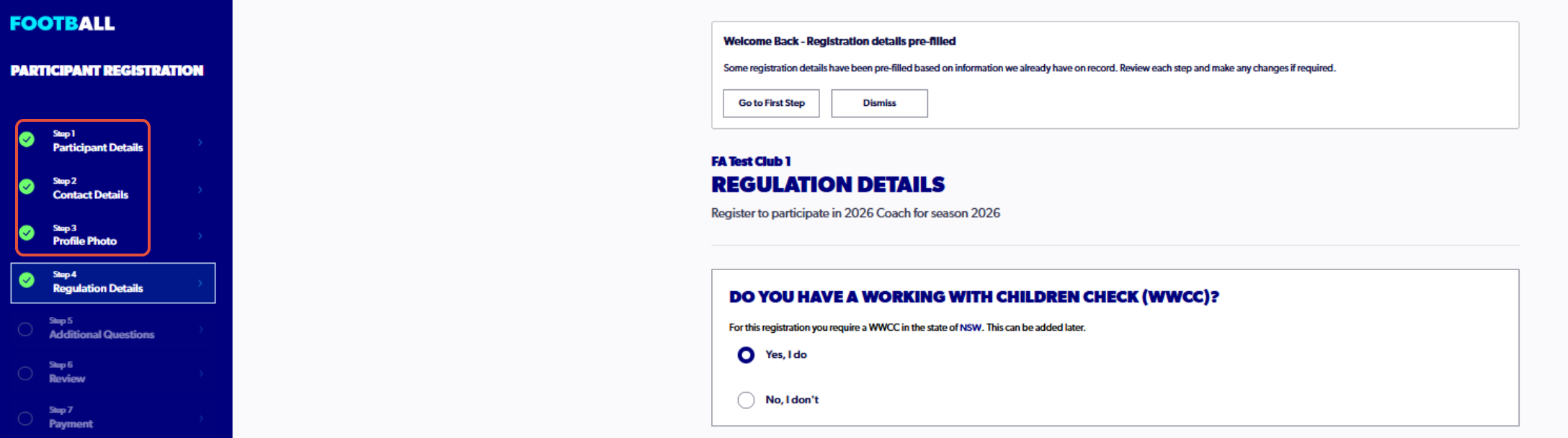
8. Complete Step 4, ensuring that WWCC details are inputted correctly (As a returning coach steps 1 to 3 will be prepopulated).
To confirm details or make any changes, the option to go back to previous steps is available
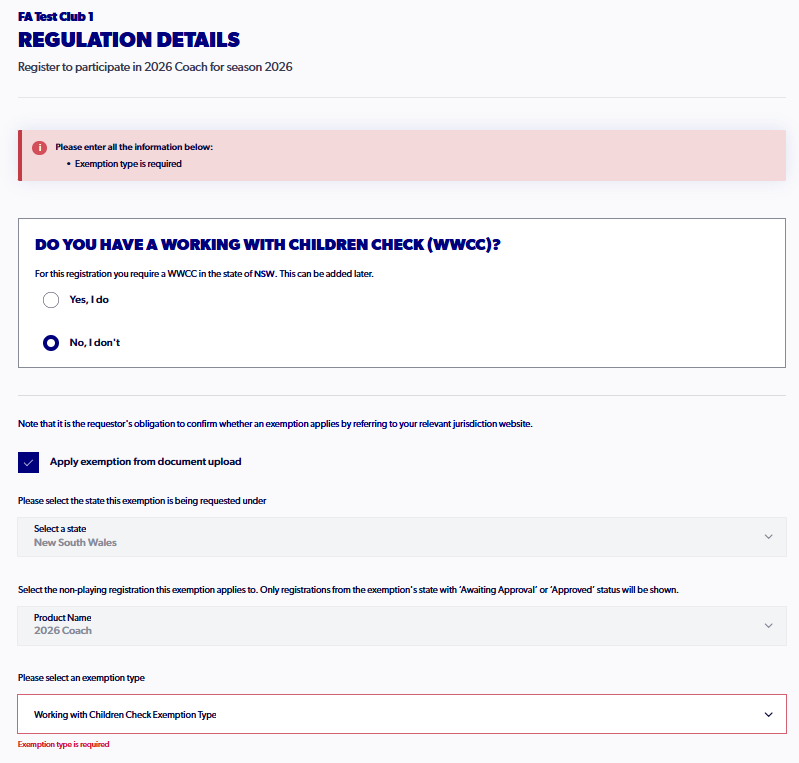
If you do not hold a valid WWCC, please select No and apply an exemption that applies to your registration.
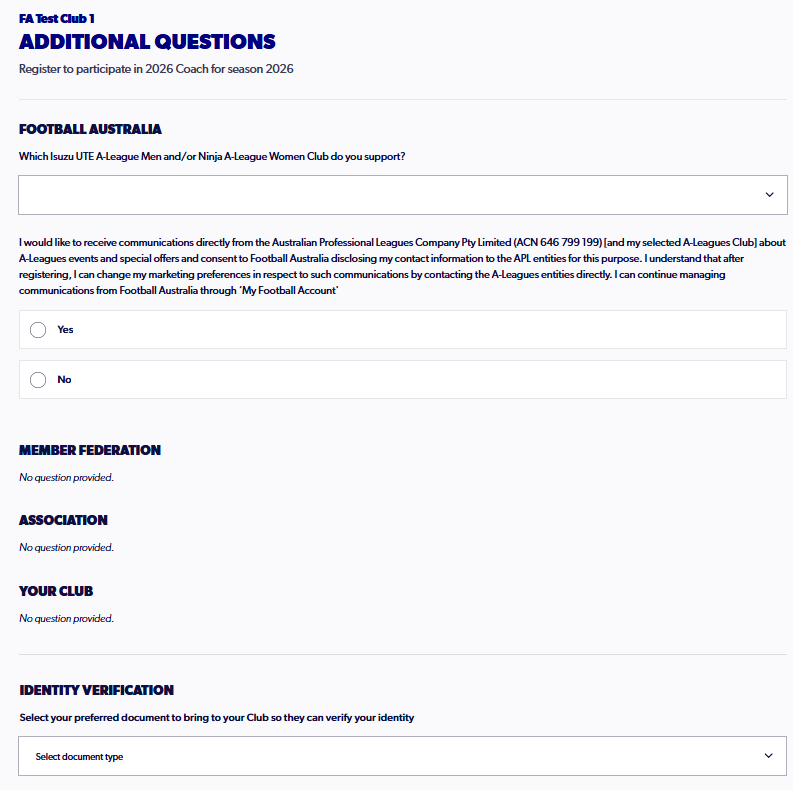
9. Continue with step 5, answering any additional questions that have been set.
10. Review the details of the registration, ensuring they are correct.
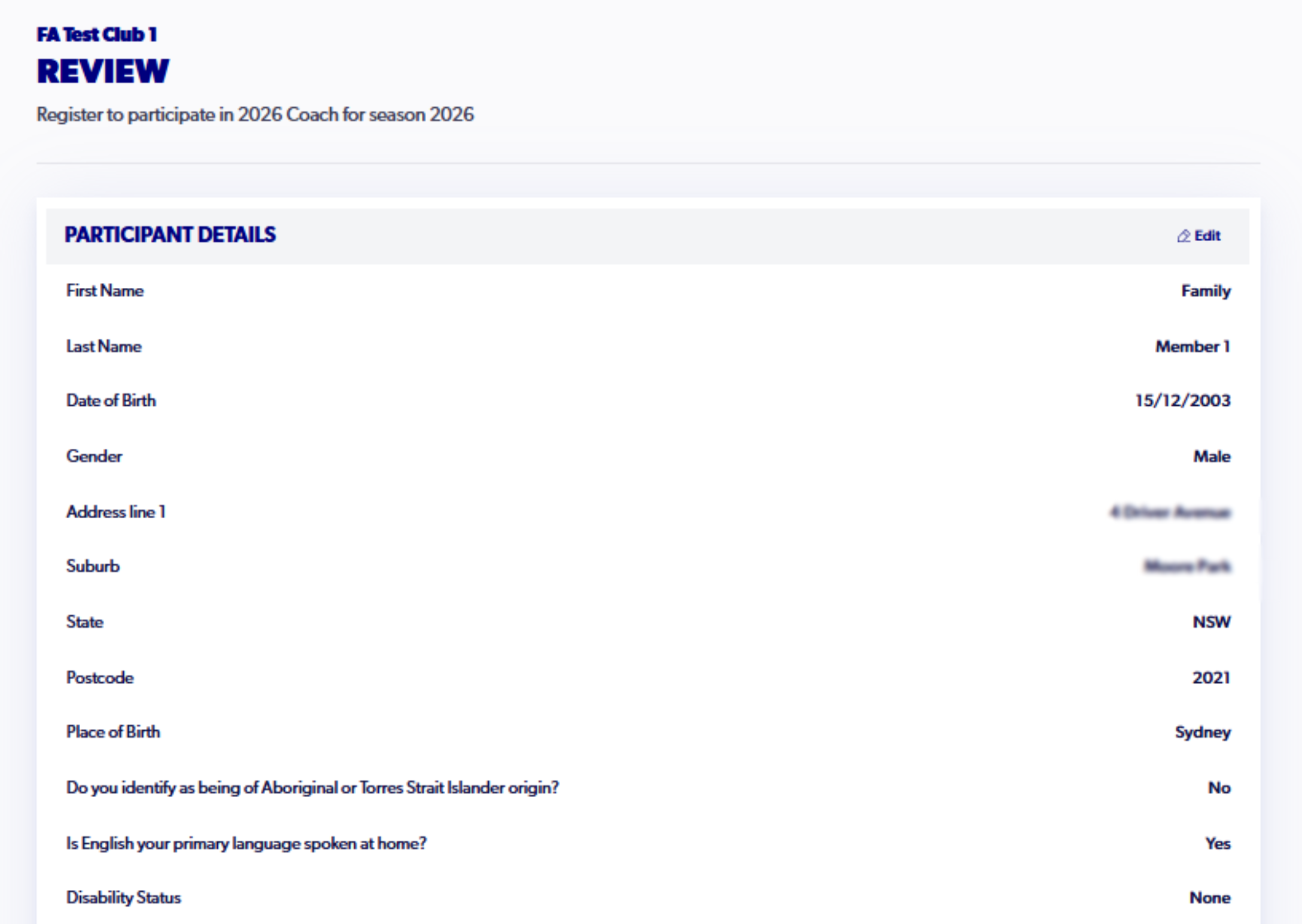
Once you have confirmed the details are correct, click 'Confirm and Pay'
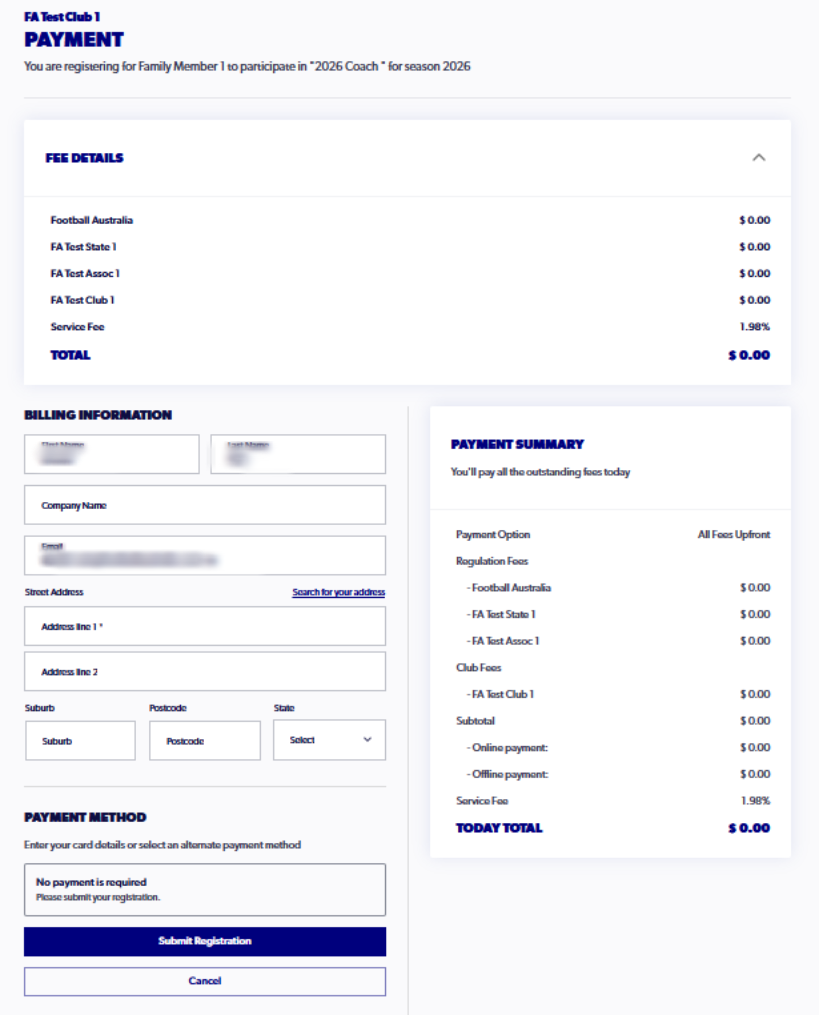
11. Ensure the billing information is filled out correctly and click 'Submit Registration' to finalise the registration