1. Please use the following link to open PlayFootball - PlayFootball Login Page
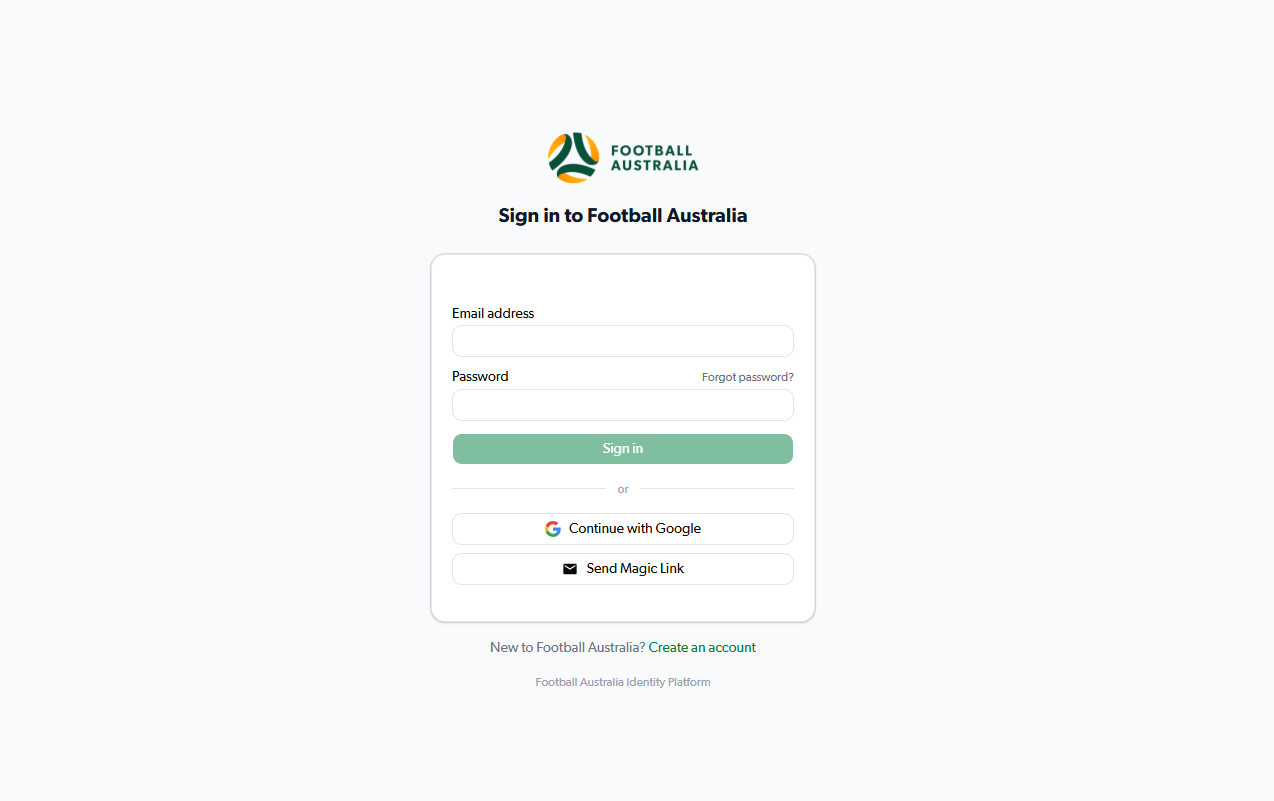
2. Select "Forgot Password?"
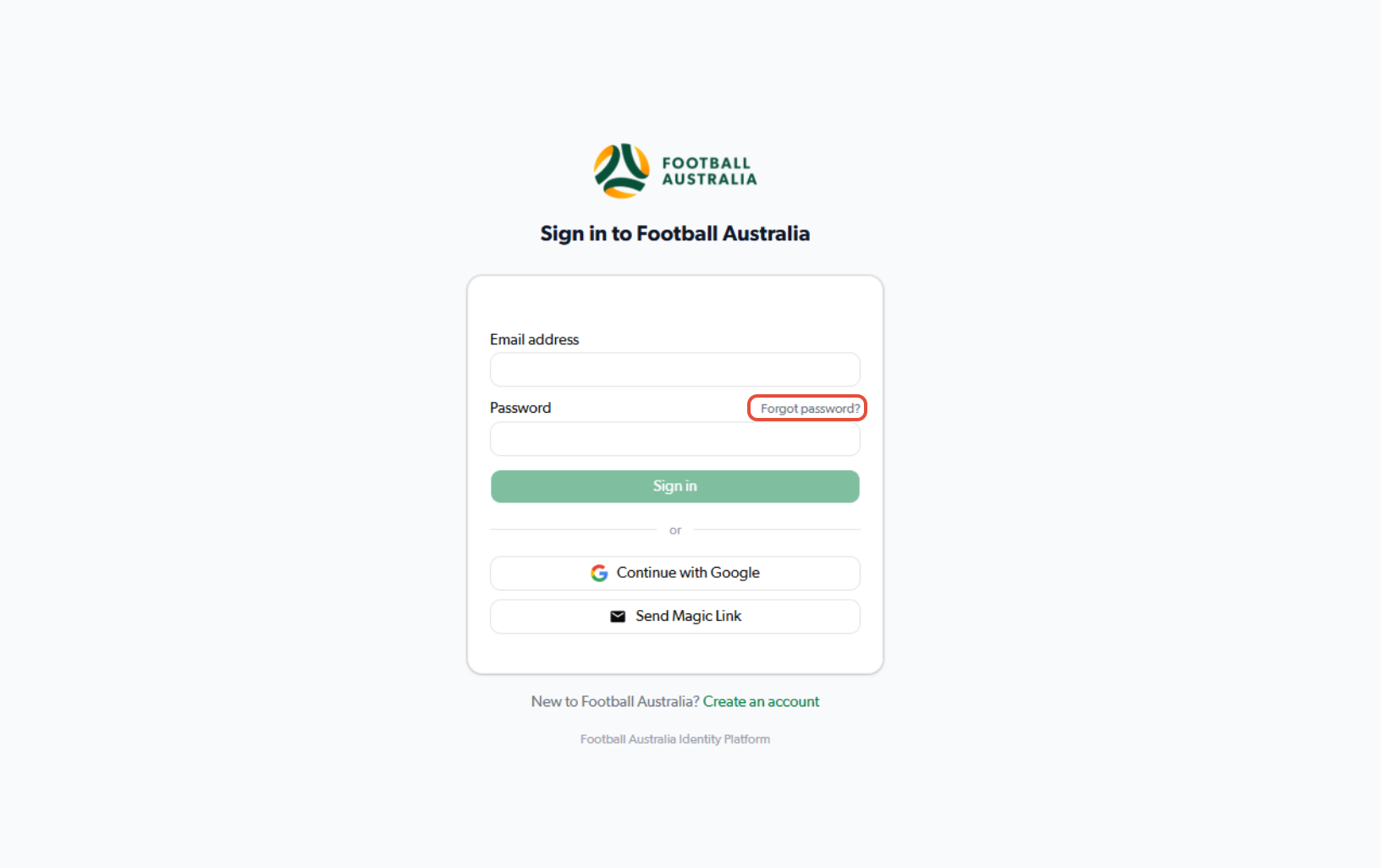
3. Enter your email address and select "continue"
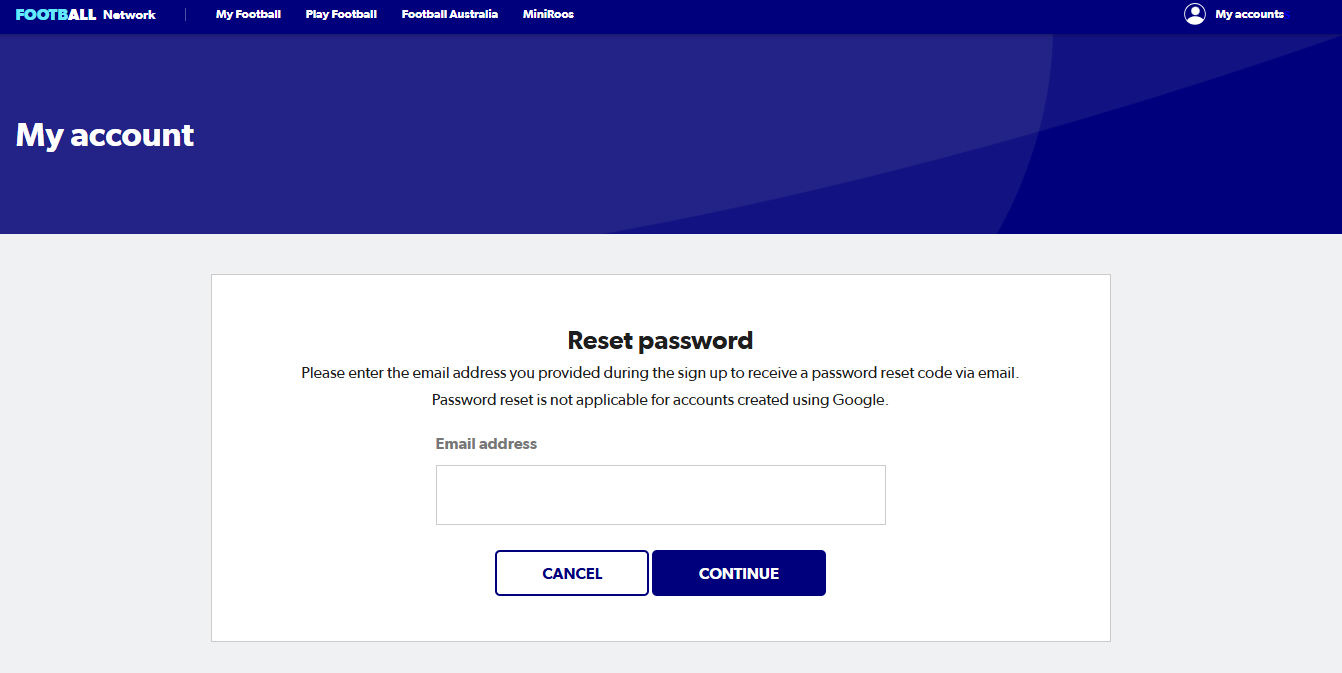
4. Visit your inbox
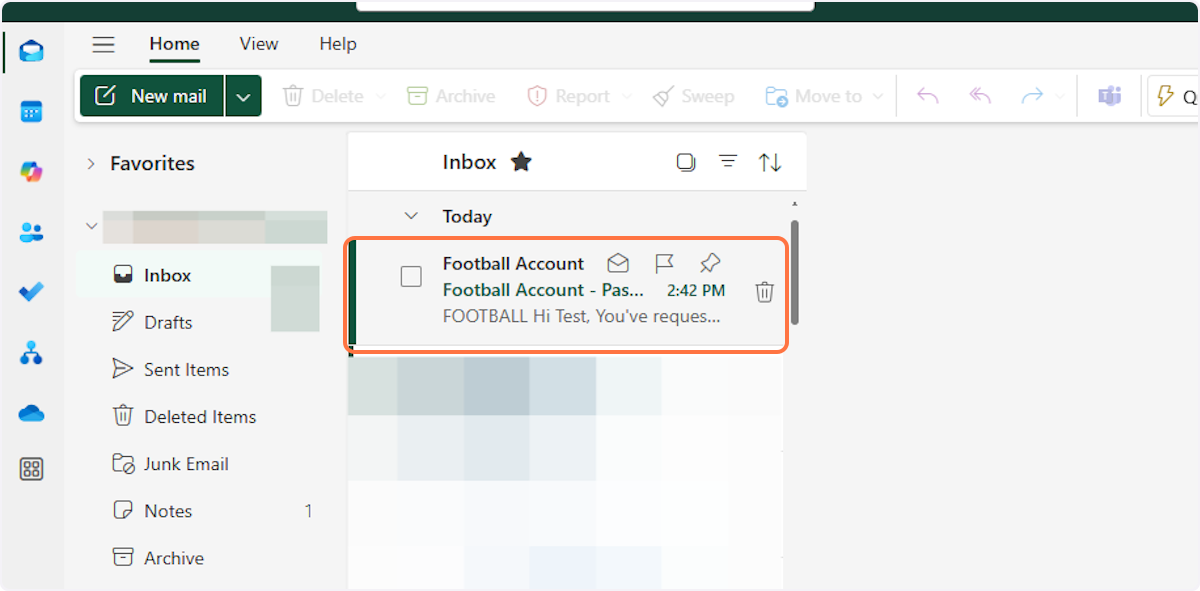
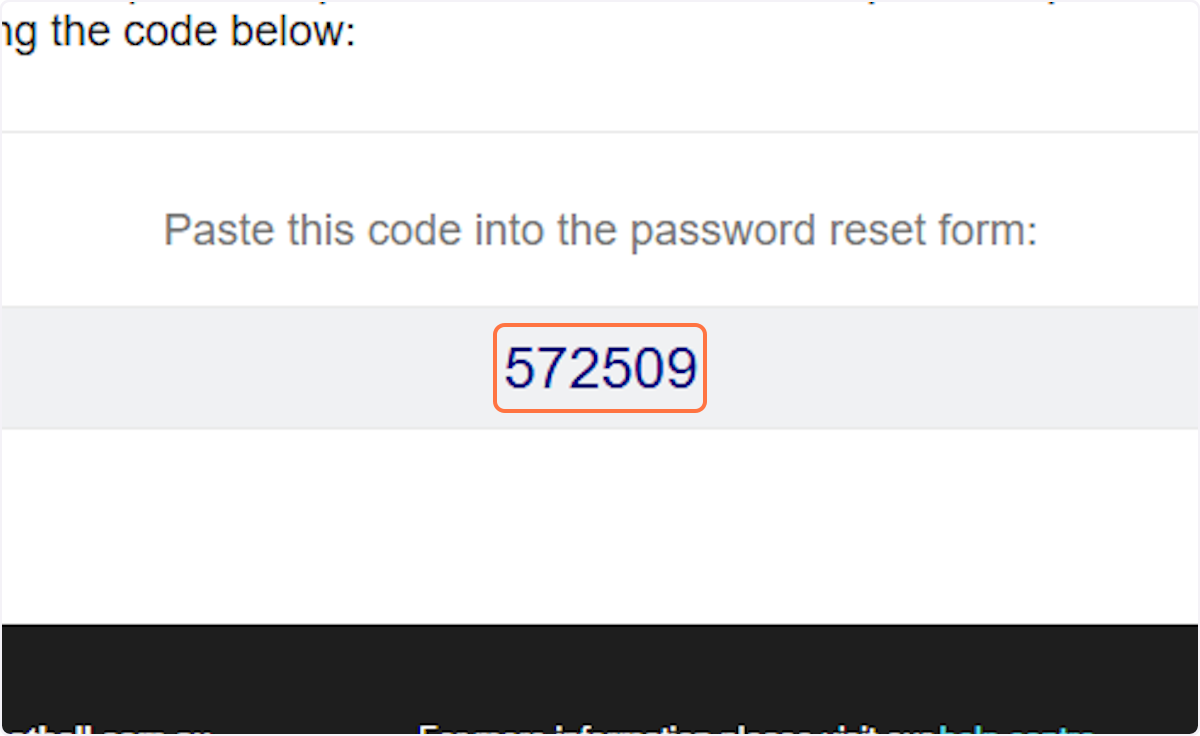
5. Find the reset code
The password reset code will always be 6 digits.
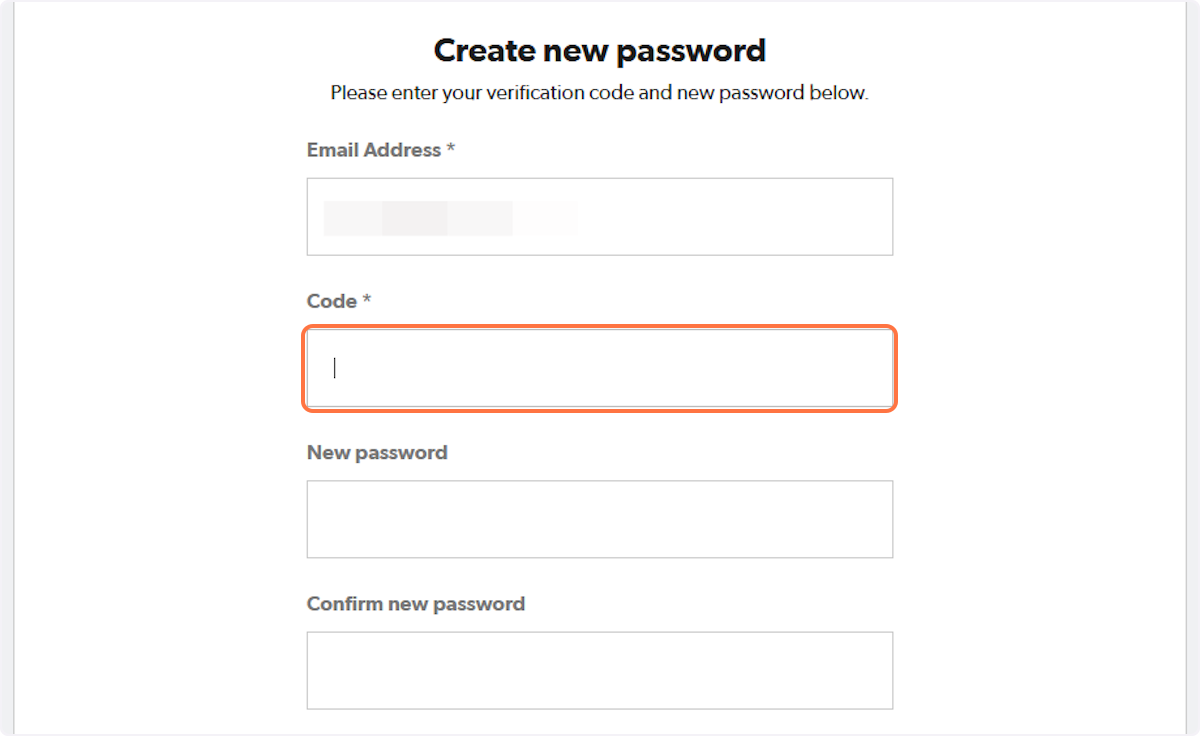
6. Click on the box and enter the 6 digit code provided
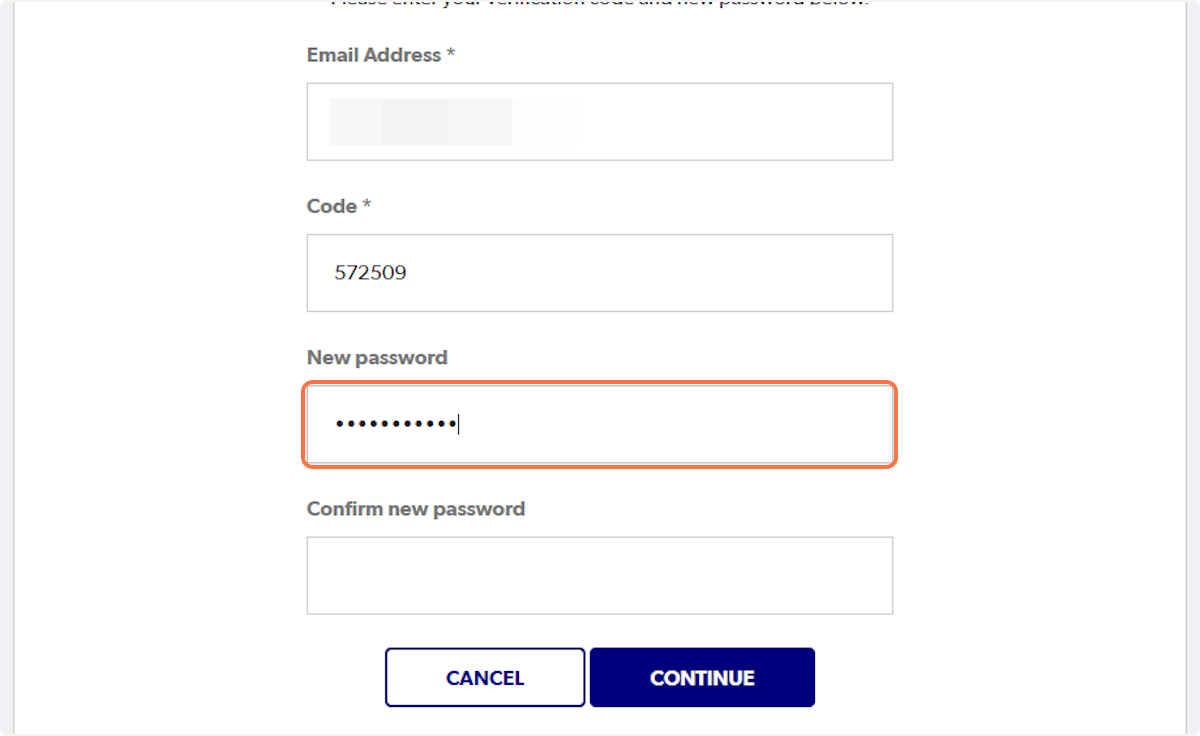
7. Type in the new password and re-type the password to confirm
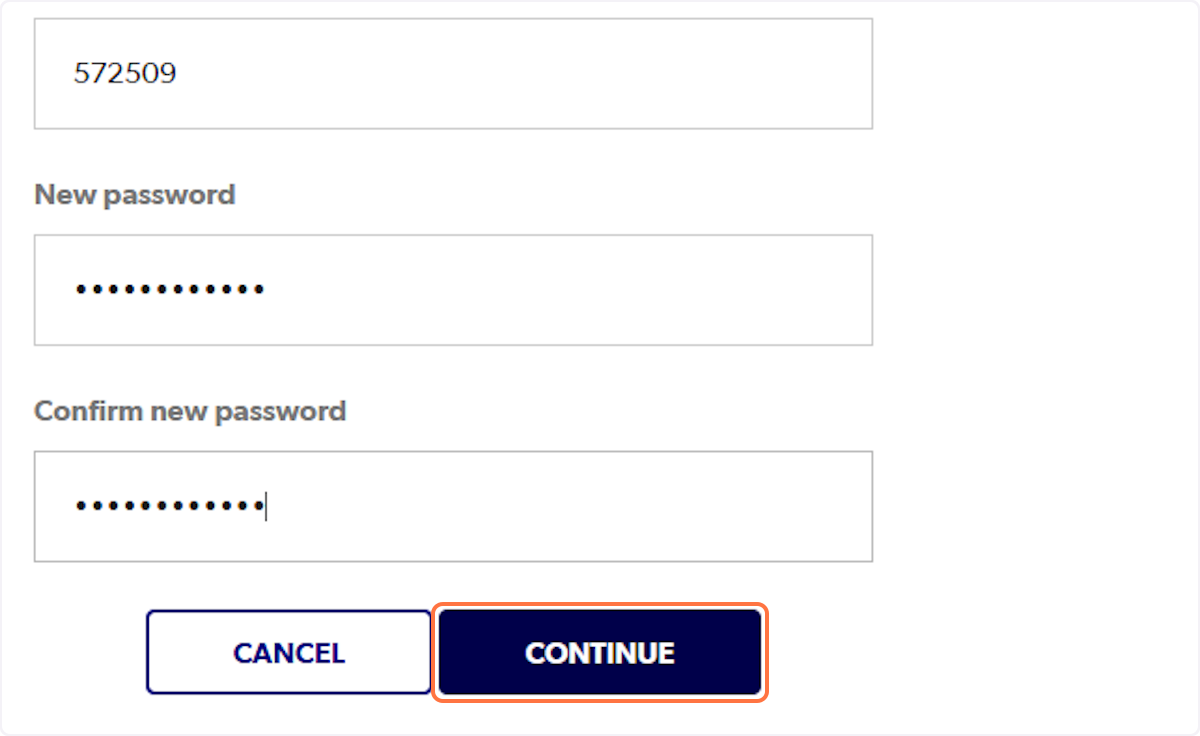
8. Click on CONTINUE
If you have issues resetting your password or logging in, you can either either submit a support ticket by clicking here or using our contact details below.
- Email: support@playfootball.com.au
- Telephone: 02 8880 7983
- Hours:Monday-Friday 10am - 5:30pm